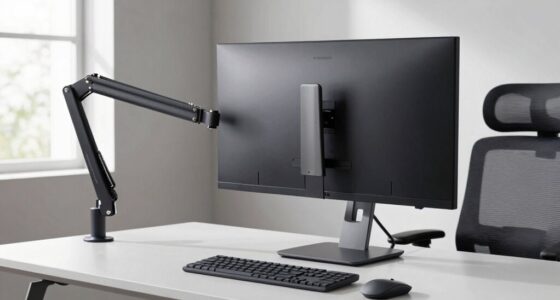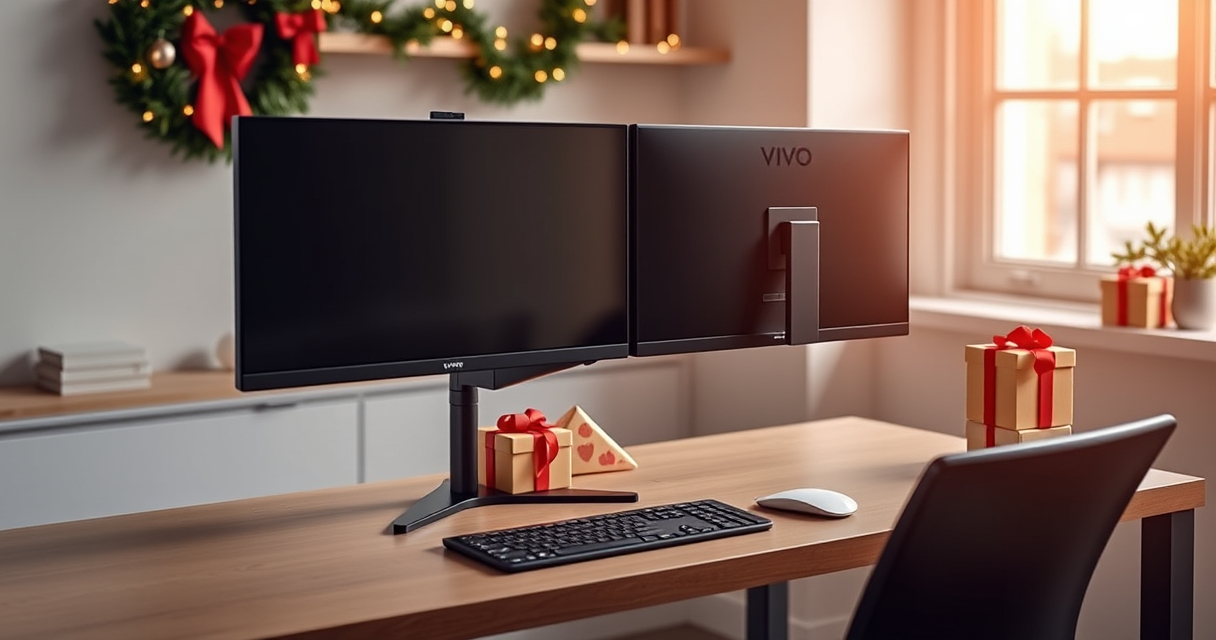

A dual monitor setup can make a home office feel ready for the new year, but two screens also take up valuable desk space. The VIVO Dual Monitor Desk Mount lifts that setup onto a single steel stand and gives each screen room to move.

Get the latest gadgets delivered free with Prime
- Fast, free delivery on millions of items
- Prime Video, Amazon Music and more included
- Member-only deals all year
For Black Friday or Cyber Monday gift planning, this is a practical pick for someone who already has two compatible monitors and wants a more flexible workspace. It is less compelling for a small desk or anyone hoping for a setup with no assembly.
Our top pick at a glance

VIVO Dual Monitor Desk Mount
- ✔ Material: Steel
- ✔ Rotation: 360°
- ✔ Color: Black
What the VIVO mount does well
The mount supports two monitors from 13 to 30 inches, each weighing up to 22 pounds. Tilt, swivel, rotation and height adjustment make it possible to position the screens for a more comfortable viewing arrangement, including rotating a screen when a vertical layout suits the work.
Its steel construction and included cable management give the setup a tidier, more finished look. The desk attachment can use either a C-clamp or a grommet mount, so buyers have two installation options depending on their desk.
Setup and desk fit
The product includes installation hardware and instructions, but plan on some assembly and adjustment before both screens are positioned as desired. The mount is described as heavy and bulky, which may make it a poor match for a compact desk or a workspace already short on room.
Check that both monitors fall within the stated size and weight limits, and consider whether your desk can accommodate a clamp or grommet installation. The listing does not provide further desk compatibility details.
The trade-offs to weigh
Its flexibility is the main draw, but more adjustment also means more parts to set up and fine-tune. The C-clamp and grommet options add choice, though the right fit depends on the desk and the way you want to mount it.
This is a focused desk accessory rather than a complete office upgrade: it supports two screens and helps organize their placement, but it does not include monitors or other workspace equipment.
Holiday verdict: a useful upgrade for the right desk
The VIVO Dual Monitor Desk Mount makes sense as a holiday gift for someone with two compatible monitors, enough desk space and a clear reason to adjust their screen positions. Its broad range of movement and two mounting methods are practical strengths.
Skip it for a particularly small desk or a recipient who wants a quick, assembly-free change. For the right home office, it is a considered Black Friday or Cyber Monday gift that can make everyday screen use feel more adaptable.
More Details on Our Top Picks
VIVO Dual Monitor Desk Mount
This steel mount holds two monitors up to 30 inches and 22 pounds each, with several ways to adjust their position. It is a useful holiday pick for a two-screen workspace, provided the desk has room and the recipient is comfortable with assembly.
Pros:
- Supports two monitors up to 30 inches
- Holds up to 22 lbs per monitor
- Tilt, swivel, rotation and height adjustment
- C-clamp or grommet mounting options
Cons:
- May feel bulky on a small desk
- Requires assembly and adjustment
Best for: People with two compatible monitors who want a more adjustable home office setup.
Not ideal for: Anyone with a small desk or looking for an assembly-free upgrade.
Bottom line: Consider it for a two-monitor setup with enough desk space and a recipient who will value flexible screen positioning.
Affiliate disclosure: As an Amazon Associate we earn from qualifying purchases. Prices and availability are accurate as of the time of publishing.
Fall Picks
fall essentials
As an affiliate, we earn on qualifying purchases.