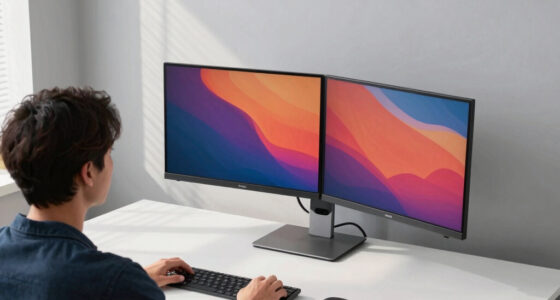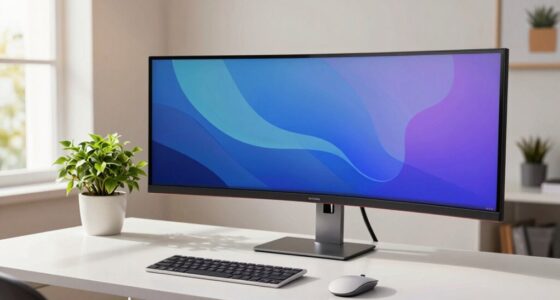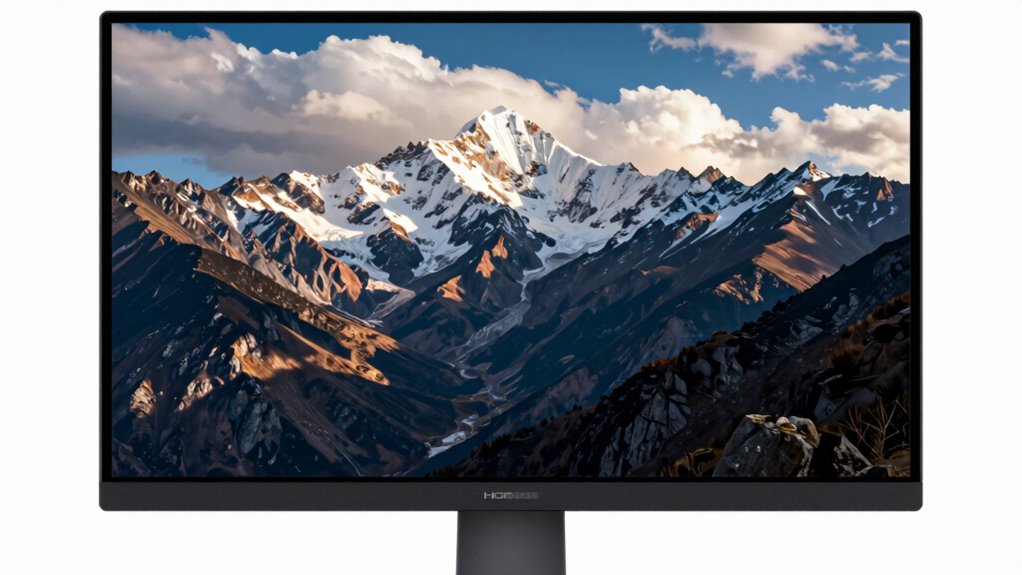

To determine if HDR on a monitor is truly worth it, focus on its color accuracy, brightness, and contrast capabilities. Check if it supports wide color gamuts like DCI-P3 or sRGB, and whether it handles highlights and shadows well. Look for a fast response time to avoid motion blur, especially for gaming or fast-paced content. If these features sound important to you, there’s more to discover that can help you make the right choice.

Get the latest gadgets delivered free with Prime
- Fast, free delivery on millions of items
- Prime Video, Amazon Music and more included
- Member-only deals all year
Key Takeaways
- Check for high peak brightness (at least 600 nits) to ensure vibrant HDR highlights.
- Verify support for HDR standards like HDR10 or Dolby Vision for genuine HDR performance.
- Assess color gamut coverage (90%+ sRGB or DCI-P3) for rich, accurate colors.
- Test response time and motion clarity to confirm smooth, artifact-free fast content.
- Evaluate contrast and local dimming features for deeper shadows and brighter highlights.
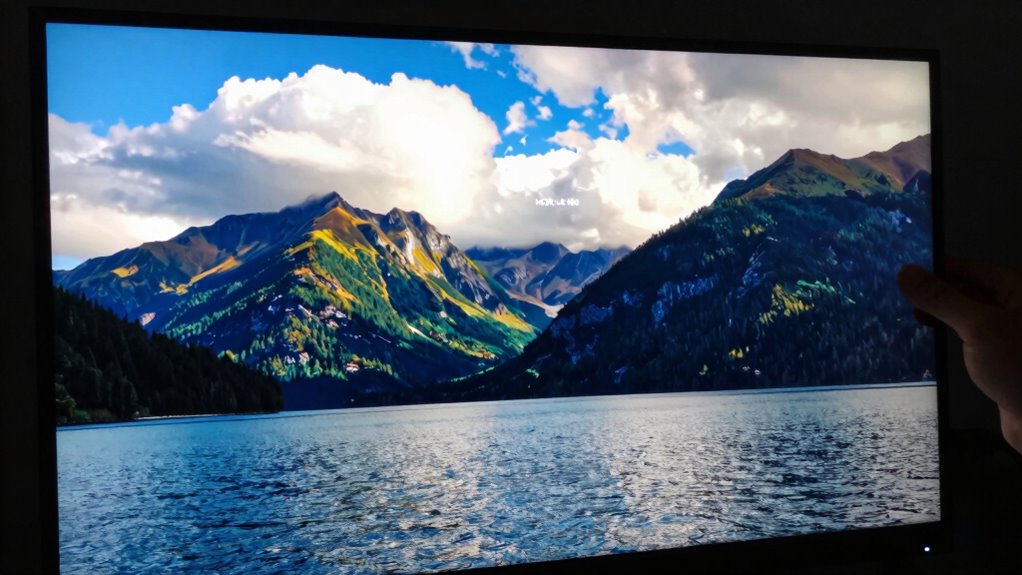
High Dynamic Range (HDR) technology promises more vivid colors and better contrast, but not all HDR monitors deliver the same experience. When you’re evaluating a monitor’s HDR capabilities, two key factors come into play: color accuracy and response time. Color accuracy refers to how precisely the display reproduces colors, which is vital for immersive HDR visuals. If a monitor has poor color accuracy, even the most advanced HDR tech can fall flat, producing dull or oversaturated images that don’t match real-world visuals. To assess this, look for monitors with high color gamut coverage—ideally 90% or more of sRGB or DCI-P3. This guarantees the display can render a broad spectrum of colors, making HDR content truly pop.
High color gamut coverage ensures HDR content is vibrant and realistic, delivering a truly immersive viewing experience.
Response time is equally important to think about, especially if you’re into gaming or fast-paced videos. A low response time means the monitor can switch pixels quickly, reducing motion blur and ghosting. HDR content often involves rapid changes in brightness and contrast, so a monitor with sluggish response times can diminish the intended visual impact. When testing a monitor, look for response times under 5 milliseconds for gaming or fast action, as this guarantees that HDR visuals remain sharp and fluid without distracting artifacts.
Beyond these technical specs, it’s important to see how HDR performs in real-world scenarios. Check reviews or try the monitor yourself if possible. Pay attention to how well the monitor handles highlights and shadows—true HDR should reveal details in both bright and dark areas simultaneously. If the monitor struggles with contrast or exhibits color banding, it may not truly access the potential of HDR content. Look for monitors that support HDR standards like HDR10 or Dolby Vision, which are designed to deliver more accurate and dynamic visuals. Additionally, color accuracy plays a crucial role in ensuring that HDR content looks natural and true to life, making it essential to consider when choosing a monitor.
It’s also helpful to evaluate a monitor’s peak brightness, as higher brightness levels significantly enhance HDR effects by making highlights more striking and shadows deeper. You should also think about your primary use for the monitor. For creative work, color accuracy is paramount; for gaming or multimedia, response time might take precedence. Keep in mind that some monitors boast HDR support but lack local dimming or high peak brightness, both of which are essential for a compelling HDR experience. Ultimately, a true HDR monitor balances high color accuracy, fast response times, and robust contrast capabilities. When these elements come together, you’ll find that HDR isn’t just a marketing term but a meaningful enhancement to your visual experience.
HDR monitor with 600 nits brightness
As an affiliate, we earn on qualifying purchases.
As an affiliate, we earn on qualifying purchases.
Frequently Asked Questions
Does HDR Improve Gaming Performance or Just Visual Quality?
HDR primarily enhances visual quality by improving color accuracy and brightness levels, making games look more immersive. While it doesn’t directly boost gaming performance like higher frame rates or lower latency, it can improve your experience by providing richer visuals and more detailed scenes. If you value stunning graphics and realistic colors, HDR is worth it. However, for competitive gaming, performance factors like response time matter more than HDR.
Can HDR Cause Any Compatibility Issues With Older Devices?
HDR can cause compatibility issues with older devices because many lack HDR compatibility features. If your device isn’t HDR-compatible, it might display incorrect colors, lower brightness, or fail to recognize HDR settings altogether. To avoid this, check your device’s specifications before connecting it to an HDR monitor. Upgrading older devices or using compatibility settings can help, but some devices may never fully support HDR’s enhanced visual features.
Is HDR Necessary for Professional Photo Editing?
HDR isn’t strictly necessary for professional photo editing, but it can enhance your work if your monitor offers good color accuracy and brightness uniformity. HDR helps you see more vibrant colors and subtle details, making editing more precise. However, for critical work, prioritize monitors with excellent color accuracy and uniform brightness first. If HDR improves your workflow and your monitor’s performance, it can be a valuable feature, but it’s not essential.
How Does HDR Impact Monitor Refresh Rates?
HDR can influence your monitor’s refresh rates, like a busy highway affecting traffic flow. Higher brightness levels and improved color accuracy may demand more from your display’s hardware, potentially lowering refresh rates if the monitor isn’t built for it. If you want smooth visuals, make certain your monitor balances HDR capabilities with a high refresh rate, so your images stay sharp and vibrant without sacrificing performance or clarity.
What’s the Best Way to Calibrate HDR on My Monitor?
To calibrate HDR on your monitor, start by using professional calibration tools like a colorimeter or spectrophotometer to guarantee accurate color accuracy. Adjust the monitor’s HDR settings through the on-screen menu, fine-tuning brightness, contrast, and color profiles. Use calibration software to match the display’s output with industry standards, guaranteeing peak HDR performance and true-to-life visuals. Regular calibration maintains consistent image quality over time.
monitor with DCI-P3 color gamut support
As an affiliate, we earn on qualifying purchases.
As an affiliate, we earn on qualifying purchases.
Conclusion
Ultimately, deciding if HDR on a monitor is worth it comes down to how much you value vibrant visuals, immersive detail, and richer colors. If you want sharper images, more lifelike scenes, and an enhanced viewing experience, HDR is worth considering. If those improvements don’t matter much to you, then you might find your current setup sufficient. Decide what matters most—brightness, color, or clarity—and let that guide your choice.
HDR10 Dolby Vision gaming monitor
As an affiliate, we earn on qualifying purchases.
As an affiliate, we earn on qualifying purchases.
fast response time gaming monitor
As an affiliate, we earn on qualifying purchases.
As an affiliate, we earn on qualifying purchases.
Halloween Picks
halloween
As an affiliate, we earn on qualifying purchases.