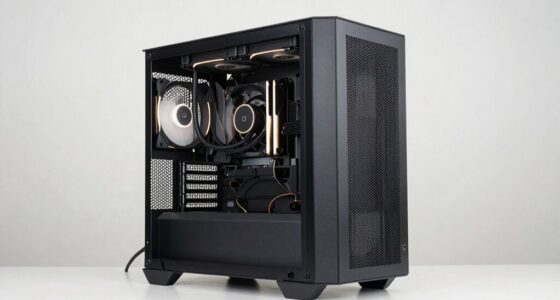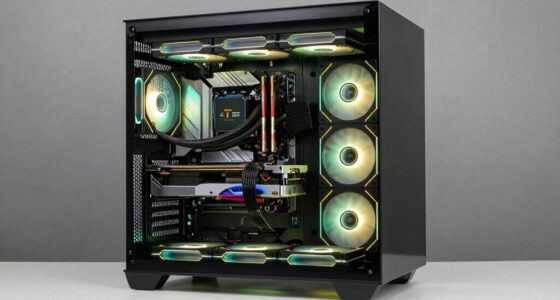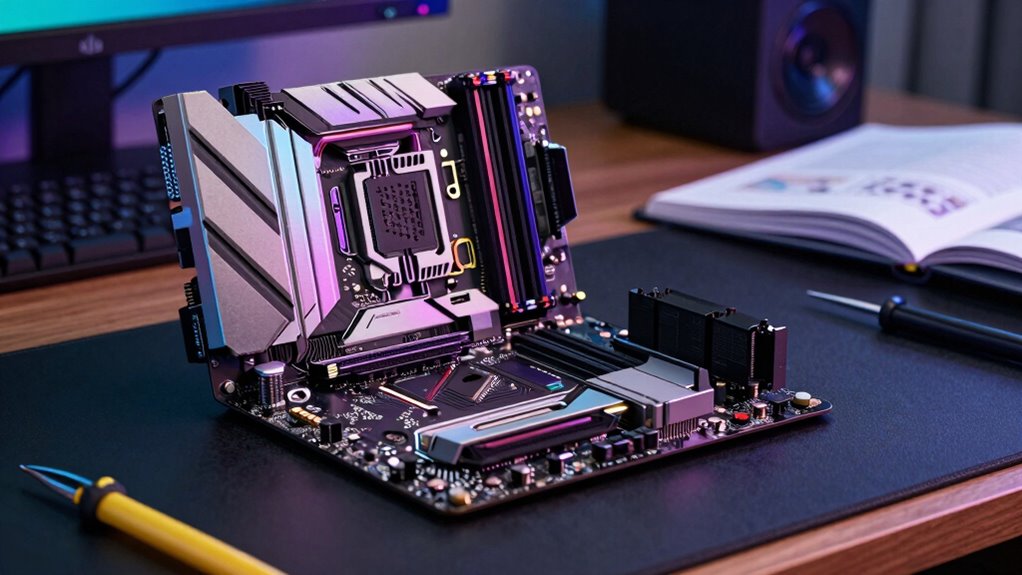
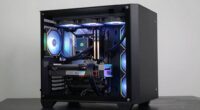
Faster RAM offers minimal real-world benefits for most tasks, including gaming and everyday use. Your CPU and GPU have a bigger impact on system performance, so upgrading those will usually give you more noticeable gains. Overclocking RAM can help, but it requires effort, cooling, and stability checks, which might not be worth the trouble for everyone. If you want to make the most of your build, understanding these factors can lead to smarter upgrade choices.
Open a free Amazon Business account
Business pricing, bulk buying and tax-exempt orders.
As an affiliate, we earn on qualifying purchases.
Key Takeaways
- Most everyday tasks and gaming see minimal performance gains from higher RAM speeds.
- CPU and GPU components have a larger impact on overall system performance than RAM speed.
- Overclocking RAM can improve performance but depends on system compatibility and cooling.
- Ensuring system balance by prioritizing CPU and GPU upgrades offers better value.
- Compatibility issues can limit RAM performance, making speed less critical than stability.

Many builders assume that faster RAM automatically leads to better performance, but in reality, the impact of RAM speed is often overstated. While it’s true that higher-speed memory can offer some benefits, those gains are usually minimal for most everyday tasks and gaming. Instead, other components like your CPU and GPU tend to have a more significant influence on overall performance. Focusing solely on RAM speed can lead you to overlook more impactful upgrades or settings that give you better value for your money.
Faster RAM offers minimal gains; prioritize CPU, GPU, and system balance for real performance improvements.
One factor that often gets overlooked is the overclocking potential of RAM. Some modules are built with higher overclocking capability, allowing you to push their speeds even further beyond stock settings. However, not all RAM is created equal, and hitting stable overclocks depends heavily on your motherboard, CPU, and cooling system. If you’re interested in squeezing every ounce of performance, then investing in RAM with good overclocking potential makes sense. But if you’re not comfortable tweaking BIOS settings or don’t have the right cooling setup, then the added overclocking headroom may be moot. It’s essential to weigh whether the extra effort and risk are worth the modest performance bump that overclocking can provide. Understanding your memory performance factors can help you better evaluate the true value of overclocking and other enhancements. Additionally, considering memory compatibility can prevent potential issues and ensure your system runs smoothly.
best RAM for gaming and multitasking
As an affiliate, we earn on qualifying purchases.
As an affiliate, we earn on qualifying purchases.
Frequently Asked Questions
How Does RAM Speed Affect Gaming Performance?
RAM speed can influence gaming performance, but its impact is often minimal compared to other components. Faster RAM may offer slight improvements in frame rates or load times, but only if your system maintains overclocking stability and guarantees RAM compatibility. If your motherboard or CPU can’t handle higher speeds reliably, overclocking stability drops, negating any potential gains. Focus on balanced specs for maximum gaming without overestimating RAM speed‘s effect.
Is Higher RAM Speed Always Better for Multitasking?
Think of RAM speed like a busy highway—faster isn’t always better. Higher speeds can boost multitasking, but only if your system handles it well. Overclocking stability becomes a concern, risking crashes if your setup isn’t compatible. Compatibility issues may block the benefits altogether. So, unless you’re prepared for potential tweaks and risks, higher RAM speed isn’t always the smart choice for seamless multitasking.
What Is the Impact of RAM Latency on System Performance?
RAM latency directly impacts your system’s responsiveness and overall performance. Lower latency means faster data access, which improves memory bandwidth and helps your CPU communicate more efficiently with memory. This is especially important in tasks that rely on quick data retrieval. Additionally, a well-optimized cache hierarchy reduces the need for frequent memory access, further enhancing performance. So, consider both latency and speed for a balanced, snappy system.
Can Upgrading RAM Speed Improve Video Editing Efficiency?
Like a knight upgrading his sword, boosting RAM speed can improve your video editing efficiency, but only so much. Faster RAM increases memory bandwidth and data transfer rates, which helps load and process large files more quickly. However, your CPU and storage also play big roles. If those are bottlenecks, upgrading RAM speed won’t make a huge difference. Focus on a balanced system to truly enhance editing performance.
How Does RAM Speed Influence Overall System Stability?
Higher RAM speed can boost your system’s stability, especially if your hardware supports it. When your RAM is compatible and properly matched with your motherboard, it reduces crashes and errors. However, if you overclock RAM beyond its safe limits, it may cause instability. So, make sure your RAM’s speed aligns with your hardware’s compatibility and overclocking potential. This balance helps maintain reliable system performance without sacrificing stability.
high overclocking potential DDR4 RAM
As an affiliate, we earn on qualifying purchases.
As an affiliate, we earn on qualifying purchases.
Conclusion
In the end, focusing solely on RAM speed isn’t the smartest move; overall system balance matters more. Remember, a recent study shows that upgrading to a higher capacity often yields better performance gains than simply increasing speed. So, instead of chasing the fastest RAM, prioritize your budget on quality modules with ample capacity and good timings. That way, you get a smoother, more responsive system without wasting money on marginal gains.
motherboard compatible RAM modules
As an affiliate, we earn on qualifying purchases.
As an affiliate, we earn on qualifying purchases.
system balanced upgrade components
As an affiliate, we earn on qualifying purchases.
As an affiliate, we earn on qualifying purchases.
Fall yard work Picks
leaf blowers
As an affiliate, we earn on qualifying purchases.