Using your phone while charging isn’t entirely safe because it can increase heat and speed up battery wear. The extra heat generated during this time strains the battery and may cause overheating, which can be risky. While occasional use is unlikely to cause harm, consistently using your device during charging can shorten battery lifespan and pose safety risks. To learn more about how to protect your device and optimize battery health, keep exploring this topic.

Get the latest gadgets delivered free — and shop member deals
- Fast, free delivery on millions of items
- Access to Prime Big Deal Days deals on October 6–7
- Prime Video, Amazon Music and more included
Key Takeaways
- Using your phone during charging can generate excess heat, accelerating battery degradation over time.
- Wireless charging produces more heat, which may harm battery health if used frequently during charging.
- Intensive apps or gaming while charging increase heat, risking faster battery aging and reduced lifespan.
- To preserve battery health, avoid heavy use and keep your device cool during charging sessions.
- Proper charging habits, like minimizing use and removing cases, help maintain your phone’s safety and battery longevity.
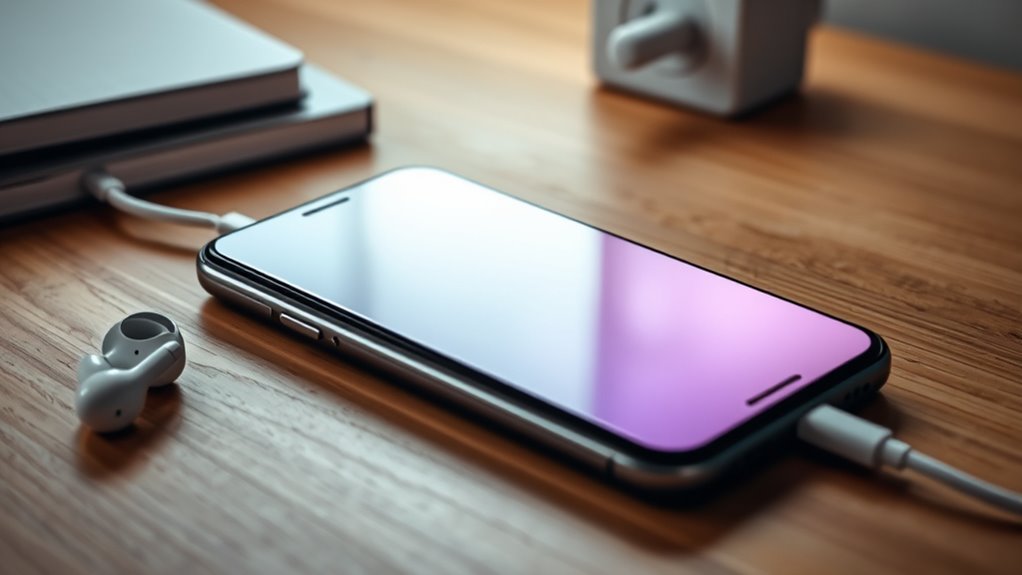
Many people wonder if it’s safe to use their phone while it’s charging, especially since smartphones are so integral to daily life. With wireless charging becoming more popular, you might think it’s even safer or more convenient to use your device during charging, but it’s important to weigh how this impacts your phone’s battery health. Using your phone while charging, whether wired or wireless, can generate additional heat, which is a key factor in battery degradation over time. Wireless charging, in particular, tends to produce more heat than traditional wired charging because of the energy transfer process, and that extra heat can accelerate battery aging if you frequently use your device during charging sessions. Practical, room-by-room solutions can help you set up safer charging habits at home.
Using your phone during charging, especially wireless, increases heat and accelerates battery wear over time.
Your phone’s battery health is vital for maintaining peak performance and longevity. When you use your phone while charging, the device draws power for both running apps and charging, putting extra strain on the battery. This can cause the battery to heat up more than usual, and heat is a primary factor in degrading lithium-ion batteries. Over time, this can lead to a reduced capacity, meaning your phone won’t hold a charge as well as it once did. If you rely heavily on wireless charging, it’s especially important to be mindful of how heat impacts your device. Many newer phones have built-in protections to prevent overheating, but consistent exposure to high temperatures can still diminish battery health.
While using your phone during wireless charging might seem convenient, it’s best to avoid intensive tasks that generate a lot of heat, such as gaming or streaming videos, during charging sessions. Doing so can help preserve your battery’s lifespan. If you need to use your phone while it’s charging, consider removing the case, as some cases trap heat and contribute to higher temperatures. Also, try to keep your charging environment cool and avoid covering your phone.
Ultimately, if you want to maximize your phone’s battery health, it’s a good idea to minimize usage during charging, especially when using wireless chargers. Giving your device the chance to charge undisturbed allows the battery to replenish with less heat stress. While using your phone occasionally during charging isn’t likely to cause immediate harm, making it a habit can accelerate battery wear over time. For the best results, treat charging as a moment of rest for your device, and avoid using it intensively until the battery reaches a full charge again.
Frequently Asked Questions
Can Using a Phone While Charging Cause Overheating?
Using your phone while charging can cause battery overheating if the charger isn’t compatible or if you use a high-power app. When the battery overheats, it can lead to damage or reduced lifespan. To prevent this, verify you use a charger compatible with your device and avoid intensive activities during charging. This minimizes the risk of overheating and keeps your phone safe and efficient.
Does Using My Phone During Charging Reduce Battery Lifespan?
Using your phone during charging can chip away at its battery lifespan. It’s like pushing a car uphill—your battery endures extra stress from heat and power fluctuations. Poor charging habits, like frequently using the device while plugged in, accelerate battery degradation over time. To prolong your battery’s health, avoid using your phone during charging, and stick to good charging habits that keep your device cool and efficient.
Is It Safe to Play Games on My Phone While Charging?
Playing games on your phone while charging isn’t inherently unsafe, but it can affect your phone’s safety and charging habits. Your device may heat up, which could damage internal components over time. To guarantee better phone safety, avoid vigorous activities during charging, and use quality chargers. Developing good charging habits helps extend your battery life and keeps your device functioning at its best. Always prioritize safe charging practices for long-term device health.
Can Charging With Third-Party Cables Harm My Device?
Using third-party cables is like trusting a wild stallion with your prized car; it might get the job done or cause damage. These cables can sometimes lack the proper wiring, risking your device’s battery safety. Poor quality third-party cables may cause overheating or short circuits, so always choose reputable brands. Protect your device by ensuring your charging gear meets safety standards—your battery’s health depends on it.
Are Wireless Chargers Safer Than Wired Charging While Using the Phone?
Wireless charging safety is generally comparable to wired chargers, but it offers some advantages. With wired vs wireless chargers, you avoid exposed cables that can wear out or cause damage. Wireless chargers reduce the risk of accidents like frayed cords or electrical shorts, making them safer in that sense. However, guarantee your device is compatible and use certified chargers to maximize safety, regardless of whether you choose wireless or wired charging.
Conclusion
While it might seem tempting to use your phone while charging, remember the tale of Icarus—pushing limits can lead to a fall. Though modern tech is safer than ever, using your phone during charging can cause overheating or damage. So, treat your device with the care of a cautious traveler, and avoid the risk. After all, even Icarus learned the hard way that caution keeps you grounded while reaching for the skies.
Fall Picks
fall essentials
As an affiliate, we earn on qualifying purchases.