
Choosing between 128GB and 256GB (or more) depends on your storage habits, budget, and how you use your phone. If you mainly store a few apps, photos, and streaming media, 128GB might suffice, especially if you use cloud storage. But if you’re into high-resolution videos, large apps, or games, 256GB or higher could prevent constant management. To discover which option fits your lifestyle best, keep exploring the details further.

Get the latest gadgets delivered free — and shop member deals
- Fast, free delivery on millions of items
- Access to Prime Big Deal Days deals on October 6–7
- Prime Video, Amazon Music and more included
Key Takeaways
- Consider your media and app collection size; larger libraries benefit from 256GB or more.
- Use cloud storage and app management to optimize space, reducing the need for higher internal capacity.
- Heavy users of photos, videos, or large apps should opt for 256GB or higher for seamless performance.
- Expandable storage options like MicroSD cards can supplement internal storage, especially with 128GB devices.
- Assess your usage habits to balance internal storage with cloud solutions, avoiding frequent space management.
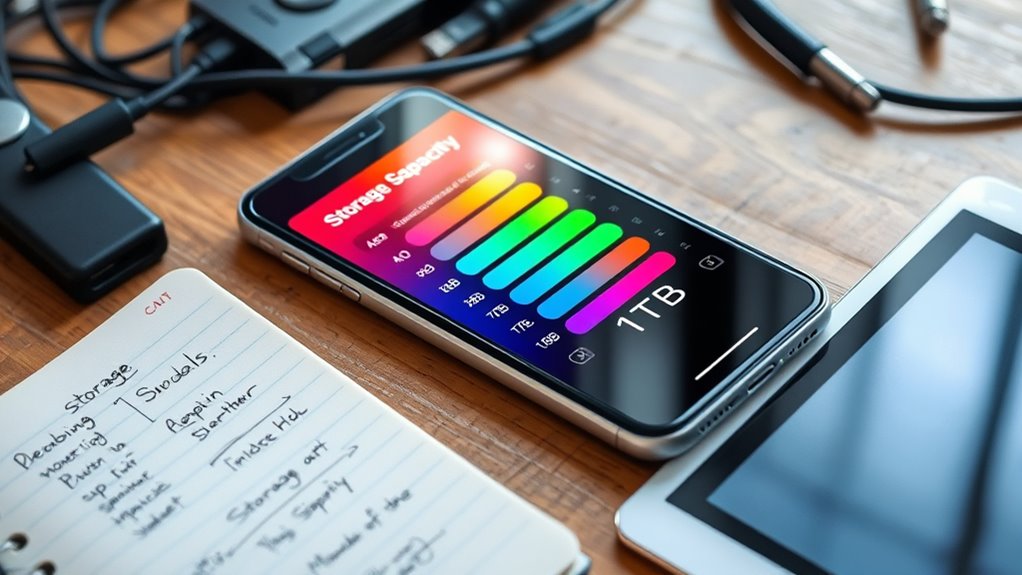
When choosing a new phone, storage capacity is a vital factor that can impact your experience. It’s not just about how many photos or apps you can fit; it influences how smoothly your device runs and how easily you can access your data. If you’re someone who takes a lot of photos, downloads videos, or installs many apps, opting for more storage makes sense. However, if you prefer to keep things minimal, a smaller capacity could suffice. The good news is, with modern technology, you don’t have to rely solely on internal storage. Cloud storage solutions allow you to free up space on your device by storing photos, videos, and documents online, making it easier to manage your data without sacrificing access. This means you can keep your device lean while still having access to all your important files whenever you need them. But remember, relying on cloud storage requires a steady internet connection and sufficient bandwidth, so it’s worth contemplating your typical usage patterns. Additionally, understanding the role of storage technology in mobile devices can help you choose the most suitable option for your needs.
App management also plays a vital role in determining how much storage you’ll need. Many apps generate cache files, store data locally, and sometimes even save media within the app itself. Over time, these files can add up, cluttering your device and consuming significant storage space. Regularly managing and deleting unused apps, clearing cache, and organizing your files can help optimize your storage. If you tend to keep dozens of apps or download large games, you might want to consider a device with higher capacity to prevent constant juggling or running out of space. On the other hand, if you prefer streamlined app management and tend to keep only essential apps, a smaller storage capacity could be enough.
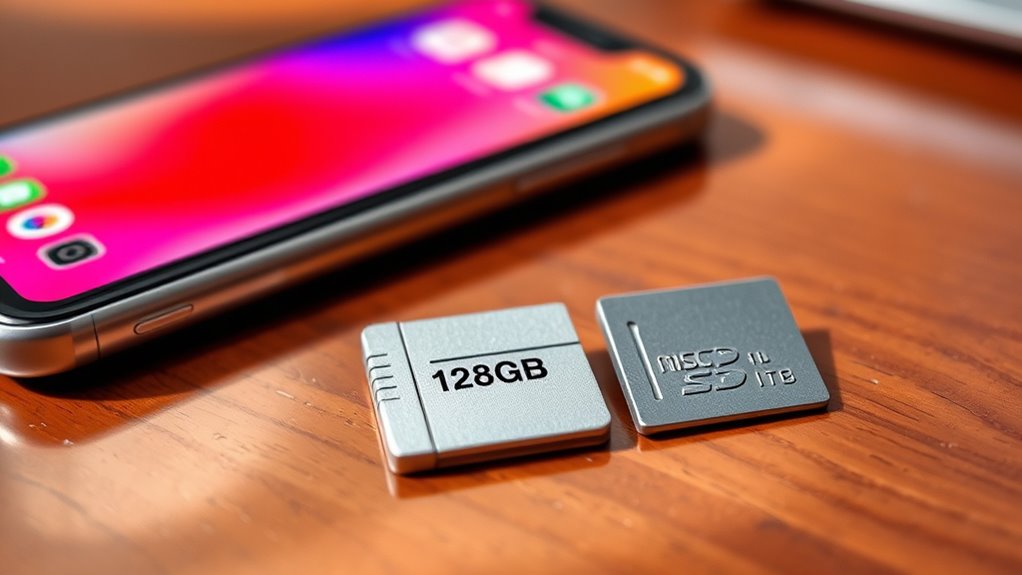
Additionally, some phones offer expandable storage via microSD cards, giving you flexibility to increase your capacity as needed. If you’re someone who needs a lot of space but doesn’t want to pay for a higher internal storage option, this can be a cost-effective solution. Ultimately, understanding your habits—how many photos, videos, apps, and files you typically store—will guide you toward the right balance. Combining sufficient internal storage with effective app management and cloud storage options enables you to get the most out of your device without constantly worrying about running out of space. Remember, the right amount depends on your personal usage, so assess your habits carefully before making a choice.
As an affiliate, we earn on qualifying purchases.
Frequently Asked Questions
How Does Cloud Storage Affect My Phone’s Storage Needs?
Cloud storage reduces your phone’s storage needs by allowing you to save photos, videos, and files online. You benefit from cloud storage benefits like freeing up space and accessing data from anywhere. However, be aware of cloud storage limitations, such as needing an internet connection and potential costs for extra space. This way, you can manage your phone’s storage efficiently while still keeping your important files accessible.
Can I Upgrade My Phone’s Internal Storage Later?
You generally can’t upgrade your phone’s internal storage later, especially with most smartphones. However, you can take advantage of expandable options like microSD cards if your device supports them, which helps increase storage. Good storage management is key—regularly deleting unneeded files and apps frees up space. While internal upgrades aren’t usually possible, combining expandable options with smart storage management keeps your phone running smoothly without needing a new device.
What Are the Signs I Need More Storage Urgently?
You need more storage urgently if your phone frequently slows down, crashes, or displays low storage warnings. When app data and photo backups start to pile up, and you can’t install new apps or update existing ones, it’s time to upgrade. Deleting files isn’t enough; you need extra space to keep your phone running smoothly and store important photos, videos, and app data without constantly worrying about running out of room.
Does Deleting Apps Free up Significant Storage?
Yes, deleting apps can free up significant storage, especially if you regularly perform app management and storage cleanup. Many apps leave behind cached data, downloads, or unused files that take up space. Removing apps you no longer use helps clear this clutter. To maximize storage, consider reviewing your apps and deleting the ones you rarely need, then perform a storage cleanup to free up even more space efficiently.
How Do Storage Needs Differ Between Android and Iphone?
Android devices often require more storage because they allow extensive customization, apps, and files. You may need extra space for customization apps, wallpapers, and downloads. In contrast, the iPhone ecosystem is more streamlined, typically needing less storage for apps and media. Your choice depends on how much you customize or use media; Android’s flexibility can demand more storage, while iPhones focus on simplicity and integrated storage management.
As an affiliate, we earn on qualifying purchases.
Conclusion
Choosing between 128GB and 256GB (or more) is like picking the right backpack for your journey—smaller might feel lighter, but larger offers more room for your adventures. Think of your phone as a trusty suitcase, packed with memories, apps, and files. If you’re a frequent traveler in the digital world, go bigger. Otherwise, 128GB can be enough to keep your favorite songs, photos, and apps close at hand, ready to accompany you wherever life takes you.
As an affiliate, we earn on qualifying purchases.
As an affiliate, we earn on qualifying purchases.
Fall Picks
fall essentials
As an affiliate, we earn on qualifying purchases.