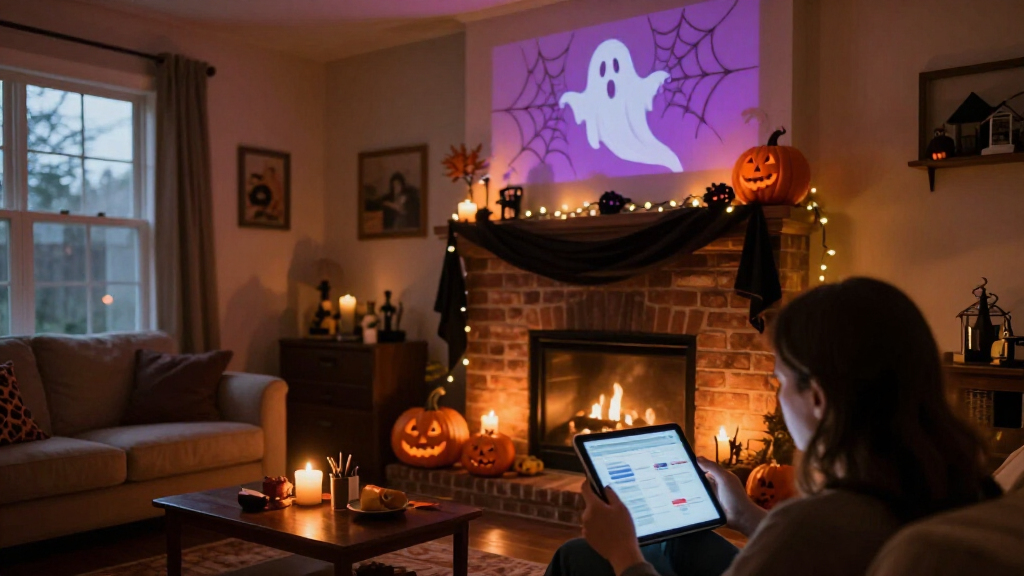

🔍 Read the full analysis: Explore Spooky Decor Ideas With AI This Halloween on ThorstenMeyerAI.com

Get the latest gadgets delivered free — and shop member deals
- Fast, free delivery on millions of items
- Access to Prime Big Deal Days deals on October 6–7
- Prime Video, Amazon Music and more included
TL;DR
AI can help create Halloween visuals, voices and character responses, while sensors and connected devices can trigger or coordinate effects. The source material is a practical guide, not a report of a newly announced product or event; it advises checking what a decoration actually does and planning for safety, privacy and connectivity failures.
ThorstenMeyerAI.com has published a guide to using artificial intelligence in Halloween displays, explaining how generated media and responsive characters differ from decorations that simply play a recording when a sensor detects movement. The guide urges readers to check product capabilities, online requirements, privacy settings and safety before building or buying a display.
The ThorstenMeyerAI.com guide uses “AI-powered” to describe features such as generating images or dialogue, recognizing speech, or adapting a character’s response. It says a motion detector that triggers the same prerecorded shriek is automation, even if a product’s marketing presents it as smart. That difference affects what visitors experience and what owners must set up: a recording repeats predictably, while a system that interprets input or creates content may offer more variation and require review.
The guide outlines several approaches: a motion-triggered prop for a simple scare, generated media for a themed image or audio, a speech-enabled character for variable replies, and connected devices that coordinate lights, speakers or plugs. It recommends giving each feature a clear purpose and designing around one memorable moment, since too many competing cues can distract visitors and create more opportunities for delays or troubleshooting.
For a sample scene, the guide describes a portrait that whispers as guests approach, with generated artwork, a speaker and a smart bulb contributing to the effect. It notes that an internet-dependent light may fail if the connection drops and suggests a local recording or fallback light cue. The guide’s planning advice starts with the visitor’s experience, then calls for creating and editing the content, selecting a trigger and output, and testing the scene. It says generated material may need cleanup and advises users to review applicable licensing before sharing or using it commercially.
A motion-triggered recording is automation; AI usually means a system generates or interprets content.
Use generated art, voices, or dialogue to personalize a scene, then review the results and usage terms.
Plan one clear visitor moment before choosing sensors, lights, speakers, or controllers.
Test offline behavior, sensor timing, audio, cable placement, and outdoor protection before Halloween night.
Tell visitors when a display processes faces or voices, limit collection, and provide a way to pass without interacting.
Planning for a Reliable Scare
The ThorstenMeyerAI.com guide says distinguishing AI from ordinary automation can help shoppers match a product to the effect they want. A fixed sound cue may be easier to operate and repeat consistently; a responsive character can offer more varied interaction, but may add setup needs and unpredictable results. The guide’s advice is practical for homeowners and event organizers weighing those tradeoffs before spending money or building a display.
The guide also points to dependencies in connected effects. A scene that relies on an online service, Wi-Fi, a microphone or a camera may behave differently from one that plays locally. Checking those requirements in advance can help avoid a failed cue during a busy evening and clarify whether a device sends audio or images outside the home.
From Sensors to Generated Characters
Halloween displays have long used simple triggers, such as motion sensors that activate a sound or moving prop. The ThorstenMeyerAI.com guide places newer AI tools alongside those familiar effects: generative systems can draft visuals, voices or dialogue, while speech recognition may let a character respond to a visitor. Connected lights and speakers can then help stage the scene.
The article is a how-to guide, not an announcement of a particular product or a report of measured consumer results. It does not identify a specific device, launch date, price or vendor. It advises readers to check current product details because capabilities, availability, pricing and privacy controls may change.
Product Claims Need Checking
The ThorstenMeyerAI.com guide does not name products or provide independent testing, so it does not establish how well any particular AI decoration works, what it costs, or whether its features operate as advertised. It cautions that marketing descriptions may not make clear whether a device generates or adapts content, or simply reacts to a sensor.
The source does not specify which services store or process visitor audio or images, whether an internet connection is required for each product, or what licensing terms apply to generated content. Buyers need to check those details in current product documentation. The guide also notes that speech recognition may struggle in noisy settings and that more flexible systems can be less predictable than local playback.
Test the Scene Before Halloween
The guide recommends testing the full effect from a visitor’s point of view before the display is in use. Owners can check whether the trigger activates at the right moment, whether lights and audio stay in sync, and what happens if Wi-Fi or an online service becomes unavailable. It suggests a local fallback to keep the scene working when a connected feature fails.
The guide advises readers to review device privacy settings and the content tool’s licensing terms before buying or sharing generated content. The source does not identify a follow-up event or product milestone; its next step for readers is to check current specifications and test their chosen setup.
Key Questions
What makes a Halloween decoration AI-powered?
In the ThorstenMeyerAI.com guide’s usage, AI features may generate media, recognize speech or adapt a response. A sensor that triggers the same recording is automation on its own.
Does an AI Halloween display need internet access?
Not always. The guide says requirements vary by device and feature. Check whether playback and controls run locally or depend on an online service; connectivity can affect reliability and whether information leaves your home.
What should I check before buying a smart decoration?
The guide advises checking what the product actually does, its current price and availability, internet requirements, privacy settings and any licensing terms for generated content. It says these details can vary or change.
How can I make an AI Halloween scene more reliable?
The guide recommends building around one clear effect, testing it from the visitor’s perspective and preparing a simple fallback, such as a local recording or light cue, in case an online feature fails.
Source: ThorstenMeyerAI.com
Fall Picks
fall essentials
As an affiliate, we earn on qualifying purchases.