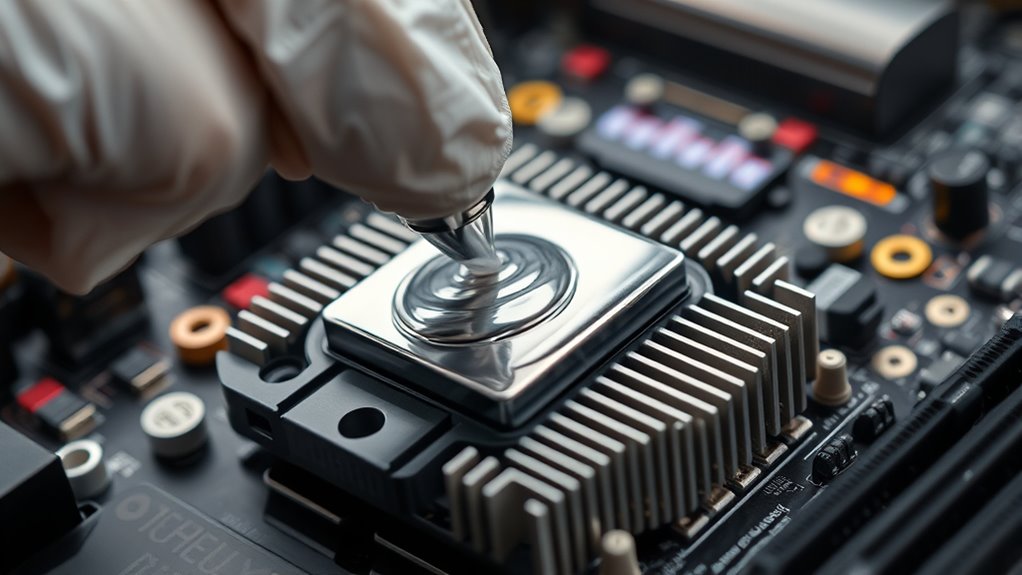

Thermal paste is a thermal compound that helps transfer heat from your CPU to the heat sink, preventing overheating. To apply it correctly, turn off your PC, remove the heat sink, and clean both surfaces with isopropyl alcohol. Use a small dot or thin line of paste in the center of the CPU, then reattach the heat sink with gentle pressure. Proper application keeps your system cool and stable—continue to explore for more tips on perfecting the process.
Key Takeaways
- Thermal paste facilitates efficient heat transfer between the CPU and heat sink, preventing overheating.
- Proper surface cleaning and application techniques ensure optimal thermal conductivity and prevent hardware damage.
- Apply a small, pea-sized amount or a thin line in the center for even coverage without spills.
- Avoid over-application or insufficient paste, as both can impair cooling performance.
- Secure the heat sink firmly and monitor CPU temperatures to confirm effective thermal paste application.
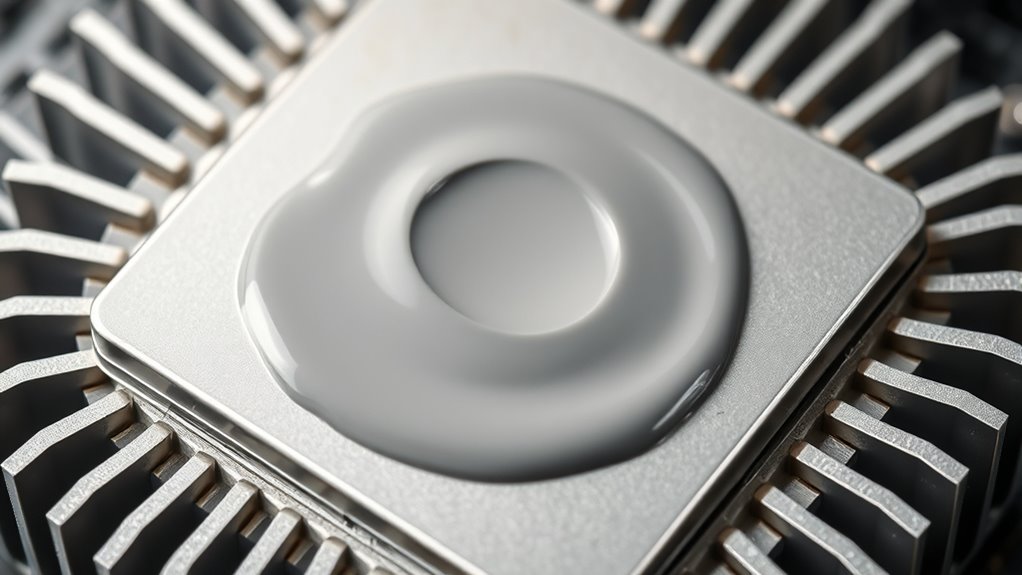
Have you ever wondered how your computer keeps its components cool under heavy use? The answer lies in effective CPU cooling, which is essential to prevent overheating and maintain optimal performance. One key element in this process is thermal paste, a substance that fills microscopic gaps between your CPU and its heat sink. Proper application of thermal paste ensures efficient heat transfer, helping your system run smoothly and avoiding costly damage. To do this effectively, you need to understand the right application techniques, as improper use can lead to poor heat dissipation and increased temperatures.
Proper thermal paste application is vital for efficient CPU cooling and optimal performance.
When applying thermal paste, you want to start with a clean surface. Turn off your computer, disconnect it from power, and carefully remove the heat sink from the CPU. Use isopropyl alcohol and a lint-free cloth or paper towel to thoroughly clean both the CPU surface and the heat sink base. Removing old thermal paste completely is crucial because any residue can interfere with proper heat transfer. Once the surfaces are spotless and dry, you’re ready for the new thermal paste.
The application technique plays a vital role in ensuring maximum efficiency. A common method is the pea-sized dot, where you place a small amount of thermal paste in the center of the CPU. When you reattach the heat sink and press down evenly, the paste spreads out to fill the gaps. Alternatively, some prefer the line method for CPUs with elongated shapes, or the spread technique, where you manually spread a thin layer with a spatula or the included applicator. Regardless of the technique, the goal is to create a thin, even layer that covers the entire surface without spilling over the edges.
Applying too much thermal paste can hinder heat transfer because excess paste acts as an insulator. Conversely, too little paste leaves gaps that trap air—air is a poor conductor of heat, which hampers cooling efficiency. The right amount—just enough to coat the surface evenly—is critical. When you place the heat sink back onto the CPU, applying firm, even pressure helps spread the paste uniformly. Secure the heat sink according to your device’s instructions, then power on your computer and monitor CPU temperatures. If temperatures are higher than expected, it might be worth reapplying the thermal paste with a different application technique. Additionally, understanding the importance of thermal conductivity in thermal pastes can help you select the best product for your cooling needs.
Frequently Asked Questions
How Often Should I Reapply Thermal Paste?
You should reapply thermal paste every 2 to 5 years, depending on its lifespan and your system’s usage. If you notice higher temperatures or performance issues, it’s time for a reapplication. Regularly check your CPU’s temperature to gauge if the thermal paste is still effective. Proper reapplication maintains ideal heat transfer, preventing overheating and potential damage, ensuring your system runs smoothly and efficiently over time.
Can I Use Any Type of Thermal Paste for My CPU?
You can’t just use any thermal paste for your CPU; it’s essential to take into account thermal paste types and compatibility considerations. Look for thermal pastes specifically designed for CPUs, usually silicone or ceramic-based, which provide good thermal conductivity. Avoid generic or incompatible types, as they might not fit your hardware properly or could cause poor heat transfer. Always check your CPU and cooler specifications to choose the right thermal paste type.
What Are the Signs of Improper Thermal Paste Application?
If you notice high CPU temperatures, unexpected shutdowns, or frequent crashes, it’s likely due to application mishaps with the thermal paste. Inadequate spreading or air bubbles can cause poor heat transfer, leading to performance issues. You might also see uneven CPU temperatures or hot spots. These signs indicate improper thermal paste application, so reapplying it carefully can help restore ideal cooling and prevent long-term damage.
Is Thermal Paste Conductive or Non-Conductive?
Thermal paste can be either conductive or non-conductive. Conductive thermal paste contains metals like silver or copper, offering higher thermal conductivity to efficiently transfer heat away from your CPU. Non-conductive thermal paste uses insulating compounds, providing electrical insulation and preventing shorts. When choosing, consider your needs: conductive pastes are better for performance, but non-conductive options are safer for beginners or complex builds.
How Does Thermal Paste Affect Cooling Performance?
Thermal paste substantially improves cooling performance by enhancing heat transfer between your CPU or GPU and the heatsink. It fills microscopic gaps, ensuring better contact and more efficient temperature regulation. As a result, your system stays cooler, preventing overheating and maintaining ideal performance. Without proper thermal paste application, heat builds up, reducing efficiency and risking hardware damage. Proper use of thermal paste is essential for effective cooling and long-term system stability.
Conclusion
Now that you know how to choose and apply thermal paste properly, you’re ready to keep your PC cool and running smoothly. Remember, a little effort can make a big difference in performance and longevity. So, next time you upgrade or clean your system, ask yourself: aren’t your components worth the extra care? Don’t let heat hold you back—master the art of thermal paste application and give your device the care it deserves.