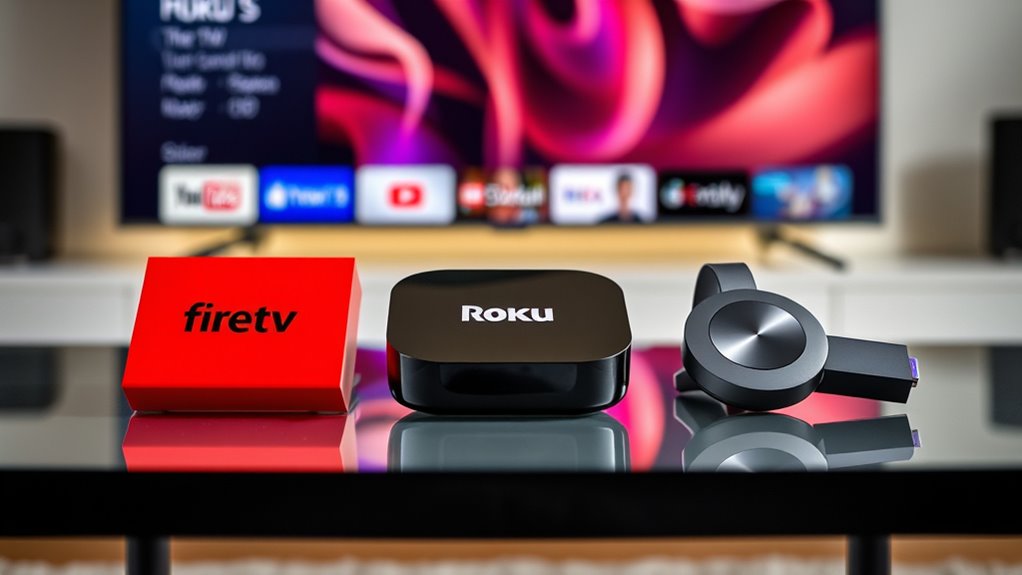
If you’re choosing between Fire TV, Roku, and Chromecast, consider how you prefer to control your content. Fire TV and Roku offer built-in apps, remote control, and seamless voice commands, making browsing easy. Chromecast relies on casting from your phone or using voice assistants, offering less direct control. Each device has unique strengths in AI features and app compatibility. To discover which fits your needs best, keep exploring the details behind each option.

Get the latest gadgets delivered free — and shop member deals
- Fast, free delivery on millions of items
- Access to Prime Big Deal Days deals on October 6–7
- Prime Video, Amazon Music and more included
Key Takeaways
- Fire TV and Roku offer integrated app interfaces and voice control, while Chromecast functions mainly as a casting device without a standalone interface.
- Fire TV supports a wide range of apps via Amazon Appstore, Roku offers extensive content with over 500,000 titles, and Chromecast relies on mobile device casting.
- Fire TV and Roku provide direct remote and voice control for easier navigation, whereas Chromecast depends on smartphones or smart speakers.
- Fire TV and Roku have more seamless, built-in voice control experiences; Chromecast’s voice control is less integrated and relies on external devices.
- AI and personalization features are more advanced and native in Fire TV and Roku, while Chromecast focuses on content casting with less AI-driven interface customization.
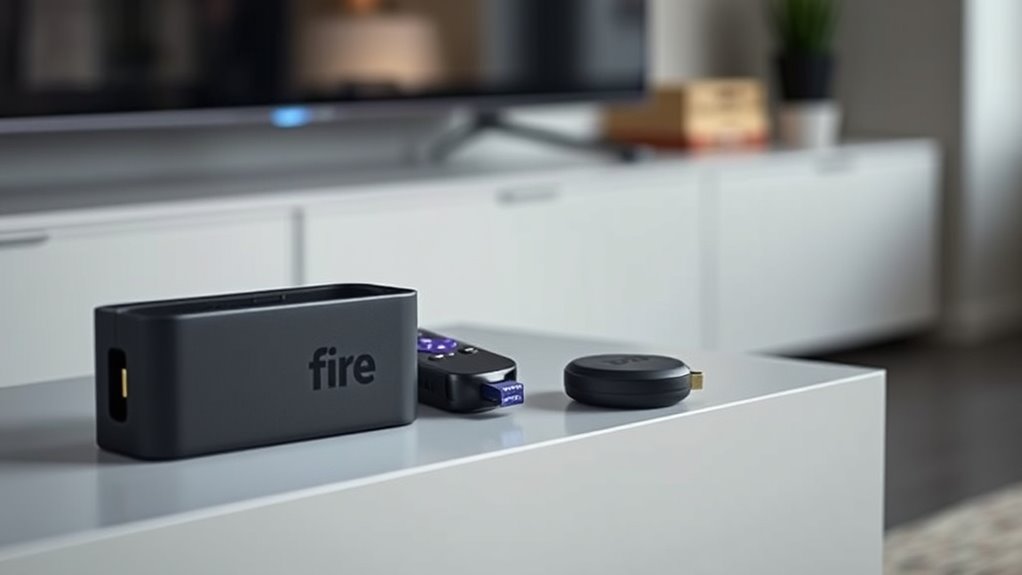
With so many streaming devices available today, choosing the right one can feel overwhelming. You want a device that offers seamless navigation and easy access to your favorite content, but with so many options, it’s easy to get lost in the details. When comparing top streaming devices like Fire TV, Roku, and Chromecast, a key factor to contemplate is voice control. Voice commands can make your viewing experience much more convenient, allowing you to search for shows, adjust volume, or launch apps without lifting a finger. Fire TV, for example, has Alexa built-in, making it simple to control your entertainment with voice commands. Roku offers voice control through its Voice Remote, compatible with Alexa and Google Assistant, so you can speak your commands directly into the remote. Chromecast, on the other hand, relies more on your phone or Google Assistant for voice commands, which means you’ll need to use your device or compatible smart speakers to control playback. Another essential aspect is app compatibility. You want a device that supports the streaming services you use most—whether that’s Netflix, Hulu, Disney+, or others. Fire TV has broad app compatibility, offering access to a vast library of streaming apps through the Amazon Appstore, and it often updates to include new services quickly. Roku also boasts exceptional app compatibility, supporting over 500,000 movies and TV episodes across hundreds of channels, making it one of the most versatile options. Chromecast, however, functions more as a casting device rather than a standalone interface, meaning it depends heavily on your phone or tablet for app access. You can cast content from your mobile device to Chromecast, but it doesn’t have a traditional app interface like Fire TV or Roku. This can be a limitation if you prefer a device that acts as a central hub for all your streaming needs. When it comes to voice control, Fire TV and Roku offer more integrated experiences, allowing you to control your device directly with your voice, while Chromecast leans on your phone or smart speakers for voice commands. App compatibility varies as well; Fire TV and Roku provide more extensive, built-in app selections, making it easier to find exactly what you want without extra steps. Additionally, the integration of AI technology in these devices is improving voice recognition and personalization features, enhancing user experience. Chromecast excels at casting content from your phone, but if you want a dedicated interface with a wide range of apps accessible directly from the device, Fire TV and Roku are generally better choices. In the end, your decision should hinge on how much you value voice control and app compatibility, along with your preferred method of controlling content—whether through a remote, voice, or casting from your phone.
As an affiliate, we earn on qualifying purchases.
Frequently Asked Questions
Which Device Offers the Best Parental Controls?
You’ll find Fire TV offers the best parental controls, with thorough parental restrictions and content filtering options. You can set age-appropriate restrictions, monitor viewing activity, and control access to certain apps and content easily. Roku also has solid parental controls, but they’re more limited. Chromecast’s parental controls are minimal, mainly relying on device settings. For all-encompassing content filtering and restrictions, Fire TV stands out as the top choice.
Can These Devices Support 4K HDR Content Simultaneously?
Yes, you can stream 4K HDR content simultaneously on these devices if they support 4K and HDR. Fire TV, Roku, and Chromecast all offer models with 4K support and HDR compatibility, allowing you to enjoy high-quality visuals at once. Just make certain your device and TV both support these features, and you have a fast internet connection to handle multiple streams without buffering.
Do All Devices Have Voice Control Features?
Imagine a world where your voice controls your entertainment, and yes, all three devices—Fire TV, Roku, and Chromecast—have voice control features. You can ask your voice assistants to find shows, adjust volume, or launch apps effortlessly. But be mindful of privacy concerns, as voice assistants often listen in the background. Whether you’re streaming or just chatting with your device, these features make your experience seamless, yet privacy matters.
Are There Any Significant Security Differences Among Them?
You’ll find that security vulnerabilities vary among these devices, but all receive regular firmware updates to fix issues and enhance security. Fire TV generally offers robust security features, while Roku and Chromecast also prioritize user safety with ongoing updates. Stay vigilant by installing firmware updates promptly, avoiding suspicious links, and using strong Wi-Fi passwords. This proactive approach helps protect your streaming experience from potential security threats across all three devices.
Which Device Has the Most Extensive App Selection?
Imagine diving into a vast ocean of entertainment, where Fire TV offers the most extensive app ecosystem and content variety. You’ll find a broad range of streaming apps, games, and services, giving you endless options. Roku also boasts a strong app selection, but Fire TV’s platform is more all-encompassing. Chromecast, meanwhile, excels at casting content but has a more limited app ecosystem. For the richest content variety, Fire TV is your best choice.
Roku streaming device with voice control
As an affiliate, we earn on qualifying purchases.
As an affiliate, we earn on qualifying purchases.
Conclusion
No matter which device you choose, you’re opening a universe of entertainment at your fingertips. Fire TV, Roku, and Chromecast each have their strengths, but the real winner is you — the king or queen of your own streaming kingdom. With these devices, you’re not just watching TV; you’re wielding the power of a cinematic empire. So pick your champion and get ready to binge like never before — because your entertainment game is about to reach epic proportions.
Chromecast with Google Assistant
As an affiliate, we earn on qualifying purchases.
As an affiliate, we earn on qualifying purchases.
best streaming device for app compatibility
As an affiliate, we earn on qualifying purchases.
As an affiliate, we earn on qualifying purchases.
Fall Picks
fall essentials
As an affiliate, we earn on qualifying purchases.