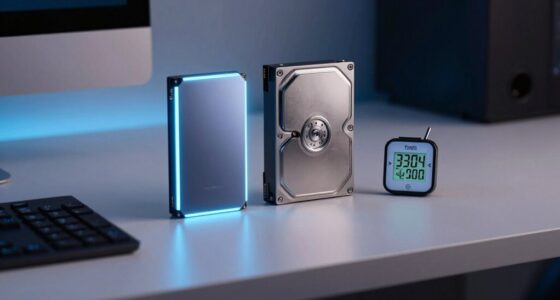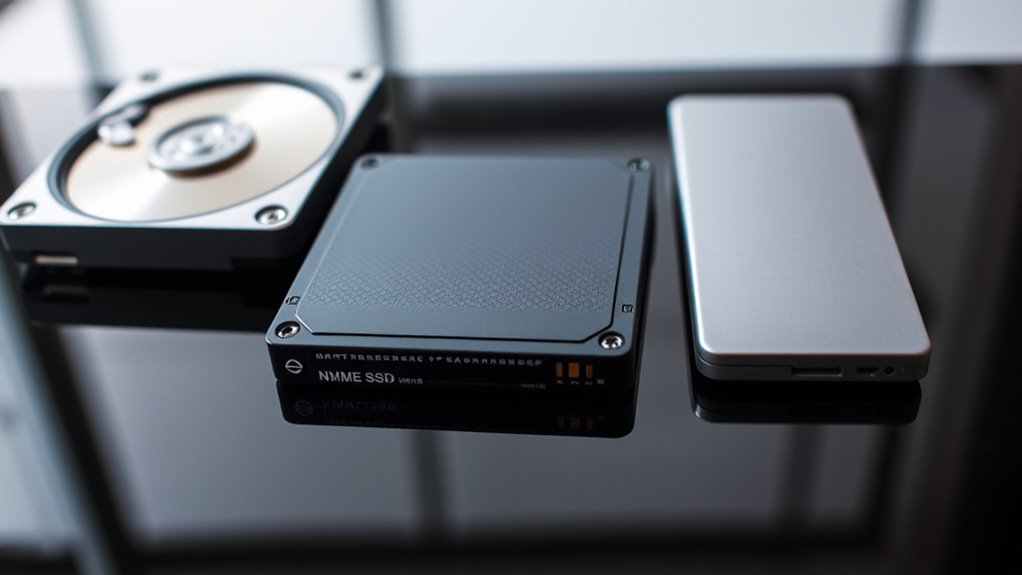

If you’re choosing between SSDs, HDDs, and NVMe drives, consider your needs for speed, capacity, and budget. HDDs are budget-friendly and great for large storage, but they’re slower. SSDs improve your system’s responsiveness and are a good middle ground. NVMe drives offer the fastest speeds and are ideal for high-performance tasks but come at a higher cost. To find the best fit, understanding their differences can help you make a smarter choice—more details await.

Get the latest gadgets delivered free — and shop member deals
- Fast, free delivery on millions of items
- Access to Prime Big Deal Days deals on October 6–7
- Prime Video, Amazon Music and more included
Key Takeaways
- SSDs offer faster speeds and quicker access times than HDDs, making them ideal for performance-sensitive tasks.
- NVMe drives provide even higher transfer rates and lower latency compared to traditional SSDs, suitable for high-performance computing.
- HDDs are cost-effective for large storage needs but have slower read/write speeds and mechanical components.
- Choice depends on budget, speed requirements, and upgrade plans, with SSDs and NVMe favored for future-proofing.
- Consider compatibility, power consumption, and intended use when selecting among HDDs, SSDs, and NVMe drives.
As an affiliate, we earn on qualifying purchases.
Comparing Storage Technologies: SSD, HDD, and NVMe

When comparing storage technologies, understanding the key differences between SSDs, HDDs, and NVMe drives is essential for choosing the right solution. SSDs generally offer better cost efficiency compared to HDDs, especially as prices continue to drop, making them more accessible for everyday use. HDDs remain a budget-friendly option for large storage needs but may require more upgrade considerations due to slower performance and mechanical parts. NVMe drives, while often pricier upfront, provide significant advantages in speed and responsiveness, making them ideal for high-performance tasks. When evaluating these options, consider your budget and future upgrade plans. SSDs and NVMe drives tend to be more future-proof, whereas HDDs might still fit within tight cost constraints. Your choice should balance cost efficiency with long-term upgrade considerations. Additionally, performance metrics like read/write speeds are critical factors that can influence your overall experience with each storage type. For example, NVMe drives utilize advanced PCIe technology, enabling them to deliver even faster data transfer rates compared to traditional SSDs. Recognizing the importance of reliability and durability can also help guide your decision, especially if your use case demands consistent data integrity over time. Moreover, understanding how storage capacity impacts your workflow can ensure you select a solution that meets your long-term data storage needs effectively. As technology evolves, staying informed about emerging storage solutions can help you make smarter investments for your PC.
As an affiliate, we earn on qualifying purchases.
Performance Differences and Use Cases

The performance differences between SSDs, HDDs, and NVMe drives considerably impact their suitability for various tasks. SSDs excel in quick access times, thanks to efficient cache management, making them ideal for gaming and booting up your system. HDDs, with slower speeds, are better suited for storage of large files where speed isn’t critical. NVMe drives outperform SSDs by leveraging faster data transfer rates and reduced latency. They consume less power during active use due to optimized cache management but can have higher power draw under sustained workloads. Here’s a quick comparison:
| Feature | HDD | SSD | NVMe |
|---|---|---|---|
| Speed | Slow | Moderate | Fast |
| Power Consumption | Low | Moderate | Higher during heavy use |
| Use Cases | Large storage, archiving | Fast booting, gaming | High-performance tasks |
As an affiliate, we earn on qualifying purchases.
Making the Right Choice for Your Needs

Choosing the right storage solution depends on your specific needs and priorities. If budget is a concern, HDDs offer the lowest cost implications, making them ideal for large storage without breaking the bank. However, if speed and performance matter, SSDs or NVMe drives provide faster data access and better overall performance. Consider your upgrade considerations carefully; moving from HDD to SSD can notably improve your system’s responsiveness, but it may require additional upgrades like new cables or adapters. For gaming or intensive tasks, NVMe drives deliver top-tier speed, but they come at a higher price. Balance your budget with your performance expectations and future upgrade plans to select the most suitable storage option for your PC. Safety and compatibility are also important factors to ensure reliable and secure data storage. Additionally, understanding the differences in storage types can help you make an informed decision tailored to your workflow, especially considering the reviews of various models and brands to gauge reliability. Exploring Pimple Patch options can also be a useful addition to your skincare routine if you’re prone to breakouts, ensuring targeted treatment and quicker healing of blemishes. Moreover, being aware of the environmental impacts of electronic waste disposal can help you make more sustainable choices when upgrading your storage devices.
As an affiliate, we earn on qualifying purchases.
Frequently Asked Questions
How Do Storage Options Impact Gaming Performance?
Your storage options directly impact gaming performance by affecting load times and cache speed. An SSD or NVMe drive loads game files faster than an HDD, reducing wait times and allowing smoother gameplay. NVMe drives, with higher cache speeds, deliver even quicker access to data, enhancing in-game shifts and reducing lag. Upgrading to a faster storage type makes your gaming experience more seamless and responsive.
Are NVME Drives Compatible With All Motherboards?
Think of NVMe drives as lightning bolts racing through a storm—powerful but needing the right channels. Not all motherboards are compatible; some lack the necessary PCIe slots or support for NVMe’s interface requirements. Before upgrading, check your motherboard’s specifications for M.2 slots and PCIe version. If it supports NVMe, your motherboard will embrace the speed; if not, you’ll need an adapter or a new board to access its potential.
What Is the Lifespan Difference Between SSD and HDD?
You’ll find that SSDs generally have better drive durability and longer data retention than HDDs. While HDDs can last 3-5 years depending on usage, SSDs often last 5-10 years due to fewer moving parts. Your drive’s lifespan depends on write cycles and how you use it, but SSDs tend to be more resilient over time, making them a reliable choice for long-term data storage.
Can I Upgrade My Existing HDD to an SSD Easily?
It’s as easy as plugging in your Walkman! You can upgrade your existing HDD to an SSD by copying your data through drive cloning and then installing the SSD in your PC. The process involves a few simple steps: cloning your current drive, installing the new SSD, and adjusting your boot settings. This upgrade markedly boosts speed and performance without much hassle—you’ll love the difference.
How Do Power Consumption Levels Vary Among These Drives?
You’ll find that SSDs and NVMe drives generally consume less power than HDDs, making them more energy-efficient and better for thermal management. SSDs and NVMe drives operate at lower power levels, especially during idle or light tasks, which helps reduce heat output and extend battery life in laptops. HDDs, with spinning disks, use more energy and generate more heat, making them less efficient for power-conscious setups.
Conclusion
Choosing between SSD, HDD, and NVMe depends on your priorities. If you think faster speeds mean better performance, you’re right—NVMe drives often outperform SSDs and HDDs. But, for cost-effective storage, HDDs still hold their ground. Ultimately, understanding your needs helps you pick wisely. So, don’t believe the myth that bigger always means better—sometimes, speed and efficiency are what truly matter in your PC setup.
Fall Picks
fall essentials
As an affiliate, we earn on qualifying purchases.