
Choosing between air and liquid cooling depends on your needs and budget. Air cooling is simpler, more affordable, and easier to maintain, making it ideal for most users. Liquid cooling offers superior heat dissipation, quieter operation, and better aesthetics, which benefits overclockers and high-performance setups. If you’re seeking the best cooling and visual appeal, liquid might be better. However, if you want a straightforward approach, air cooling could suit you best. To understand the full comparison, keep exploring the details below.
Key Takeaways
- Liquid cooling offers superior heat dissipation, making it ideal for overclocked or high-performance PCs.
- Air cooling is simpler, more affordable, and easier to install, suitable for most standard builds.
- Liquid cooling tends to be quieter and more aesthetically appealing but requires regular maintenance.
- Air cooling is bulkier and less space-efficient but involves lower upfront costs and less complex setup.
- Overall, choose liquid cooling for maximum performance and aesthetics, and air cooling for simplicity and budget-friendly builds.

ARCTIC Liquid Freezer III Pro 360 – AIO CPU Cooler, 3 x 120 mm Water Cooling, 38 mm Radiator, PWM Pump, VRM Fan, AMD AM5/AM4, Intel LGA1851/1700 Contact Frame – Black
CONTACT FRAME FOR INTEL LGA1851 | LGA1700: Optimized contact pressure distribution for longer CPU life and better heat…
As an affiliate, we earn on qualifying purchases.
As an affiliate, we earn on qualifying purchases.
Understanding the Basics of Cooling Systems
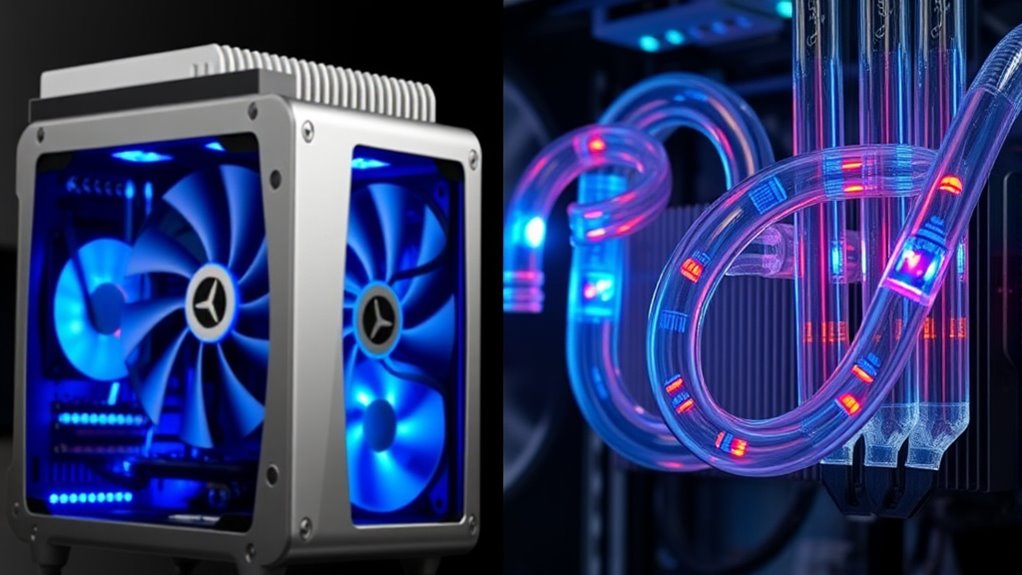
Cooling systems are essential for maintaining ideal temperatures in computers and electronic devices. They help with thermal regulation, preventing components from overheating and ensuring smooth operation. There are two main types: air cooling and liquid cooling. Air cooling uses fans and heatsinks to dissipate heat, often producing some noise but generally being simple and cost-effective. Liquid cooling, on the other hand, employs a liquid coolant to transfer heat away from critical components, often resulting in quieter operation. Understanding these basics helps you decide which system aligns with your needs. Noise levels and thermal regulation are key factors in this choice. While air cooling is straightforward, liquid cooling offers better heat management at a potentially lower noise level, especially under heavy loads. Additionally, advancements in cooling technology continue to improve efficiency and user experience. Moreover, the choice between these systems can also impact the overall costs and maintenance associated with PC cooling solutions. Selecting the appropriate cooling method can also be influenced by the complexity of installation, which varies between air and liquid systems.

Thermalright Peerless Assassin 120 SE CPU Cooler, 6 Heat Pipes AGHP Technology, Dual 120mm PWM Fans, 1550RPM Speed, for AMD:AM4 AM5/Intel LGA 1700/1150/1151/1200/1851,PC Cooler
[Brand Overview] Thermalright is a Taiwan brand with more than 20 years of development. It has a certain…
As an affiliate, we earn on qualifying purchases.
As an affiliate, we earn on qualifying purchases.
Performance Comparison Between Air and Liquid Cooling

When comparing air and liquid cooling, you’ll notice differences in cooling efficiency that can impact your system’s performance. Liquid cooling generally offers better heat dissipation, making it more suitable for overclocking your CPU. Understanding these performance levels helps you choose the right cooling method for your needs. For high-performance setups, Kia Tuning techniques demonstrate how optimized components can further enhance overall system efficiency. Additionally, selecting the appropriate automotive water spot remover can help maintain your PC’s external components by preventing water damage that could affect cooling systems. Incorporating sound design principles such as layering sound effects can also enhance the auditory experience in multimedia presentations about PC cooling systems. Exploring solar power options for cooling systems is another innovative approach to achieving energy-efficient and sustainable performance. Moreover, considering maintenance practices is essential to ensure your cooling solutions operate at peak efficiency over time.
Cooling Efficiency Levels
Liquid cooling generally outperforms air cooling concerning efficiency, especially under demanding workloads. This is because liquid has a higher thermal conductivity, allowing heat to transfer more quickly away from your CPU or GPU. As a result, your components stay cooler, reducing thermal stress and improving overall system stability. Additionally, liquid cooling systems tend to operate at lower noise levels since fans don’t need to run as fast to dissipate heat effectively. This quiet operation means you experience less background noise during intensive tasks. While air cooling can be effective, especially with high-quality heatsinks and fans, liquid cooling provides a more consistent and efficient thermal management solution, making it ideal for users who prioritize cooling performance and quieter operation.
Overclocking Potential
If you’re aiming to push your CPU or GPU beyond stock speeds, the cooling method you choose can substantially impact your overclocking potential. Liquid cooling generally offers better thermal performance, allowing higher overclocks with lower temperatures. It also provides more customization options, letting you fine-tune your system for ideal performance. Noise levels vary: air coolers tend to be louder under load, while liquid coolers often run quieter due to more efficient heat dissipation. Proper installation procedures are crucial to ensure optimal cooling and system stability. Additionally, selecting high-quality components can significantly influence the overall effectiveness of your cooling solution. For example, thermal paste quality can make a noticeable difference in heat transfer efficiency. Ensuring proper maintenance of your cooling system can sustain peak performance over time. Here’s a quick visual:
| Cooling Type | Overclocking Potential | Noise Levels |
|---|---|---|
| Air Cooling | Moderate | Usually louder |
| Liquid Cooling | Higher | Usually quieter |
| Custom Loops | Maximal | Very quiet if well-managed |
This comparison highlights liquid cooling’s edge in maximizing overclocking headroom while maintaining quieter operation. Additionally, cooling efficiency can be a decisive factor in achieving stable, high-performance overclocks.
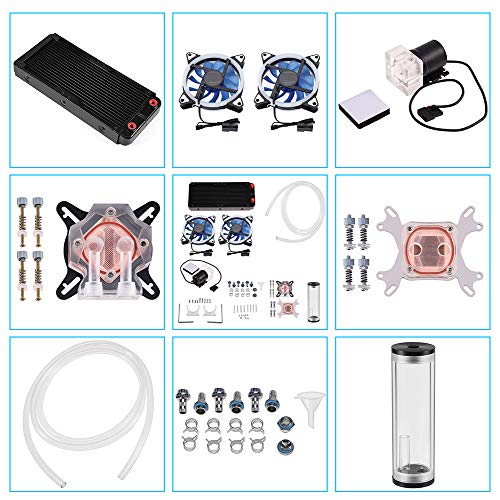
DIY 240mm Water Cooling Kit, DIY 240mm Cooler CPU/GPU Block Pump Reservoir with LED Fan Heat Sink Computer Water Cooling Connectors Kit, Liquid CPU Cooler Kit
【Professional Water Cooling Kit】This liquid CPU cooler kit provides a 240mm heat sink within screw pack+2pcs LED fan+universal…
As an affiliate, we earn on qualifying purchases.
As an affiliate, we earn on qualifying purchases.
Installation and Maintenance Considerations
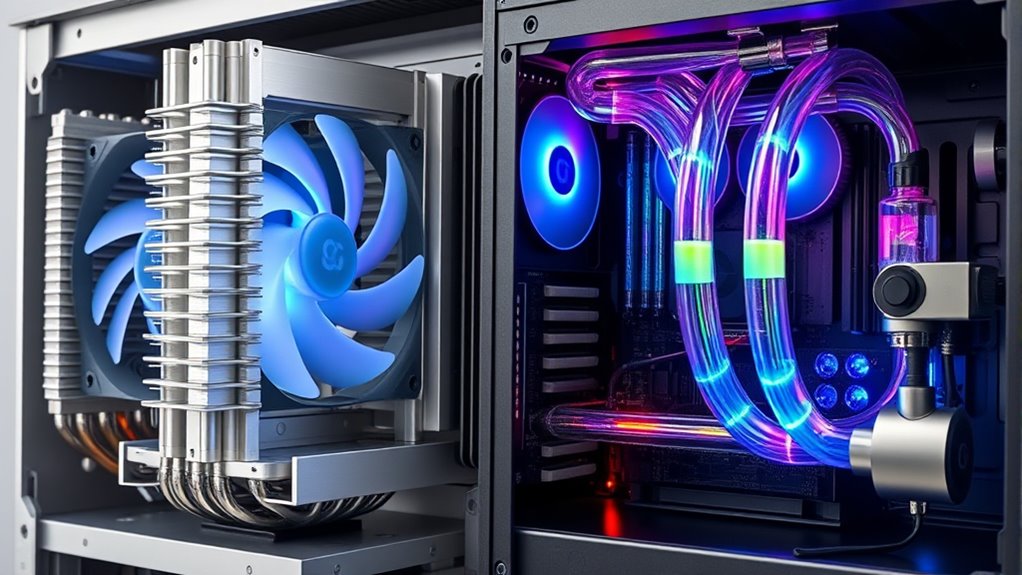
Setting up air cooling systems is generally straightforward and quick, making installation simpler for most users. Liquid cooling setups can be more complex, often requiring careful planning and additional components. Proper cooling system installation is crucial to prevent issues such as leaks or inefficient cooling, which can impact your PC’s performance. Additionally, many users find that liquid cooling offers better thermal performance for overclocked systems, though it requires more diligent maintenance. Ongoing maintenance varies, with air coolers needing minimal upkeep while liquid systems may require regular checking for leaks and coolant levels. For this reason, selecting a maintenance-friendly cooling system can help you avoid costly repairs or replacements. To ensure optimal performance, choosing a cooling system that aligns with your focus and energy needs can simplify ongoing care and maintenance. Additionally, understanding the installation complexity of each system can help you decide which option best fits your experience level and project scope.
Ease of Setup
When it comes to ease of setup, air cooling systems are generally simpler to install and maintain than liquid cooling solutions. Installing an air cooler mainly involves mounting the heatsink and fan onto your CPU, applying thermal paste properly, and ensuring good fan placement for ideal airflow. You don’t need to worry about leak risks or complex tubing, which makes the process straightforward. Maintenance is also easier, often limited to occasional dusting and checking that fans are spinning correctly. Liquid cooling, on the other hand, requires mounting radiators, connecting tubes, and ensuring a secure fit. The initial setup can be more involved, especially when bleeding air from the system. Overall, air cooling offers a more user-friendly and less time-consuming installation experience. Additionally, self-watering plant pots are designed to simplify plant care by maintaining consistent moisture levels with minimal intervention. Properly selecting cooling solutions based on your performance needs can make setup and ongoing maintenance even more manageable, especially when considering installation complexity.
Ongoing Upkeep
Maintaining an air cooling system is generally straightforward and less time-consuming than caring for a liquid cooling setup. You’ll need to regularly dust the heatsinks and fans to prevent dust accumulation, which can reduce cooling efficiency and increase noise levels. Cleaning these components is simple: use compressed air or a soft brush to remove dust buildup. Unlike liquid cooling, you won’t have to worry about leaks or replacing coolant, but you should check fans for proper operation. Over time, fans may become noisy or fail, so replacing them is typically quick and inexpensive. Regular upkeep ensures excellent airflow and noise levels stay low. Additionally, cooling performance can decline if dust buildup isn’t managed, so routine cleaning is essential. Being aware of filter maintenance and replacing filters as needed can also help maintain optimal airflow and cleanliness. Overall, air cooling requires less maintenance effort and provides a reliable, hassle-free cooling solution.

Noctua NF-P12 redux-1700 PWM, High Performance Cooling Fan, 4-Pin, 1700 RPM (120mm, Grey)
High performance cooling fan, 120x120x25 mm, 12V, 4-pin PWM, max. 1700 RPM, max. 25.1 dB(A), >150,000 h MTTF
As an affiliate, we earn on qualifying purchases.
As an affiliate, we earn on qualifying purchases.
Cost Analysis of Both Cooling Options

While air cooling systems generally have lower initial costs, liquid cooling options tend to be more expensive upfront due to their complex components and installation requirements. If you’re working within budget constraints, air cooling offers a more affordable solution, saving you money initially. However, keep in mind that liquid cooling systems often operate quieter, which can be a significant advantage if noise levels matter to you. The higher cost of liquid cooling reflects its advanced technology and more intricate setup, but it may also mean higher maintenance expenses over time. If budget constraints are tight, air cooling provides a cost-effective and reliable option. Conversely, if you prioritize quieter operation and are willing to invest more upfront, liquid cooling could be worth the extra expense.
Aesthetic and Space Impacts
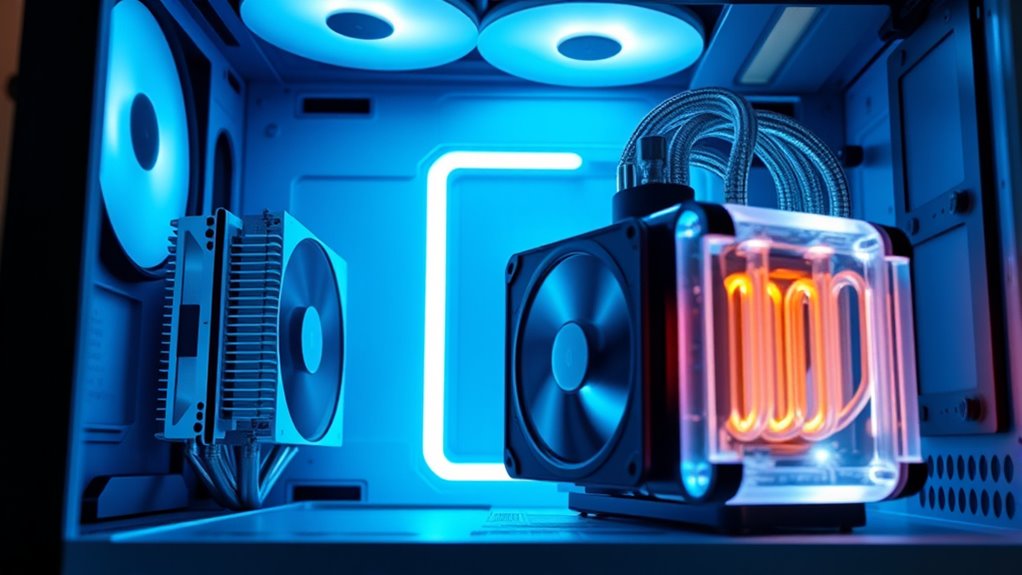
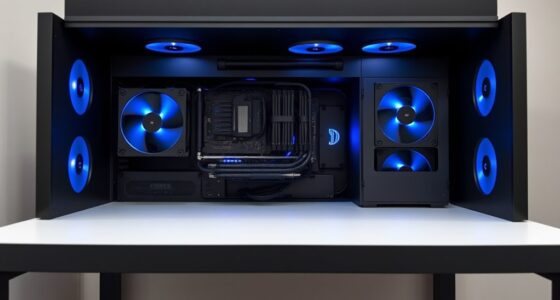
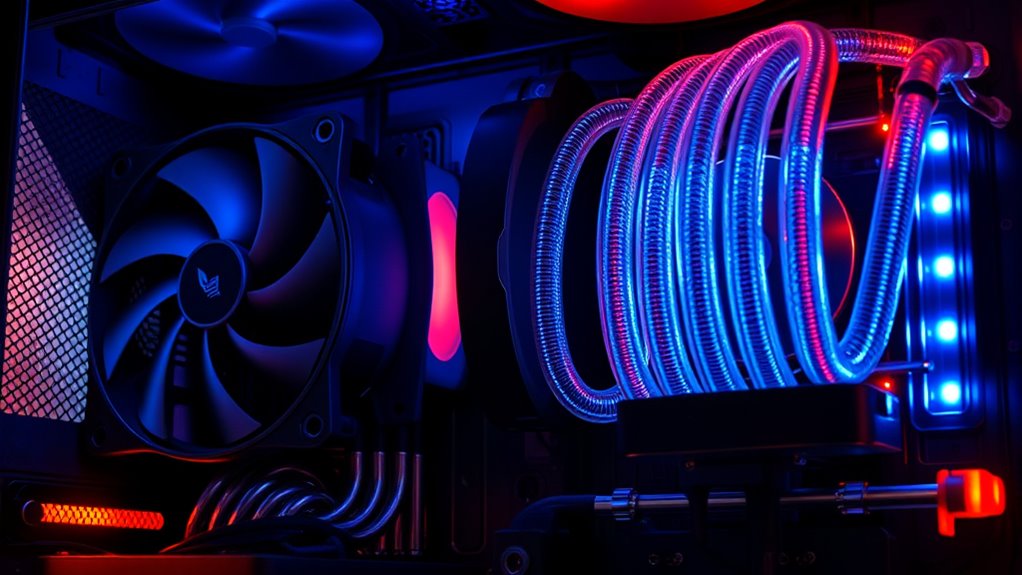
Liquid cooling systems often have a more striking visual impact and take up less space inside your case, making them an attractive choice if you want a sleek, modern look. Their compact radiators and tubing create a clean, minimalist aesthetic that enhances your build’s overall appeal. This setup allows for greater space optimization, giving you more room for components or better airflow. In contrast, air cooling kits tend to be bulkier, with large heatsinks and fans that can dominate your case’s interior. If aesthetics matter and you prefer a neat, streamlined appearance, liquid cooling provides a significant advantage. Plus, the reduced clutter inside your case not only looks better but can also improve airflow and cooling efficiency.
Which Cooling Method Is Right for Your Needs
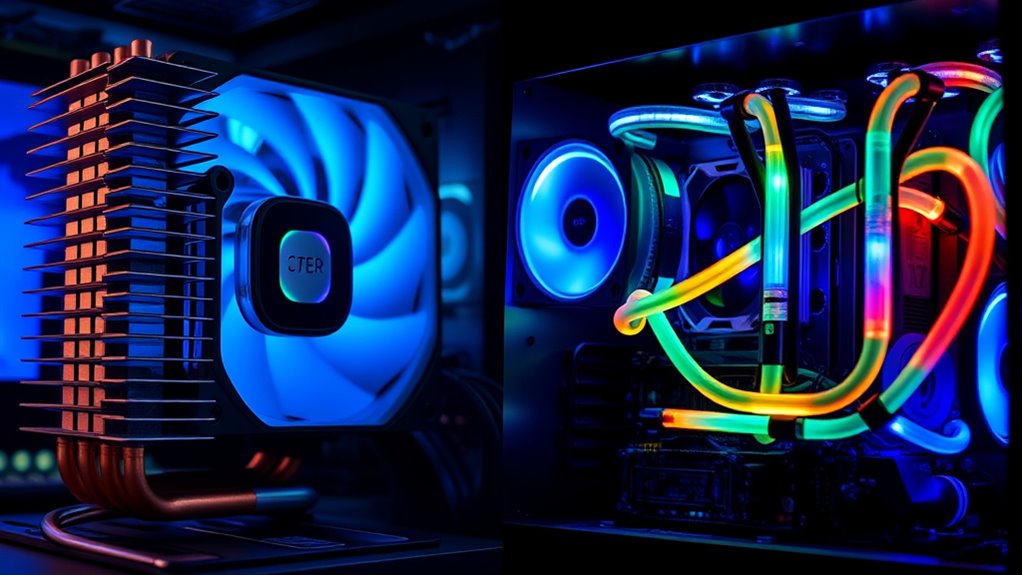
Choosing the right cooling method depends on your specific needs and priorities. If you value high thermal performance and minimal noise levels, liquid cooling might suit you better, especially for overclocked systems. Air cooling offers simplicity and affordability, making it ideal for moderate use. Consider the table below to compare options:
| Factor | Air Cooling | Liquid Cooling |
|---|---|---|
| Thermal Performance | Good, but limited at high loads | Superior, handles intense loads |
| Noise Levels | Generally quieter | Can be quieter, but depends on pump |
| Maintenance | Low, mostly cleaning | Higher, requires regular checks |
| Cost | Budget-friendly | Usually more expensive |
Pick based on your priorities: for quiet, high-performance setups, liquid cooling excels; for ease and budget, go with air cooling.
Frequently Asked Questions
How Do Cooling Systems Affect Overall PC Lifespan?
Cooling systems substantially influence your PC’s lifespan by maintaining ideal thermal efficiency, preventing overheating that can damage components. Air coolers are low-maintenance and reliable, while liquid cooling offers superior thermal performance but requires regular upkeep to avoid leaks and guarantee efficiency. Proper cooling reduces wear and tear on parts like the CPU and GPU, ultimately extending your PC’s longevity and keeping it running smoothly longer.
Can Upgrading Cooling Improve Gaming Performance Significantly?
Upgrading your cooling system can substantially improve gaming performance by enhancing thermal management, allowing your CPU and GPU to run at higher speeds without overheating. Better cooling reduces thermal throttling, which limits overclocking performance, so you get more stable, higher frame rates. Whether you choose air or liquid cooling, improved thermal management translates to smoother gameplay and potentially longer hardware lifespan, making your gaming experience more enjoyable and reliable.
Are There Environmental Benefits to Liquid Cooling?
You might find that liquid cooling offers some eco-friendly benefits, making it a greener choice overall. It often provides better energy efficiency, meaning your PC uses less power to stay cool. While it’s not a silver bullet for environmental impact, the reduced energy consumption can help lower your carbon footprint. Think of it as turning over a new leaf—helping your system run more smoothly and sustainably.
What Are Common Troubleshooting Steps for Cooling System Failures?
If your cooling system fails, start by checking the fan maintenance to make certain fans spin freely and are dust-free. Look for coolant leaks in liquid cooling setups, which can cause overheating. Replace or tighten any loose fittings or damaged hoses. Ensure the pump runs properly, and clean dust from radiators and heatsinks. Regular maintenance helps prevent failures and keeps your system running smoothly.
How Do Noise Levels Compare Between Air and Liquid Cooling?
Did you know that liquid cooling systems are typically 20% quieter than air cooling? When comparing noise levels, liquid cooling generally produces lower sound levels because it uses fewer fans and runs at lower speeds. Air cooling can be noisier due to multiple fans spinning faster to dissipate heat. If quiet operation matters most to you, liquid cooling might be the better choice for minimizing sound levels.
Conclusion
Ultimately, choosing between air and liquid cooling is like picking the right brush for your masterpiece—you want what best brings out your PC’s true colors. If you value simplicity and budget, air cooling might be your steady brushstroke. But if you’re chasing top-tier performance and sleek aesthetics, liquid cooling could be your vivid splash of innovation. Whichever path you choose, remember: it’s your masterpiece, and your cooling system helps keep it alive and vibrant.