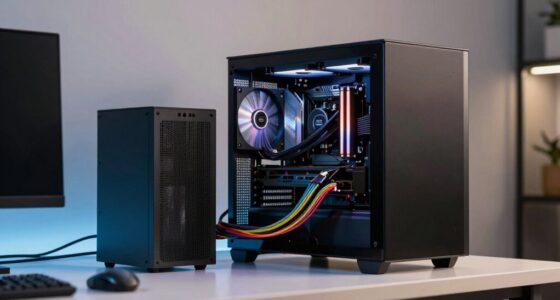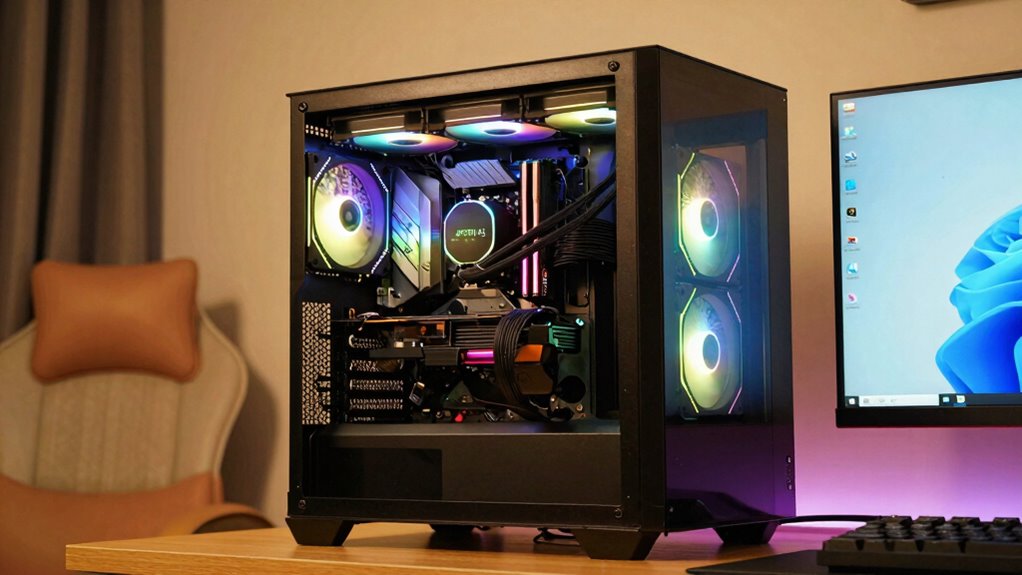

Prebuilt systems often make specs look better through attractive prices, but these can hide hidden costs, limited upgrade options, and lower-quality parts. Manufacturers include premiums for convenience, which can inflate the price without offering true value. You might be tempted by the specs, but often they’re not as flexible or durable as seen. Keep exploring to discover how you can choose smarter and more cost-effective options for your needs.

Get the latest gadgets delivered free with Prime
- Fast, free delivery on millions of items
- Prime Video, Amazon Music and more included
- Member-only deals all year
Key Takeaways
- Prebuilts often inflate specs with premium components, making them seem better than they are for the price.
- Manufacturers limit upgrade options, giving the illusion of future-proofing that may not be practical.
- The initial high performance may rely on short-term hardware choices, not long-term upgrade potential.
- Specs may include components with lower quality or longevity, misleading buyers about durability.
- Price comparisons can be deceptive, as prebuilts include added costs for convenience and branding.
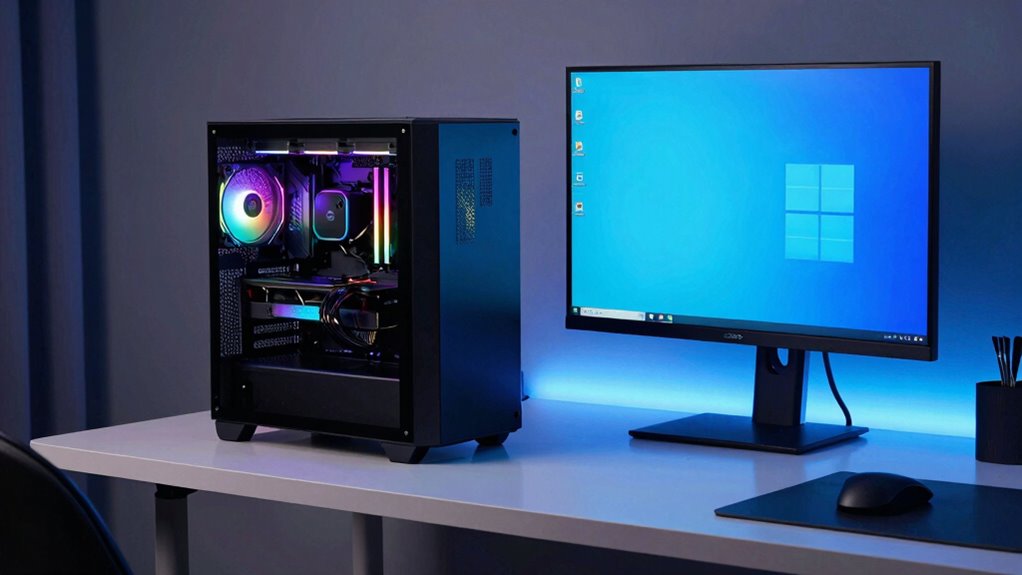
Many gamers and PC builders wonder whether prebuilt systems genuinely offer better value and performance than custom builds. It can be tempting to see a sleek, ready-to-go machine and assume it’s the best deal out there. After all, prebuilt systems often look impressive with high-end components and a clean design, making them seem like the smarter choice. But before you get swayed, it’s worth digging deeper into what these systems really offer, especially when you weigh budget considerations and the potential customization limitations that come with them.
When you look at prebuilt systems, the initial appeal is often the seemingly straightforward price tag. They might appear to deliver a lot of power for what you pay, but that’s not always the full picture. Manufacturers sometimes include premium prices for the convenience of a ready-made system, which can inflate costs compared to building a custom PC with similar specs. If budget considerations are your priority, you might find that you can put together a custom build for less money or get better components for the same amount. Customization options in prebuilt systems are usually limited to certain upgrades, which means you’re often locked into the specific hardware choices made by the manufacturer. This can be frustrating if you want to upgrade your GPU, add more RAM, or swap out other parts later on.
Another point to weigh is that prebuilt systems tend to be optimized for immediate performance rather than future-proofing or tailored needs. You get what’s included, with little room for personalized adjustments. This can lead to scenarios where you’re paying for features or components you don’t need, or worse, missing out on those that could benefit your specific gaming or productivity requirements. Custom builds, on the other hand, allow you to select each part based on your budget and intended use, giving you control over quality, performance, and upgrade paths. Additionally, prebuilt systems often rely on emerging trends in hardware, which can sometimes lead to components that are less reliable or more difficult to upgrade later. The lack of flexibility in prebuilt systems can also result in reduced long-term durability, especially if you want to keep up with evolving technology. Investing in components with proven color accuracy and higher contrast ratios can significantly extend the lifespan and quality of your setup, something often overlooked in prebuilt options.
Products Worth Considering

Samsung 27 Odyssey OLED G5 (G50SF) QHD QD-OLED Gaming Monitor

Samsung 27-inch Odyssey OLED G6 QD-OLED QHD Gaming Monitor

Samsung 32-Inch Odyssey OLED G8 (G80SH) 4K Gaming Monitor
As an affiliate, we earn on qualifying purchases.
Frequently Asked Questions
Do Prebuilt Systems Offer Better Future Upgrade Options?
Prebuilt systems generally offer limited upgrade flexibility compared to custom builds, as their components are often selected for compatibility and cost-efficiency. While reputable brands provide reliable hardware, they may restrict future upgrades to specific parts or configurations. If you want better future upgrade options, you might prefer a custom build, where you have more control over choosing compatible, easily upgradable components, ensuring your system stays relevant longer.
Are Prebuilt Specs Optimized for Specific Use Cases?
Prebuilt specs are often optimized for specific use cases, which can be beneficial for performance and stability. However, component compatibility isn’t always ideal for future upgrades, limiting flexibility. This can also impact resale value, as potential buyers may prefer custom-built systems tailored to their needs. You should weigh these factors if you’re considering a prebuilt, especially if upgradeability and resale are priorities for you.
How Do Prebuilt Prices Compare to Custom Builds?
Think of prebuilt prices as a fixed menu—you pay a set price, but it might not include the best ingredients. They often seem cheaper initially, but component compatibility and customization limitations can hide extra costs. Custom builds let you pick exactly what you want, potentially saving money and ensuring everything fits perfectly. So, while prebuilt prices seem straightforward, thoughtful customization can sometimes deliver better value and performance.
What Warranty and Support Services Are Included?
Prebuilt systems often include an extended warranty and customer support, giving you peace of mind. You typically get coverage for hardware defects and technical assistance, which can be more thorough than what you might arrange on your own. These support services guarantee that if anything goes wrong, you can rely on prompt help. Always check the warranty duration and support options to make sure they meet your needs before purchasing.
Can Prebuilt PCS Handle High-Performance Gaming or Workloads?
When it comes to high-performance gaming or demanding workloads, prebuilt PCs can be more of a mixed bag. They often have solid hardware compatibility and decent components, but their overclocking potential might be limited. You might think they’re ready to tackle anything, but sometimes they’re just a jack of all trades, master of none. For serious tasks, custom builds or upgrades might be necessary to truly unlock their power.
Conclusion
So, next time you’re dazzled by those shiny prebuilt specs, remember the wise words of the old pros—looks can be deceiving. Don’t let the siren song of flashy numbers sway you like a ship to a siren’s call. Whether you’re in the midst of a space race or just building your dream setup, stay sharp and do your homework. After all, even the mightiest warriors knew that appearances can hide the true strength beneath.