
Your storage speed feels different because how data is accessed and cached changes with each task. When you open files or apps, cached data makes things seem faster, but accessing data directly from storage slows things down. Hardware limits and device architecture also affect performance, especially during random or small data operations. Understanding these factors shows why your storage reacts differently depending on what you’re doing, and there’s more behind these variations that you’ll uncover as you explore further.

Get the latest gadgets delivered free — and shop member deals
- Fast, free delivery on millions of items
- Access to Prime Big Deal Days deals on October 6–7
- Prime Video, Amazon Music and more included
Key Takeaways
- Caching temporarily stores data in faster memory, making repeated or similar tasks appear quicker.
- Different tasks require varying data access patterns, influencing perceived storage speed.
- Storage devices have inherent hardware limits, causing speed fluctuations across activities.
- Mechanical HDDs are slower for small, random reads due to seek times, unlike SSDs.
- System performance depends on storage architecture, cache efficiency, and connection interfaces.
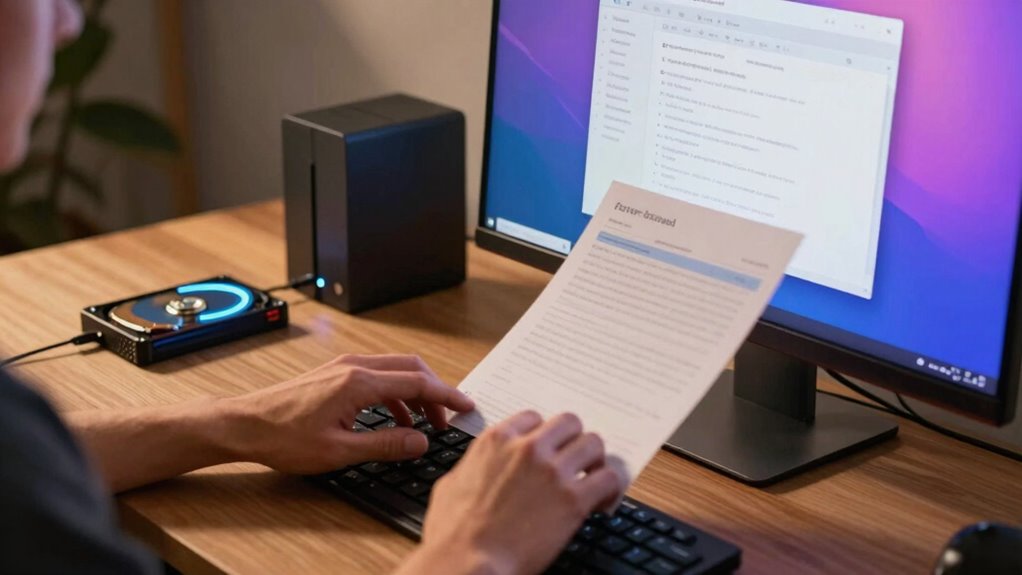
You might notice that your storage device feels faster or slower depending on what you’re doing, even if the same drive is involved. That’s because the way data is handled behind the scenes varies with different tasks. When you open a file or launch an application, your system doesn’t always read data directly from the physical storage every time. Instead, it relies on data caching—holding frequently accessed information temporarily in faster memory, like RAM or dedicated cache memory. This process speeds things up markedly for common operations, making your storage seem quicker. However, when data isn’t cached or the cache is full, your system must retrieve information directly from the storage device, which can be much slower. This fluctuation in speed is why some tasks feel snappy, while others lag, even if you’re using the same drive.
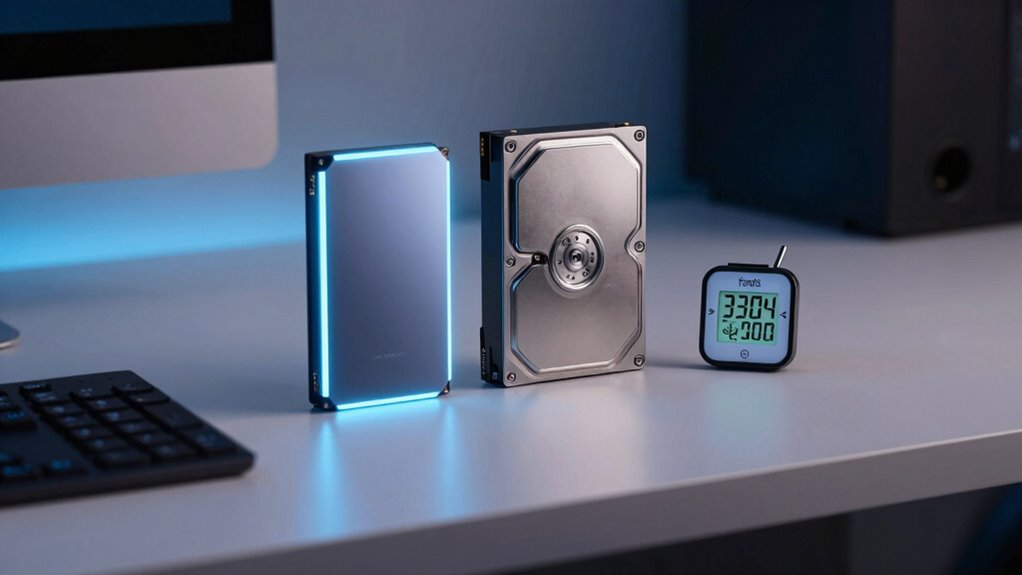
Hardware limitations also play an essential role. Every storage device, whether it’s an SSD or HDD, has inherent constraints that affect performance. SSDs, for example, are faster because they lack moving parts and can access data almost instantly, but they still have finite speed limits determined by their controller and NAND flash technology. HDDs, on the other hand, rely on spinning disks and read/write heads, making their speed heavily dependent on mechanical movement. When you perform small, random read/write operations, HDDs often slow down because of the physical seek time involved. SSDs handle these tasks better but can still be bottlenecked by their internal architecture or the connection interface, such as SATA or NVMe. These hardware limitations mean that even the best storage devices can’t always deliver uniform speed across different activities. Additionally, hardware constraints can influence how well your storage performs under various workloads, further contributing to these fluctuations. The effectiveness of data caching depends heavily on the nature of the tasks, which can either amplify or diminish these hardware limitations. Understanding storage architecture can help you optimize your system for better performance depending on your specific needs.
As an affiliate, we earn on qualifying purchases.
Frequently Asked Questions
How Does Storage Speed Impact Gaming Performance?
Storage speed directly impacts your gaming performance by reducing delays caused by storage bottlenecks. Faster data transfer rates mean your game loads quicker, levels shift seamlessly, and cutscenes start promptly. When your storage device is slow, you may experience longer load times or stuttering during gameplay. Upgrading to a faster SSD minimizes these issues, ensuring a smoother gaming experience by keeping data flowing swiftly where it’s needed most.
Can Storage Speed Affect Video Editing Workflows?
You might notice that storage speed profoundly affects your video editing workflow. Faster drives enable quicker data transfer, reducing lag during rendering and syncing. When you access large video files, speedy storage minimizes wait times, keeping your editing process smooth. Coincidentally, a higher data transfer rate means fewer interruptions, allowing you to work efficiently without frustration. So, upgrading your storage can make editing more seamless and enjoyable.
Does Storage Type Influence Startup Times?
Yes, storage type influences startup times because faster drives like SSDs enable quicker data transfer, reducing boot delays. Storage durability matters too; more durable drives maintain consistent performance over time, preventing slowdowns. When you use a high-speed, durable storage device, your system boots faster and runs more smoothly, as it efficiently loads essential files and applications. This results in a noticeably quicker startup experience compared to traditional or slower storage options.
How Does Caching Improve Perceived Storage Speed?
Caching improves perceived storage speed by temporarily storing frequently accessed data nearby, so you don’t have to wait for slower storage. Cache optimization keeps this data relevant and quickly accessible, while data prefetching predicts what you’ll need next and loads it in advance. Together, these techniques make your tasks feel faster and more seamless, reducing delays and enhancing your overall experience with storage performance.
Are There Differences in Storage Speed for Mobile Devices?
Yes, storage speed varies on mobile devices due to factors like cloud storage and data transfer. When you access data from cloud storage, it depends on your internet connection, making transfers slower or faster. Local storage, like SSDs or flash memory, offers quicker data transfer, so apps open faster. Your device’s hardware and network conditions influence perceived speed, causing differences whether you’re streaming, downloading, or accessing files offline.
As an affiliate, we earn on qualifying purchases.
Conclusion
So, next time your storage feels like a sluggish serpent or a lightning bolt, remember it’s all about the task at hand. Just like a chameleon changing colors, your storage adapts to your needs, shifting speed and performance. It’s not just a simple component—it’s the silent conductor of your digital symphony. Understanding this dance helps you appreciate the nuances, turning frustration into fascination as you navigate your tech world with newfound insight.
best gaming SSD with quick load times
As an affiliate, we earn on qualifying purchases.
As an affiliate, we earn on qualifying purchases.
As an affiliate, we earn on qualifying purchases.
Fall Picks
fall essentials
As an affiliate, we earn on qualifying purchases.