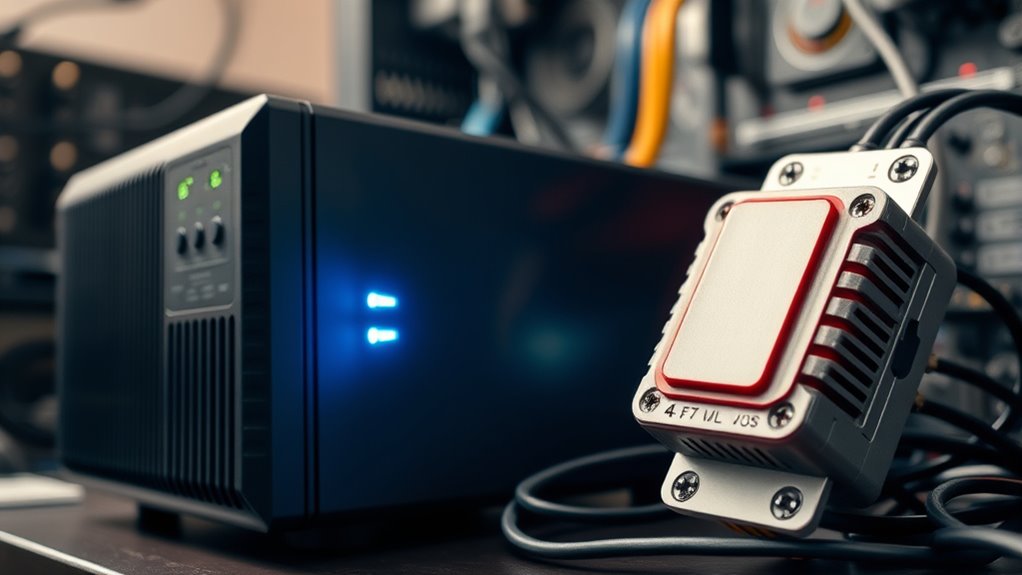

A UPS battery backup not only protects your PC from power surges but also provides backup power during outages, preventing data loss and hardware damage. A surge protector alone only defends against voltage spikes but won’t keep your devices running when power drops. If you work with important data or use sensitive equipment, a UPS offers essential ongoing power and protection. Keep exploring to see if a UPS is right for your setup.

Get the latest gadgets delivered free — and shop member deals
- Fast, free delivery on millions of items
- Access to Prime Big Deal Days deals on October 6–7
- Prime Video, Amazon Music and more included
Key Takeaways
- A surge protector defends against voltage spikes but doesn’t provide backup power during outages.
- A UPS offers both surge protection and a battery backup to keep devices running temporarily.
- For critical PCs or data-sensitive tasks, a UPS ensures continuous power and safe shutdowns.
- Casual users may only need surge protectors for basic surge defense; a UPS is for frequent outages.
- Properly sizing a UPS is essential to support your PC’s power needs during an outage.
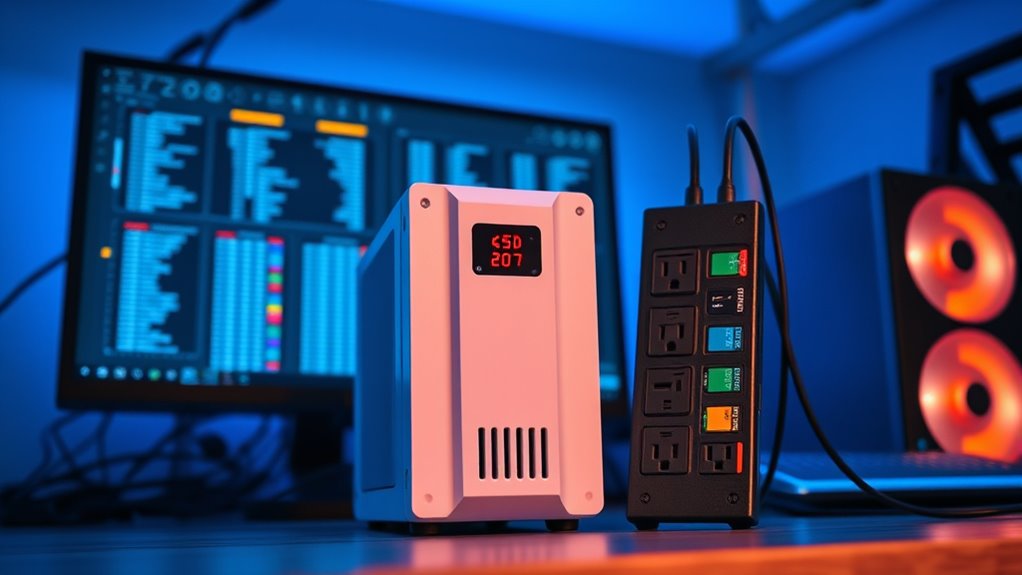
When safeguarding your electronic devices, understanding the difference between a UPS battery backup and a surge protector is essential. If you’re concerned about power outages and electrical surges, knowing which device provides the right protection can save your equipment and data. A power outage occurs when the electrical grid fails, leaving your devices without power. During such times, a surge protector offers no help; it simply prevents voltage spikes from damaging your gear. In contrast, a UPS (Uninterruptible Power Supply) battery backup steps in by providing continuous power during outages, giving you enough time to save work, shut down safely, or switch to an alternative power source.
Understanding the difference between UPS and surge protectors helps protect your devices during power issues.
Electrical surges are sudden increases in voltage that can occur due to lightning strikes, faulty wiring, or switching electrical loads. These surges are the primary threat that surge protectors address. They absorb or divert excess voltage, preventing it from reaching your sensitive electronics. Without a surge protector, your devices remain vulnerable to these damaging spikes, which can cause immediate failure or degrade their lifespan over time. A surge protector is typically affordable and easy to use, making it a common first line of defense for home or office setups.
However, if your workspace contains valuable data or critical equipment like computers, servers, or medical devices, a surge protector alone might not suffice. Electrical surges are dangerous, but power outages pose an even greater risk of data loss or hardware damage. A UPS not only guards against surges but also provides backup power during outages. With a UPS, you get a buffer period—ranging from minutes to hours—depending on the model. During this time, you can save your work, close applications properly, and prevent sudden shutdowns that could corrupt files. This is especially essential if you handle sensitive information or run essential systems.
While surge protectors are designed to protect against voltage spikes, they don’t supply backup power. Conversely, a UPS combines surge protection with an internal battery system, ensuring your devices stay operational through unforeseen power interruptions. If you’re deciding whether your PC needs a UPS, consider how critical your data is and how often you experience power outages. For casual use or basic protection, a surge protector might be enough. But for professionals, gamers, or anyone relying heavily on uninterrupted operation, investing in a UPS provides peace of mind and robust protection against both electrical surges and power outages.
Additionally, selecting a UPS with adequate power capacity is crucial to ensure it can support all connected devices during an outage without switching off unexpectedly.
As an affiliate, we earn on qualifying purchases.
Frequently Asked Questions
Can a Surge Protector Also Act as a Battery Backup?
A surge protector can’t act as a battery backup because it lacks power storage capabilities. It only protects your device from voltage spikes, not power outages. If you want device compatibility with backup power, you’d need a UPS with a built-in battery. A UPS provides the necessary power storage to keep your PC running during outages, whereas a surge protector simply shields your equipment from surges.
How Long Can a UPS Power My PC During an Outage?
During a power outage, your UPS can typically power your PC for 5 to 15 minutes, depending on its battery runtime and power load. For example, if you’re running a high-performance gaming PC, it might last closer to 5 minutes, while a basic office setup could run for 10-15 minutes. This short power duration guarantees you can save work and shut down safely, protecting your data and hardware.
Is a UPS Necessary for a Home Office Setup?
A UPS is essential for your home office setup if you want protection during power outages and to safeguard your equipment. It provides backup power, preventing data loss and hardware damage. Without a UPS, sudden outages can interrupt work and harm your devices. Investing in one guarantees continuous operation and equipment protection, giving you peace of mind during unpredictable power fluctuations.
Do All Surge Protectors Provide Backup Power?
Not all surge protectors provide backup power. Most only protect against voltage spikes, lacking sufficient power capacity to run your devices during outages. If you want backup power, look for a surge protector with an integrated UPS, which offers device compatibility with an internal battery. This way, you guarantee your PC stays powered during outages, and your equipment stays protected from surges. Always check the product specifications for power capacity and compatibility.
What Is the Cost Difference Between UPS and Surge Protectors?
Did you know that surge protectors typically cost between $10 and $50, while UPS units range from $50 to over $200? In a cost comparison, surge protectors are more affordable upfront, making them ideal for basic protection. However, an affordability analysis shows that UPS systems, though pricier, offer backup power during outages, providing essential protection for your PC’s data and hardware. Choose based on your needs and budget.
surge protector with surge protection
As an affiliate, we earn on qualifying purchases.
As an affiliate, we earn on qualifying purchases.
Conclusion
Choosing between a UPS battery backup and a surge protector depends on your needs. A UPS not only shields your PC from surges but also keeps it running during outages. Did you know that nearly 70% of power outages last less than an hour? Having a UPS guarantees you’re protected during these brief interruptions, preventing data loss and hardware damage. Ultimately, investing in a UPS gives you peace of mind and reliable protection for your valuable tech.
uninterruptible power supply for computer
As an affiliate, we earn on qualifying purchases.
As an affiliate, we earn on qualifying purchases.
As an affiliate, we earn on qualifying purchases.
Fall Picks
fall essentials
As an affiliate, we earn on qualifying purchases.