
Many believe CPU bottlenecks always limit system performance, but that’s not true. Your system’s performance depends on the specific hardware and workload. A powerful GPU with a modest CPU may be GPU-limited during gaming, while CPU matters more in streaming or simulations. Misunderstanding these points can cause unnecessary upgrades. Keep in mind, system balance and understanding actual bottlenecks matter most—continue exploring to discover how to optimize your setup effectively.

Get the latest gadgets delivered free — and shop member deals
- Fast, free delivery on millions of items
- Access to Prime Big Deal Days deals on October 6–7
- Prime Video, Amazon Music and more included
Key Takeaways
- A CPU bottleneck doesn’t always limit overall system performance; impact depends on hardware and workload.
- Overclocking improves CPU speed but doesn’t eliminate bottlenecks caused by other components.
- System balance and hardware limitations are crucial; no single upgrade guarantees better performance.
- Frame drops often indicate GPU limits, not CPU bottlenecks, especially in gaming.
- Bottlenecks are context-specific; understanding your workload ensures effective upgrade decisions.
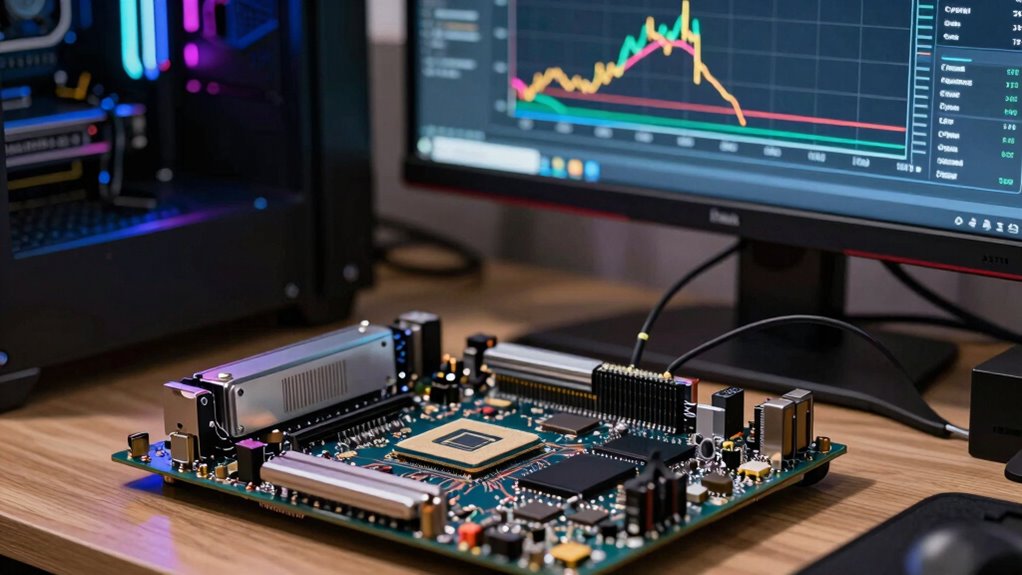
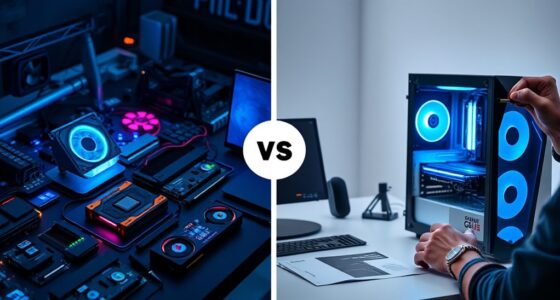
Many gamers and PC builders believe that a CPU bottleneck always limits a system’s performance, but this isn’t necessarily true. The idea that the CPU is the primary factor holding back your gaming or productivity setup is a common misconception. In reality, whether a CPU bottleneck actually impacts your experience depends on the specific hardware and how you use it. For example, if you have a very powerful GPU paired with a modest CPU, the GPU might be the limiting factor during graphically intensive tasks, not the CPU. Conversely, in CPU-heavy workloads like streaming or certain simulations, the CPU’s performance becomes more critical. Recognizing this helps you avoid unnecessary upgrades and optimize your system more effectively.
A CPU bottleneck isn’t always the main limiting factor; understanding your hardware and workload is key to optimal performance.
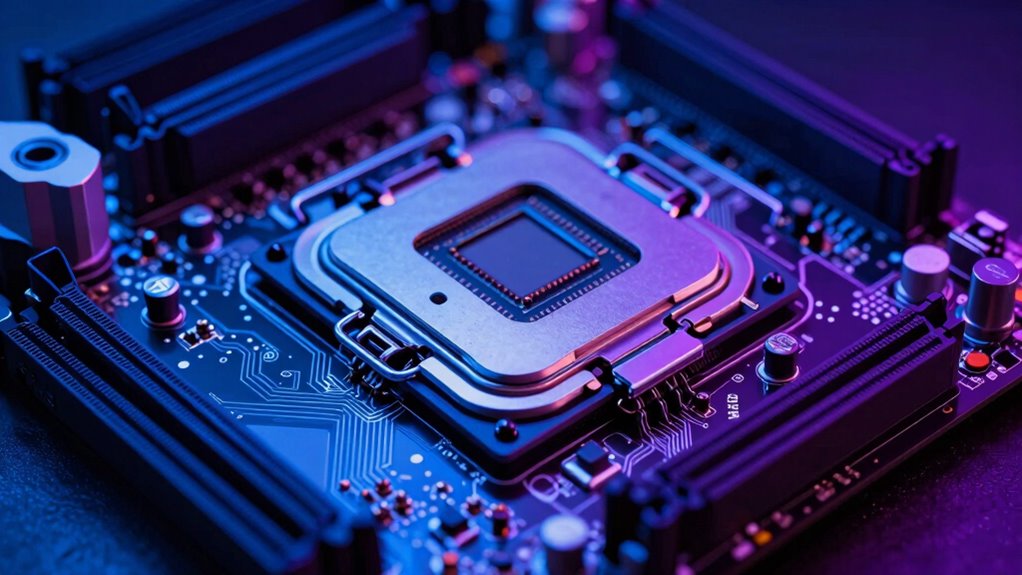
A significant source of confusion around CPU bottlenecks involves overclocking myths. Many believe that overclocking your CPU can eliminate bottlenecks entirely, but that’s not accurate. Overclocking can boost CPU performance, but it doesn’t automatically solve all bottleneck issues. Sometimes, the underlying architecture or thermal limits prevent meaningful gains, and other components, like the GPU, might still be the real performance barrier. Overclocking is a tool to improve performance, but it’s not a magic fix for all bottleneck concerns. Instead, it’s essential to analyze your system holistically and understand which component needs upgrading or fine-tuning for your specific use case. System balance plays a crucial role in achieving optimal performance and avoiding bottlenecks. Additionally, understanding hardware limitations helps set realistic expectations for what overclocking can achieve. A proper understanding of component interactions can help you better identify which parts truly need upgrading. Recognizing the importance of system bottlenecks can lead to more strategic upgrades tailored to your needs.
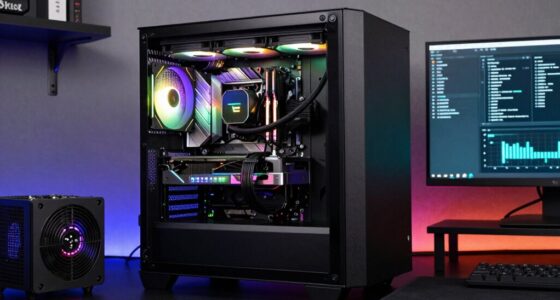
Another common misconception is that the GPU vs CPU debate is the key to eliminating bottlenecks. People tend to think that upgrading either component alone will drastically improve overall performance, but the reality is more nuanced. If you’re gaming and notice frame drops, it’s often due to the GPU being maxed out, not the CPU. Conversely, in tasks like rendering or multitasking, your CPU might be the limiting factor. The goal isn’t necessarily to choose one over the other but to balance your system in a way that matches your typical workload. Knowing which component is the true bottleneck in your setup can save you money and prevent frustration.
Ultimately, understanding the real dynamics behind CPU bottlenecks helps you make smarter decisions. Recognize that bottlenecks are context-dependent, and don’t fall for overclocking myths or oversimplified GPU vs CPU debates. Instead, focus on balancing your system according to your specific needs, whether that’s gaming, streaming, or productivity. This approach ensures you get the best performance without wasting money on unnecessary upgrades or chasing misconceptions.
gaming CPU and GPU balance upgrade
As an affiliate, we earn on qualifying purchases.
As an affiliate, we earn on qualifying purchases.
Frequently Asked Questions
Can a CPU Bottleneck Affect Gaming Performance Differently Than in Productivity Tasks?
A CPU bottleneck impacts gaming and productivity differently because gaming latency is more sensitive to CPU performance, causing stutter or lag if your CPU can’t keep up. In productivity tasks, a bottleneck might slow down processing or rendering, reducing efficiency. You’ll notice gaming feels choppy, while productivity tasks lag or take longer. Upgrading your CPU helps improve both, but the effects are more noticeable in gaming for smoother gameplay.
How Does Background Software Impact CPU Bottleneck Perceptions?
You might think your CPU is maxed out, but hidden behind the scenes are background processes quietly consuming resources. These processes can skew your perception of a bottleneck, making it seem worse than it truly is. Proper software optimization, closing unnecessary background software, and managing processes can reveal the real performance limits. Don’t overlook these quiet culprits—they hold the key to understanding and resolving actual CPU bottlenecks.
Are CPU Bottlenecks More Common With Specific Types of Hardware?
CPU bottlenecks are more common with certain hardware types, especially when there’s poor hardware compatibility or suboptimal component integration. For example, pairing a high-end CPU with a low-performance GPU or mismatched RAM speeds can cause bottlenecks. Ensuring your components work well together and are compatible minimizes these issues. Upgrading one part without considering the entire system can lead to increased bottlenecking, so balance is key in hardware selection.
Can Upgrading Other Components Eliminate CPU Bottlenecks?
Like patching a hole in a sinking ship, upgrading other components can sometimes help, but it often won’t eliminate a CPU bottleneck. You need hardware compatibility and awareness of component aging; otherwise, you risk hitting new limits. Upgrading RAM or GPU might improve performance, but if your CPU is outdated or underpowered, it remains the bottleneck. Focus on balanced upgrades for the best results.
How Do Overclocking and Thermal Limits Influence CPU Bottleneck Issues?
Overclocking can boost your CPU’s performance, but thermal throttling may kick in if temperatures get too high, limiting your gains. Pushing your CPU beyond its thermal limits risks overheating and damage, so guarantee proper cooling to avoid thermal throttling. Keep in mind, overclocking also increases the risk of system instability and hardware failure, making it vital to balance performance improvements with safe thermal management.
As an affiliate, we earn on qualifying purchases.
Conclusion
Don’t let misconceptions trap you like a mouse in a maze. Understanding CPU bottlenecks is like tuning a finely crafted instrument—when all parts work harmoniously, your system sings smoothly. By clearing up these misunderstandings, you’re not just fixing a problem; you’re revealing the true power beneath your fingertips. So, approach your CPU like a wise explorer, ready to navigate the intricate landscape of performance, and watch your gaming and work sessions soar to new heights.
system bottleneck analysis tools
As an affiliate, we earn on qualifying purchases.
As an affiliate, we earn on qualifying purchases.
As an affiliate, we earn on qualifying purchases.
Evergreen bestsellers Picks
bestsellers
As an affiliate, we earn on qualifying purchases.