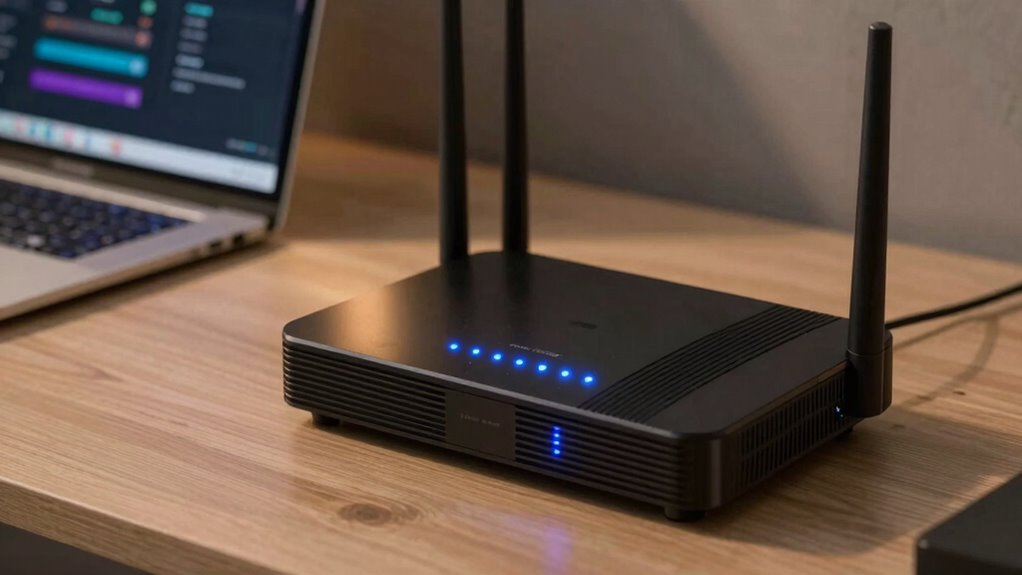

To decide between upgrading your router or modem, first test if slow speeds or disconnections happen only on Wi-Fi or across all devices. If Wi-Fi coverage or stability is poor, upgrading your router, especially to Wi-Fi 6, can fix those issues. If the entire internet experience is sluggish, your modem might be the problem, and an upgrade could boost speeds. Keep in mind, sometimes upgrading both offers the best long-term performance; discover how to make the right choice.

Get the latest gadgets delivered free with Prime
- Fast, free delivery on millions of items
- Prime Video, Amazon Music and more included
- Member-only deals all year
Key Takeaways
- Test if slow speeds affect wired devices to determine if the issue is with the modem or router.
- Upgrade the router if Wi-Fi coverage, stability, or device handling are problematic.
- Upgrade the modem if internet speeds are slow across all devices, including wired connections.
- Ensure hardware compatibility with your internet plan, especially when upgrading to Wi-Fi 6 or DOCSIS 3.1.
- Consider upgrading both if issues persist across wired and wireless devices for optimal performance.
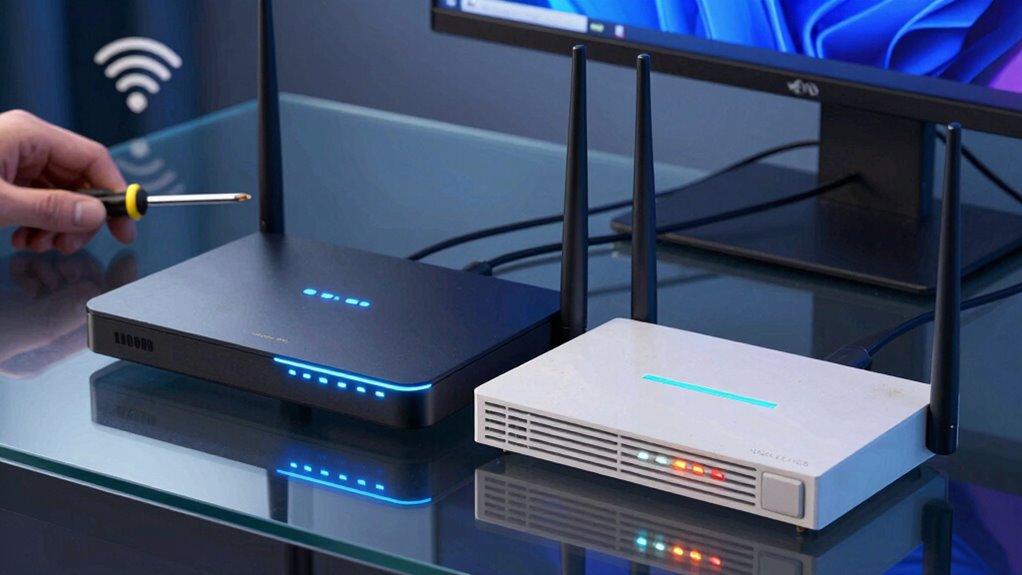
If your internet connection feels sluggish or unreliable, figuring out whether to upgrade your router or modem can be confusing. The key is understanding what’s causing the issues. Often, slow or unstable Wi-Fi signals indicate a problem with your router’s wireless performance, while frequent disconnections or slow speeds that persist across wired connections suggest a modem issue. Knowing which device to upgrade depends on identifying the root of the problem.
Identify whether your slow Wi-Fi or wired speeds point to a router or modem upgrade by pinpointing the root cause.
When considering a router upgrade, focus on wireless performance. If your Wi-Fi signal drops frequently, struggles to cover your entire home, or experiences buffering during streaming, a new router might be the right choice. Modern routers support the latest Wi-Fi standards like Wi-Fi 6, which offer faster speeds and better handling of multiple devices. This can significantly improve your overall network experience, especially if your household has many devices competing for bandwidth. Also, check device compatibility—older routers may not support new devices or advanced features, making an upgrade worthwhile to ensure seamless connectivity with your smartphones, smart home gadgets, and laptops. Additionally, color accuracy in your network setup can help optimize signal distribution and reduce dead zones, enhancing overall performance. Keeping your network hardware up to date can also help address emerging trends in digital connectivity, ensuring you stay ahead of evolving technology standards.
On the other hand, if your internet service is slow across all devices, including wired connections, it’s likely time to consider a modem upgrade. Modems are responsible for translating your internet provider’s signal into data your devices can understand. If your modem is outdated or incompatible with your current plan, it may bottleneck your speeds. Upgrading to a modem that supports higher speeds or the latest standards, like DOCSIS 3.1, can make a noticeable difference. This is especially important if your ISP has upgraded their network infrastructure or if you’re paying for faster plans.
Sometimes, the confusion arises because both devices work together to deliver internet, but they serve different purposes. If you’re experiencing slow speeds across all devices, start by testing your connection with a wired device directly connected to your modem. If speeds are still sluggish, the modem is likely the issue. If wired speeds are fine but Wi-Fi performance is poor, then your router is probably the culprit. Remember, a compatible and modern modem can unlock the full potential of a new router, so updating both might be necessary if you’re dealing with multiple issues.
Products Worth Considering

LG 34GX90SA-W 34-inch Ultragear WQHD OLED Curved Gaming Monitor

Logitech MX Brio Ultra HD 4K Webcam, Graphite

Bose QuietComfort Wireless Noise Cancelling Headphones, Sandstone
As an affiliate, we earn on qualifying purchases.
Frequently Asked Questions
How Often Should I Consider Upgrading My Router or Modem?
You should consider upgrading your router or modem every 3 to 5 years, depending on their device lifespan and performance. Keep an eye on firmware updates, as they extend device functionality and security. If you notice slower internet speeds, frequent disconnections, or outdated firmware, it’s time for an upgrade. Staying current guarantees better security, faster speeds, and improved connectivity, making your online experience smoother and more reliable.
Can I Use a Third-Party Router With My Current Modem?
Yes, you can use a third-party router with your current modem, provided they’re compatible. Check your modem’s specifications for wireless compatibility and guarantee the router supports the latest firmware updates for peak performance. Sometimes, firmware updates are necessary to fix bugs or improve security, so keep both devices updated. This way, you get better Wi-Fi coverage and speeds without replacing your entire setup.
Do Modem and Router Upgrades Improve Wi-Fi Security?
Yes, modem and router upgrades can improve Wi-Fi security. Newer devices often come with updated firmware, which patches vulnerabilities and enhances protection. Upgrading also allows you to implement network segmentation, isolating sensitive devices from others on your network. This reduces the risk of unauthorized access. Regularly updating firmware and creating segmented networks keep your Wi-Fi safer from potential threats, making upgrades a smart security move.
Will Upgrading My Router or Modem Increase My Internet Speed?
Upgrading your router or modem can boost your internet speed, especially if network congestion or device compatibility issues are slowing you down. A new modem can improve speeds if your current one isn’t supporting your plan properly, while a router upgrade helps manage multiple devices better and reduces congestion. Consider your devices and plan, then upgrade the device that’s most likely to enhance your overall internet experience.
Are There Compatibility Issues Between New Routers and Existing Modems?
Yes, there can be compatibility issues between new routers and existing modems. To avoid problems, check firmware updates for your devices, ensuring they support each other’s standards. Compatibility depends on factors like network type, Wi-Fi standards, and ports. Before upgrading, verify device compatibility, update firmware, and consult manufacturer guidelines. Doing so guarantees seamless connectivity, maximizes performance, and prevents frustration caused by incompatible hardware.
Conclusion
Ultimately, choosing between a router and a modem upgrade is like picking the right tool for a job—you need to identify where the bottleneck is. If your internet feels sluggish or disconnects often, a new router might be the answer. But if your connection is slow from the source, upgrading your modem could be the game-changer. Think of it as tuning your internet engine—sometimes, a simple tune-up is all it takes to get back on the fast lane.