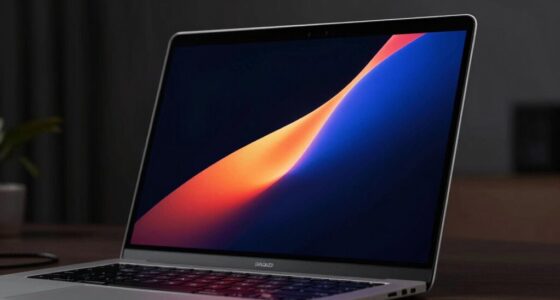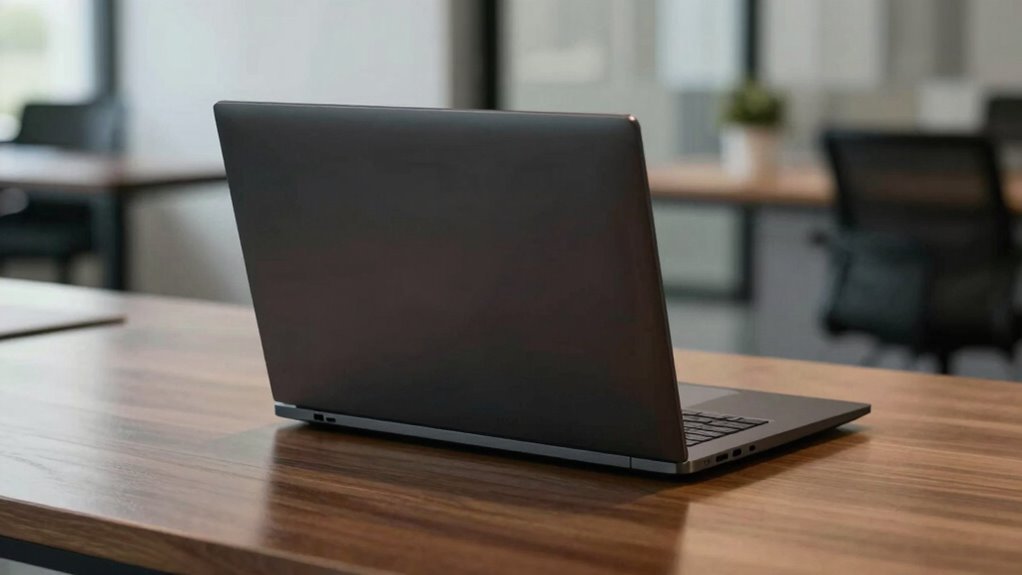

Many buyers overlook that slim, stylish premium laptops often prioritize aesthetics over cooling efficiency, risking overheating during heavy tasks like gaming or video editing. This can cause thermal throttling, slowing down performance and reducing device lifespan. Quiet fans and minimal ventilation may look sleek but can hinder airflow, leading to heat buildup. If you want to keep your laptop running smoothly under pressure, understanding thermal management is key—find out more to make smarter choices.

Get the latest gadgets delivered free with Prime
- Fast, free delivery on millions of items
- Prime Video, Amazon Music and more included
- Member-only deals all year
Key Takeaways
- High-end components don’t guarantee effective thermal management in slim, aesthetically prioritized designs.
- Buyers often overlook thermal performance reviews, focusing solely on specifications and features.
- Sleek designs may restrict airflow, causing internal overheating despite premium hardware.
- Good thermal management is essential to prevent performance throttling during intensive tasks.
- Overheating accelerates hardware wear, reducing device lifespan and long-term reliability.
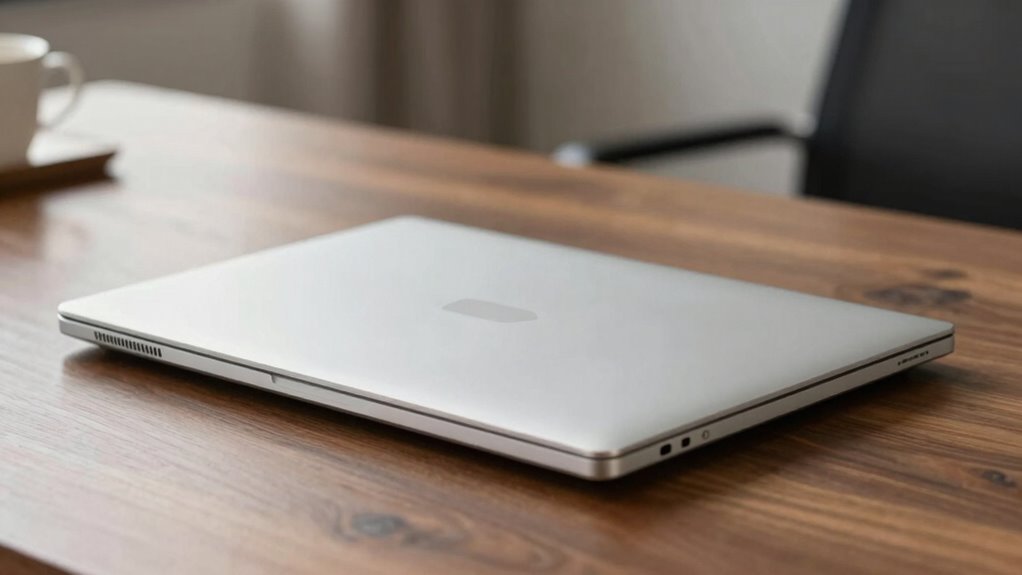
Premium laptops are renowned for their sleek design and powerful performance, but managing thermals remains a vital challenge. You might expect that top-tier models handle heat efficiently, but the reality is more complex. Many buyers overlook how much effective cooling solutions influence overall performance and longevity. When the internal temperature rises, the system automatically reduces processor speeds through thermal throttling to prevent overheating. While this safeguard protects your hardware, it can also limit your laptop’s full potential during intensive tasks like gaming, video editing, or 3D rendering. Instead of just focusing on raw specs, you should pay close attention to how well a premium laptop manages heat under stress.
Cooling solutions are often taken for granted, but they are central to maintaining peak performance. Manufacturers implement various strategies—such as heat pipes, vapor chambers, and high-quality fans—to dissipate heat effectively. However, not all cooling systems are created equal. Some premium models may have sleek, minimalistic designs that compromise airflow or feature quieter fans that don’t move enough air to keep temperatures in check. As a result, your laptop could run hotter than expected during demanding tasks, leading to thermal throttling that reduces performance without obvious warning. Understanding how well a laptop’s cooling solutions work helps you avoid surprises, guaranteeing your device remains responsive when you need it most.
Effective cooling is key to maintaining performance and preventing overheating in premium laptops.
It’s easy to assume that a premium model’s high-end components automatically mean better thermal management, but that’s not always the case. Manufacturers sometimes prioritize aesthetics or slim profiles over cooling efficiency, which can cause heat buildup. This heat buildup, if unmanaged, accelerates wear and can even damage internal components over time. Many buyers miss the importance of checking reviews or user feedback about thermal performance, especially during extended use. If your laptop heats up excessively, it’s likely to suffer from thermal throttling, which directly impacts your productivity and gaming experience. By understanding the importance of effective cooling solutions, you can make smarter choices and select models that balance power with thermal management.
Additionally, paying attention to the airflow design of a laptop can make a significant difference in thermal performance. In the end, recognizing the significance of thermals in premium laptops is essential. Good cooling solutions not only keep temperatures in check but also prevent thermal throttling, preserving performance and extending your device’s lifespan. Don’t overlook this aspect in your buying decision—what seems like a minor detail can have a major impact on your overall experience. A sleek, powerful laptop isn’t just about specs; it’s about how well it handles heat during real-world use. Being informed about thermal management helps you avoid frustration and ensures your premium device delivers on its promise without overheating or performance dips.
Products Worth Considering

LG UltraGear 32GX850A-B 32-inch 4K UHD Glossy OLED Gaming Monitor

LG UltraGear 32GS60QC-B 32-inch Curved QHD Gaming Monitor (180Hz, 1ms, 1000R, AMD FreeSync, HDR10)

LG UltraGear 34GX90SA-W 34-inch WQHD Curved OLED Gaming Monitor
As an affiliate, we earn on qualifying purchases.
Frequently Asked Questions
How Do Thermals Affect Overall Laptop Longevity?
Thermals directly impact your laptop’s longevity by preventing overheating, which can damage components over time. Proper thermal paste application guarantees efficient heat transfer, while a good airflow design keeps temperatures in check. When these elements are optimized, your laptop runs cooler, extending its lifespan. Neglecting thermals can cause overheating, reducing hardware lifespan and leading to costly repairs or replacements sooner than expected.
Are Premium Thermals Noticeable During Everyday Use?
Sure, you’ll notice premium thermals during everyday use—if you’re secretly auditioning for a wind tunnel. Thermal throttling might kick in during intense tasks, slowing things down, and fan noise becomes your unintended soundtrack. But if you’re just browsing or working, these thermal quirks fade into the background faster than your patience for slow Wi-Fi. So yes, they’re noticeable, but only when you’re pushing the laptop to its thermal limits.
Do Thermals Impact Battery Life in Premium Models?
Thermals can impact your battery life because effective cooling with thermal pads helps maintain ideal performance, preventing overheating that drains power faster. When thermals are poorly managed, fan noise increases as fans work harder to cool the system, which can also slightly reduce battery life. So, in premium models, good thermal design guarantees longer battery use and quieter operation, making your experience smoother and more reliable.
Can Aftermarket Cooling Improve Premium Laptop Thermals?
Overclocking potential can be limited by stock thermals, but aftermarket cooling can help. Cooling pad effectiveness varies; some improve airflow considerably, reducing heat. Studies show that premium laptops often run 10-15°C cooler with a quality cooling pad, boosting performance and longevity. While upgrades can’t match built-in thermal design, they can still enhance thermals, allowing you to push the laptop further without risking overheating.
How Do Thermals Influence Laptop Performance Under Heavy Loads?
Thermals greatly influence your laptop’s performance under heavy loads by managing heat dissipation effectively. When thermals are poor, your device risks overheating, which triggers thermal throttling—slowing down the CPU and GPU to prevent damage. This reduces performance, causing lag and stutter during intensive tasks. To keep your laptop running smoothly, good thermal design ensures efficient heat dissipation, allowing sustained performance without throttling or overheating.
Conclusion
Don’t overlook the details when diving into premium laptops. While sleek designs and stellar specs steal the spotlight, thermals quietly dictate performance and longevity. By understanding and valuing thermal management, you guarantee your device delivers dynamic, durable performance without overheating hassles. Remember, smart shopping starts with spotting subtle, significant specs—so stay savvy, scrutinize thermals, and secure a laptop that lasts and performs perfectly. Don’t just buy—bring balance, brilliance, and benchmark-breaking thermal efficiency home!