
You might notice some gaming monitors feel faster even when specs are similar because factors like higher refresh rates and lower input lag make motion smoother and responses more immediate. Faster response times and technology like G-SYNC or FreeSync reduce tearing and stuttering, enhancing fluidity. Proper calibration and minimal image processing also improve perceived speed. These combined elements can make your gameplay feel more responsive and fast-paced, and if you keep exploring, you’ll discover even more ways to optimize your setup.

Get the latest gadgets delivered free — and shop member deals
- Fast, free delivery on millions of items
- Access to Prime Big Deal Days deals on October 6–7
- Prime Video, Amazon Music and more included
Key Takeaways
- Lower input lag enhances responsiveness, making gameplay feel more immediate even with similar specs.
- Higher refresh rates (144Hz, 240Hz) create smoother motion, boosting perceived speed.
- Reduced tearing and stuttering through variable refresh rate tech improves fluid motion perception.
- Faster response times and optimized calibration enhance clarity during rapid movements, increasing speed sensation.
- Differences in display processing and internal response times can make monitors feel faster despite similar hardware.
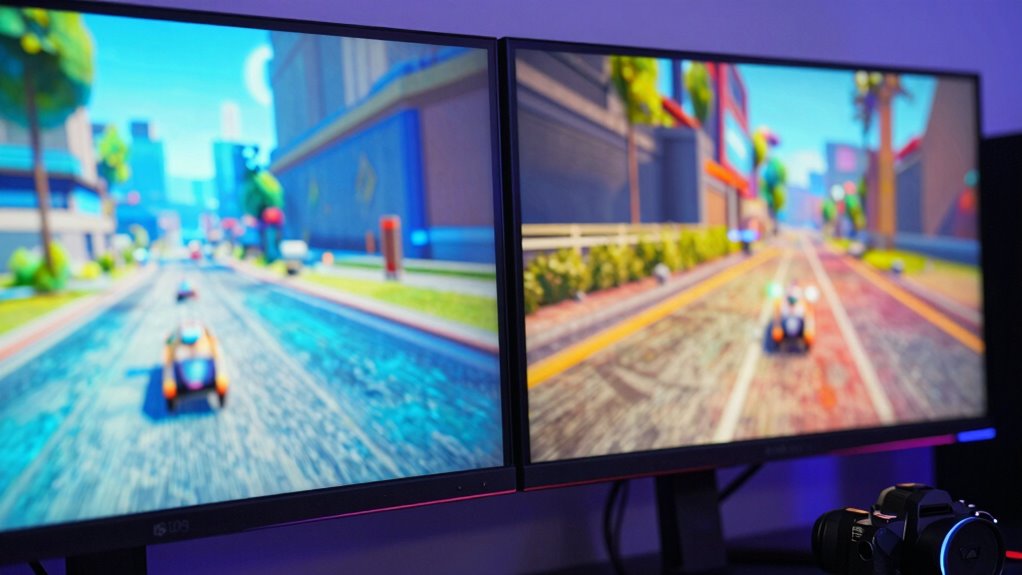
When it comes to gaming monitors, the feeling of speed can make a big difference in your experience, even if the specifications are similar. Two key factors that influence this perception are refresh rate and input lag. The refresh rate, measured in hertz (Hz), determines how many times the monitor updates with new images each second. A higher refresh rate, like 144Hz or 240Hz, results in smoother motion, making fast-paced gameplay feel more responsive. This smoothness helps your brain register movement more fluidly, giving you a sense that the game is running faster and more seamlessly.
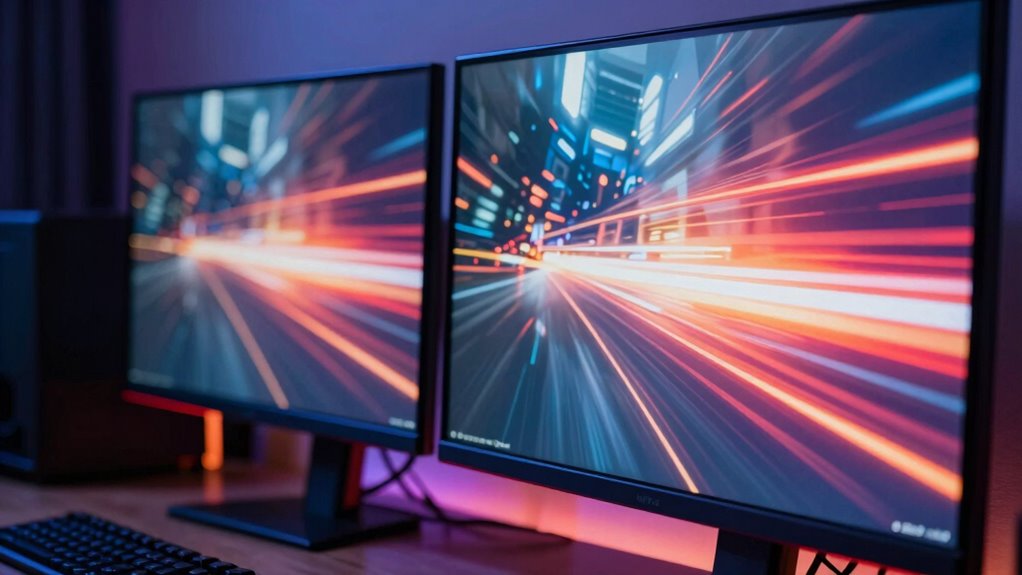
Higher refresh rates create smoother motion, making fast-paced gameplay feel more responsive and immersive.
Input lag, on the other hand, refers to the delay between your actions—pressing a button or moving the mouse—and when those actions appear on-screen. Even if two monitors have the same refresh rate, the one with lower input lag will feel more immediate and reactive. When input lag is minimized, your commands register instantly, creating a more visceral, responsive experience. This responsiveness often translates into the perception of increased speed because your reactions are more aligned with real-time game events.
You might notice that some monitors seem faster not just because of their specs but because of how they handle these elements. For example, a monitor with a high refresh rate but slightly higher input lag might not feel as quick as one with a slightly lower refresh rate but very low input lag. The overall sensation of speed depends heavily on how quickly the monitor can update and respond to your inputs. Monitors with features like variable refresh rate technology—such as AMD FreeSync or NVIDIA G-SYNC—further enhance this feeling by reducing tearing and stuttering, which can disrupt the sense of fluid motion. Additionally, response time plays a crucial role in how quickly a monitor can change pixels, influencing the perception of speed and clarity during rapid movements.
Even if two monitors share the same refresh rate, subtle differences in how they process frames, their internal response times, and technologies that reduce input lag can make one feel noticeably faster. It’s also important to consider how display processing can affect the overall latency and perception of speed, as some monitors perform additional image enhancements that might introduce delay. Proper calibration of these visual settings can further improve the gaming experience by optimizing clarity and responsiveness. A comprehensive understanding of monitor technology can help gamers select displays that deliver both speed and visual quality, enhancing overall gameplay. It’s not just about raw numbers; it’s about how those numbers translate into the gaming experience. Additionally, color accuracy in monitors can influence the perceived sharpness and clarity of images, further contributing to immersion. When you pick a monitor, consider not only the specs but also how the combination of refresh rate, response time, and input lag aligns with your gaming style. A monitor that minimizes input lag and maximizes refresh rate will give you that quick, snappy feel that makes fast-paced games more immersive and competitive.
gaming monitor with low input lag
As an affiliate, we earn on qualifying purchases.
As an affiliate, we earn on qualifying purchases.
Frequently Asked Questions
How Does Monitor Size Affect Perceived Speed?
Monitor size affects perceived speed mainly through the refresh rate and input lag. A smaller screen often feels faster because you see motion updates more frequently, making shifts smoother. With higher refresh rates, your eyes perceive less motion blur, and lower input lag means quicker response times. So, a smaller monitor with a high refresh rate and minimal input lag enhances your gaming experience, making movements feel more immediate and responsive.
Does Screen Curvature Influence Gaming Responsiveness?
Screen curvature can influence your gaming responsiveness by reducing visual distortion and providing an immersive experience. A curved monitor aligns better with your natural field of view, making it easier to track fast-moving objects and react quickly. This enhanced immersion minimizes eye strain and distractions, helping you stay focused and responsive. So, a curved screen can make your gaming feel smoother and more responsive, giving you a slight edge in fast-paced games.
Can Color Accuracy Impact Perceived Motion Clarity?
Color accuracy can impact your perceived motion clarity because precise color calibration enhances overall visual perception. When your monitor displays accurate colors, it reduces visual noise and distractions, making fast-moving objects appear clearer and smoother. If colors are off, your brain struggles to interpret motion, causing it to feel less sharp. So, a well-calibrated display improves not just color fidelity but also how smoothly and clearly you perceive fast-paced gameplay.
What Role Does Monitor Weight Play in Response Time?
Monitor weight can influence your perception of response time, especially if it reflects better build quality and ergonomic design. Heavier monitors often have sturdier frames, reducing vibrations and ensuring stable positioning during fast-paced gaming. This stability can make motion appear smoother and more responsive. While weight isn’t a direct measure of response time, a well-built, ergonomic monitor enhances overall experience, making fast reactions feel more immediate and natural.
Do Different Brands Implement Varying Display Technologies?
You’d be amazed how much brands can differ in display technologies, even if specs look similar. Display manufacturing processes and brand reputation influence factors like response time, color accuracy, and motion clarity. Some brands invest heavily in cutting-edge tech, making their monitors feel faster and smoother. So, your choice of brand isn’t just about reputation — it’s about how their unique display technologies can give you a competitive edge and a truly immersive gaming experience.
As an affiliate, we earn on qualifying purchases.
Conclusion
Interestingly, despite similar specs, some gaming monitors feel faster because of factors like higher refresh rates and lower input lag. For example, a monitor with a 144Hz refresh rate can provide a smoother experience than one with 120Hz, even if both have identical specs on paper. So, when choosing a monitor, pay attention to these subtle differences. They can make your gaming feel more responsive and immersive, giving you that competitive edge you’re after.
G-SYNC compatible gaming monitor
As an affiliate, we earn on qualifying purchases.
As an affiliate, we earn on qualifying purchases.
high refresh rate gaming monitor
As an affiliate, we earn on qualifying purchases.
As an affiliate, we earn on qualifying purchases.
Halloween Picks
halloween
As an affiliate, we earn on qualifying purchases.