
A game feels smooth beyond FPS when visuals are clear and well-optimized, helping you quickly interpret your surroundings. Good contrast, lighting, and minimal noise keep your focus sharp during fast-paced moments. Tactile feedback, like vibrations and pressure, adds a sense of physicality that makes actions feel more natural and responsive. These elements work together to create a more immersive and instinctive experience. Keep exploring to discover how these details elevate your gameplay even further.

Get the latest gadgets delivered free — and shop member deals
- Fast, free delivery on millions of items
- Access to Prime Big Deal Days deals on October 6–7
- Prime Video, Amazon Music and more included
Key Takeaways
- Effective haptic feedback enhances immersion by providing tactile cues aligned with visual actions.
- Visual clarity through contrast, lighting, and noise reduction enables quick threat recognition.
- Seamless synchronization between visual and physical sensations boosts responsiveness and natural gameplay feel.
- Optimized visual design guides player focus, reducing distraction during intense moments.
- Combining high-quality visuals with tactile feedback creates a more fluid, engaging gaming experience.
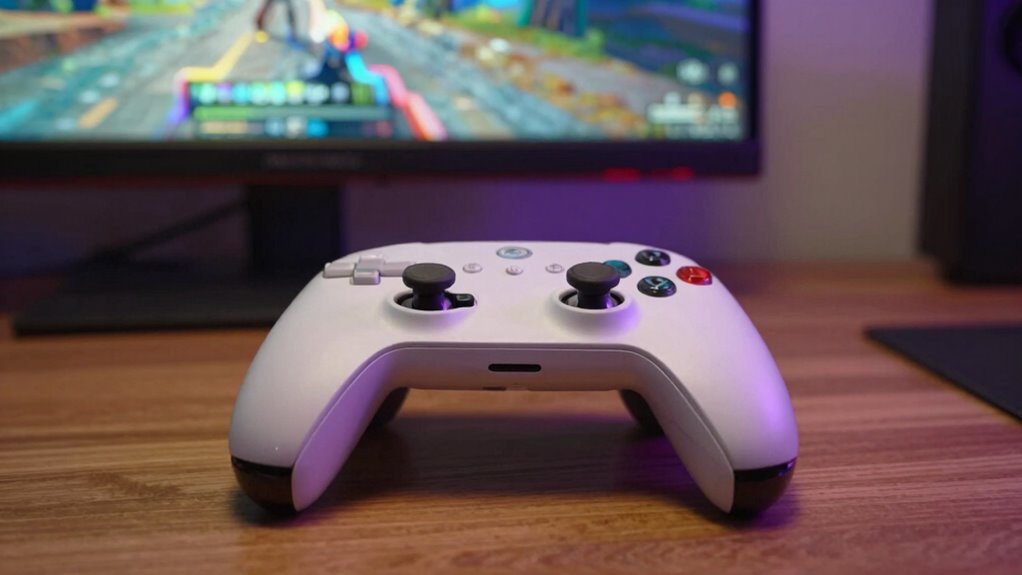
Ever wonder what truly makes a game feel smooth beyond just high frames per second? It’s not just about the numbers; it’s about how the game communicates with you and how clearly you see what’s happening on the screen. Two key elements that elevate your gaming experience are haptic feedback and visual clarity. These features work behind the scenes to create a more immersive, responsive, and seamless gameplay experience, making everything feel more natural and engaging.
Haptic feedback is like a second sense that your controller or device uses to relay physical sensations. When you fire a weapon, hit an obstacle, or land a jump, subtle vibrations or pressures provide immediate, tactile cues. This sensory input makes actions feel more realistic and satisfying, bridging the gap between visual cues and physical sensations. Instead of just watching a gunfire animation or hearing a gunshot, you feel the impact through your controller. This added layer of feedback enhances immersion and helps you react more instinctively, making gameplay feel smoother and more connected to your actions.
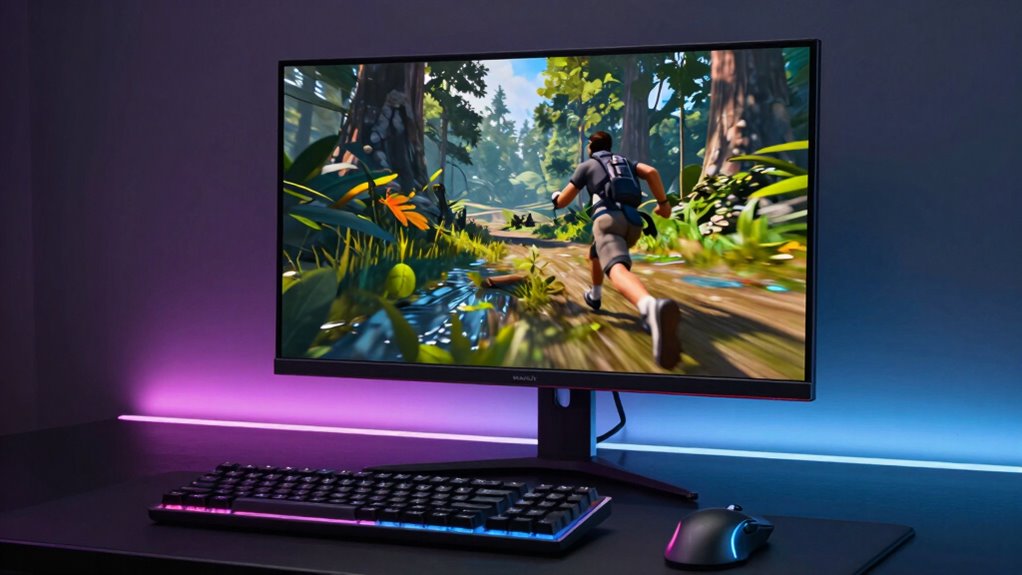
Visual clarity plays an equally essential role. Even with a high FPS, if the visuals are muddy, blurry, or cluttered, your game won’t feel smooth. Clear, sharp graphics allow you to quickly interpret your surroundings, identify threats, and react swiftly. Good visual clarity reduces eye strain and prevents confusion, which is indispensable during fast-paced moments. When details stand out sharply against the background, your brain processes information faster, giving you a competitive edge and making the game feel more fluid. This clarity isn’t just about resolution; it also involves proper contrast, lighting, and minimal visual noise, all working together to maintain a crisp, coherent picture. Additionally, high-quality visual elements can improve reaction time, making your responses quicker and more precise. Improving visual clarity also involves optimizing the visual hierarchy, so important elements naturally catch your eye first, streamlining your decision-making process. Furthermore, ensuring that visuals are well-designed can reduce distraction, helping you stay focused on gameplay rather than struggling to decipher the scene. A well-optimized visual setup reduces visual noise, allowing you to concentrate better and react more effectively during intense moments.
haptic feedback gaming controller
As an affiliate, we earn on qualifying purchases.
As an affiliate, we earn on qualifying purchases.
Frequently Asked Questions
How Does Game Latency Impact Perceived Smoothness?
Game latency directly impacts your perceived smoothness because high latency causes delays between your actions and the game’s response, making gameplay feel sluggish. Your latency perception influences how seamless the experience feels, especially during fast-paced moments. When latency is low, your reflexes stay sharp, and actions appear instant. Conversely, high latency hampers your reflexes and creates a disconnect, making the game feel less smooth and more frustrating.
What Role Does Input Lag Play in Game Feel?
Did you know that even a 20ms input delay can noticeably affect your control? Input lag directly impacts your game feel by reducing control responsiveness, making actions feel sluggish or unresponsive. When input delay increases, your reactions become delayed, diminishing precision and immersion. To keep gameplay smooth, minimizing input lag is vital—this guarantees your controls feel immediate and natural, enhancing overall game experience and keeping you fully engaged.
Can Graphics Quality Affect Game Smoothness?
Graphics quality definitely affects game smoothness. High visual fidelity and graphical enhancements can make gameplay feel more immersive, but they can also strain your hardware, causing frame drops or stuttering. If your system can’t handle the settings, the game might feel choppy, even if your FPS is high. To maintain smoothness, find a balance between visual quality and performance, adjusting graphical settings to suit your hardware capabilities.
How Important Is Game Optimization for Smooth Gameplay?
Game optimization plays a pivotal role in delivering smooth gameplay, acting like a gentle stream guiding your experience seamlessly. When the game engine efficiency is high, you notice fewer hiccups and lag, making every movement fluid. Likewise, a responsive user interface ensures you stay in control effortlessly. You’ll find that well-optimized games feel more natural and immersive, keeping frustration at bay and your focus squarely on enjoying the adventure.
Does Audio Synchronization Influence Perceived Game Fluidity?
Yes, audio synchronization profoundly influences perceived game fluidity. When sound design and audio cues are perfectly synced with visual actions, you experience a more immersive and responsive gameplay. Misaligned sounds can break immersion and make movements feel choppy, even if the visuals are smooth. Proper audio timing helps your brain process actions more naturally, making the game feel more fluid and seamless, ultimately enhancing your overall gaming experience.
As an affiliate, we earn on qualifying purchases.
Conclusion
So, next time you notice a game flowing seamlessly, remember it’s not just about FPS. It’s like a well-orchestrated dance where every move, from responsive controls to subtle animations, syncs perfectly. Think of it as a whisper of wind guiding your ship smoothly through calm waters—it’s the harmony behind the scenes that makes gameplay feel truly effortless. When all these elements align, you don’t just play; you experience a game that feels as natural as breathing.
gaming controller with vibration
As an affiliate, we earn on qualifying purchases.
As an affiliate, we earn on qualifying purchases.
visual clarity gaming accessories
As an affiliate, we earn on qualifying purchases.
As an affiliate, we earn on qualifying purchases.
Halloween Picks
halloween
As an affiliate, we earn on qualifying purchases.