Higher frame rates like 120 FPS make gameplay much smoother, faster, and more responsive than 60 FPS. You’ll notice quicker reactions, clearer fast-moving objects, and less motion blur, especially in competitive games. This boost can give you an edge and improve your overall experience, but it requires better hardware and a compatible display. Curious about how it all works and whether it’s worth upgrading? Keep exploring for all the details.
Get ready for Prime Big Deal Days — try Prime free
Exclusive member deals on October 6–7, plus fast free delivery. Cancel anytime.
As an affiliate, we earn on qualifying purchases.
Key Takeaways
- 120 FPS provides smoother motion and better responsiveness, enhancing gameplay experience and reaction times compared to 60 FPS.
- Higher frame rates reduce motion blur and stuttering, making fast-moving visuals clearer and more detailed.
- Achieving 120 FPS requires powerful hardware and compatible displays, which can involve additional costs.
- In competitive gaming, 120 FPS offers a perceptible edge through quicker input response and improved visual tracking.
- The benefits of higher frame rates become more noticeable in fast-paced, action-oriented games and can improve overall immersion.
As an affiliate, we earn on qualifying purchases.
Understanding Frame Rates: What Do 60 FPS and 120 FPS Signify?

Understanding frame rates is essential to grasp how smooth your visuals appear during gameplay or video playback. Frame rate perception refers to how your eyes interpret the number of frames displayed each second, influencing the fluidity you experience. A higher frame rate, like 120 FPS, typically results in smoother motion compared to 60 FPS. This increased smoothness can enhance gaming immersion, making fast-paced actions feel more responsive and realistic. While the difference between 60 and 120 FPS might seem subtle at first, it profoundly impacts how natural your visuals look. Your brain processes these frames continuously, so the higher the frame rate, the less motion blur and stuttering you’ll notice. Additionally, High frame rates can reduce input lag, which is crucial for competitive gaming where timing is essential. High frame rates are especially beneficial for competitive gaming, where every millisecond counts. Moreover, advancements in display technology are enabling gamers to better perceive these higher frame rates, further improving the overall experience. For example, adaptive sync technology helps synchronize frame rates with display refresh rates, providing even smoother visuals. Ultimately, understanding these differences helps you appreciate how frame rate choices shape your gaming and viewing experiences.
high refresh rate gaming monitor 144Hz
As an affiliate, we earn on qualifying purchases.
As an affiliate, we earn on qualifying purchases.
The Impact of Frame Rate on Gaming Smoothness and Responsiveness
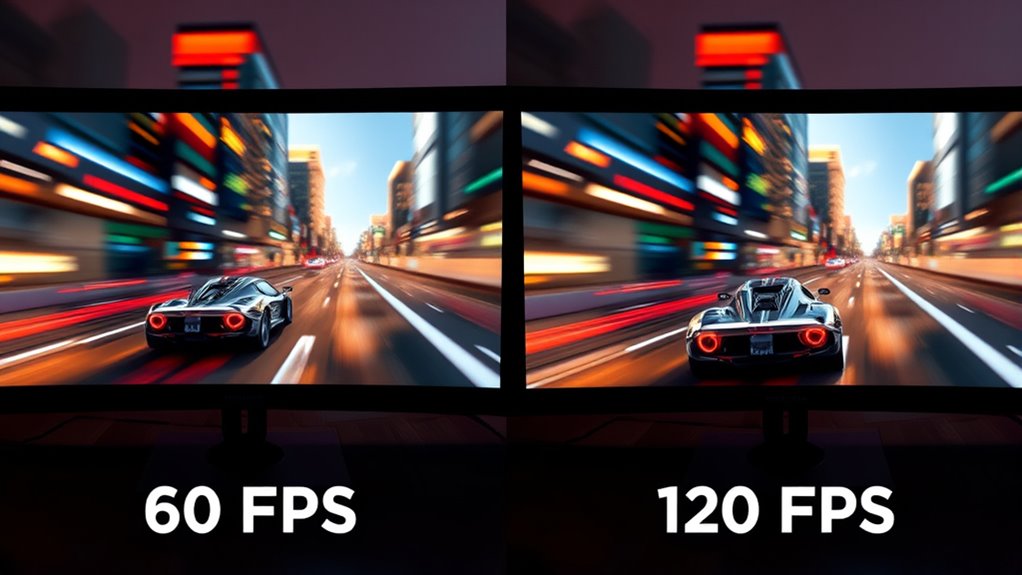
Higher frame rates directly enhance gaming smoothness and responsiveness, making your gameplay feel more fluid and immediate. A higher refresh rate allows your monitor to display frames more frequently, reducing lag and visual stutter. This creates a more seamless experience, especially during fast-paced actions. Frame interpolation can sometimes be used to artificially increase perceived smoothness, but it may introduce artifacts and lag, detracting from responsiveness. When you play at 120 FPS versus 60 FPS, you’ll notice quicker reactions and less motion blur, giving you an advantage in competitive scenarios. The higher refresh rate ensures that your input commands translate more swiftly to on-screen actions, improving overall control. In short, a higher frame rate profoundly improves how smooth and responsive your game feels.
As an affiliate, we earn on qualifying purchases.
Visual Clarity and Detail: Does Higher Frame Rate Enhance Graphics?
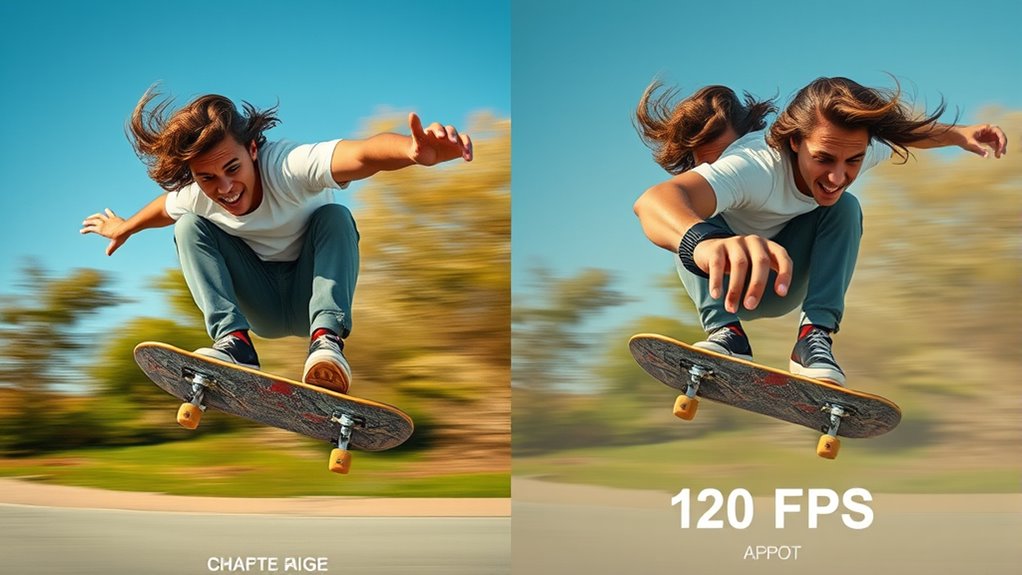
While increasing the frame rate doesn’t directly boost the inherent graphical quality of a game, it can improve the perceived clarity and detail of motion. Higher frame rates enhance visual fidelity by making fast-moving elements appear smoother and more defined. This results in sharper, clearer images during rapid movements, which can make details stand out more vividly. Additionally, refresh rates play a crucial role in how smoothly motion is displayed on your screen, further influencing perceived image quality. Higher frame rates can also reduce motion blur, making quick movements clearer and more precise, especially during fast-paced gameplay or action scenes. You’ll notice that:
Higher frame rates boost perceived clarity and detail, making fast movements smoother and images sharper without changing overall graphics quality.
- Faster frame rates reduce motion blur, improving clarity.
- Quick camera shifts feel more precise and less smeared.
- Graphical enhancements seem more vivid with smoother progressions.
- Fine textures and small objects become easier to distinguish during action.
Furthermore, frame rate consistency is vital for maintaining immersion, as fluctuating frame rates can disrupt the visual experience. When combined with high refresh rate displays, higher frame rates deliver a noticeably more fluid and immersive visual experience. The importance of low latency also contributes to a more responsive and seamless gaming experience, making high frame rates even more beneficial. Although higher frame rates don’t upgrade textures or resolution, they notably improve the perception of detail and clarity, making gameplay look sharper and more immersive.
gaming graphics card for 120 FPS
As an affiliate, we earn on qualifying purchases.
As an affiliate, we earn on qualifying purchases.
Hardware Requirements and Limitations for High Frame Rate Gaming

Running games at 120 FPS requires powerful GPU performance, which can strain your hardware setup. You might also face display compatibility issues, as not all screens support ultra-high refresh rates. Understanding these requirements helps you determine if your system can handle the jump to higher frame rates.
GPU Performance Demands
Achieving smooth gameplay at 120 FPS demands considerably more from your GPU than at 60 FPS, often pushing hardware beyond its typical limits. To handle this, your GPU needs strong hardware compatibility with the game’s demands and well-optimized software. Higher GPU clock speeds are essential for increased frame rates. More VRAM helps manage larger textures and data loads. Efficient cooling prevents thermal throttling during intensive rendering. Optimized software ensures the GPU works effectively without bottlenecks. Additionally, understanding the impact of GPU Tuning can help maximize performance and stability during high frame rate gaming. Without solid hardware performance and good software optimization, reaching stable 120 FPS can cause stuttering or drops. Your GPU’s ability to sustain high frame rates depends on these factors, making GPU performance demands markedly higher for 120 FPS gaming.
Display Compatibility Challenges
High frame rates like 120 FPS place significant demands on your display hardware, and not all monitors are equipped to handle these speeds effectively. To fully experience high frame rates, your monitor’s refresh rate must match or exceed the frame rate, or you’ll encounter issues like screen tearing or stuttering. Additionally, display resolution impacts performance; higher resolutions require more processing power and can limit your ability to maintain smooth gameplay at 120 FPS. Check the specifications below to guarantee compatibility:
| Feature | Requirements | Limitation |
|---|---|---|
| Refresh Rate | 120 Hz or higher | Not all monitors support high Hz |
| Display Resolution | 1080p, 1440p, 4K | Higher resolution demands more GPU power |
| Connectivity | HDMI 2.0+, DisplayPort 1.4+ | Older ports may bottleneck data transfer |
| Response Time | 1-5 ms for smooth visuals | Slower response times cause ghosting |
| Adaptive Sync | G-Sync or FreeSync support | Essential for tear-free gaming |
Furthermore, display technology, such as OLED or IPS panels, can influence visual quality and responsiveness, which are important considerations for visual performance and overall gaming experience. Additionally, the hardware capabilities of your system, including GPU and CPU, directly affect your ability to maintain high frame rates without lag or frame drops.
Competitive Gaming and the Advantage of Higher Frame Rates

In competitive gaming, every millisecond counts, and higher frame rates can give you a real advantage. Faster reaction times and smoother gameplay help you respond more quickly and accurately. This can be the difference between winning and losing, making higher frame rates a critical factor in competitive play.
Faster Reaction Times
When you’re competing in fast-paced games, every millisecond counts. Higher frame rates improve your reaction times by reducing motion blur and guaranteeing consistent frame pacing, so you see actions more clearly and respond faster. With 120 FPS, your visuals are sharper, making enemy movements more distinguishable. You’ll notice:
- Faster detection of quick movements
- Reduced input lag
- Smoother visual shifts
- Better timing for shots and dodges
This quickens your reflexes and decision-making. Frame pacing guarantees frames arrive at regular intervals, minimizing stutter and making reactions more precise. Motion blur is less noticeable at higher frame rates, helping you track targets without distraction. Additionally, consistent frame pacing ensures you experience fewer disruptions, further enhancing your ability to stay alert and responsive during intense gameplay. Incorporating high frame rate benefits can significantly improve your overall gaming performance and enjoyment, especially when combined with monitor refresh rates for optimal smoothness. A deeper understanding of visual perception can also help players optimize their settings for the best competitive edge.
Smoother Gameplay Dynamics
Faster reaction times set the stage for more fluid and consistent gameplay, giving you an edge in competitive scenarios. Higher frame rates, like 120 FPS, notably enhance smoother gameplay dynamics by reducing motion blur and choppy visuals. Techniques like motion smoothing and frame interpolation can further improve perceived fluidity, making fast movements appear more natural. While motion smoothing is often used in TVs, it can sometimes introduce artifacts that distort gameplay, so gamers prefer native high frame rates. Frame interpolation creates intermediate frames to fill gaps, but it can also cause unnatural motion. Overall, higher frame rates deliver more precise and seamless visuals, allowing you to track fast-moving objects and react more accurately. This increased smoothness directly contributes to your overall gaming performance and experience. Understanding how visual perception works helps explain why higher frame rates can make a significant difference in fast-paced gaming.
Competitive Edge Significance
Higher frame rates give you a clear competitive advantage by providing smoother visuals and quicker reaction times. With 120 FPS, you experience less motion blur, making fast movements sharper and easier to track. Improved color accuracy enhances your ability to distinguish enemy details and environmental cues. This precision allows for more confident decisions during intense moments. Additionally, higher frame rates reduce input lag, giving you a faster response to in-game events. You also benefit from more consistent frame delivery, preventing stutter that could delay your reaction. Overall, the combination of reduced motion blur, better color fidelity, and smoother gameplay elevates your edge in competitive scenarios. These factors can be the difference between winning and losing, especially in fast-paced, high-stakes games. Moreover, understanding cruise FAQs can help you optimize your gaming setup and ensure a smooth experience. Incorporating predictive analytics techniques into your training can further refine your reflexes and gameplay strategies. Furthermore, higher frame rates support visual clarity, which is crucial for making split-second decisions in competitive play.
Real-World Experiences: How Noticeable Is the Difference?

Although the difference between 60 FPS and 120 FPS may seem subtle on paper, many gamers notice a significant improvement in smoothness and responsiveness during gameplay. This heightened fluidity can make fast-paced action feel more natural, reducing motion blur and lag. However, some players report increased visual fatigue after extended sessions, especially at higher frame rates. For those sensitive to rapid movements, 120 FPS might also trigger minor motion sickness or dizziness. The noticeable improvement can vary based on the game genre and individual perception. If you’re used to 60 FPS, upgrading to 120 FPS often feels more responsive and immersive, but it’s essential to contemplate how your eyes and comfort levels respond to the increased motion clarity.
Cost and Accessibility: Is Upgrading Worth It?
Upgrading from 60 FPS to 120 FPS often requires a notable investment, making cost and accessibility key considerations. Conducting a thorough cost analysis helps you decide if the performance gains justify the expense. Higher frame rates demand more powerful hardware, which can pose accessibility barriers for some gamers. You might face costs for a new monitor, graphics card, or gaming console, adding up quickly. Consider these factors:
- Initial hardware upgrades
- Ongoing electricity costs
- Compatibility with current setup
- Availability of affordable options
If upgrading strains your budget or hardware isn’t compatible, it might not be worth it right now. Weighing the benefits against these barriers ensures you make a practical choice aligned with your resources and gaming needs.
Future Trends: Will Higher Frame Rates Become the Standard?
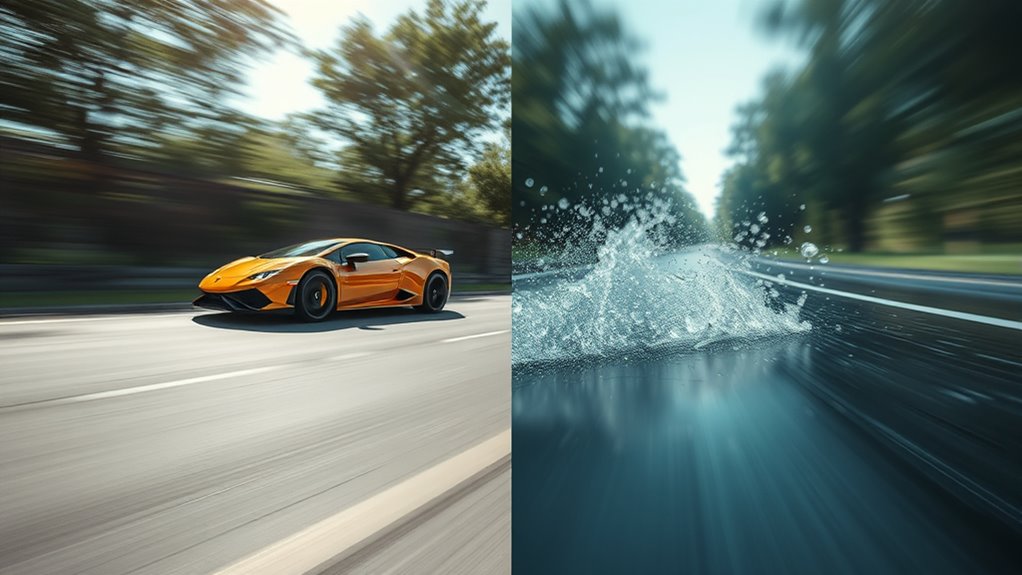
As gaming technology continues to evolve, industry experts predict that higher frame rates will become increasingly common in the near future. Advances in hardware and software are driving this shift, making 120 FPS and beyond more accessible. Frame interpolation technologies will likely play a significant role, smoothing out motion and reducing latency, even at higher frame rates. This will enhance cinematic effects, creating more immersive experiences that blur the line between gaming and filmmaking. As developers optimize for these capabilities, higher frame rates could become the standard, offering improved responsiveness and visual clarity. You’ll see more games designed with these capabilities in mind, pushing the industry toward a future where high frame rates are the norm, not the exception.
Making the Choice: Deciding Between 60 FPS and 120 FPS
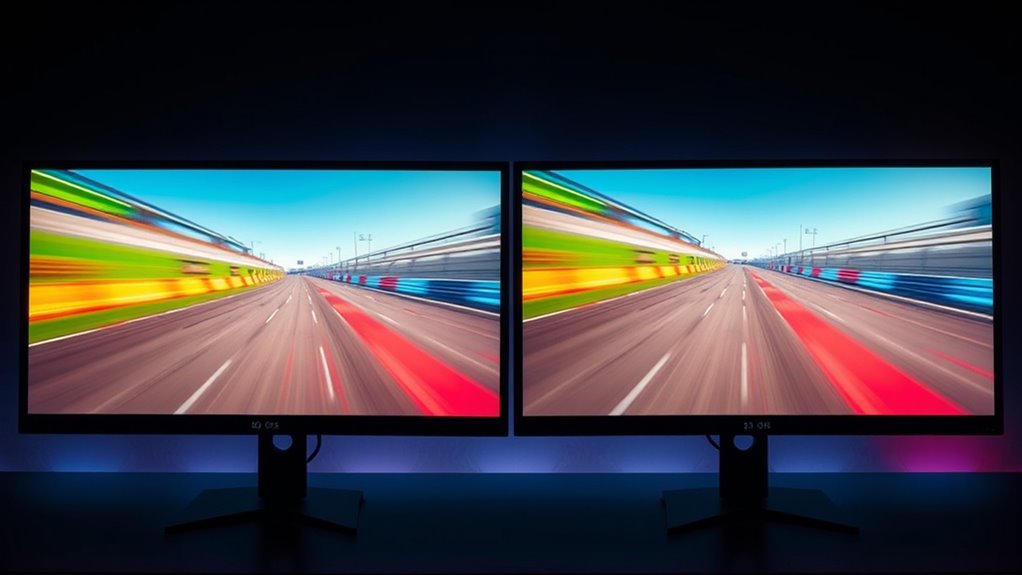
Choosing between 60 FPS and 120 FPS depends on your priorities, gameplay style, and hardware capabilities. If smoothness and responsiveness are critical, 120 FPS offers a noticeable edge, especially in fast-paced games. However, higher frame rates demand better hardware and can impact graphics optimization, possibly requiring adjustments to maintain performance. Consider whether your system supports frame interpolation features, which can artificially enhance frame rates but may introduce visual artifacts.
- Prioritize hardware that can handle high frame rates smoothly
- Use graphics optimization to balance visual fidelity and performance
- Decide if frame interpolation benefits your gameplay experience
- Recognize that higher FPS may increase input responsiveness but strain hardware
Ultimately, your choice hinges on your gaming needs and system limits.
Frequently Asked Questions
How Does Frame Rate Affect Virtual Reality Experiences?
Higher frame rates in virtual reality enhance your experience by making motion smoother and more realistic. This reduces motion sickness because your brain perceives motion more naturally, decreasing disorientation. Additionally, a higher frame rate boosts the immersive quality, making you feel more present in the virtual environment. You’ll notice less lag and more fluid visuals, which helps prevent discomfort and fatigue, allowing you to enjoy longer, more engaging VR sessions.
Can Higher Frame Rates Improve Esports Performance?
Higher frame rates can substantially boost your esports performance by reducing input lag and improving frame synchronization. Imagine a race car driver reacting instantly to a sudden turn—that’s what higher FPS offers. With 120 FPS, your actions appear smoother and more precise, giving you a competitive edge. This quick feedback loop helps you respond faster and more accurately, vital in high-stakes gaming where split-second decisions make all the difference.
What Are the Energy Consumption Differences Between 60 FPS and 120 FPS?
Running your device at 120 FPS consumes more power than at 60 FPS because higher frame rates demand increased power consumption from your hardware. This affects overall hardware efficiency, leading to quicker battery drain and more heat generation. If you’re mindful of energy savings, sticking to 60 FPS helps reduce power consumption, making your system more efficient, especially during extended gaming or streaming sessions.
Are There Specific Genres That Benefit More From Higher Frame Rates?
If you play fast-paced genres like first-person shooters or racing games, you’ll notice higher frame rates markedly enhance your experience. Studies show that these genres benefit most from higher frame rates, providing smoother gameplay and better responsiveness. This boost in cinematic immersion helps you react faster and feels more realistic. So, if you’re into action-packed games, upgrading to higher frame rates is definitely worth it for a more engaging and fluid experience.
How Do Console Capabilities Limit High Frame Rate Gaming Options?
Console hardware directly limits high frame rate gaming options due to frame rate limits inherent in their design. Most consoles have fixed hardware capabilities that cap the maximum frame rate, often at 60 FPS, preventing you from experiencing higher rates like 120 FPS. Upgrading to newer consoles or PC hardware can overcome these limitations, allowing you to enjoy smoother gameplay and take full advantage of high frame rate benefits.
Conclusion
Choosing between 60 FPS and 120 FPS is like tuning a musical instrument — the right setting can transform your gaming experience from a dull hum to a vibrant symphony. If you crave buttery-smooth gameplay and a competitive edge, upgrading to higher frame rates might be your next step. But consider your hardware and budget first. Ultimately, it’s about finding the perfect harmony that keeps you immersed and inspired in every match.
Fall Picks
fall essentials
As an affiliate, we earn on qualifying purchases.