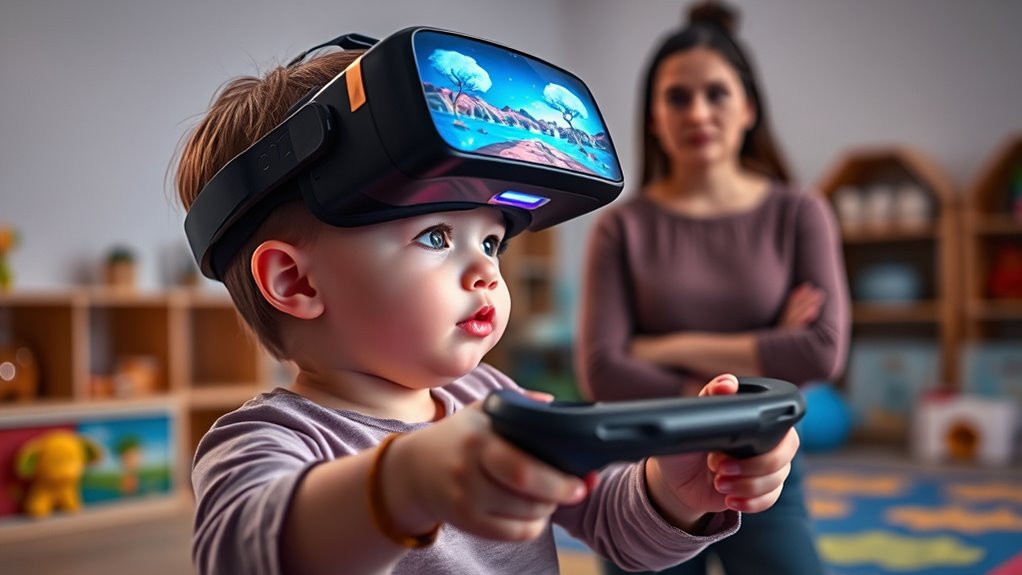

VR gaming can be safe for kids if you take proper precautions. Make sure play areas are clear of hazards, supervise sessions, and set boundaries to prevent collisions. Keep sessions short, ensure headsets fit comfortably, and encourage breaks to reduce motion sickness and discomfort. Monitoring how your child reacts and creating a safe environment can help prevent injuries. Staying informed about safety tips will help you make certain your child’s VR experience is enjoyable and secure.

Get the latest gadgets delivered free — and shop member deals
- Fast, free delivery on millions of items
- Access to Prime Big Deal Days deals on October 6–7
- Prime Video, Amazon Music and more included
Key Takeaways
- VR gaming can be safe for kids if sessions are limited and proper supervision is maintained.
- Ensuring a clear play area and using boundary systems reduces physical injury risks during VR use.
- Properly fitting headsets and regular breaks help prevent discomfort, dizziness, and headaches in children.
- Young children are more susceptible to motion sickness; hydration and gradual session increases are recommended.
- Educating kids on safe boundaries and monitoring their reactions ensures a fun, injury-free VR experience.
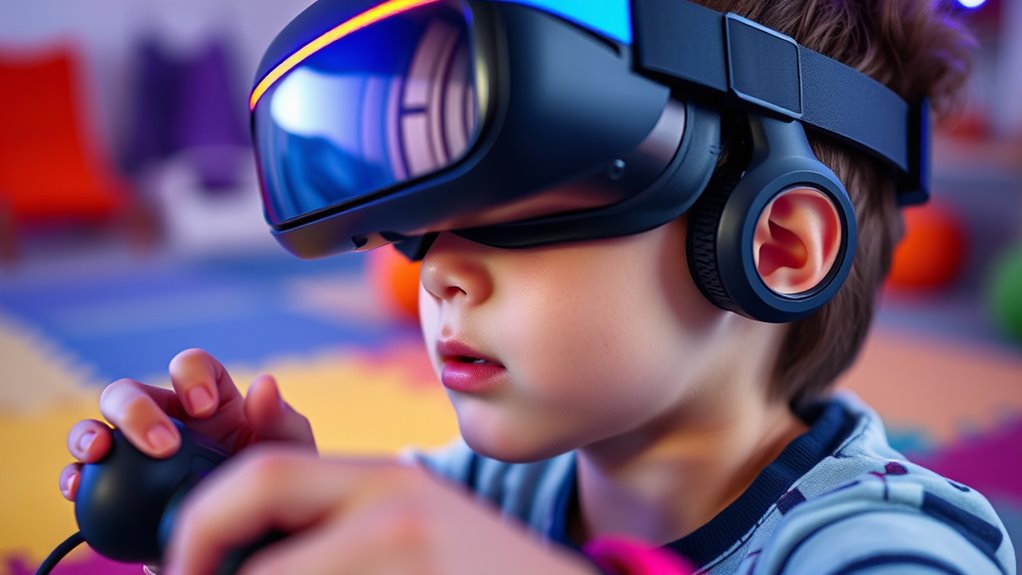
Virtual reality (VR) gaming offers exciting and immersive experiences, but it’s essential to prioritize safety, especially for kids. As a parent, you need to understand the potential risks involved, including motion sickness and physical safety concerns. VR technology can make gameplay feel incredibly real, but that intensity can sometimes lead to discomfort or even accidents if you’re not careful. Kids are more susceptible to motion sickness because their brains and bodies are still developing, and the sensory input from VR headsets can overwhelm their systems. If your child feels dizzy, nauseous, or disoriented, it’s necessary to pull them out of the experience immediately. Encourage breaks and monitor their reactions closely. Limiting session lengths and making certain your child is well-hydrated can help reduce motion sickness. It’s also a good idea to start with shorter sessions and gradually increase as they get used to the VR environment. Using sizing and load‑planning tools can help ensure their VR setup is optimized for safety and comfort.
Physical safety is another essential aspect to think about. When kids are immersed in a virtual world, their awareness of their surroundings diminishes, increasing the risk of bumps, falls, or collisions. To prevent accidents, make sure the play area is clear of furniture, sharp objects, or anything that could cause injury. You should also supervise their sessions and set boundaries on where they can move within the space. Using dedicated play mats or padded flooring can provide extra cushioning in case of falls. Additionally, many VR systems have boundary systems or guardian setups that alert users when they are approaching the edges of their safe zone; teach your kids to heed these warnings to avoid injuries.
Comfort and proper fit of the VR headset are significant for both safety and a positive experience. Ill-fitting headsets can cause discomfort or even headaches, which might make kids less willing to use the device safely. Make sure the headset is adjusted correctly to fit snugly but comfortably on your child’s head. Regular breaks not only help prevent motion sickness but also reduce physical strain on their neck and eyes. It’s also wise to establish rules about taking off the headset if they feel unwell or uncomfortable. By proactively managing these safety measures, you help guarantee that your child’s VR experience remains fun and injury-free.
As an affiliate, we earn on qualifying purchases.
Frequently Asked Questions
Can VR Headsets Cause Long-Term Eyesight Problems in Children?
VR headsets can potentially cause eye strain and impact vision development in children if used excessively. You should monitor your child’s VR usage and encourage regular breaks to reduce eye fatigue. Long-term eyesight problems are unlikely with moderate use, but it is crucial to prioritize eye health. Make sure your child’s eyes are checked regularly, and limit VR sessions to prevent any adverse effects on their vision development.
Are There Age Restrictions for Safe VR Gaming?
Age restrictions for safe VR gaming typically start at around 12 years old, according to many manufacturers and parental guidelines. Studies show children’s eyes develop rapidly, so limiting VR use helps prevent eye strain and other issues. As a parent, you should always follow age restrictions and monitor your child’s playtime, ensuring they take regular breaks. Keeping an eye on these guidelines helps your kids enjoy VR safely and responsibly.
How Can Parents Monitor VR Content for Appropriateness?
You can monitor VR content for appropriateness by utilizing VR content filtering tools and parental controls. Set up these controls through the VR headset’s settings or associated apps to restrict access to mature content. Regularly review your child’s VR activity and conversations, and keep communication open about what they experience. Staying involved helps make certain they enjoy safe, age-appropriate VR gaming environments.
What Are Signs of VR Motion Sickness in Kids?
You might notice your child experiencing virtual fatigue, such as eye strain or headaches, or balance issues like dizziness or stumbling. These are signs of VR motion sickness. If your kid complains of feeling nauseous, overly tired, or unsteady after VR sessions, it is crucial to take breaks and limit playtime. Always monitor their reactions closely to prevent discomfort and guarantee they enjoy VR safely.
Is There a Recommended Duration for Children’s VR Gaming Sessions?
You should limit children’s VR gaming sessions to about 15-20 minutes to manage screen time effectively. Shorter periods help reduce ergonomic concerns and prevent discomfort or fatigue. Make sure they take regular breaks, ideally every 15 minutes, to prevent eye strain and maintain good posture. By setting these boundaries, you help guarantee their VR experience remains safe, comfortable, and enjoyable without overexposing them to screens or ergonomic risks.
child-friendly VR boundary system
As an affiliate, we earn on qualifying purchases.
As an affiliate, we earn on qualifying purchases.
Conclusion
As a parent, it’s vital to stay informed about VR gaming safety. Did you know that over 60% of parents worry about potential health risks associated with VR for kids? By setting time limits, choosing age-appropriate games, and supervising play, you can help guarantee a safe and enjoyable experience. Stay proactive, educate your children, and regularly check in on their VR habits to keep gaming fun and safe for everyone.
As an affiliate, we earn on qualifying purchases.
ergonomic VR headset for children
As an affiliate, we earn on qualifying purchases.
As an affiliate, we earn on qualifying purchases.
Fall Picks
fall essentials
As an affiliate, we earn on qualifying purchases.