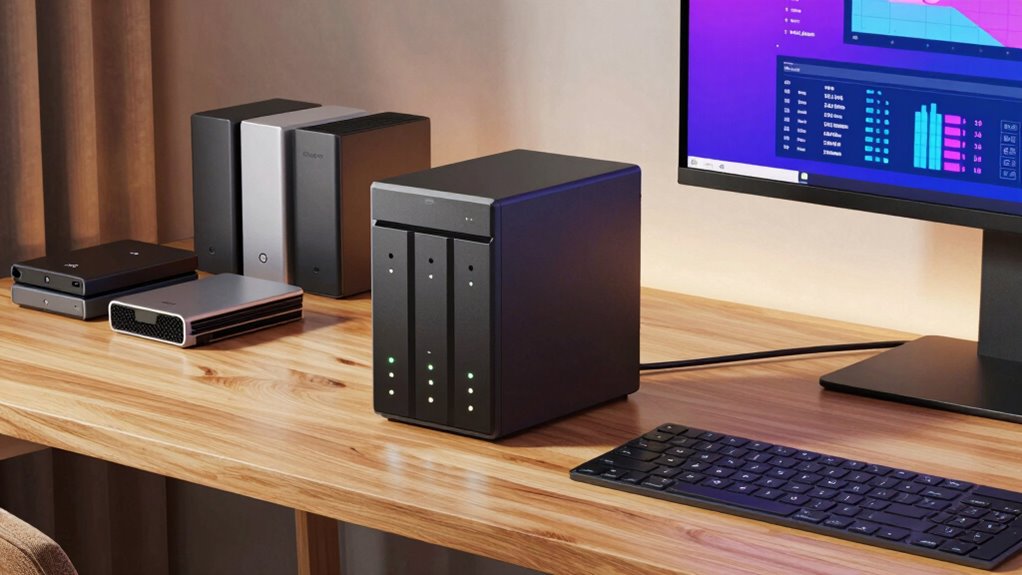

A good NAS for your home office or creative setup offers dependable, centralized storage that keeps your files secure and easily accessible from any device or location. Look for fast network options like 10GbE, support for large files, and RAID configurations for redundancy. User-friendly management, strong security features, and integrated cloud backup help protect your data and streamline workflows. Keep exploring to discover how these features can optimize your storage solution even further.

Get the latest gadgets delivered free — and shop member deals
- Fast, free delivery on millions of items
- Access to Prime Big Deal Days deals on October 6–7
- Prime Video, Amazon Music and more included
Key Takeaways
- Reliable, centralized storage with sufficient capacity for large files and high-resolution media.
- Seamless remote access with fast network support like Gigabit Ethernet or 10GbE.
- Built-in cloud backup options for data protection and disaster recovery.
- High performance with fast processors, ample RAM, and RAID support for redundancy.
- User-friendly interface with robust security features such as encryption and user permissions.
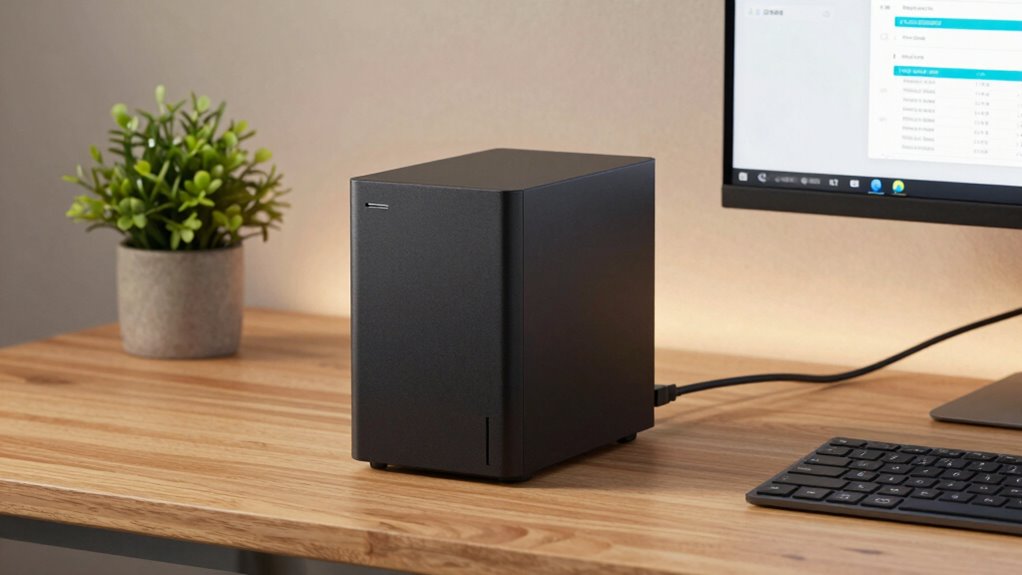
A good NAS (Network Attached Storage) can transform your home office or creator setup by providing dependable, centralized storage that’s accessible from anywhere. Whether you’re working on high-resolution videos, managing large design files, or simply backing up important documents, a quality NAS guarantees your data is secure and within reach. One key feature to look for is seamless remote access, which lets you connect to your files from any device or location without hassle. This flexibility means you’re not tied to your desk or specific network, making it easier to work on the go or collaborate with others.
A reliable NAS offers centralized storage with seamless remote access for your home office or creative projects.
Another critical aspect is cloud backup integration. A solid NAS supports automatic cloud backup options, giving you an extra layer of protection against hardware failures or accidental deletions. With cloud backup, your data gets safely stored off-site, which is essential for safeguarding your creative projects and sensitive documents. This feature not only prevents data loss but also simplifies disaster recovery, so you can restore files quickly without stressing over complicated procedures.
Speed is also crucial when choosing a NAS for a home office or creator setup. Look for models equipped with fast processors and ample RAM, as they handle multiple users and high-bandwidth tasks efficiently. Fast network connections, such as Gigabit Ethernet or even 10GbE, ensure quick data transfers and smooth streaming, especially when working with large media files. The number of drive bays matters too; more bays allow for increased storage capacity and RAID configurations, which provide redundancy and protect against drive failures. Additionally, understanding storage technology helps in selecting the right device that offers both performance and reliability.
Ease of use should never be overlooked. A user-friendly interface and simple setup process save you time and frustration. Many good NAS options come with intuitive apps or web portals that let you manage your storage, set up backups, and configure remote access features effortlessly. Additionally, consider security features like VPN support, encrypted data transfer, and user permissions to keep your data safe from unauthorized access.
Ultimately, a good NAS for your home office or creator setup combines reliable storage, robust remote access, seamless cloud backup, and easy management. It keeps your work organized, protected, and accessible—no matter where you are. When you choose a device that ticks these boxes, you empower yourself to work more efficiently, collaborate securely, and safeguard your creative output against unexpected data loss. Incorporating emerging trends in digital publishing, such as cloud integration and remote access capabilities, can further enhance your setup.
As an affiliate, we earn on qualifying purchases.
Frequently Asked Questions
How Much Storage Capacity Do I Really Need?
You’ll want enough storage to handle your current files and future growth, but don’t overpay for unused space. Aim for a capacity that supports data redundancy, so your files stay safe even if a drive fails. Also, consider cloud synchronization to expand your storage options and access files remotely. Start with a scalable NAS, so you can easily upgrade as your needs grow without replacing the entire system.
Can a NAS Integrate With Existing Home Networks?
Did you know over 80% of home networks now include multiple connected devices? A good NAS easily integrates with your existing home network, allowing seamless device compatibility. It connects via standard Ethernet or Wi-Fi, making setup straightforward. You won’t need to reconfigure your entire network. Instead, the NAS acts as a central hub, providing reliable access to your files across all devices, enhancing your home office or creator setup effortlessly.
What Security Features Are Essential for a Home NAS?
You should prioritize security features like remote access controls and user management on your NAS. These features let you securely access your files from anywhere while controlling who can view or modify data. Look for options like two-factor authentication, encrypted connections, and customizable user permissions. These safeguards help protect sensitive information, prevent unauthorized access, and guarantee your home office data stays private and secure.
Is a Higher Price Always Better for NAS Devices?
A higher price isn’t always better for NAS devices. You should compare prices and features to guarantee cost efficiency, rather than just paying more. Sometimes, budget-friendly options offer excellent security, performance, and storage, making them suitable for your home office or creator setup. Focus on your needs and do a price comparison to find a NAS that provides the best value without overspending.
How Easy Is It to Upgrade or Expand a NAS?
Did you know that over 60% of NAS users find upgrading or expanding their device straightforward? You’ll find many NAS models designed for easy upgrades, especially those with hot-swappable drives, making it simple to add storage without downtime. For your home office or creator setup, check for cloud compatibility and remote access features, which guarantee seamless data management and expandability, giving you flexibility as your storage needs grow.
RAID-enabled network attached storage
As an affiliate, we earn on qualifying purchases.
As an affiliate, we earn on qualifying purchases.
Conclusion
In the end, choosing the right NAS for your home office or creator setup isn’t rocket science, but it does require a keen eye for your needs. Think about storage, speed, and ease of use—like tuning a vintage car for a smooth ride. With the right device, you’ll navigate your digital world seamlessly, turning your humble setup into a modern marvel. After all, even in the age of the internet, a trusty NAS remains your best ally.
As an affiliate, we earn on qualifying purchases.
As an affiliate, we earn on qualifying purchases.
Fall Picks
fall essentials
As an affiliate, we earn on qualifying purchases.