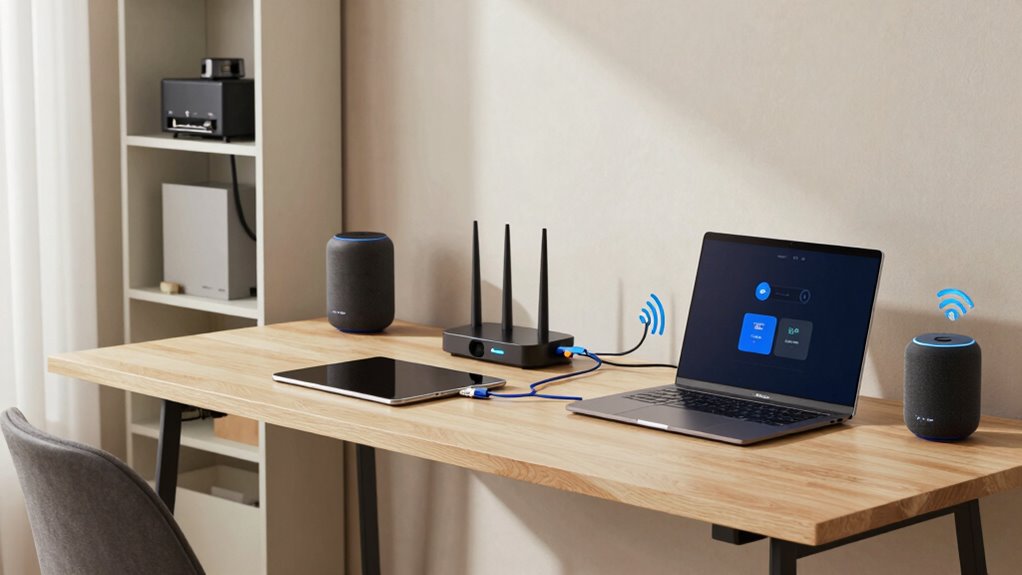

To build a home network that grows with your devices, start with a router supporting the latest Wi-Fi 6 standard for speed and scalability. Enable WPA3 security, change default passwords, and keep firmware updated. Use network segmentation with VLANs to separate IoT and main devices, and consider deploying a mesh Wi-Fi system for broader coverage and smooth handoffs. Planning for future growth now guarantees your network remains reliable as you add more devices—continue exploring for more tips.

Get the latest gadgets delivered free with Prime
- Fast, free delivery on millions of items
- Prime Video, Amazon Music and more included
- Member-only deals all year
Key Takeaways
- Choose a router supporting the latest Wi-Fi standards like Wi-Fi 6 for future-proof performance.
- Implement network segmentation to isolate devices and reduce congestion as your network expands.
- Use scalable mesh Wi-Fi systems to ensure broad coverage and seamless device handoffs.
- Regularly update firmware and security settings to accommodate new devices securely.
- Plan network topology and select equipment that can handle increased device demands over time.
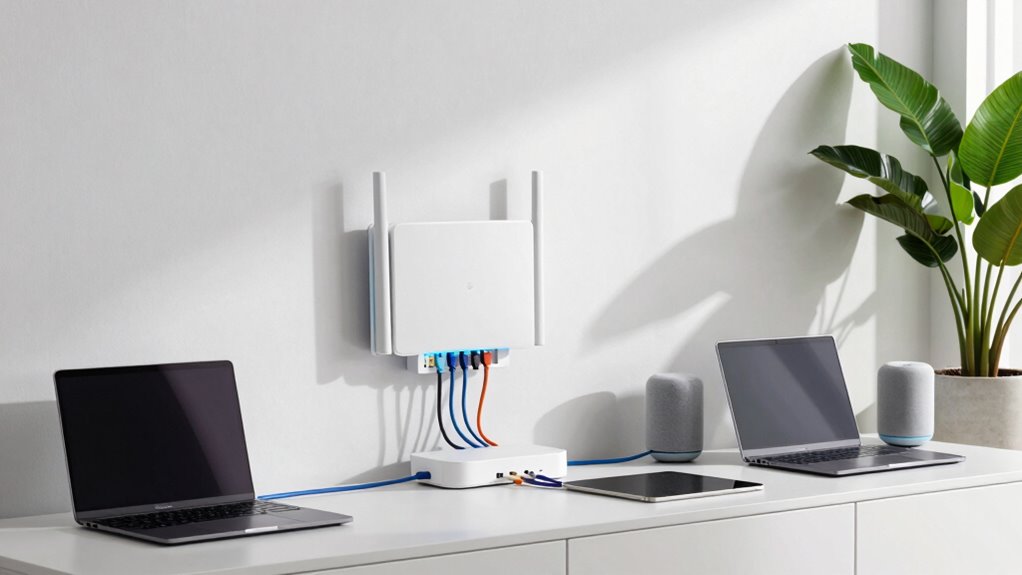
Ever wondered how to set up a reliable home network that keeps all your devices connected seamlessly? Building a network that scales with your needs means planning carefully from the start. You want a setup that’s flexible, secure, and easy to manage as you add more gadgets, whether it’s smart home devices, laptops, or streaming gear. The first step is choosing the right router—opt for one that supports the latest Wi-Fi standards like Wi-Fi 6, which offers faster speeds and better handling of multiple devices. This guarantees your network can grow without hitting performance bottlenecks.
Choose a Wi-Fi 6 router for a fast, scalable, and reliable home network that handles multiple devices effortlessly.
Wireless security plays a pivotal role in protecting your network. You should enable WPA3 encryption, which is the latest and most secure option available, to safeguard your data from potential intruders. Change default passwords on your router and connected devices to unique, strong passphrases. Regularly updating firmware is also essential, as manufacturers release patches that fix vulnerabilities and improve security. Additionally, consider setting up a separate guest network for visitors. This keeps your main network more secure, isolating guest devices from your personal data and connected smart home gadgets.
To manage the increasing number of devices, network segmentation becomes a key strategy. By dividing your network into segments, you prevent congestion and improve security. For example, keep all your IoT devices—smart thermostats, security cameras, and lights—on one segment, while your computers and smartphones stay on another. This way, if an IoT device gets compromised, your main devices remain protected. You can do this either through your router’s built-in features or by deploying a managed switch or additional access points that support VLANs (Virtual Local Area Networks). Using VLANs helps create more organized and secure networks, especially as your device count grows.
As your device count increases, consider deploying mesh Wi-Fi systems. They provide broader coverage, smoother handoffs between access points, and easier management. Mesh systems often come with user-friendly apps that allow you to monitor and prioritize traffic, making it simple to keep your network running at its best. Furthermore, choosing equipment that supports emerging standards will ensure your network stays current and capable of handling future device demands. Incorporating network topology planning during setup can help optimize performance and troubleshoot issues more efficiently as your network expands.
As an affiliate, we earn on qualifying purchases.
Frequently Asked Questions
How Often Should I Upgrade My Home Network Equipment?
You should upgrade your home network equipment whenever you notice slow speeds or connectivity issues. Regularly check for firmware updates to improve performance and security. Consider upgrading every 3-5 years, especially as new devices demand more bandwidth. Implement network segmentation to optimize traffic and keep your network efficient. Staying proactive guarantees your network stays current, secure, and ready to support your growing device lineup effectively.
Can I Set up a Guest Network Securely?
Did you know that 70% of cyberattacks target unsecured networks? Yes, you can set up a guest network securely by enabling guest isolation and network segmentation. This keeps your main devices protected while allowing visitors access. Make sure you choose a strong password, disable access to local resources, and regularly update your router’s firmware. These steps make your guest network safer, giving you peace of mind while sharing Wi-Fi.
What’s the Best Way to Prioritize Device Bandwidth?
To prioritize device bandwidth, set up device prioritization within your router’s settings. Use bandwidth allocation to assign higher priority to essential devices like work computers or streaming devices, ensuring they get the necessary speed. Many routers feature Quality of Service (QoS) options, allowing you to control and customize bandwidth allocation. Regularly monitor your network to adjust prioritization as your device use evolves, keeping your most important devices running smoothly.
How Do I Troubleshoot Common Network Connection Issues?
To troubleshoot common network connection issues, start by checking for interference elimination, like moving devices away from cordless phones or microwaves. Guarantee proper cable management by inspecting and securing all cables, replacing damaged ones, and confirming connections are tight. Restart your router and device, and update firmware if needed. If problems persist, test with different cables or ports to identify hardware issues, and contact your ISP if necessary.
Is It Necessary to Hire a Professional for Network Setup?
Think of your home network as a fortress—professional help acts as your seasoned architect. While you can set up basic wireless security and network segmentation yourself, hiring an expert guarantees your fortress is resilient against threats and scales smoothly as your devices grow. Professionals bring advanced tools and knowledge, safeguarding your data and optimizing performance. If you’re unsure or want peace of mind, investing in a pro is a wise choice.
As an affiliate, we earn on qualifying purchases.
Conclusion
Now that you know how to build a scalable home network, you’re all set to keep up with your ever-growing devices. Just remember, a well-planned setup today saves you from future headaches—think of it as your digital DeLorean, ready to adapt and expand. Keep an eye on your network’s performance, update firmware, and stay flexible. With this approach, your home will be as connected as the Starship Enterprise in no time!
As an affiliate, we earn on qualifying purchases.
As an affiliate, we earn on qualifying purchases.
Fall Picks
fall essentials
As an affiliate, we earn on qualifying purchases.