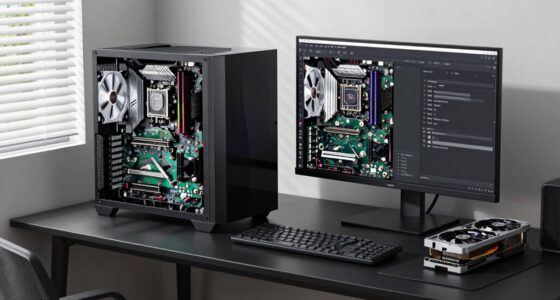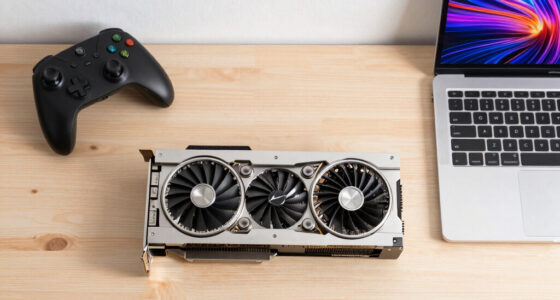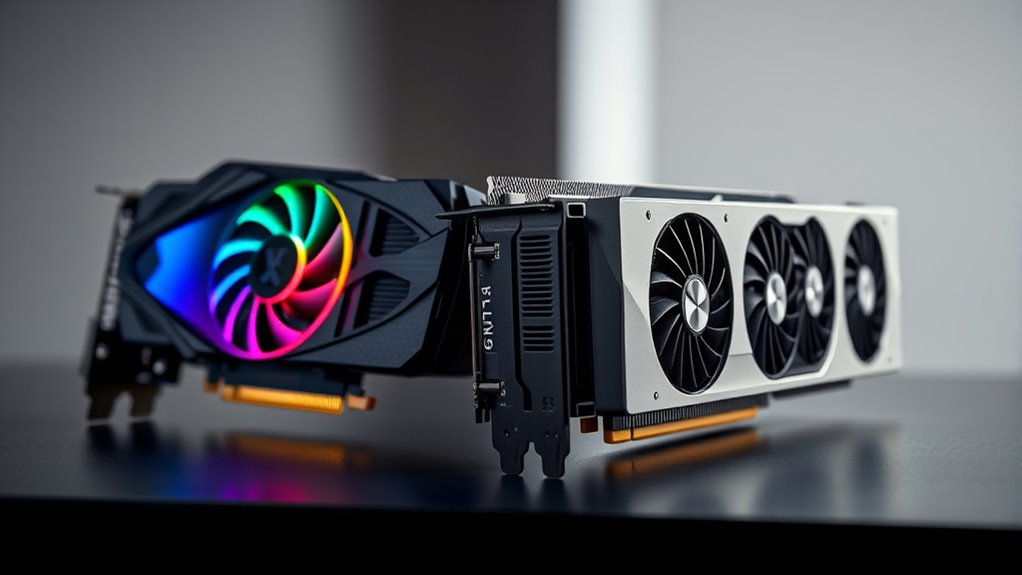

Gaming GPUs focus on delivering high frame rates and stunning visuals to enhance your gaming experience, making them ideal for entertainment and VR. Workstation GPUs, on the other hand, are built for professional tasks like 3D modeling, CAD, and complex computations, emphasizing accuracy and stability. While they share features like ray tracing, their design goals differ. Want to understand which one suits your needs? Keep exploring to find out more.
Key Takeaways
- Gaming GPUs prioritize high frame rates, real-time rendering, and immersive effects for smooth gameplay and entertainment.
- Workstation GPUs focus on accuracy, stability, and handling complex professional tasks like 3D modeling and scientific simulations.
- Gaming cards often have lower VRAM and are optimized for visual effects, while workstation cards feature larger VRAM buffers for detailed projects.
- Professional GPUs include certified drivers for software compatibility, whereas gaming GPUs aim for maximum graphical performance.
- Both types are evolving towards better energy efficiency but serve different primary use cases and market segments.
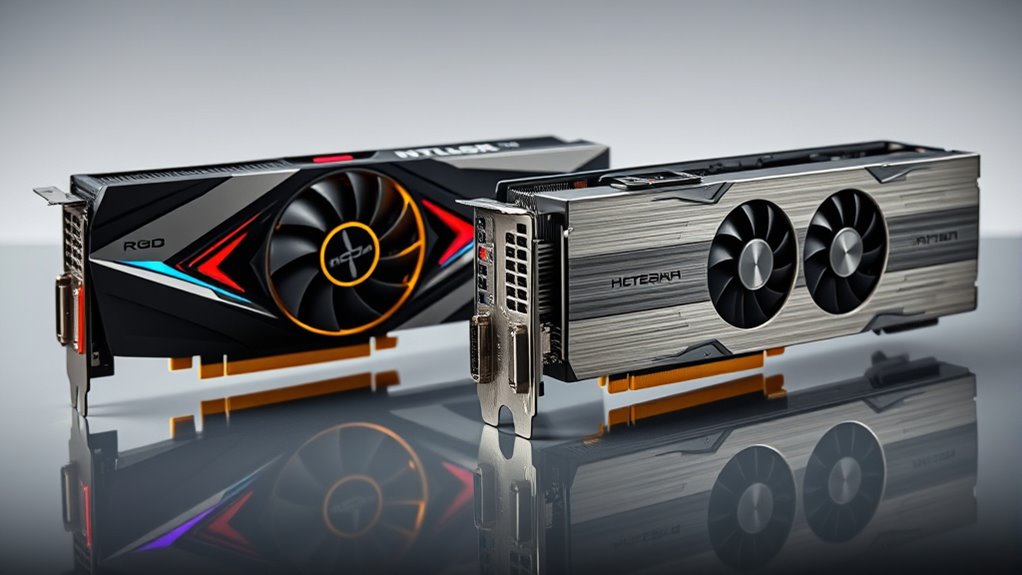
When choosing between a gaming GPU and a workstation GPU, understanding their key differences can help you make an informed decision. Both types of graphics cards are designed to process visual data, but they serve different purposes and are optimized for distinct tasks. Gaming GPUs are built to deliver high frame rates, stunning graphics, and smooth gameplay, often emphasizing features like ray tracing and VR readiness. Ray tracing enhances visual realism by simulating how light interacts with objects, creating more lifelike reflections, shadows, and lighting effects. If you’re into immersive gaming or want visually impressive experiences, a gaming GPU with advanced ray tracing capabilities can considerably elevate your gameplay. Additionally, many modern gaming GPUs are VR-ready, meaning they’re optimized to handle virtual reality headsets smoothly, providing low latency and high frame rates to prevent motion sickness and deliver seamless immersion.
Workstation GPUs, on the other hand, are engineered for professional tasks such as 3D rendering, video editing, CAD applications, and scientific computations. While they also support features like ray tracing, their primary focus is on accuracy, stability, and handling complex, compute-intensive workloads. These cards often have larger VRAM buffers and drivers tailored for precision and reliability, which are critical in professional environments. Although some workstation GPUs can handle gaming and VR, their optimizations may not match the raw frame rates or graphical effects of gaming-specific cards. Nonetheless, if your work involves detailed modeling, rendering, or simulations, a workstation GPU offers the stability and performance needed to complete tasks efficiently. Additionally, energy-efficient design has become increasingly important, as professional and gaming GPUs are both evolving to minimize power consumption without compromising performance.
Pricing is another notable difference. Gaming GPUs tend to be more affordable and are released more frequently with cutting-edge features, making them appealing for gamers who want the latest visual tech. Workstation GPUs usually come with a higher price tag due to their specialized hardware and certifications, which ensure compatibility and stability with professional software. While a gaming GPU might suffice for casual VR gaming, serious VR content creators or professionals requiring precise visual fidelity will benefit from a workstation GPU’s robustness and accuracy.

GIGABYTE GeForce RTX 4070 WINDFORCE OC 12G Graphics Card, 3X WINDFORCE Fans, 12GB 192-bit GDDR6X, GV-N4070WF3OC-12GD Video Card
- Graphics Card Model: GIGABYTE GeForce RTX 4070 WINDFORCE OC 12G
- Cooling System: 3X WINDFORCE Fans
- Memory: 12GB GDDR6X, 192-bit
As an affiliate, we earn on qualifying purchases.
As an affiliate, we earn on qualifying purchases.
Frequently Asked Questions
Can Gaming GPUS Handle Professional 3D Rendering Tasks?
Gaming GPUs can handle professional 3D rendering tasks, but their GPU compatibility and performance benchmarks often fall short compared to workstation GPUs. You might see decent results for light to moderate work, but for intensive projects, a workstation GPU offers optimized drivers and higher stability. If you plan to do serious 3D work regularly, investing in a workstation GPU guarantees better performance, reliability, and compatibility for your professional needs.
Are Workstation GPUS More Durable Than Gaming GPUS?
Think of workstation GPUs as the marathon runners of the graphics world. They’re built for durability comparison and hardware longevity, so they tend to be more resilient under heavy, continuous workloads. While gaming GPUs focus on speed and visuals, workstation cards are designed to last longer and handle demanding tasks reliably. If longevity matters most, a workstation GPU generally offers greater durability than a gaming GPU, ensuring your investment stands the test of time.
How Do Driver Updates Differ Between Gaming and Workstation GPUS?
You’ll notice driver updates differ in focus and frequency between gaming and workstation GPUs. Gaming GPUs prioritize update frequency to optimize new game releases, offering rapid driver releases for better driver stability with each update. Workstation GPUs, however, focus on long-term stability and compatibility, releasing updates less often but ensuring they support professional applications reliably. This means you get more frequent tweaks for gaming, while workstation drivers emphasize consistency for demanding tasks.
Do Workstation GPUS Require Specialized Cooling Solutions?
Your workstation GPU typically requires specialized cooling solutions because it handles intense, prolonged workloads. Proper thermal management is vital to prevent overheating, which can lead to crashes or hardware damage. You should prioritize airflow optimization—think bigger heatsinks, advanced fans, and liquid cooling options—to keep temperatures in check. Without this, your powerful GPU might overheat faster than a rocket launch, limiting performance and lifespan.
Can a Gaming GPU Be Used Effectively for CAD Applications?
Yes, you can use a gaming GPU effectively for CAD applications, especially if you’re focused on gaming performance and don’t require specialized hardware compatibility. Gaming GPUs handle 3D modeling and rendering well for many CAD tasks, but they might lack optimized drivers and certifications needed for professional software. Keep in mind, for complex projects, a workstation GPU offers better stability, compatibility, and performance tailored to CAD workflows.

ASRock Radeon AI PRO R9700 Creator 32GB Professional Graphics Card, 2920 MHz Boost Clock, GDDR6, AMD RDNA 4, AI-Accelerators, DisplayPort 2.1a, PCIe 5.0, Blower Cooler
- Targeted Use: AI, content creation, high-performance computing
- Memory Capacity: 32GB GDDR6 for large models and editing
- Graphics Architecture: RDNA 4 with AI accelerators
As an affiliate, we earn on qualifying purchases.
As an affiliate, we earn on qualifying purchases.
Conclusion
So, now you see the key differences between gaming and workstation GPUs, but here’s the question: which one truly fits your needs? Will you prioritize raw power for gaming thrills or precision for professional tasks? The choice isn’t always clear-cut, and the decision could change your entire experience. The real surprise? Sometimes, the best GPU for you might just be waiting on the horizon—ready to redefine what you thought was possible.

The Horizon Autherium Dragon RGB I9 RTX Gaming PC || 64GB RAM || 5TB Storage || Core I9 Upto 5.4Ghz || RTX 5070 OC || Windows 11 PRO || 360MM AIO || 2.4GB/s WiFi, VR, Gaming Ready Desktop Computer
- High-Performance CPU: Unlocked Core i9 up to 5.4GHz
- Ample RAM: 64GB DDR4 Memory for multitasking
- Fast Storage: 5TB Total with SSD and HDD
As an affiliate, we earn on qualifying purchases.
As an affiliate, we earn on qualifying purchases.

Dell Precision Workstation PC | Quadro P620 GPU – Editing & Design | Windows 11 Pro | Intel i5-9500 | 16GB RAM 1TB SSD | Home or Office Computer | WiFi 6 AX200 + BT (Renewed)
- Powerful Business Performance: Intel Core i5-9500 Hexa-Core processor
- Optimized Memory & Storage: 16GB DDR4 RAM and 1TB SSD
- Professional Graphics: NVIDIA Quadro P620 2GB GPU
As an affiliate, we earn on qualifying purchases.
As an affiliate, we earn on qualifying purchases.