
📊 Full opportunity report: Mac vs GPU Tower for Local LLMs: The Heat-and-Noise Tradeoff on ThorstenMeyerAI.com — validation score, market gap, and execution plan.
TL;DR
This article compares Mac Studio with Apple Silicon and GPU towers for running local large language models. It highlights the heat, noise, performance, and upgradeability tradeoffs, helping users choose the best setup for their needs.
Apple Silicon-based Mac Studio offers near-silent operation and low power consumption for local large language model (LLM) inference, contrasting with high-performance GPU towers that generate significant heat and noise.
The core difference lies in architectural design: GPU towers optimize memory bandwidth, enabling faster inference on models that fit within VRAM, but at the cost of high power draw, heat, and noise. You can learn more in Mac vs GPU Tower for Local LLMs: The Heat-and-Noise Tradeoff. For example, an RTX 5090 delivers approximately 1,792 GB/s of bandwidth, enabling 3-4 times faster token generation than a Mac Studio with an M3 Ultra, which offers about 819 GB/s. However, GPU cards are limited to 24–32GB VRAM per card, and multi-GPU setups do not pool VRAM, restricting their ability to run larger models. In contrast, Apple Silicon chips prioritize memory capacity through a unified architecture, allowing up to 512GB of shared memory. This enables Macs to run larger models, such as 70B parameter models, which are impossible to load into a single GPU’s VRAM. While inference speeds are slower, the Mac’s design produces minimal heat and noise, making it ideal for continuous, quiet operation. The Mac’s near-silent operation is due to its low power consumption, typically a fraction of a GPU tower’s 575W to 800W draw, eliminating the need for thermal management levers that GPU setups require. The choice between these systems depends on workload: GPU towers excel in throughput and fine-tuning on models that fit in VRAM, while Macs are better suited for large models that exceed VRAM limits, especially in scenarios demanding silent, power-efficient operation.Mac vs GPU tower
for local LLMs.
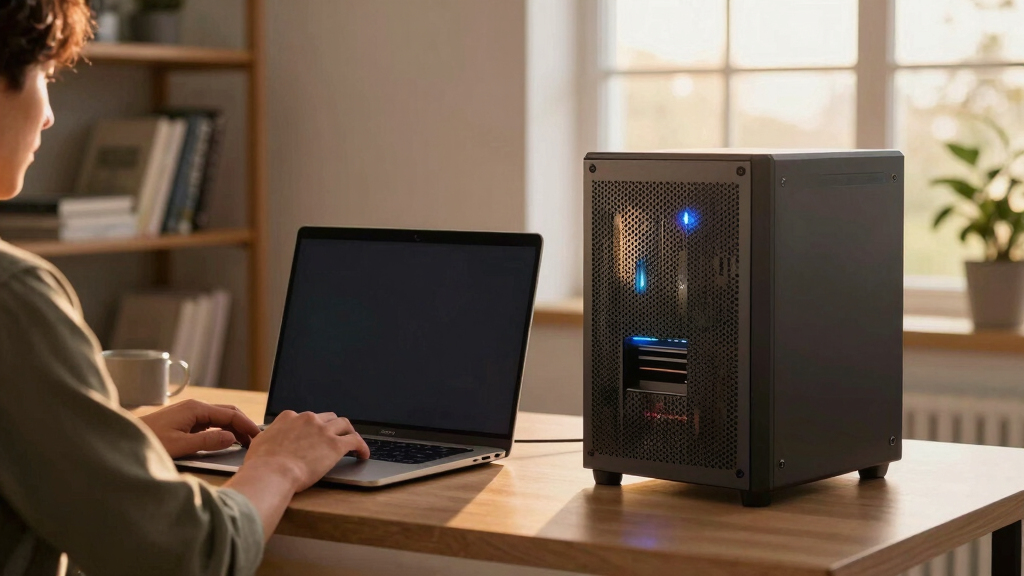
What if you sidestep the heat entirely with a different kind of machine? A tower is a high-bandwidth furnace you spend five levers quieting. Apple Silicon is near-silent by design — but asks for different tradeoffs. Match your priority in Part 2.
Put the loud, hot machine where its noise doesn’t matter, and the quiet one where you do. SSH into the tower when you need raw power; let the Mac handle everything else, silently.
Why Heat and Noise Are Critical Factors in Hardware Choice
For users running local LLMs, heat and noise are more than comfort concerns—they impact hardware longevity, energy costs, and usability. GPU towers, while offering peak performance for models within VRAM limits, require extensive thermal management and generate substantial heat and noise, which can be disruptive in a workspace. Conversely, Apple Silicon Macs operate quietly and with minimal heat, making them practical for continuous, all-day use without thermal or noise management efforts. This tradeoff influences the decision for professionals and enthusiasts who prioritize ease of use versus maximum throughput. For a detailed comparison, see Mac vs GPU Tower for Local LLMs: The Heat-and-Noise Tradeoff.

Apple MacBook Pro Laptop with M5 Pro, 18‑core CPU, 20‑core GPU: 16.2-inch Display, 64GB Memory, 1TB SSD; Space Black
BUCKLE UP—Along with a next-generation CPU, faster unified memory, and up to 2x faster SSD storage, M5 Pro...
As an affiliate, we earn on qualifying purchases.
As an affiliate, we earn on qualifying purchases.
Architectural Differences Shape Performance and Usability
The fundamental architectural distinction is between bandwidth and capacity. GPU towers focus on maximizing memory bandwidth—high-speed data transfer between VRAM and processing cores—favoring fast inference on models that fit in VRAM. To understand this better, check out Mac vs GPU Tower for Local LLMs: The Heat-and-Noise Tradeoff. For example, the RTX 5090 provides roughly 1,792 GB/s of bandwidth, enabling rapid token generation for smaller models.
Apple Silicon, however, emphasizes large shared memory capacity, with up to 512GB of unified memory, allowing it to load and run large models like 70B parameters. While inference is slower than GPU towers on smaller models, the Mac’s design avoids heat and noise issues entirely. This fundamental difference influences the suitability of each platform for different workloads and operational preferences.
"The heat and noise tradeoff isn't just about comfort; it affects hardware longevity, energy costs, and usability. Macs operate quietly and with minimal heat, ideal for continuous use."
— Thorsten Meyer
GPU tower for large language models
As an affiliate, we earn on qualifying purchases.
As an affiliate, we earn on qualifying purchases.
What Performance Limits Are Still Unclear?
While the architectural differences are well-understood, the real-world performance of Macs running very large models, especially with upcoming hardware updates, remains to be fully tested. It is also unclear how future GPU architectures might narrow the bandwidth gap or improve multi-GPU scaling, and whether Apple Silicon will continue to enhance large model support without sacrificing inference speed.

High-Performance AI Systems Engineering: Techniques for Faster Model Training, Efficient GPU Workloads, Distributed Computing, and Reliable AI Deployment across Modern Infrastructure
As an affiliate, we earn on qualifying purchases.
As an affiliate, we earn on qualifying purchases.
Upcoming Hardware and Software Developments to Watch
Future GPU models with increased VRAM and bandwidth could shift the performance balance, making GPU towers more competitive for larger models. Simultaneously, Apple Silicon updates may improve inference speeds or increase shared memory capacity, further blurring the lines. Users should monitor hardware releases, software optimization, and community benchmarks to inform their choices in the coming months.

NOVATECH AI Workstation Desktop PC – Intel Core i9-14900K, Liquid Cooling – Machine Learning, Data Science, 3D Rendering, Video Editing, Simulation (RTX 5080 | 64GB RAM | 2TB)
Extreme AI & Machine Learning Performance Powered by the Intel Core i9-14900K and RTX 5080 with 16GB VRAM,...
As an affiliate, we earn on qualifying purchases.
As an affiliate, we earn on qualifying purchases.
Key Questions
Can a Mac run models as large as a GPU tower?
Yes, Macs with up to 512GB of unified memory can run models larger than what a single GPU's VRAM can hold, such as 70B parameter models, although inference may be slower.
Is heat and noise a real concern with GPU towers?
Yes, GPU towers generate significant heat and noise, requiring thermal management and noise mitigation efforts, especially in continuous operation scenarios.
Will future GPU or Mac hardware change this comparison?
Potential hardware upgrades, like increased VRAM and bandwidth in GPUs or larger shared memory in Macs, could shift the performance and usability balance, but current differences remain significant.
Which system is better for long-term, quiet operation?
Apple Silicon Macs are designed for silent, low-power operation, making them preferable for continuous, noise-sensitive environments.
What workload suits each platform best?
GPU towers excel in high-throughput inference and fine-tuning within VRAM limits, while Macs are better suited for large models that exceed VRAM, especially when quiet operation is desired.
Source: ThorstenMeyerAI.com