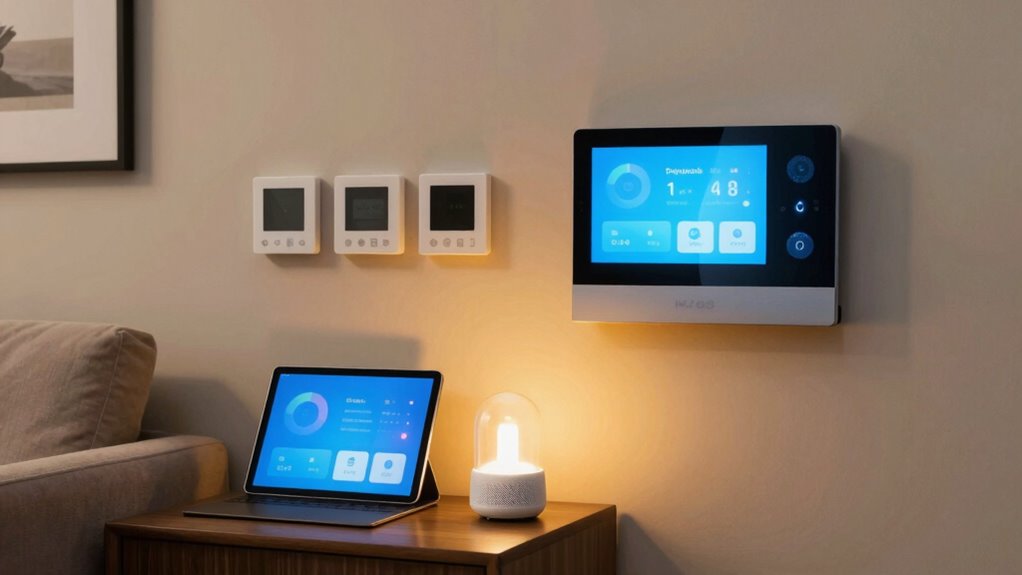

To make your smart home automations helpful instead of annoying, focus on simple, intentional routines that align with your daily habits. Avoid over-automating by keeping triggers straightforward and ensuring they activate at appropriate times. Regularly review and test your automations to prevent errors. Adjust voice control settings for privacy and accuracy, and keep devices updated for security. If you want to learn how to balance convenience with privacy, keep exploring effective strategies.

Get the latest gadgets delivered free with Prime
- Fast, free delivery on millions of items
- Prime Video, Amazon Music and more included
- Member-only deals all year
Key Takeaways
- Focus on automations that align with daily routines and genuinely enhance convenience.
- Set triggers at appropriate times to avoid disrupting or annoying users.
- Keep automations simple, avoiding complex routines with multiple triggers.
- Regularly review and test automations to ensure they work correctly and add value.
- Limit voice control activation to necessary commands and private areas to protect privacy.
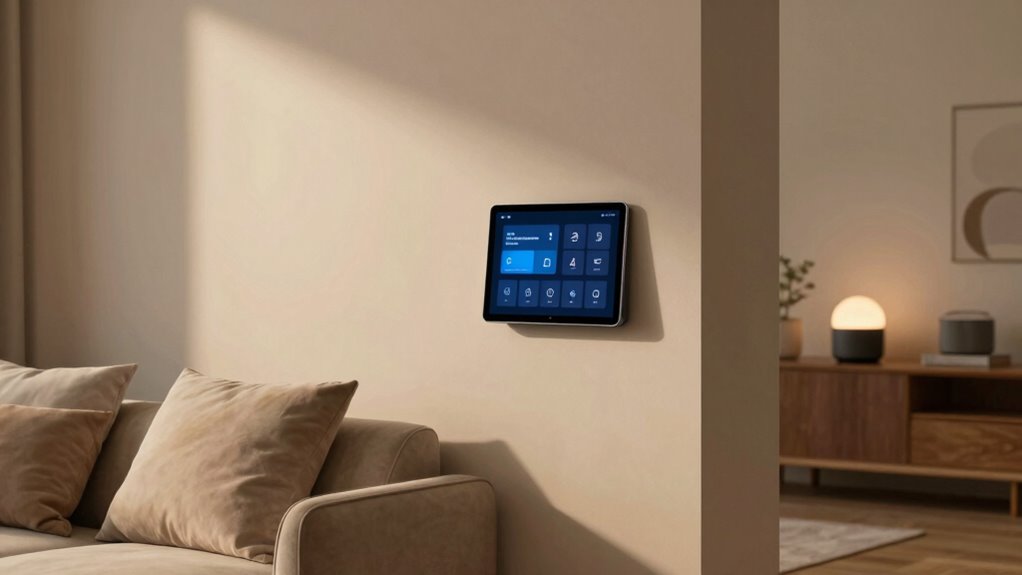
Smart home automations can make your daily routines easier, but if not set up thoughtfully, they can quickly become annoying. One common pitfall is over-automating or creating routines that trigger at the wrong times, leading to frustration instead of convenience. To keep your smart home feeling helpful, start by focusing on how you interact with your devices. Voice control is a popular feature that can streamline your daily tasks, allowing you to turn on lights, adjust the thermostat, or play music without lifting a finger. However, it’s important to set clear boundaries for voice commands. If your system responds to every word or misinterprets commands often, it can become more of a nuisance than a help. Adjust your voice control settings to improve accuracy and limit its activation to specific wake words or phrases. This way, you retain the convenience without feeling like your home is constantly listening for commands.
Set clear boundaries for voice commands to avoid constant listening and improve device accuracy.
While voice control enhances ease of use, it also raises privacy concerns. Many people worry about their conversations being recorded or shared without permission. You can address these concerns by reviewing your smart home device settings and disabling any features related to data collection or voice recording that you’re uncomfortable with. Regularly updating your privacy settings and understanding what data your devices collect helps you retain control over your information. Also, consider placing your voice assistants in common areas rather than private spaces, reducing the risk of sensitive conversations being overheard or recorded unintentionally. It’s also beneficial to be aware of smart home privacy best practices to further protect your information. Additionally, staying informed about technological developments can help you make smarter choices regarding your device security and privacy settings. Keeping your devices updated ensures you benefit from security improvements that manufacturers regularly release. Being proactive about understanding device security features allows you to better defend against potential vulnerabilities.
Another key to making your automations helpful is to keep them simple and intentional. Avoid setting up complex routines that require multiple triggers, as they can backfire if they activate at unintended times. Instead, focus on automations that truly add value—like having your hallway lights turn on when you enter or your coffee maker start brewing at a set time. Testing these routines thoroughly ensures they work as expected and helps you identify any issues before they become frustrating. Incorporating automation best practices can further enhance their effectiveness and reliability. Stay attentive to updates and new features. Manufacturers often improve voice control capabilities and privacy protections in firmware updates. Regularly reviewing your device settings and exploring new automation options keeps your smart home functioning smoothly and keeps frustration at bay. When set up thoughtfully, your smart home can genuinely enhance your daily life without becoming a source of annoyance.
Products Worth Considering

Bose QuietComfort Wireless Noise-Cancelling Over-Ear Headphones, Black

LG UltraGear 32GX850A-B 32-inch 4K UHD Glossy OLED Gaming Monitor

Apple Watch Series 12 GPS 46mm Smartwatch
As an affiliate, we earn on qualifying purchases.
Frequently Asked Questions
How Can I Prioritize Which Automations to Activate First?
You should prioritize automations by considering their timing and device integration. Start with automations that improve daily routines, like morning lighting or security alerts, ensuring their timing aligns well with your schedule. Check how seamlessly your devices work together to prevent conflicts or delays. Focus on automations that provide immediate benefits first, then gradually add more complex routines, making your smart home feel helpful and reliable.
What Are Common Signs My Automations Are Becoming Annoying?
You know your automations are annoying when voice commands become ignored or met with eye rolls, and manual overrides spike dramatically. If you find yourself constantly fighting your smart home instead of enjoying it—like muting it during a morning alarm or shutting down lights because of untimely flickering—it’s a clear sign. Automations should assist, not become a source of frustration, so tweak them before your smart home turns into a stubborn roommate.
How Do I Ensure Automations Respect My Privacy?
You can respect your privacy by choosing voice control options that require explicit activation, so your devices only listen when you want them to. Additionally, guarantee your smart home systems use robust data encryption to protect your personal information from unauthorized access. Regularly review and update privacy settings, and avoid sharing sensitive data through automations. These steps help you maintain control, preventing your automations from feeling intrusive.
Can Automations Be Customized for Different Family Members?
You can absolutely customize automations for different family members. Imagine waking up to your partner’s preferred playlist or having your kids’ nightlights turn on at specific times. By exploring personalization options, you can tailor smart home settings to match each family member’s preferences. This way, automations become helpful and seamless, making everyone’s day easier without feeling intrusive or one-size-fits-all.
What’s the Best Way to Troubleshoot Automation Issues?
To troubleshoot automation issues, start by checking your voice control settings to guarantee commands are correctly recognized. Make sure all devices are connected and updated. Use your app to review automation logs for errors. Confirm that your automations promote energy efficiency by avoiding unnecessary triggers. If problems persist, reset devices or reconfigure automations step-by-step. This approach helps keep your smart home running smoothly and avoids frustration.
Conclusion
Sure, smart automations are supposed to make life easier, but sometimes they just remind you how much you wish you could hit snooze on technology itself. Ironically, the very tools designed to help can feel intrusive or annoying, turning convenience into chaos. The key is balancing automation with your personal touch—after all, no one wants a robot telling them when to breathe or blink. So, enjoy the tech, but don’t let it run your life.