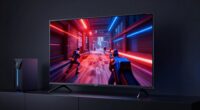
Even at the same resolution, some phone screens look better because of calibration, color accuracy, and contrast. When a screen is well-calibrated, colors appear more vibrant and true-to-life, making images and videos look sharper and more detailed. Proper brightness and contrast also enhance clarity and depth. If you want to understand how these factors work together to improve your viewing experience, there’s more to discover that can help you choose a better display.
Key Takeaways
- Proper calibration enhances color accuracy and contrast, making images appear sharper and more vibrant.
- High color fidelity reproduces natural colors, improving overall visual clarity and realism.
- Screen settings tailored for lighting conditions optimize display performance and perceived quality.
- Calibration eliminates dullness or oversaturation, ensuring content looks crisp and polished.
- Factors beyond resolution, like calibration and color accuracy, significantly influence perceived screen quality.
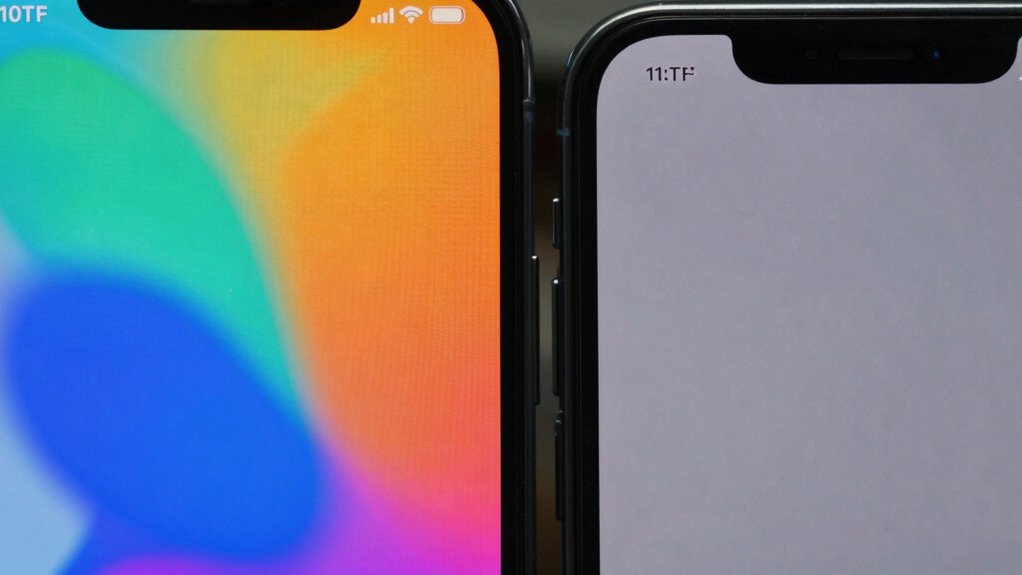
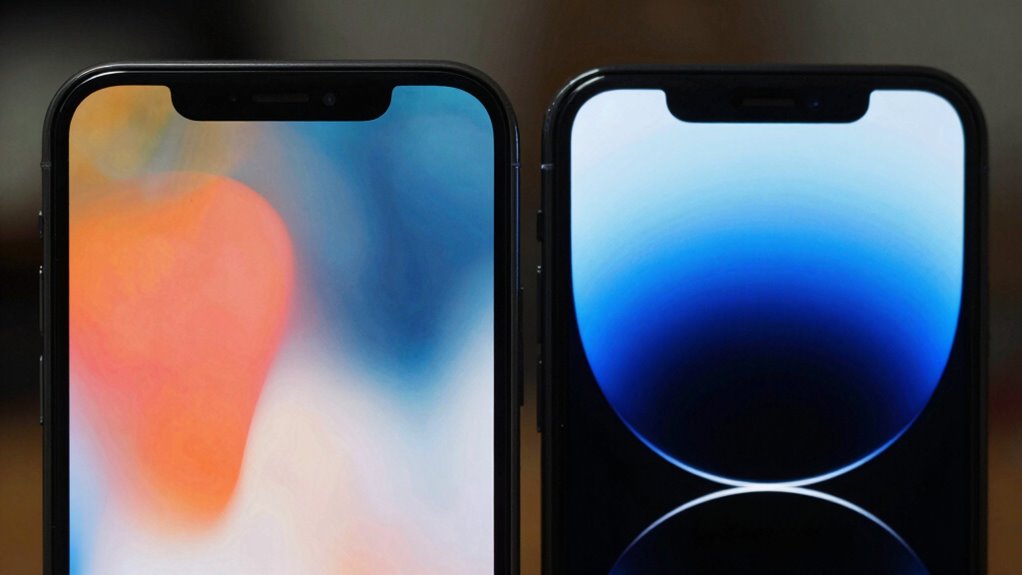
When comparing phone screens that share the same resolution, it’s tempting to assume they’ll display images and text with identical sharpness. But the truth is, resolution alone doesn’t determine how good a screen looks. Factors like display calibration and color accuracy play a huge role in making one screen stand out over another, even if they’re technically the same pixel count. Display calibration involves fine-tuning the screen’s settings to ensure colors, contrast, and brightness are balanced correctly. When a screen is well-calibrated, the images appear more vibrant and true to life, giving you a sharper, more polished visual experience. Conversely, a poorly calibrated display might look washed out or overly saturated, detracting from clarity and making even high-resolution images seem dull. Proper calibration also involves adjusting display settings to optimize performance for different lighting conditions, further enhancing the viewing experience. Color fidelity is another critical aspect that influences perceived quality. A screen with high color accuracy reproduces colors as close to reality as possible, making everything you see more natural and appealing. If a display pushes overly vibrant or skewed colors, it can make visuals seem exaggerated or unnatural, even if the resolution is high. This mismatch can make content appear less sharp because your eyes aren’t just noticing pixel count—they’re judging how real and crisp the image looks. When a phone’s display is calibrated correctly and maintains excellent Color fidelity, everything from photos to videos appears more detailed and vivid, giving you that sense of clarity and sharpness that resolution alone can’t provide.

WSDMAVIS 1Pcs Watch Timegrapher TGBC Meter Calibrator Tester Acoustic Display Mechanical Watch Calibration Tool for Desktops Laptops Mobile Phone (Version 4.5)
- Multi-Parameter Measurement: Measures time difference, amplitude, frequency, waveform
- Automatic PC Software: Simple, auto-works upon opening
- Sensitive Vibration Sensor: High sensitivity for subtle sounds
As an affiliate, we earn on qualifying purchases.
As an affiliate, we earn on qualifying purchases.
Frequently Asked Questions
How Does Screen Size Affect Perceived Image Quality?
When your phone’s screen size changes, perceived image quality is impacted by factors like color accuracy and brightness uniformity. A larger screen can showcase more detail, but if brightness isn’t uniform or colors aren’t accurate, images might look dull or inconsistent. Smaller screens often seem sharper because pixels are packed closer, but maintaining good color accuracy and brightness uniformity guarantees your display looks vibrant and clear, regardless of size.
What Role Does Display Technology Play in Screen Clarity?
You might think resolution is everything, but display technology truly influences clarity. OLED screens offer higher contrast, making colors pop and blacks deeper, which enhances visual sharpness. Even with the same pixel density, OLED’s superior contrast creates a more vivid, crisp image. This technology reduces glare and improves viewing angles, so your screen looks clearer and more vibrant, giving you a richer experience regardless of resolution.
Do Different Brands Calibrate Their Screens Differently?
Yes, different brands calibrate their screens differently to optimize features like color accuracy and brightness uniformity. This calibration process guarantees that images and videos look vibrant and true to life, even at the same resolution. You’ll notice variations in how colors appear and how evenly brightness is distributed across the display. These calibration differences can make one phone screen look sharper, more colorful, or more uniform than another, even with identical specs.
How Does Viewing Angle Impact Screen Appearance?
Viewing angle impacts screen appearance by affecting color accuracy and brightness uniformity. When you look at your phone from different angles, colors may shift, and brightness can diminish, making your display look dull or washed out. To enjoy vibrant, consistent visuals, keep your device at eye level and avoid tilting it. This way, you preserve the true colors and brightness, ensuring a better viewing experience every time you pick up your phone.
Can Software Adjustments Improve Screen Quality?
Yes, software adjustments can improve screen quality by enhancing color accuracy and overall display performance. Through software optimization, your device can calibrate colors, contrast, and brightness, making images look sharper and more vibrant. These tweaks can reduce color distortions and improve viewing angles, even at the same resolution. Keep in mind, regular updates and calibration apps can further refine your screen’s appearance, delivering a better visual experience.

stilluxy 2 Pack Blue Privacy Screen Protector for iPhone 17 6.3 Inch
- Package Includes: 2 screen protectors and accessories
- Gradient Privacy Coating: Unique blue gradient for privacy and style
- Side Privacy Function: 28-degree angle for maximum privacy
As an affiliate, we earn on qualifying purchases.
As an affiliate, we earn on qualifying purchases.
Conclusion
So, next time your friend’s phone looks crisper than yours, don’t blame the resolution. Maybe, just maybe, they’ve cracked the secret code—better display technology, calibration, or a dash of sheer luck. Because clearly, having the same pixels doesn’t guarantee the same picture. It’s like comparing apples to… slightly shinier apples. So, sit back, enjoy your screen—after all, who needs perfection when you’ve got that stunning, pixelated charm?

Calibrite Display 123 Monitor Calibration Colorimeter for Photo Editing and Color Accurate Viewing, Easy 1 2 3 Software Workflow, USB C Connection, and Before and After Check, Supports 2 Displays
- Compact Design: Approximately 34mm tall, 37mm diameter
- USB C Connectivity: Easy connection for modern devices
- Supports Two Displays: Calibrates up to two monitors
As an affiliate, we earn on qualifying purchases.
As an affiliate, we earn on qualifying purchases.
As an affiliate, we earn on qualifying purchases.