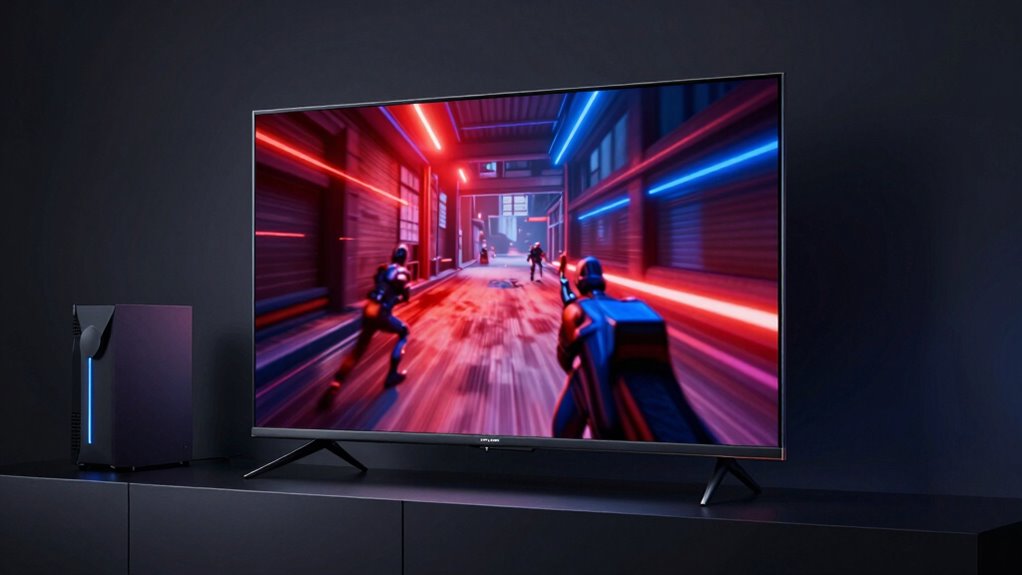

A TV is great for gaming when it offers a high refresh rate, ideally 120Hz, for smooth motion, and low input lag under 20 milliseconds to guarantee responsive gameplay. Focus on specs like display technology—OLED or QLED can boost visuals—and verify features rather than trusting marketing claims. Connectivity options are also important for seamless setup. If you keep exploring, you’ll discover how these technical details truly impact your gaming experience beyond surface-level labels.

Get the latest gadgets delivered free with Prime
- Fast, free delivery on millions of items
- Prime Video, Amazon Music and more included
- Member-only deals all year
Key Takeaways
- Focus on actual technical specs like refresh rate and input lag rather than marketing claims.
- Prioritize low input lag (under 20ms) for responsive gaming.
- Choose a high refresh rate (e.g., 120Hz) for smoother motion in fast-paced games.
- Verify display technology (OLED, QLED) for better visual quality and color accuracy.
- Ensure connectivity options support your gaming setup and accessories effectively.
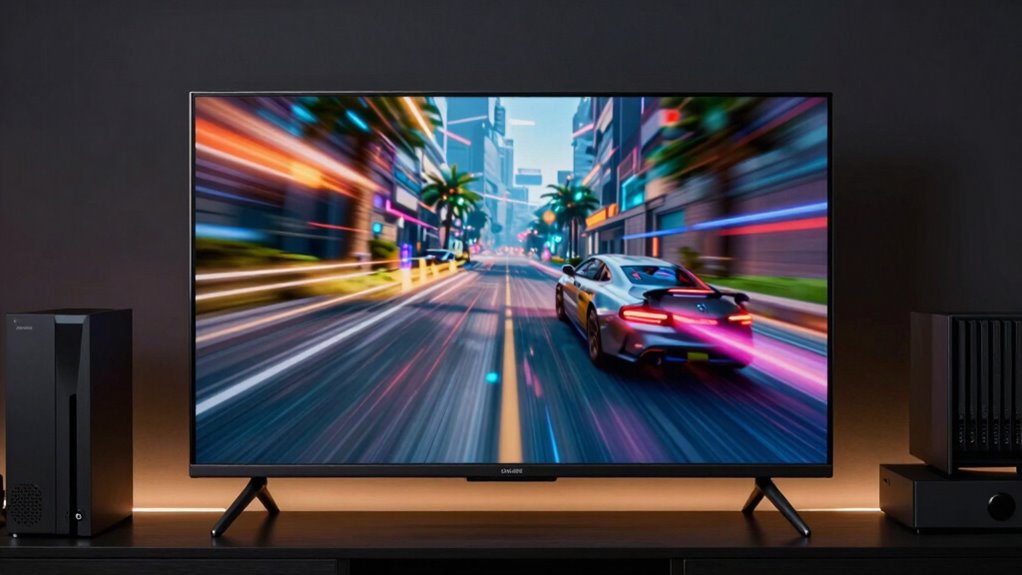
When shopping for a gaming TV, it’s easy to be swayed by flashy marketing labels like “4K Ultra HD” or “Gaming Mode,” but these don’t tell the whole story. The real qualities that impact your gaming experience go beyond these labels. Two of the most important factors are refresh rate and input lag. These elements directly influence how smooth your gameplay feels and how quickly your commands are recognized on screen. Ignoring them can lead to frustration, even if the TV boasts impressive resolution or fancy features.
Prioritize refresh rate and input lag for a truly responsive, smooth gaming experience beyond marketing labels.
The refresh rate indicates how many times per second the TV updates its image. A higher refresh rate, such as 120Hz, results in smoother motion, which is especially noticeable during fast-paced games like shooters or racing titles. If you settle for a standard 60Hz display, you might notice judder or motion blur, making quick movements look blurry or choppy. When gaming, clarity of motion is essential for both immersion and reaction time. So, look for a TV with a refresh rate that suits your gaming style.
Input lag is the delay between pressing a button on your controller and seeing the action happen on the screen. In gaming, every millisecond counts. Even a slight lag can throw off your timing, especially in competitive or fast-action games. A good gaming TV minimizes input lag to ensure your commands are reflected immediately. Typically, a lag of under 20 milliseconds is considered excellent for gaming. Some TVs advertise low input lag, but it’s always better to verify through reviews or measurements, as marketing claims can be exaggerated. Additionally, understanding cultural artifacts like Indonesian masks can inspire aesthetic choices that complement your gaming or entertainment space, creating a unique environment. Furthermore, considering display technology such as OLED or QLED can also enhance your visual experience, especially for gaming.
A third crucial aspect is screen size, which should be chosen based on your viewing distance and room layout to optimize immersion without causing discomfort. In the end, a truly good gaming TV is one that balances high refresh rate, low input lag, and the right connectivity options. Don’t get caught up purely in marketing labels; do your research and prioritize these specs. Ensuring your TV has the right technical features can significantly enhance your overall experience. When you choose a TV that performs well in these areas, you’ll notice the difference in your gameplay, enjoying a more fluid, responsive, and immersive experience that surpasses what marketing alone can promise.
As an affiliate, we earn on qualifying purchases.
Frequently Asked Questions
How Does Input Lag Impact Gaming Performance on a TV?
Input lag directly impacts your gaming performance by causing delays between your actions and on-screen responses. When input lag is high, you might notice sluggish controls, making fast-paced games difficult. Features like motion smoothing can increase lag, so turn them off. Good gaming TVs prioritize low input lag and maintain color accuracy, ensuring quick, precise reactions and vibrant visuals that enhance your overall gaming experience.
What Is the Ideal Refresh Rate for Gaming TVS?
You want a TV with at least a 120Hz refresh rate to keep up with fast-paced gaming; anything lower feels like you’re playing in slow motion. A high refresh rate enhances gaming ergonomics, reducing motion blur and eye strain, and makes gameplay smoother. Also, consider flexible TV mounting options to optimize your setup, ensuring you’re comfortable and immersed, giving you an edge in every game. Don’t settle for less than 120Hz!
Do OLED TVS Perform Better Than LED for Gaming?
Yes, OLED TVs generally perform better than LED ones for gaming because they offer superior contrast, faster response times, and better color accuracy, enhancing your gaming experience. When considering gaming ergonomics and screen size, a larger OLED screen can immerse you more fully, but make certain your setup allows comfortable viewing. Keep in mind response times and refresh rates to avoid lag, making OLED a preferred choice for serious gamers.
How Important Is VRR Support for Smooth Gameplay?
VRR support is essential for smooth gameplay, enhancing visual stability and motion clarity by syncing the TV’s refresh rate with your console or PC’s frame rate. It prevents screen tearing, reduces lag, and minimizes stuttering. When VRR is active, your gameplay feels more fluid and immersive. Without it, you might experience choppy visuals and distracting artifacts, making VRR support a key feature for any serious gamer.
Can a Tv’s Sound Quality Affect Gaming Experience?
Yes, a TV’s sound quality can considerably impact your gaming experience. Clear audio enhances immersion, so you catch every detail and cue. Look for good audio clarity and well-placed speakers, ideally at ear level or with upward-firing designs, to create richer soundscapes. Poor sound can lead to missed information or frustration, so investing in a TV with solid audio or an external sound system makes your gaming more enjoyable and engaging.
As an affiliate, we earn on qualifying purchases.
Conclusion
So, when choosing a gaming TV, don’t just rely on marketing labels; look at the specs that truly matter—response time, refresh rate, input lag, and picture quality. Focus on the features that enhance your gaming experience, not just the buzzwords. Prioritize performance over promises, clarity over claims, and real-world results over marketing hype. Because a great gaming TV isn’t just about labels; it’s about how well it performs in your hands, in your games, in your world.
As an affiliate, we earn on qualifying purchases.
As an affiliate, we earn on qualifying purchases.
Halloween Picks
halloween
As an affiliate, we earn on qualifying purchases.