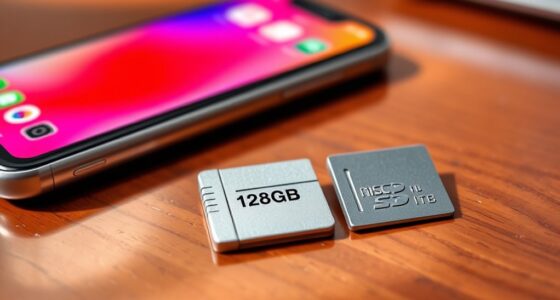

Your phone may be slow because too many apps run in the background, draining resources. Nearly full storage causes lag and reduces performance. Outdated software and apps can also cause crashes or slow responsiveness. Excess caches and data buildup slow down your device further. Power settings like low battery mode restrict background activity, affecting speed. Malware or aging hardware components can also contribute. Keep exploring to uncover simple fixes for each issue and boost your phone’s speed.
Key Takeaways
- Excess background apps and processes consume resources, causing lag and slowing down your phone’s performance.
- Nearly full storage space leads to app lag and slow file access; freeing up space improves speed.
- Outdated software and apps can cause compatibility issues and sluggishness; regular updates enhance performance.
- Power-saving modes limit background activity and animations, which can make your phone feel slower temporarily.
- Malware or hardware aging can impair device function, resulting in decreased responsiveness and speed.
Too Many Apps Running in the Background
Have you noticed your phone slowing down unexpectedly? One common cause is too many apps running in the background. When you don’t manage your apps properly, they continue to run as background processes, draining your device’s resources. This can cause your phone to lag, freeze, or become unresponsive. To fix this, check your app management settings and close apps you’re not using. Some apps may also refresh or update automatically in the background, using up memory and processing power. Regularly reviewing your open apps and limiting background processes can considerably improve your phone’s speed. Remember, even apps you think are closed may still be running invisibly, so keeping an eye on background activity is key to maintaining ideal performance. Additionally, automation in business and other technological advancements can influence device performance through increased background activity. Managing digital literacy and understanding how apps operate can help users optimize their device performance effectively. Being aware of background processes and how they impact your device can further aid in troubleshooting and maintaining optimal speed.
Storage Space Is Nearly Full
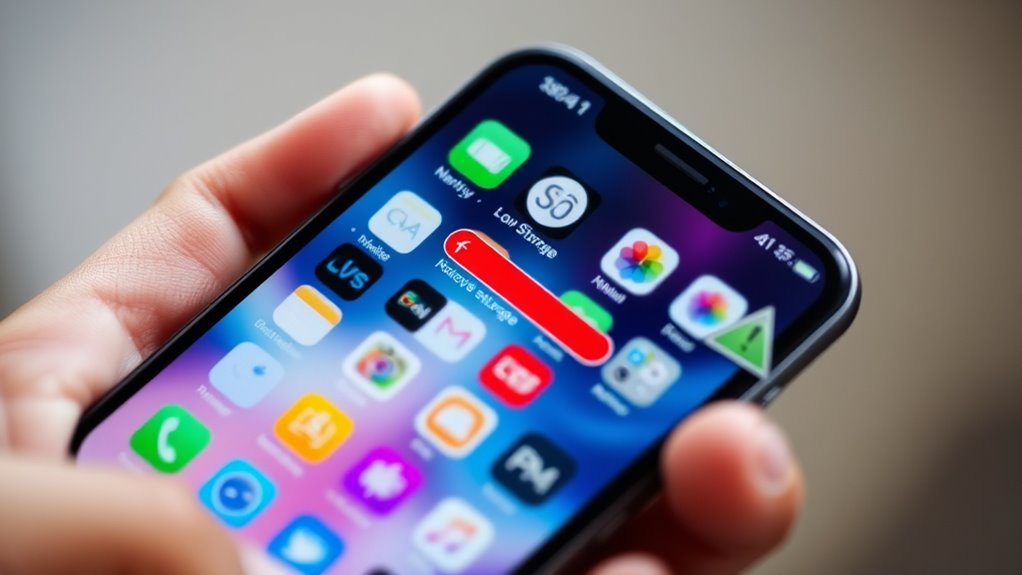
When your phone’s storage space is nearly full, it can markedly slow down its performance. Limited space causes apps to lag, files to load slowly, and overall responsiveness to decline. To free up space, consider:
- Deleting unused apps and large files
- Clearing app caches
- Moving photos and videos to cloud synchronization services
- Ensuring your network connectivity is strong for seamless transfers
Keeping some free storage helps your phone run smoothly and efficiently. Be mindful that when storage is tight, your device may struggle with background processes, leading to sluggishness. Regularly managing your storage not only improves speed but also ensures better performance for updates and new downloads. Proper storage management keeps your device running at its best without unnecessary delays.
Outdated Software and Apps

When your apps and software aren’t up to date, they can slow down your phone’s performance. Overloaded storage space can also cause lag, especially if updates are ignored. Regularly installing updates helps keep your device running smoothly and efficiently. Staying informed about AI vulnerabilities and security updates can further protect your device from emerging threats.
Overloaded Storage Space
Overloaded storage space often slows down your phone, especially if you haven’t updated your software or cleared out old apps. When your storage is full, your device struggles to run smoothly, leading to lag and sluggish performance. To free up space, consider deleting unused apps, clearing cache, or transferring photos to cloud backups. High screen resolution files and videos can quickly eat up storage, so compress or delete unnecessary media. Also, check for apps that may be storing large amounts of data unnecessarily. Regularly managing your storage helps maintain ideal speed. Keep in mind that outdated software can also contribute to storage clutter, so staying current is essential. Clearing space ensures your phone runs efficiently and prevents performance issues caused by overload.
Regular Software Updates
Outdated software and apps can considerably slow down your phone’s performance, even if you’ve cleared enough storage space. Regular updates are essential for app optimization and system stability. Without them, your device may struggle with compatibility issues, bugs, and security vulnerabilities, which can hamper speed. To prevent this, check for updates routinely. Staying informed about software maintenance can help you better understand how to keep your device running efficiently. Regularly updating your device also ensures that you benefit from the latest performance improvements, which can enhance overall speed and responsiveness. Additionally, keeping your software current helps protect against security threats that could compromise device functionality and speed. Understanding system updates is crucial for maintaining optimal device performance, as they often include fixes that address common performance issues.
Excessive Cache and Data Accumulation

When your phone stores too much cache and data, it can slow down your device. This buildup takes up valuable space and makes apps less responsive. Clearing out the excess can boost your phone’s speed and improve overall performance. Additionally, fatherhood lessons can teach patience and resilience, which are also helpful when troubleshooting device issues. Using AI-powered tools can help identify and manage unnecessary files efficiently, saving time and effort. Regularly maintaining device health can prevent performance issues caused by data accumulation. Incorporating sound design principles such as proper data management techniques can further optimize device functionality. Understanding storage management helps you keep your device running smoothly and avoid slowdowns caused by clutter.
Cache Buildup Slows Performance
As you use your phone, apps and websites continuously store temporary files and data in the cache to accelerate future access. Over time, this cache buildup can slow your device’s performance. Excessive cache can cause lag, app crashes, and longer load times. Proper cache management involves clearing out old temp files and unnecessary data regularly. When cache accumulates too much, your phone struggles to allocate resources efficiently. To improve speed, consider clearing app caches or using built-in tools to manage storage. Regular maintenance prevents cache bloat from hindering your device’s responsiveness. Keeping your cache under control ensures smoother operation and faster app performance, helping your phone run like new. Don’t ignore cache buildup—stay proactive for maximum speed. Additionally, understanding the importance of cache management can help you optimize your device and enjoy a more responsive experience. Regularly clear cache is a simple yet effective way to maintain optimal device performance. Implementing automatic cache clearing features can also help maintain consistent performance without manual intervention. Being aware of security zone info related to device safety can further enhance your security and privacy while managing cache and data.
Excess Data Takes Space
Excess data, including cache and app files, can quickly consume your phone’s storage space, slowing down its performance. When your storage fills up, your device struggles to run smoothly. Regular data cleanup helps free space and improves speed. Effective storage management involves deleting unnecessary files, clearing app caches, and removing unused apps. Use your phone’s built-in tools or third-party apps for a quick cleanup. Keep in mind that too much cached data can pile up over time, hampering performance. Here’s a simple overview:
| Action | Benefit |
|---|---|
| Clear app cache | Frees storage and boosts speed |
| Delete unused files | Creates space for new data |
| Uninstall unnecessary apps | Improves device responsiveness |
| Manage storage settings | Optimizes device performance |
Maintaining good storage management keeps your phone running efficiently.
Low Battery Mode and Power Settings
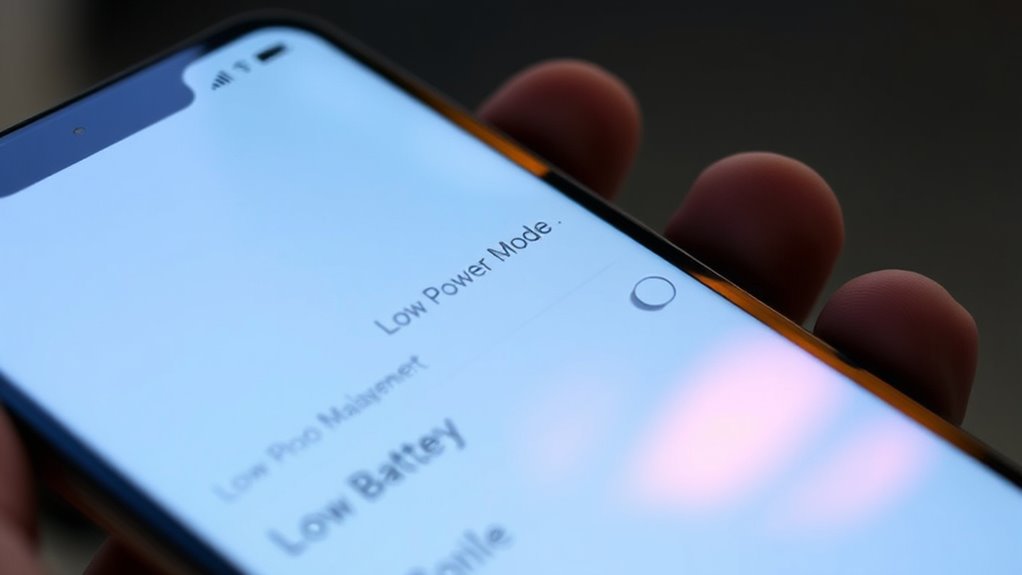
Low Battery Mode and other power settings are designed to extend your phone’s battery life, but they can also impact performance. When activated, these modes prioritize battery enhancement by limiting background activity, reducing screen brightness, and disabling some animations. This helps conserve power but can slow down your device’s responsiveness. Additionally, these settings may restrict dog-related background processes, which can influence overall device speed. Consider these effects:
Low Battery Mode helps save power but may slow your device’s responsiveness and performance.
- Reduced background app refresh to lower power consumption
- Limited CPU performance for longer battery life
- Decreased screen brightness and animations
- Background activity restrictions affecting app updates
While these settings are useful when your battery is low, they can make your phone feel sluggish during normal use. Adjusting or disabling them may restore ideal performance, especially if your device isn’t critically low on power.
Malware or Malicious Software

Malware or malicious software can considerably slow down your phone by running unwanted background processes, consuming system resources, and interfering with normal operations. It might hide in apps or links from phishing attacks, which trick you into downloading harmful files. These threats can cause your device to lag, freeze, or crash frequently. To protect yourself, install reputable antivirus software that scans and removes malware. Be cautious about suspicious emails or messages asking for personal information, as they often carry phishing attacks designed to install malicious software. Regularly updating your phone’s operating system also strengthens security. If your phone remains slow despite these efforts, running a malware scan can identify and eliminate any malicious software lurking in the background, helping restore your device’s speed and performance. Additionally, essential oil safety knowledge can help you avoid installing apps or clicking links that may contain harmful software disguised as legitimate files. Being aware of cybersecurity best practices can further reduce the risk of infection and maintain your device’s optimal functioning.
Hardware Limitations and Aging Components
As your phone ages, its hardware components can become less efficient, causing noticeable slowdowns. Chip aging and hardware degradation mean that processors, memory, and storage don’t perform like they used to. Over time, this wear can lead to reduced speed and responsiveness. You might notice apps take longer to load, or your device feels sluggish during multitasking. To understand why, consider these factors:
- Deterioration of the CPU and GPU due to chip aging
- Wear and tear on internal storage and RAM
- Battery degradation affecting overall performance
- Accumulation of dust or debris inside components
Recognizing hardware limitations helps you decide whether to repair, upgrade, or replace your device for smoother operation.
Frequently Asked Questions
Can a Slow Internet Connection Affect My Phone’s Speed?
Yes, a slow internet connection can affect your phone’s speed, especially during browsing or streaming. When your internet speed drops, your browsing performance slows down, making websites load slower and videos buffer frequently. This isn’t your phone’s fault, but it can feel like it’s running sluggish. To improve your experience, check your Wi-Fi or mobile data connection and consider resetting your router or switching to a faster network.
Does Using Too Many Widgets Slow Down My Phone?
Ever wonder if too many widgets are slowing you down? Using excess widgets can indeed drag your phone’s performance, especially if they run in the background or create storage clutter. Each widget consumes RAM and processing power, which can make your device sluggish. To keep things running smoothly, limit widget use, close unnecessary background apps, and clear storage clutter regularly. This way, your phone stays faster and more responsive.
How Do I Identify and Remove Malicious Apps?
To identify malicious apps, check for unfamiliar or suspicious apps in your app list. Review app permissions and revoke any unnecessary or invasive permissions. If an app seems suspicious, uninstall it immediately. Use trusted security apps to scan for malware and keep your software updated. Regularly monitor app activity to spot unusual behavior, and always download apps from official app stores to minimize risks from malicious apps.
Will Resetting My Phone Improve Performance?
Resetting your phone can boost performance by clearing out unnecessary files and apps, which helps improve storage capacity. It also allows your device to recalibrate its battery health, potentially extending battery life and reducing sluggishness caused by power issues. Just make sure to back up your data first. After resetting, you’ll likely notice a smoother experience, with faster app launches and better overall responsiveness.
Do Phone Cases or Covers Impact Device Speed?
Phone cases or covers don’t directly impact your device speed, but they can have some effects. The cover impact might cause your phone to overheat if it traps heat, which can slow performance. Additionally, a bulky or poorly fitted case can block vents or buttons, leading to minor performance issues. Choose a lightweight, breathable case to avoid these effects, ensuring your phone stays cool and runs smoothly.
Conclusion
If your phone’s still crawling like a dial-up connection from the 90s, try these fixes first. Clear out background apps, free up storage, update your software, and check for malware. Don’t forget to tweak your power settings or consider hardware limitations. Remember, even the most advanced tech can slow down over time — it’s a bit like trying to run Windows 95 on a modern PC. With a little TLC, your phone can run faster than a DeLorean hitting 88 mph!