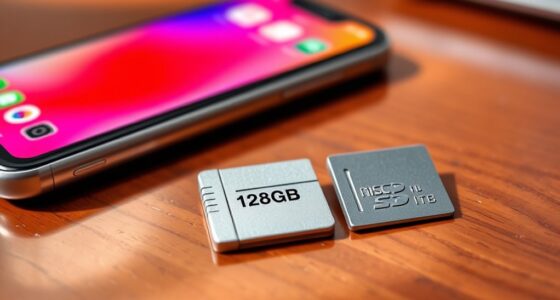
To increase your phone’s storage, you can use cloud services like Google Drive or iCloud for off-device backup and easy access across devices, or add a microSD card if your phone supports it for immediate local storage expansion. Cloud options are great for safety and flexibility, while SD cards are cost-effective for quick access to large files. To discover the best method for your needs, explore the details below.
Key Takeaways
- Use cloud backup services like Google Drive or iCloud for automatic off-device storage and easy access across devices.
- Expand internal storage with an SD card if your device supports microSD slots, providing quick local access to files.
- Delete unnecessary files and apps to free up existing storage before adding new solutions.
- Combine both methods: store media locally on the SD card while backing up important data to the cloud for added security.
- Ensure a stable internet connection for cloud backups and verify device compatibility before installing an SD card.
If your phone is running out of space, there are effective ways to boost its storage capacity without needing a new device. One popular option is utilizing cloud backup services. By storing photos, videos, and files in the cloud, you free up valuable space on your phone’s internal storage. Platforms like Google Drive, OneDrive, or iCloud allow you to upload your data automatically or manually, guaranteeing that your important files are backed up securely. Once uploaded, you can delete local copies, making room for new content. Cloud backup also offers the convenience of accessing your files across multiple devices, so you’re not limited to your phone alone. However, keep in mind that relying solely on cloud storage requires a stable internet connection and enough subscription space, especially if you handle large media files regularly.
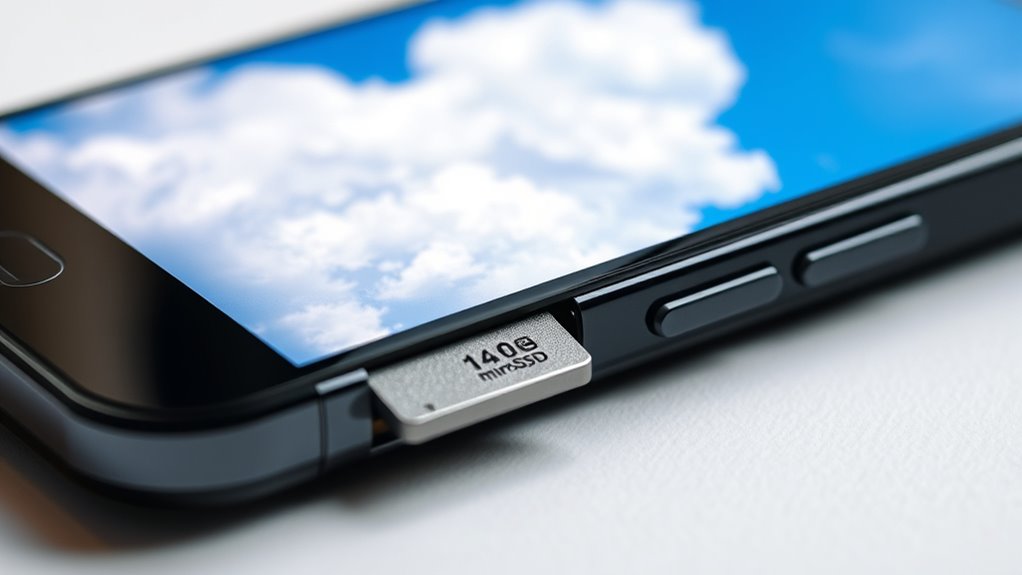
Another effective way to increase your phone’s storage is by using an SD card, provided your device supports SD card compatibility. Many Android phones and some tablets come with a microSD card slot, letting you expand storage easily and affordably. You can insert a microSD card to store photos, videos, music, and even apps (if supported) directly on the card, freeing up internal space. This method is especially useful if you record high-resolution videos or download large files frequently. The key is to check your device’s specifications to ensure SD card compatibility before purchasing. Once inserted, you typically can set the SD card as the default storage location for media and downloads, making it seamless to manage your data. Using an SD card is a straightforward and cost-effective solution, especially if you want to keep your media files separate from your device’s internal storage.
Additionally, understanding the role of storage technology can help you make better decisions about upgrading or expanding your device’s storage options in the future. Both options—cloud backup and SD card expansion—have their advantages. Cloud backup offers flexibility and safety, as your data is stored off-device and protected from hardware failures. On the other hand, SD cards provide immediate access and don’t depend on internet speed or data plans. Combining these methods can give you the best of both worlds: store essential files in the cloud for security and access, while keeping large media files on an SD card for quick retrieval. Ultimately, your choice depends on your device’s capabilities, your storage needs, and your preference for convenience versus security. By leveraging cloud backup and ensuring SD card compatibility, you can profoundly extend your phone’s storage capacity without the expense and hassle of upgrading to a new device.
Frequently Asked Questions
Can I Use Both Cloud Storage and Microsd Simultaneously?
Yes, you can use both cloud storage and a microSD card simultaneously. Many phones support dual cloud storage options, giving you extra flexibility, while microSD advantages include expanding your device’s internal storage easily. Using both means you can store important files on the microSD for quick access, and back up or access larger files via the cloud. This combined approach maximizes your storage options without sacrificing convenience.
Which Option Offers Better Security for My Data?
Think of your data like treasure buried in a vault. Cloud storage often offers better security because it uses data encryption and automatic backups, making it less likely you’ll lose your info. MicroSD cards can be secure, but if stolen or damaged, your data’s at risk. For peace of mind, cloud storage provides more reliable backup and encryption, keeping your digital treasure safer.
Will Expanding Storage Affect My Phone’s Performance?
Expanding your storage can affect your phone’s performance, especially if you choose a slower microSD card. A slower storage speed may cause delays during data transfer, making apps or files take longer to load. To prevent this, select a high-speed microSD card that matches your phone’s capabilities. This helps ensure smooth data transfer and maintains your device’s performance, preventing lag or slowdown during everyday use.
How Much Does Cloud Storage Typically Cost per Year?
Think of cloud storage like a marketplace with different stalls. Pricing plans vary, usually starting around $2 to $10 per month, totaling $24 to $120 annually. Storage tiers allow you to pay for only what you need, making it flexible. So, expect to spend roughly $24–$120 a year depending on your storage needs, with options to upgrade or downgrade as your data grows or shrinks.
Are There Any Compatibility Issues With Microsd Cards?
Compatibility concerns with microSD cards can arise if your phone doesn’t support certain formats or storage capacities. Check your device’s specifications for supported card types and maximum capacity. Usually, formatting requirements include using FAT32 or exFAT. If your microSD isn’t formatted correctly or exceeds your phone’s limits, it may not work properly. Always verify your device is compatible with your microSD card to avoid issues.
Conclusion
Now that you know how to boost your phone’s storage, which option suits your needs best—cloud or microSD? Whether you prefer quick access or extra physical space, both have their advantages. Don’t let limited storage hold you back from capturing memories or installing apps. Are you ready to free up space and enjoy a smoother phone experience? Take the next step today and choose the storage upgrade that works best for you!