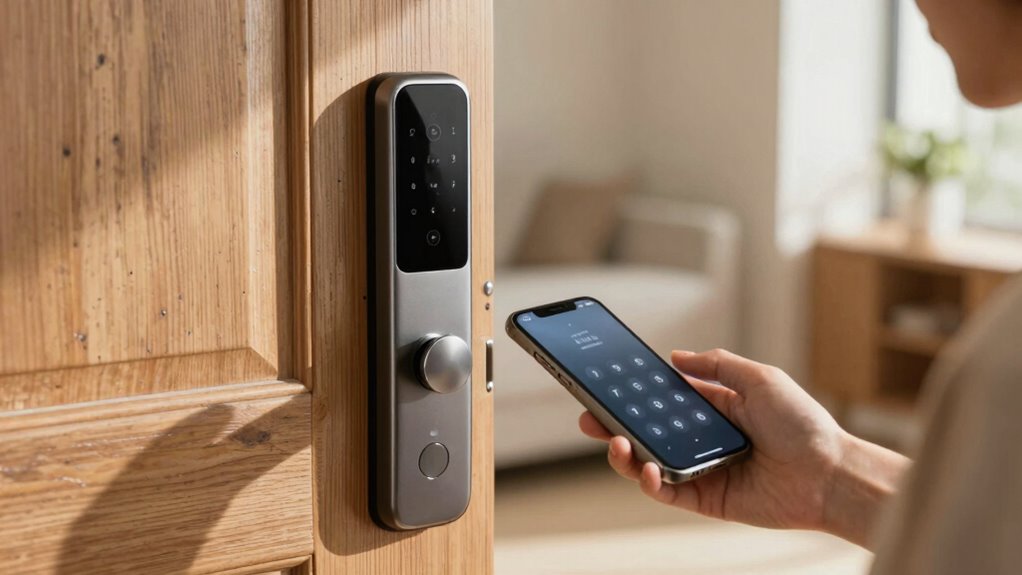

Smart locks may seem risky at first because you might worry about security vulnerabilities, hacking, or losing that familiar key. But once you understand the advanced security features like encryption, biometric authentication, and regular updates, your concerns fade. These measures protect your home and personal data. When you grasp how smart locks work and their safety features, your hesitation lessens. Keep exploring further to discover how these technologies truly secure your home without compromise.
Key Takeaways
- Lack of understanding about security features makes initial hesitation and perceived vulnerability higher.
- Concerns about hacking and remote access risks decrease once security protocols are understood.
- Familiarity with biometric and encryption safeguards reassures users about smart lock safety.
- Knowing best practices like updating firmware and strong passwords reduces perceived risks.
- Understanding how smart locks protect against traditional theft methods increases confidence in their security.
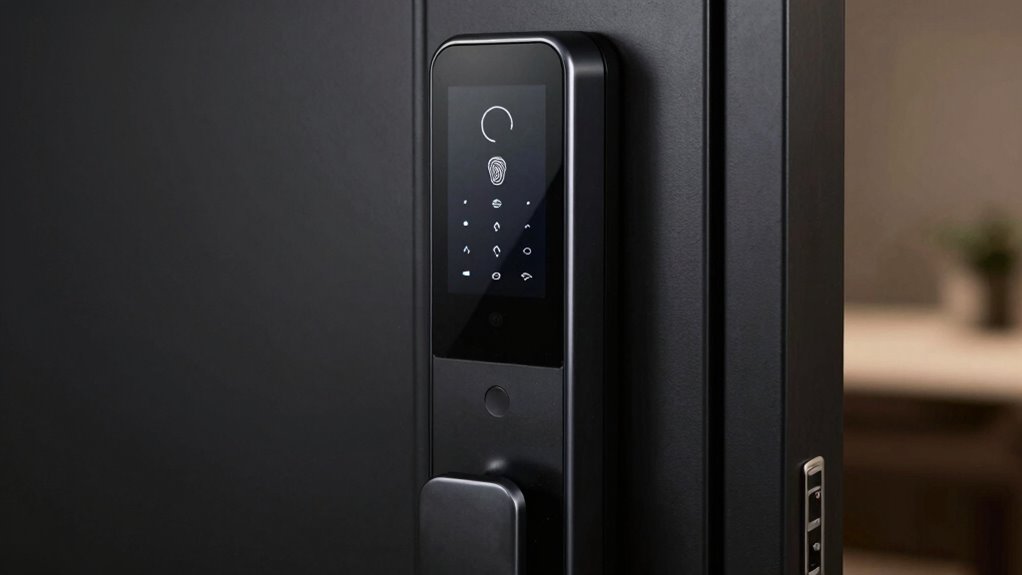
Have you ever hesitated to install a smart lock because it seemed risky? It’s understandable to feel cautious when you first consider replacing traditional locks with newer technology. The idea of letting your lock be controlled via an app or biometric security might seem like opening a door to potential vulnerabilities. But the truth is, when you understand how smart locks work, many of those worries fade away. These devices rely on sophisticated security measures that are designed to protect your home, not compromise it.
Biometric security, for example, uses fingerprint or facial recognition to grant access, making it more secure than traditional keys that can be lost or stolen. You don’t have to worry about someone copying a key or picking a lock when your lock is biometric. It’s a direct, unique identifier that only you can provide, adding an extra layer of security. Plus, biometric data is stored securely within the device, not transmitted or stored in a way that can easily be hacked. When you understand this, biometric security becomes a reassuring feature rather than a risk.
Biometric security uses unique identifiers like fingerprints, making it safer than traditional keys and resistant to hacking.
Remote access is another feature that can seem intimidating at first. The idea of accessing your door from miles away might make you worry about hacking or losing control. But most smart locks come with robust encryption and security protocols, ensuring that only you or people you authorize can access the door remotely. Many smart locks also offer activity logs, so you can see who entered and when, giving you peace of mind. When you know how these systems encrypt data and authenticate entry, you realize that encryption protocols are key to maintaining security, and remote control becomes a convenient, secure way to manage your home. Additionally, understanding the role of regular security updates** can help you keep your device protected against emerging threats. Being aware of security best practices** can further strengthen your confidence in these devices.
The key to feeling more comfortable with smart locks lies in understanding their core security features. Manufacturers invest heavily in protecting these devices from hacking attempts, using advanced encryption, frequent security updates, and multi-factor authentication options. As long as you keep your lock’s firmware up to date and use strong, unique passwords, your smart lock remains a safe and reliable way to secure your home. Additionally, understanding the importance of security practices can help you better protect your devices from potential threats. When you grasp the technology behind biometric security and remote control, you realize that these features are designed to enhance, not undermine, your security. Properly managing these features and staying informed about security vulnerabilities can further improve your confidence in using smart locks. Instead of fearing smart locks, you can appreciate how they offer smarter, more convenient ways to protect your home, provided you understand and properly manage their security features.

Evanshow Fingerprint Door Lock Biometric Door Knob with Keypad Keyless Entry, Door Locks for Bedrooms, Home Hotel Office Apartment Black
- 4-in-1 Smart Lock System: Fingerprint, password, keys, IC card
- High-Speed Fingerprint Recognition: Recognizes prints in under 0.5 seconds
- Administrator Setup Required: Register admin fingerprint before use
As an affiliate, we earn on qualifying purchases.
As an affiliate, we earn on qualifying purchases.
Frequently Asked Questions
Are Smart Locks More Vulnerable to Hacking Than Traditional Locks?
Smart locks can be more vulnerable to hacking than traditional locks if they lack strong encryption protocols and proper user authentication. Hackers target weak security features, so if your smart lock uses outdated encryption or poor authentication methods, you’re at higher risk. However, by choosing models with robust encryption and enabling multi-factor user authentication, you considerably reduce vulnerability, making smart locks safer and more reliable for your home security.
How Secure Are Smart Lock Apps Against Unauthorized Access?
Smart lock apps are generally secure if they use strong encryption and proper user authentication. However, encryption vulnerabilities can expose your system if not updated or if weak passwords are used. You’re safer when you enable two-factor authentication and regularly update the app. Always choose locks with robust security measures, and be cautious about sharing access codes or credentials, ensuring unauthorized access stays at bay.
Can Smart Locks Function During Power Outages or Internet Failures?
Smart locks can often still function during power outages or internet failures, thanks to battery backups built into many models. However, you should be aware of potential issues like signal interference, which can disrupt their operation. If your smart lock relies solely on Wi-Fi or Bluetooth without backup power, it might become temporarily inaccessible. To guarantee consistent access, choose a lock with a reliable battery backup and minimize interference from other devices.
What Are the Common Mechanical Issues With Smart Locks?
A stitch in time saves nine—this applies to smart locks too. Common mechanical issues you might face include battery life problems, where batteries drain faster than expected, and mechanical durability concerns, such as wear and tear on the latch or keypad. Regularly checking the batteries and maintaining the lock’s components can prevent failures. Ensuring your lock’s mechanical parts are sturdy and well-maintained helps keep your home secure and functioning smoothly.
Do Smart Locks Require Professional Installation?
Smart locks often don’t need professional installation if you’re comfortable with basic DIY tasks. However, you should consider keypad durability and battery life concerns, as improper setup can affect performance. If you’re unsure about wiring or connecting to your Wi-Fi, professional help can ensure the lock functions smoothly and securely. Ultimately, evaluating your comfort level with tech and installation can help you decide whether to do it yourself or hire an expert.

Veise VE017 Fingerprint Smart Door Lock with App Control, Matte Black
- Remote User Management: Control access via KK Home App
- Multi-Method Unlocking: Fingerprint, app, key, code, voice, and more
- Auto Lock Function: Set auto lock delay from 0-180 seconds
As an affiliate, we earn on qualifying purchases.
As an affiliate, we earn on qualifying purchases.
Conclusion
Once you grasp how smart locks work, their risks become much clearer and more manageable. Did you know that over 40% of homeowners worry about hacking, yet most breaches are preventable with simple security measures? Understanding the basics transforms your perception, making smart locks feel safer and more reliable. Don’t let fear hold you back—arming yourself with knowledge is the key to enjoying modern convenience without unnecessary worry.

Philips Wi-Fi Smart Deadbolt Lock, Keyless Entry Door Locks for Front Door
- Multiple Unlock Methods: App, passcode, fingerprint, key, voice
- Remote Access: Control lock remotely via Wi-Fi
- Voice Control Compatibility: Works with Alexa and Google Assistant
As an affiliate, we earn on qualifying purchases.
As an affiliate, we earn on qualifying purchases.

eufy Security Smart Lock C30, Keyless Entry Door Lock, Built-in Wi-Fi
- Packaging Update: Same product, different packaging
- Remote Control: Control lock remotely via app
- No Bridge Needed: Built-in Wi-Fi for direct connection
As an affiliate, we earn on qualifying purchases.
As an affiliate, we earn on qualifying purchases.