
TL;DR

Get the latest gadgets delivered free — and shop member deals
- Fast, free delivery on millions of items
- Access to Prime Big Deal Days deals on October 6–7
- Prime Video, Amazon Music and more included
A 2026 Thorsten Meyer AI guide says the old rule that DIY AI workstations are always cheaper no longer holds for every buyer. Component shortages tied to AI demand have raised parts prices, while some prebuilt vendors may benefit from bulk purchasing, factory testing and warranty support.
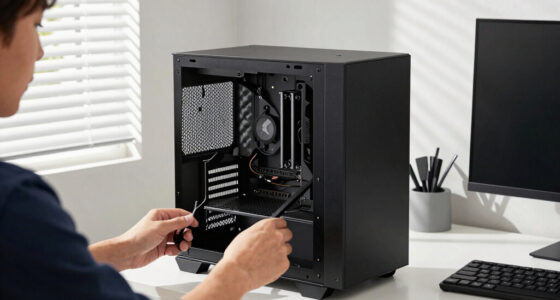
AI workstation buyers in 2026 can no longer assume that building a GPU tower is cheaper than buying a prebuilt system, according to a new Thorsten Meyer AI guide that frames the decision around cost, heat, noise, warranty and control.
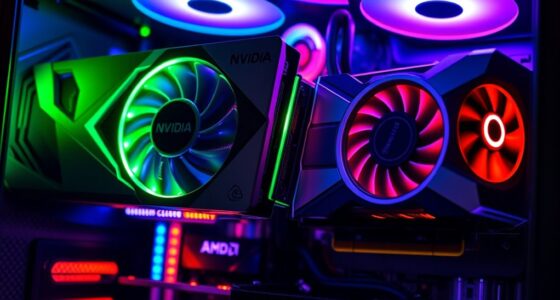
The guide says the AI data-center buildout has pushed up prices for the same parts used in local AI rigs, including DDR5 memory, GPUs and SSDs, with DDR4 also affected. It says a DIY build that previously came in below $1,000 can now cost $1,250 or more before an operating system license.
Thorsten Meyer AI attributes the pricing change to component shortages and bulk purchasing. The guide says some large prebuilt manufacturers bought inventory before price spikes, which can make their completed systems hard to match by buying parts one at a time. That does not mean every prebuilt workstation is cheaper, the guide says; it means buyers need to price both routes for the same configuration at the time of purchase.
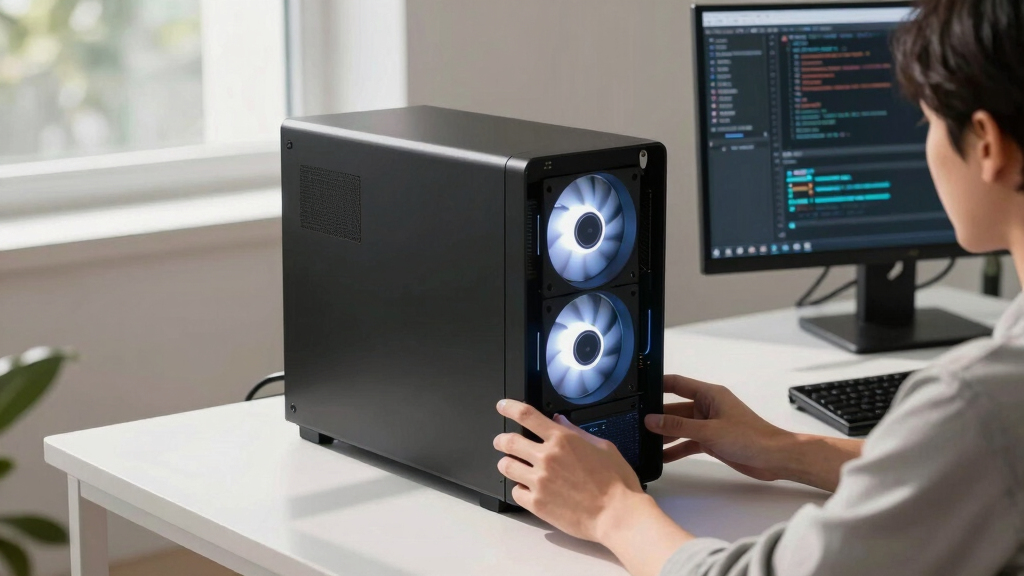
The report also shifts the comparison away from price alone. It says a high-power AI workstation has to manage sustained GPU load through five practical controls: GPU undervolting, cooler selection, case airflow, fan tuning and physical placement. Buyers who build the system handle those decisions themselves. Buyers who choose a validated prebuilt system pay a vendor to handle some or all of that engineering before the machine ships.
Why It Matters
The change matters because local AI users are buying machines for long, high-load tasks, not short bursts of gaming or desktop work. Poor thermal design can mean higher noise, lower sustained performance, more troubleshooting and greater risk that expensive hardware will not behave as expected under model training, fine-tuning or inference workloads.
For budget-focused buyers, the report says DIY still may stretch money furthest when parts are found at good prices or reused from an existing system. For buyers who need faster deployment, lower noise risk or a single support path, prebuilt workstations may now be more competitive than past buying advice suggests.
As an affiliate, we earn on qualifying purchases.
Background
For years, the common buying rule was simple: build the workstation to save money, or buy prebuilt to save time. Thorsten Meyer AI says that rule has weakened because AI-related demand has changed the component market that DIY buyers depend on.
The guide names Puget Systems, BIZON and Lambda as examples of vendors that sell validated AI workstations. It says such vendors may run 24- to 48-hour burn-in tests, tune fan curves, validate thermals and offer warranty support. It also treats the Mac Studio as a separate prebuilt option for buyers who want a quiet local AI machine without the same GPU tower tuning process, though that path has different software and performance tradeoffs.
The source article includes an affiliate disclosure, saying it contains some affiliate links and that the publisher may earn from qualifying purchases at no extra cost to readers.
“building is no longer automatically cheaper”
— Thorsten Meyer AI
“You can no longer assume DIY is the bargain.”
— Thorsten Meyer AI
“There’s no universal winner — only a best fit.”
— Thorsten Meyer AI
GPU workstation cooling solutions
As an affiliate, we earn on qualifying purchases.
As an affiliate, we earn on qualifying purchases.
What Remains Unclear
Exact savings remain unclear without a current quote. The report says prices shift constantly, and the build-versus-buy outcome depends on the GPU, memory, storage, cooling, warranty terms, sales timing and whether the buyer already owns usable parts. Vendor claims about lower noise, burn-in testing and thermal validation should be checked against each system quote and warranty document.
As an affiliate, we earn on qualifying purchases.
What’s Next
Buyers planning a 2026 AI workstation should price a parts list and at least one comparable prebuilt configuration on the same day, then compare total cost, expected noise, support coverage, shipping time and upgrade control before ordering.
validated AI workstation vendors
As an affiliate, we earn on qualifying purchases.
As an affiliate, we earn on qualifying purchases.
Key Questions
Is building an AI workstation still cheaper in 2026?
Sometimes, but the Thorsten Meyer AI guide says it is no longer automatic. Component price spikes mean buyers need to compare a current DIY parts list against current prebuilt quotes.
Why are prebuilt AI workstations more competitive now?
The guide says some vendors bought parts in bulk before price increases and can spread validation, burn-in testing and support across many systems.
Who should still build their own workstation?
DIY is still a strong fit for buyers who want maximum control, are comfortable tuning thermals and fans, can find parts at good prices or want the build process as a learning project.
Who should buy prebuilt?
A prebuilt system may fit buyers who want faster setup, factory thermal validation, tuned noise behavior and one warranty path instead of separate support for each part.
What should buyers check before choosing?
They should compare the exact GPU, RAM, SSDs, cooling, case airflow, noise claims, burn-in policy, warranty length, support terms and delivery timing for each option.
Source: Thorsten Meyer AI
Fall Picks
fall essentials
As an affiliate, we earn on qualifying purchases.