
TL;DR

Get the latest gadgets delivered free — and shop member deals
- Fast, free delivery on millions of items
- Access to Prime Big Deal Days deals on October 6–7
- Prime Video, Amazon Music and more included
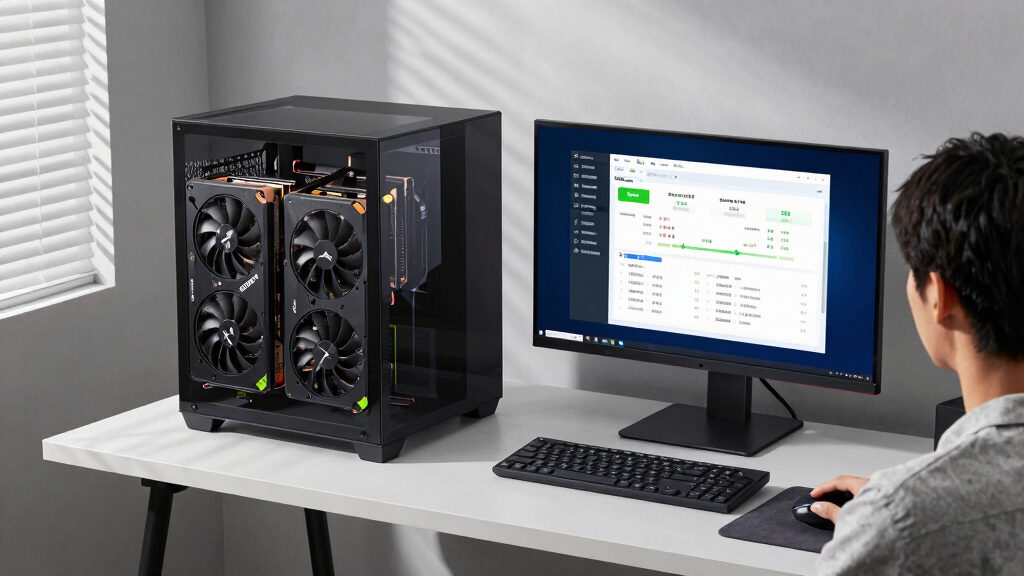
A custom dual-GPU setup with an RTX 5080 and RTX 3090 has achieved over 80 tokens/sec running Qwen 3.6 27B Q8. This demonstrates the potential of combining high-end GPUs for improved AI inference speed. The configuration details and performance metrics are confirmed, but some technical aspects remain complex and unverified for all users.
A user has reported achieving over 80 tokens per second on Qwen 3.6 27B Q8 by combining an RTX 5080 and RTX 3090 in a custom setup, marking a significant performance milestone for local AI inference using high-end GPUs.
The setup involves using an ASUS Prime X570-Pro motherboard with PCIe 4 risers to support both GPUs, along with specific BIOS configurations to enable dual-GPU operation. The user installed patched Nvidia drivers compatible with different GPU models and configured llama.cpp with specific build flags supporting both Ampere and Blackwell architectures.
Performance was measured at over 80 tokens/sec, with peaks reaching 90 tokens/sec depending on the task. The user utilized a quantized Q8 model (Huihui-Qwen3.6-27B-abliterated-ggml) fitting within 39GB of VRAM, with optimized startup parameters for multi-GPU operation. The setup was tested and confirmed via nvidia-smi and custom driver configurations, demonstrating a notable boost in inference speed.
Impact of Dual-GPU Setup on AI Inference Speed
This development illustrates the potential for leveraging high-performance consumer GPUs in tandem to significantly accelerate large language model inference. Achieving over 80 tokens/sec on a 27B Q8 model demonstrates that with proper hardware and software configuration, local AI deployment can rival or surpass cloud-based performance, opening new possibilities for AI researchers and enthusiasts.
It also highlights the importance of BIOS and driver configurations in multi-GPU setups, which remain complex but crucial for optimal performance. Such advancements could influence future hardware choices and setup practices for AI workloads.
As an affiliate, we earn on qualifying purchases.
Recent Advances in Multi-GPU AI Hardware Configurations
Over the past year, AI enthusiasts have increasingly experimented with combining multiple high-end GPUs for local model inference. The release of the RTX 5080 and continued use of powerful cards like the RTX 3090 have prompted community efforts to optimize hardware setups, BIOS configurations, and driver support for multi-GPU AI workloads.
Previous benchmarks on single GPUs showed limited token throughput, often below 60 tokens/sec for large models. The recent breakthrough demonstrates that with tailored configurations, this limit can be substantially exceeded, marking a step forward in local AI processing capabilities.
“Achieving over 80 tokens/sec on Qwen 3.6 27B Q8 with this dual-GPU setup shows the untapped potential of combining high-end GPUs for local AI inference.”
— the user who shared the setup
As an affiliate, we earn on qualifying purchases.
Technical Challenges and Compatibility Limitations
While the reported performance is confirmed for this specific setup, the generalizability to other hardware configurations remains uncertain. Compatibility issues with different GPU models, driver stability, and BIOS settings could limit broader adoption. The user noted difficulties with driver patching for mixed GPU types and complex BIOS adjustments, which may not be accessible to all users.
Further testing is needed to verify whether similar performance gains can be reliably achieved across different hardware combinations and software environments.
motherboard for multi-GPU AI inference
As an affiliate, we earn on qualifying purchases.
As an affiliate, we earn on qualifying purchases.
Next Steps for Optimizing Multi-GPU AI Performance
Future developments may include more streamlined driver solutions, improved BIOS tools, and community sharing of optimized configurations. Additional benchmarks are expected as more users attempt similar setups, potentially leading to standardized best practices for multi-GPU AI inference.
Researchers and enthusiasts are likely to explore further hardware combinations, aiming to push token throughput even higher and simplify the setup process for wider adoption.
As an affiliate, we earn on qualifying purchases.
Key Questions
Can this performance be achieved with other GPU models?
Performance depends heavily on specific hardware configurations, BIOS settings, and driver support. While similar setups with different GPUs may work, the reported 80+ tokens/sec is confirmed only for this particular combination.
What are the main technical challenges in setting up dual GPUs for AI inference?
Challenges include BIOS configuration, driver patching for mixed GPU models, PCIe lane management, and ensuring proper software support for multi-GPU operation. Compatibility and stability are also concerns.
Is this setup suitable for production AI deployment?
Currently, such setups are primarily experimental and require technical expertise. Stability and support for production environments are not yet guaranteed, but advancements may improve this in the future.
What software modifications are necessary to support dual GPUs?
Custom driver configurations, specific build flags for llama.cpp, and BIOS adjustments are required. The user also recommends using patched Nvidia drivers compatible with different GPU architectures.
Source: Hacker News
Fall Picks
fall essentials
As an affiliate, we earn on qualifying purchases.