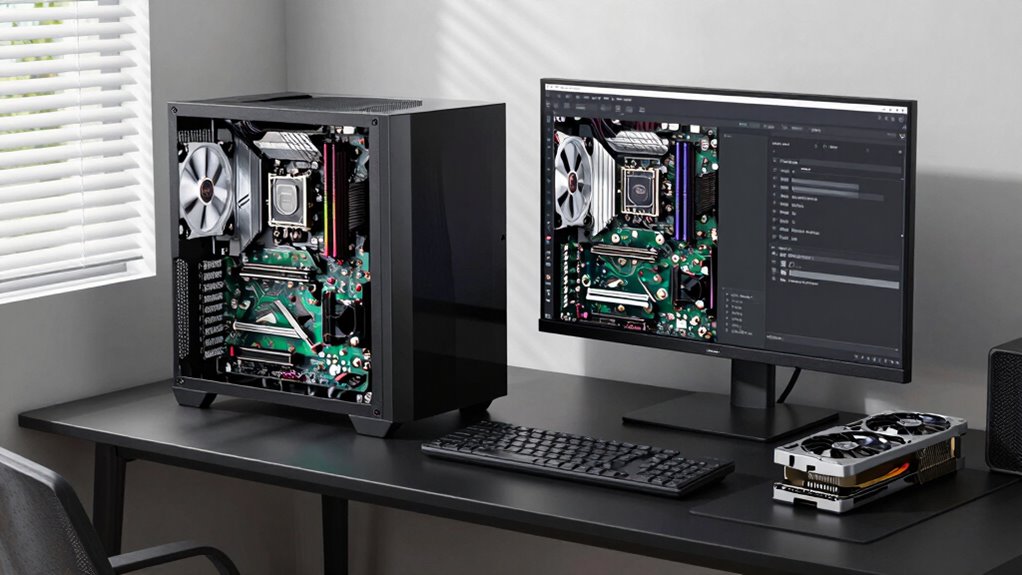
To guarantee your PC build stays relevant two years from now, pick high-quality, future-proof components like a recent CPU with plenty of cores, a capable GPU supporting ray tracing and DLSS, and a motherboard with extra slots for upgrades. Opt for fast NVMe storage and a reliable power supply. Prioritize good airflow and cooling to extend lifespan. Keep an eye on emerging standards so your system remains versatile, and you’ll find more tips to make your build last longer.
Key Takeaways
- Choose components supporting future standards like PCIe 4.0/5.0 and DDR5 RAM.
- Invest in a motherboard with multiple expansion slots and ample connectivity for upgrades.
- Prioritize a high-quality power supply with headroom for additional hardware.
- Select a case with excellent airflow and space for future cooling or component additions.
- Balance current performance needs with flexibility for upgrades, avoiding overspending on short-term components.
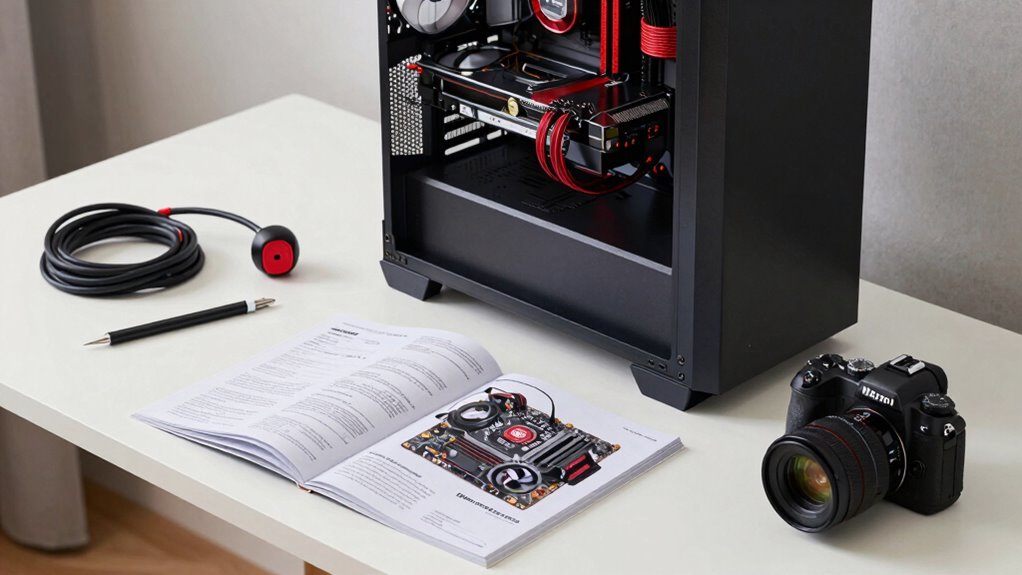
Planning a PC build that remains relevant two years down the line can seem challenging, but with the right approach, you can create a system that ages gracefully. The key is to balance current needs with future-proofing, especially when considering gaming performance and budget considerations. You want a build that handles today’s demanding games without breaking the bank, yet still offers room for upgrades down the road. To do this, focus on components that deliver strong performance now but also have longevity.
Start with the CPU and GPU, as these are the most impactful for gaming performance. Opt for a mid-to-high-tier processor and graphics card that strike a balance between affordability and power. For example, choosing a recent generation CPU with a solid core count and high clock speeds will ensure your system can handle new titles for the next couple of years. Pair it with a capable GPU, ideally one that supports the latest features like ray tracing and DLSS, to maximize gaming performance. Even if you don’t buy the absolute top-tier models today, selecting slightly above your immediate needs gives you a buffer for future titles.
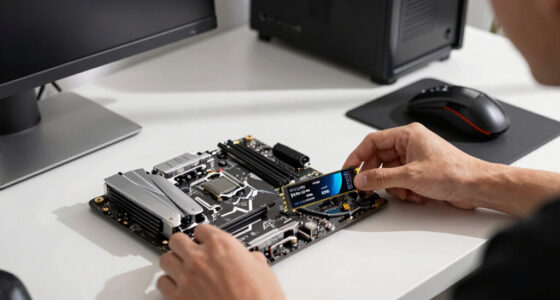
Next, consider your motherboard and RAM. Invest in a motherboard that supports future upgrades, such as additional M.2 slots, PCIe 4.0 or 5.0 support, and ample USB ports. For RAM, go for at least 16GB now, but if your budget allows, 32GB provides extra breathing room for multitasking, streaming, or future software demands. These choices help extend the relevance of your build, ensuring that as technology advances, your system remains compatible. Additionally, understanding emerging trends in digital publishing can help you stay informed about upcoming hardware and software developments that could influence your upgrade plans. Incorporating the latest hardware standards into your build can further future-proof it, making upgrades easier and more seamless.
When it comes to storage, opt for a fast NVMe SSD as your primary drive. It improves load times and overall responsiveness. You can always add more storage later, so prioritize speed and capacity that meet your current needs without overspending. Power supply units should have enough wattage and efficiency ratings to support future upgrades, especially if you plan to upgrade your GPU or add peripherals.
Finally, pay attention to the case and cooling solutions. A good case with proper airflow keeps temperatures low, which prolongs component lifespan and maintains performance. Investing in reliable cooling now can prevent thermal throttling and keep your build running smoothly over the years. By choosing flexible, upgrade-friendly components and making smart budget considerations, you set yourself up for a gaming PC that stays relevant and performs well, even two years down the line.
As an affiliate, we earn on qualifying purchases.
Frequently Asked Questions
How Can I Future-Proof My PC Build Effectively?
To future-proof your PC build, prioritize peripheral compatibility by choosing a motherboard with versatile ports and support for upcoming standards. Consider aesthetic considerations by selecting a case and components that can accommodate future upgrades without clashing visually. Invest in a high-quality power supply and a robust CPU and GPU, ensuring your system remains relevant longer. Regularly check for hardware updates, and select components that support future technology advancements.
What Are the Best Upgrade Paths for This Build?
Your upgrade path hinges on GPU compatibility and cooling solutions, so stay alert. You can swap out your GPU for a newer model, but make certain your motherboard supports upcoming graphics cards. Keep an eye on cooling options—adding more fans or upgrading your cooler can extend your build’s lifespan. Future-proofing means planning for these upgrades now, so when the moment comes, you’re ready to enhance performance without starting from scratch.
How Do Software Updates Impact Hardware Longevity?
Software updates can impact your hardware longevity by causing software obsolescence and affecting driver compatibility. When updates introduce new features or security patches, older hardware might struggle to keep up, leading to decreased performance or instability. To mitigate this, choose components with good driver support, regularly update drivers, and stay informed about software changes. This proactive approach helps guarantee your build remains functional and efficient over time.
Should I Prioritize Performance or Compatibility?
You should prioritize compatibility over raw performance, especially with graphics compatibility and power efficiency in mind. Ensuring your components work well together prevents bottlenecks and future upgrade issues. A system optimized for compatibility will also be more power-efficient, saving you money and reducing heat. Balancing these factors helps your PC stay relevant and functional for years, rather than chasing the latest performance gains that might quickly become outdated.
What Budget Should I Set for a Long-Lasting Build?
You should set a flexible budget around $1,500 to $2,000 for a long-lasting build, allowing room for quality parts and future upgrades. Focus on overclocking strategies, like choosing a motherboard with good VRM cooling, and invest in efficient cooling solutions to maintain performance over time. This approach guarantees you can optimize performance now and adapt your system later without constantly replacing components.
As an affiliate, we earn on qualifying purchases.
Conclusion
By planning your PC build with future upgrades in mind, you guarantee it stays relevant for years to come. Did you know that over 60% of gamers upgrade their PCs within two years? Investing in a solid motherboard, a versatile power supply, and a future-proof CPU can save you money and headaches down the road. So, choose wisely now, and enjoy a system that evolves with your needs—saving you time and cash in the long run.
motherboard with multiple M.2 slots
As an affiliate, we earn on qualifying purchases.
As an affiliate, we earn on qualifying purchases.
gaming GPU supporting ray tracing DLSS
As an affiliate, we earn on qualifying purchases.
As an affiliate, we earn on qualifying purchases.