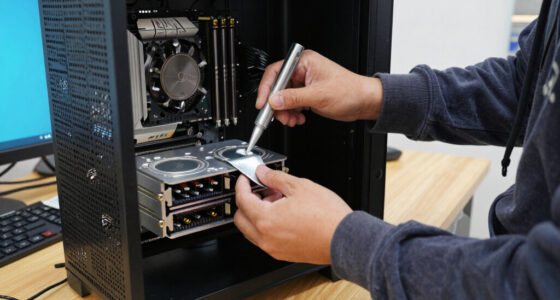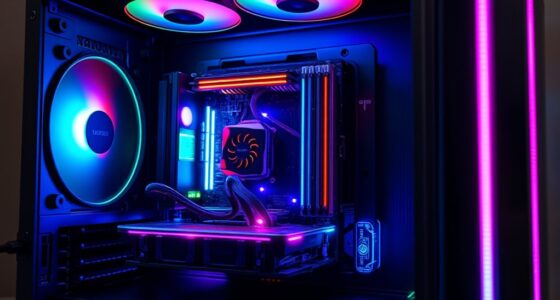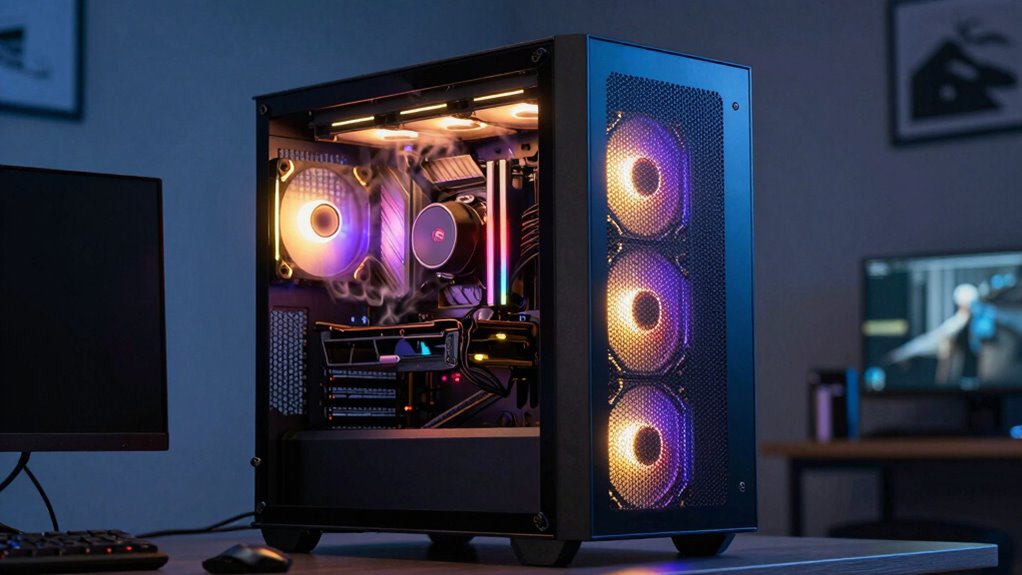

Your PC’s performance hinges heavily on thermal management because overheating causes your CPU and GPU to throttle, slowing down performance. Poor thermals lead to system instability, crashes, and limit overclocking potential, preventing your hardware from reaching its full speed. Dust accumulation and inefficient cooling can trap heat, shortening component lifespan. If you want your PC to run smoothly and perform at its best under heavy loads, understanding thermals is essential—there’s more to uncover that can help optimize your system.

Get the latest gadgets delivered free with Prime
- Fast, free delivery on millions of items
- Prime Video, Amazon Music and more included
- Member-only deals all year
Key Takeaways
- Efficient thermals prevent CPU/GPU throttling, maintaining higher speeds during intensive tasks.
- Proper thermal management allows for stable overclocking, boosting overall system performance.
- Good heat dissipation reduces component wear, ensuring consistent and reliable operation over time.
- Elevated temperatures cause system instability and crashes, directly impairing performance.
- Effective thermal solutions enable components to operate at maximum capacity without overheating risks.
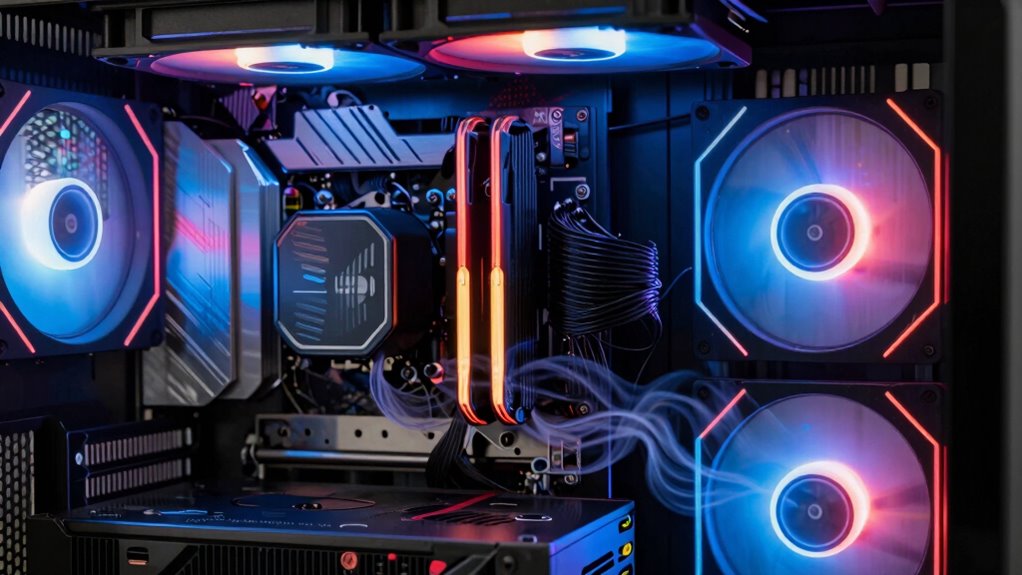
Have you ever wondered how your PC’s temperature impacts its performance? The truth is, thermals play a more crucial role than many people realize. When your CPU or GPU gets too hot, it can throttle its speed to prevent overheating, which directly reduces performance. This is especially true if you’re overclocking, where pushing hardware beyond its stock settings demands increased attention to thermal management. Overclocking stability depends heavily on how well your system handles heat; even minor temperature fluctuations can cause crashes or system instability. That’s why good thermal management isn’t just about keeping components cool—it’s about ensuring they operate at the highest possible speeds without risking damage. Proper thermal regulation also involves understanding how thermal interface materials (TIMs) facilitate heat transfer, impacting overall system stability. The quality of TIMs can make a substantial difference in thermal performance, as they directly influence the efficiency of heat conduction between the chip and heatsink. Cheaper or poorly applied thermal paste may result in hotspots or less efficient heat transfer, causing temperatures to rise faster under load. When temperatures climb, your system’s ability to sustain performance diminishes. Upgrading to high-quality thermal interface materials and applying them properly can lower your component temperatures considerably, allowing for more stable overclocking and better overall performance. Additionally, thermal conductivity of these materials determines how effectively heat is transferred, emphasizing the importance of choosing the right types of TIMs for your setup. Regular maintenance, like cleaning dust from cooling components, can also prevent thermal issues and improve heat dissipation. Beyond just the hardware, thermals influence your system’s longevity. Excessive heat accelerates wear and tear on internal components, potentially leading to early failures. Maintaining ideal thermals extends the lifespan of your PC, which saves you money and hassle over time. Proper cooling solutions, including well-chosen thermal interface materials, high-quality heatsinks, and effective airflow, are all essential. When these elements work together, your system can run cooler and more efficiently, giving you the stability needed to run demanding applications or achieve higher overclocking margins. Neglecting proper thermal management can also cause dust buildup that insulates components and hampers airflow, further exacerbating temperature issues. In fact, dust accumulation is one of the common causes of thermal inefficiency in PCs. Ultimately, understanding how thermals affect your PC’s performance reveals their importance beyond just avoiding overheating. They determine how much headroom you have for overclocking stability, how long your components last, and how smoothly your system runs under heavy loads. Neglecting proper thermal management means risking reduced performance, system crashes, or hardware damage. If you want your PC to perform at its best, pay close attention to thermals—invest in quality thermal interface materials, optimize airflow, and keep temperatures in check. It’s the difference between a system that stutters and one that delivers peak performance consistently.
high quality thermal paste for CPU
As an affiliate, we earn on qualifying purchases.
As an affiliate, we earn on qualifying purchases.
Frequently Asked Questions
How Do Thermal Solutions Differ Between Gaming and Professional PCS?
You’ll notice thermal solutions differ between gaming and professional PCs mainly because of overclocking stability needs. Gaming PCs often use high-performance cooling to handle intense loads, while professional setups prioritize thermal interface materials that enhance heat transfer for long-term reliability. These differences guarantee each system maintains ideal temperatures, preventing overheating and maximizing performance under their specific workloads.
What Role Does Ambient Temperature Play in Thermal Performance?
Ambient temperature is the silent conductor of your PC’s thermal symphony. When it’s high, your system struggles, like a runner up against the heat, risking overheating. Ambient cooling becomes essential, and temperature monitoring helps you stay ahead. You can optimize airflow and choose better cooling solutions, ensuring your components stay cool under pressure. Lower ambient temperatures boost performance, making your PC run smoother and more efficiently.
Can Thermal Paste Replacement Significantly Boost Cooling Efficiency?
Replacing your thermal paste can substantially boost cooling efficiency if you focus on proper paste application and thermal conductivity. Old or dried-out paste hampers heat transfer, causing higher temps. Applying a fresh, high-quality thermal paste ensures better contact between the CPU and heatsink, improving heat dissipation. This simple upgrade can lower temperatures, enhance performance, and extend your PC’s lifespan, making it a worthwhile maintenance step.
How Do Different Cooling Methods Impact Noise Levels?
Like a whisper in a library, different cooling methods impact noise levels uniquely. Liquid cooling generally produces less fan noise because it relies on water pumps rather than high-speed fans, creating a quieter environment. In contrast, air cooling often involves faster spinning fans, which can be noisier. Your choice affects not just temperatures but also how serene your workspace feels, making silent operation a key factor in selecting your cooling setup.
What Are the Long-Term Effects of Thermal Stress on Hardware?
Thermal stress can cause long-term hardware degradation through thermal fatigue, weakening components over time. When your PC repeatedly experiences high temperatures, it accelerates material wear and increases the risk of failure. This ongoing thermal cycling damages solder joints and circuit boards, reducing performance and lifespan. To prevent this, guarantee effective cooling and avoid overheating, which helps maintain hardware integrity and prolongs your system’s durability.
As an affiliate, we earn on qualifying purchases.
Conclusion
In the end, understanding thermals is essential because they directly impact your PC’s performance. When temperatures rise, your system throttles to protect itself, reducing speed and efficiency. Did you know that a mere 10°C increase in temperature can cut performance by up to 20%? So, investing in good cooling isn’t just about noise—it’s about keeping your system running at its best. Stay cool, and your PC will thank you with better, more consistent performance.
thermal interface materials for CPU
As an affiliate, we earn on qualifying purchases.
As an affiliate, we earn on qualifying purchases.
As an affiliate, we earn on qualifying purchases.
Halloween Picks
halloween
As an affiliate, we earn on qualifying purchases.