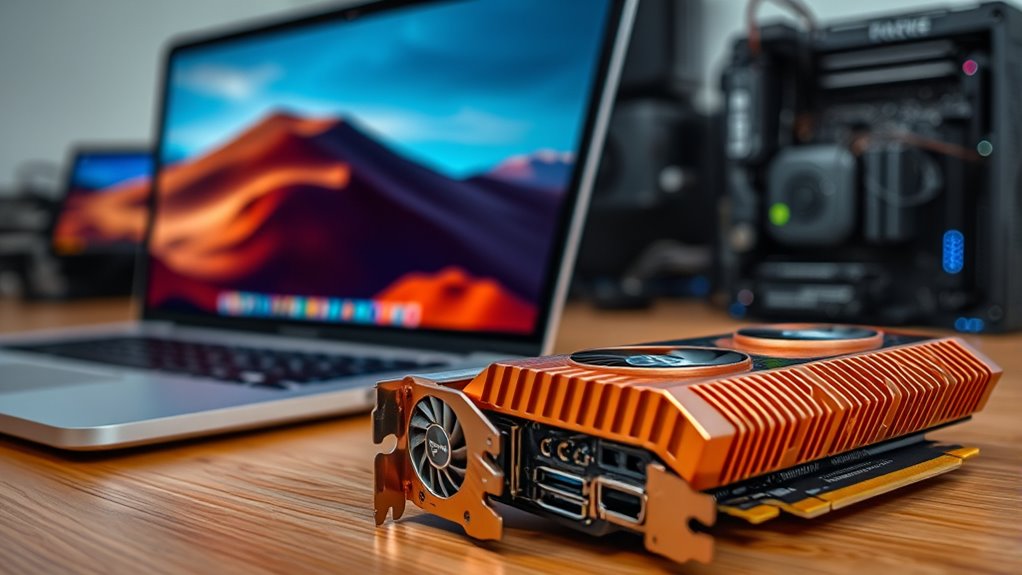

Integrated graphics are built into your CPU or motherboard, sharing system memory and are perfect for everyday tasks like browsing, streaming, or basic work. Dedicated graphics cards have their own memory and processing power, offering much better performance for gaming, video editing, or 3D rendering. They require more space, power, and come at a higher cost. Want to understand which option fits your needs best? Keep exploring to find out more.
Key Takeaways
- Integrated graphics are built into the CPU or motherboard, sharing system memory, suitable for basic tasks and energy efficiency.
- Dedicated graphics cards have their own memory and processing power, ideal for high-performance gaming, rendering, and creative work.
- Integrated solutions consume less power, generate less heat, and are more space-efficient, while dedicated GPUs require more power and cooling.
- Integrated graphics are cost-effective and easier to upgrade through software, whereas dedicated GPUs involve higher costs and more complex hardware upgrades.
- Integrated graphics offer better long-term energy savings and portability, while dedicated graphics provide superior performance for demanding applications.
What Are Integrated Graphics?
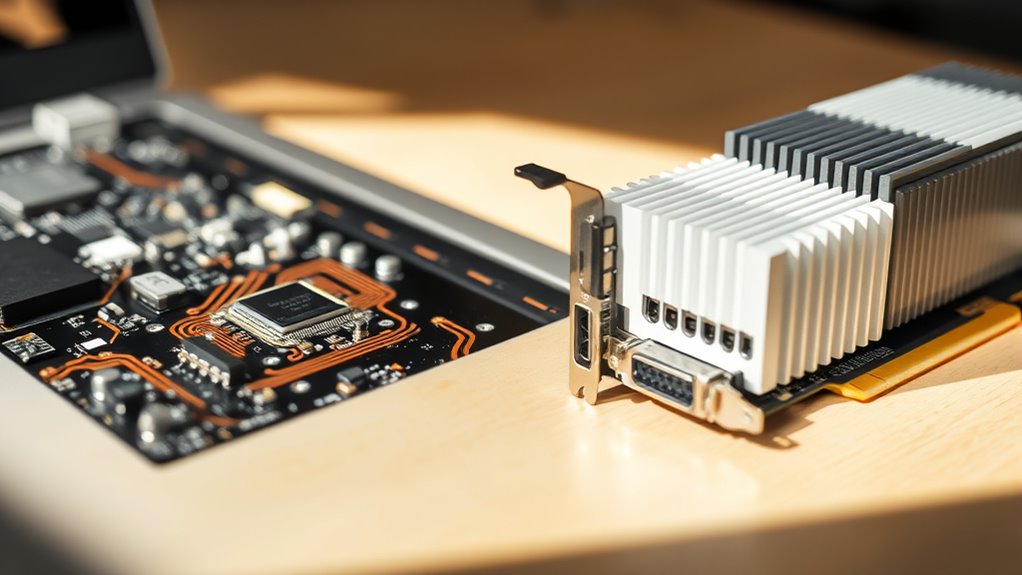
Integrated graphics are built directly into your computer’s processor or motherboard, meaning they share system memory instead of having their own dedicated video RAM. Because they rely on your system’s RAM, they generally consume less power, leading to lower power consumption overall. This setup also results in reduced thermal output, making your system run cooler and quieter. Since integrated graphics aren’t designed for heavy tasks, they’re ideal for everyday activities like browsing, streaming, and office work. Their efficiency helps extend battery life on laptops and keeps energy costs down. Additionally, shared resources can limit performance during demanding tasks, as system memory is slower than dedicated video RAM. Overall, integrated graphics provide a budget-friendly, energy-efficient solution for basic computing needs.
What Are Dedicated Graphics?

Have you ever wondered what makes dedicated graphics stand out? These are specialized graphics cards with their own memory and processing power, designed for demanding tasks like gaming and video editing. Unlike integrated graphics, dedicated GPUs consume more power but deliver higher performance. They are built with complex manufacturing processes to optimize their components, which can increase production costs.
Here are four key points:
- They have dedicated video memory, reducing reliance on system RAM.
- They handle intensive graphics tasks more efficiently.
- Manufacturing complexity allows for advanced features and higher performance.
- Power consumption is higher compared to integrated solutions, impacting battery life.
Dedicated graphics are ideal for users needing superior graphics processing but require more power and complex manufacturing.
Differences in Performance and Power
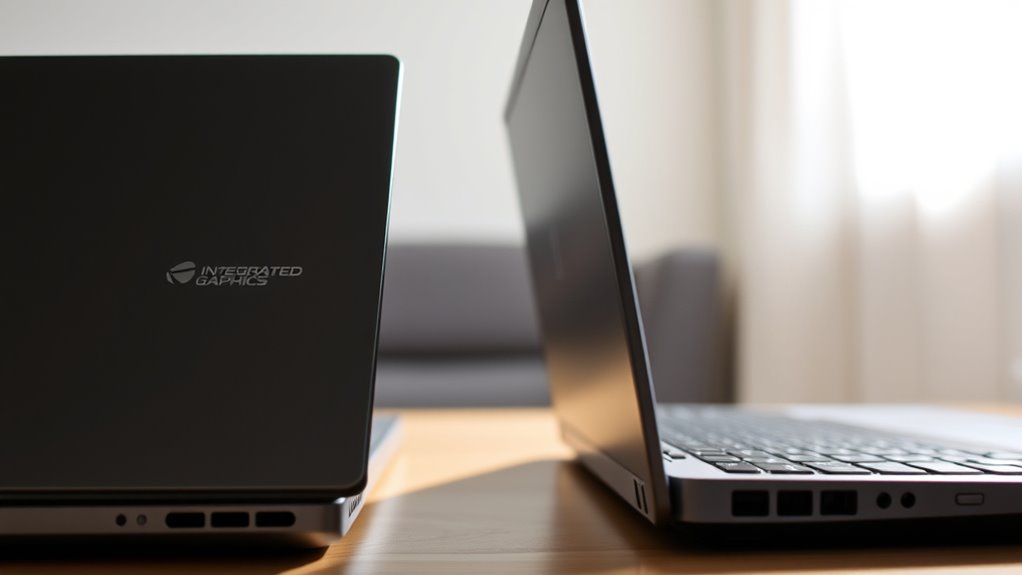
While dedicated graphics cards deliver markedly higher performance than integrated solutions, they also demand more power, which can affect your device’s battery life and energy efficiency. Higher power consumption means your device needs a more robust power supply and better cooling systems to handle increased thermal performance. This results in greater heat output, requiring efficient thermal management to prevent overheating and maintain stability during intensive tasks. Dedicated GPUs excel at handling demanding applications like gaming and video editing but do so at the expense of battery longevity. Additionally, the thermal performance of dedicated GPUs requires advanced cooling solutions to sustain high workloads. The power consumption of dedicated GPUs is significantly higher, impacting overall energy use and device portability. Understanding energy efficiency can help you make informed choices about hardware configurations based on your usage needs. Furthermore, performance metrics such as frame rates and rendering speeds are notably superior with dedicated GPUs, making them ideal for professional and enthusiast use. The performance difference ultimately hinges on your priorities: performance versus power efficiency.
Impact on System Design and Space

The choice between integrated and dedicated graphics considerably influences the overall system design and space requirements. Integrated graphics save space and enhance system flexibility by eliminating the need for a separate GPU, making compact builds easier. Dedicated graphics, however, demand additional room for the GPU card, cooling solutions, and power supply, which can increase system size. Consider these factors:
- Space efficiency: Integrated graphics occupy less physical space, ideal for slim or portable devices. This is especially important in compact device design.
- Cooling needs: Dedicated GPUs require larger cooling systems, impacting case design.
- Upgrade potential: Dedicated cards offer system flexibility through upgrade options, but need extra room.
- Component placement: Integrating dedicated GPUs may limit component arrangement, affecting overall compactness.
- Awareness of regional hardware trends can help in selecting components aligned with local availability and standards. Additionally, understanding power supply requirements is crucial for ensuring system stability and performance when choosing between integrated and dedicated graphics. Being aware of power consumption differences can also influence your overall energy efficiency and cooling considerations for the system. A thorough understanding of system airflow can further optimize cooling solutions and maintain component longevity.
Cost Considerations for Each Type

When choosing between integrated and dedicated graphics, you’ll want to contemplate the initial purchase price and how it fits into your budget. Long-term costs like maintenance, upgrades, and replacements can also add up over time. Understanding these financial factors helps you make a smarter decision that aligns with your needs and budget. Additionally, consider the horsepower of electric dirt bikes, which impacts performance and can influence the long-term value of your investment. For example, AI-powered performance analytics can assist in evaluating the efficiency and longevity of your graphics hardware, ensuring you make a well-informed choice. Being aware of the best anime movies can also offer insights into high-quality entertainment options, though not directly related to graphics choices.
Upfront Purchase Price
Integrated graphics are usually the cheapest option initially. Budget options often favor integrated solutions for affordability. Resale value for systems with dedicated GPUs tends to be higher. The upfront cost for dedicated cards can be significant but offers better performance for demanding tasks. Additionally, biodiversity benefits can be seen when considering the environmental impact of electronic waste, as sustainable choices help reduce pollution and promote conservation. Investing in recyclable materials for hardware components can further enhance the environmental friendliness of your setup, contributing to a healthier planet. Moreover, energy consumption varies significantly between integrated and dedicated graphics, impacting long-term operational costs. Choosing hardware made from eco-friendly components can also minimize the ecological footprint of your computing setup.
Long-term Maintenance Costs
You are trained on data up to October 2023. When considering long-term maintenance costs, integrated graphics typically incur lower maintenance expenses because they’re built into your processor and require less cooling and fewer repairs. Dedicated graphics cards, however, often have higher repair requirements due to their separate hardware components, which are more prone to failure over time. You might find yourself spending more on repairs or replacements for dedicated GPUs, especially if they overheat or experience wear and tear. Regular cleaning and cooling are essential for both types, but dedicated cards demand more attention and can lead to increased maintenance expenses. Additionally, power consumption insights play a role in ongoing costs, as higher energy use can contribute to increased electricity bills and potential cooling needs. Proper thermal management can help mitigate some of these costs and extend the lifespan of your hardware. Overall, integrated graphics tend to be more cost-effective in the long run, especially if your usage doesn’t demand high-end graphics performance.
Upgrade and Replacement Fees
Upgrading or replacing graphics components can considerably impact your budget, as the costs vary depending on the type. Integrated graphics typically have lower upgrade costs since they’re built into the CPU or motherboard, often requiring only software updates or BIOS adjustments. Dedicated graphics cards, however, involve higher upgrade fees because you need to purchase a new card and sometimes pay for installation.
Consider these factors:
- Hardware compatibility – Ensuring your system supports new components affects replacement fees.
- Performance needs – Higher-performance dedicated cards often come with steeper upgrade costs.
- Warranty coverage – Some upgrades may be covered, reducing out-of-pocket expenses.
- Professional installation – If you hire help, expect additional fees for installation and setup.
Suitable Use Cases for Integrated Graphics
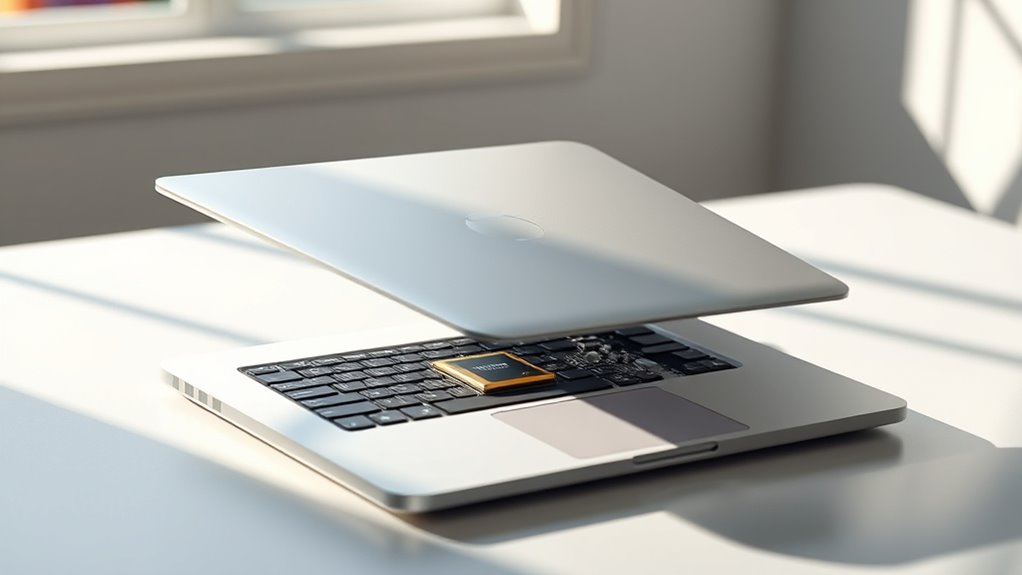
Are integrated graphics a good choice for basic computing needs? If you’re mainly browsing the web, checking emails, or working with simple documents, integrated graphics are ideal. They deliver enough power for everyday tasks while offering excellent energy efficiency, helping to save battery life. This makes them perfect for portable devices like laptops and ultrabooks, where weight and battery longevity matter most. You won’t need a dedicated GPU for such activities, which keeps your system more affordable and reduces heat output. Plus, integrated graphics consume less power, contributing to longer device runtimes. So, if your use case involves light computing and portability is a priority, integrated graphics are a smart, cost-effective, and energy-efficient choice.
Ideal Scenarios for Dedicated Graphics
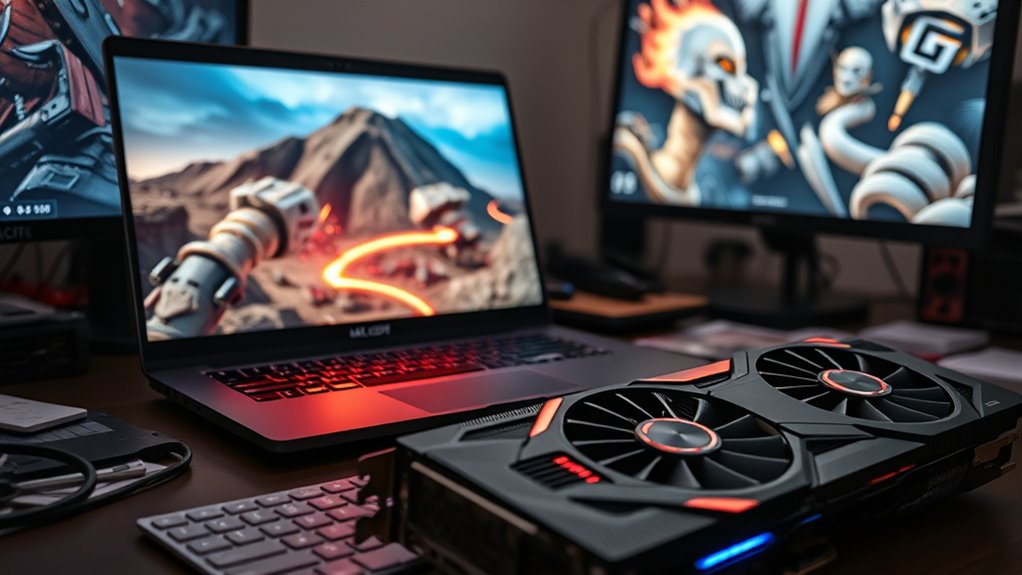
If you’re into high-performance gaming or work with intensive creative software, dedicated graphics cards can make a big difference. They deliver the power needed to run demanding titles smoothly or handle complex design tasks efficiently. In these scenarios, investing in a dedicated GPU boosts your experience and productivity.
High-Performance Gaming
Dedicated graphics cards shine brightest when you push your system to its limits during high-performance gaming. If you’re chasing smooth gameplay at high resolutions or immersive VR experiences, a dedicated GPU is essential. It handles complex rendering, ensuring you get the best visuals without sacrificing frame rates. However, consider that a powerful GPU may impact laptop portability and energy efficiency, especially during extended gaming sessions. To maximize your gaming experience, focus on:
- Prioritizing high frame rates for competitive play
- Running games at higher settings for richer visuals
- Playing demanding titles that require intensive rendering
- Balancing performance with battery life and portability needs
This setup is perfect if you have access to power and want top-tier graphics, but it’s less ideal for portable, energy-efficient gaming on the go.
Intensive Creative Work
When tackling intensive creative tasks, a dedicated graphics card becomes a vital tool for achieving peak performance. If your work involves 3D rendering, video editing, or digital design, a dedicated GPU ensures smoother workflows and faster rendering times. Hardware compatibility is essential—make sure your system supports the graphics card you choose, especially with high-end workstations. Software optimization also matters; many creative applications are designed to leverage dedicated GPUs for better performance. With a dedicated card, you’ll experience improved real-time previews, more efficient multitasking, and enhanced rendering capabilities. This setup minimizes lag and maximizes productivity, making it ideal for professionals who rely on intensive creative work daily. Investing in dedicated graphics ultimately guarantees your hardware and software work together seamlessly for superior results.
Compatibility and Upgrade Pathways

Compatibility and upgrade pathways vary considerably between integrated and dedicated graphics solutions. Integrated graphics are built into the CPU or motherboard, so compatibility issues are rare, but upgrade limitations are significant because you can’t replace or upgrade the GPU. Dedicated graphics cards, on the other hand, require compatible slots and sufficient power supply, which can limit upgrades. Here are key points to contemplate:
- Compatibility issues may arise with older motherboards or insufficient PCIe slots for dedicated cards.
- Upgrading integrated graphics often isn’t feasible; you usually need a new CPU or system.
- Dedicated GPUs can be upgraded more easily, provided your system supports newer models.
- Future upgrade options depend on your system’s expansion capabilities and power requirements.
Choosing the Right Graphics for Your Needs

Choosing the right graphics solution depends largely on your specific needs and use cases. If you prioritize portability and battery life, integrated graphics often provide better efficiency, helping your device last longer. For aesthetics, dedicated GPUs can add a sleek, powerful look, especially in gaming or creative setups. Consider this table to visualize differences:
| Feature | Integrated Graphics | Dedicated Graphics |
|---|---|---|
| Battery Life | Longer, more efficient | Shorter, consumes more power |
| Aesthetic Design | Slimmer, minimalist look | Larger, more aggressive |
| Performance | Suitable for everyday tasks | Ideal for gaming, editing |
| Upgradability | Usually not upgradable | Upgradable, customizable |
| Cost | Generally cheaper | Higher price, premium options |
Match your needs with these traits to pick the best fit.
Frequently Asked Questions
How Do Integrated and Dedicated Graphics Affect Laptop Battery Life?
Integrated graphics typically use less power, boosting your laptop’s battery efficiency and lasting longer between charges. Dedicated graphics cards consume more power because they handle demanding tasks like gaming or video editing, which drains the battery faster. If you prioritize battery life, integrated graphics are your best choice. However, for high-performance needs, dedicated graphics may reduce your laptop’s overall battery efficiency, so you’ll need to balance power consumption with your usage requirements.
Can Integrated Graphics Handle Modern Gaming Requirements?
Can integrated graphics handle modern gaming requirements? Well, think of integrated graphics as a trusty bicycle for casual gaming and graphic design—great for everyday tasks but struggling with high-end games. They can run some newer titles at low settings, but for immersive, demanding experiences, you’ll want dedicated graphics. If you’re into casual gaming or light graphic work, integrated graphics will serve you well, but for serious gaming, step up to dedicated.
Are There Hybrid Systems Combining Both Integrated and Dedicated Graphics?
Yes, hybrid systems combine both integrated and dedicated graphics, offering flexible graphics integration. You can switch between the two depending on your needs, balancing power efficiency and high performance. These systems automatically shift to dedicated graphics for demanding tasks like gaming or video editing, while using integrated graphics for everyday activities. This setup maximizes your system’s versatility, ensuring you get ideal performance without sacrificing battery life or overheating issues.
How Do Driver Updates Differ Between Integrated and Dedicated Graphics?
Think of driver updates as the secret recipe that keeps your graphics running smoothly. For integrated graphics, updates tend to be less frequent, focusing on compatibility with system updates. Dedicated graphics, however, often get more regular updates to improve performance and fix bugs. You’ll find that update frequency differs, with dedicated drivers often offering more aggressive updates, ensuring driver compatibility and peak gaming or rendering performance.
What Are the Environmental Impacts of Manufacturing Dedicated Graphics Cards?
You might not realize it, but manufacturing dedicated graphics cards impacts the environment considerably. Companies are now adopting eco-friendly manufacturing practices, reducing harmful emissions and waste. Recycling initiatives play a crucial role, allowing materials like metals and plastics to be reused, lessening the need for new resource extraction. By supporting brands that prioritize these efforts, you’re helping reduce the ecological footprint of your tech choices and promoting more sustainable electronics production.
Conclusion
So, whether you’re eyeing integrated graphics to save a buck or craving dedicated power for gaming and editing, there’s a choice for everyone. Just remember, if you’re planning to run the latest AAA titles, don’t blame your integrated graphics when everything looks like a blurry mess. Pick the right one, and enjoy your tech adventure—because who doesn’t want a computer that’s as committed—or as cheap—as you are?