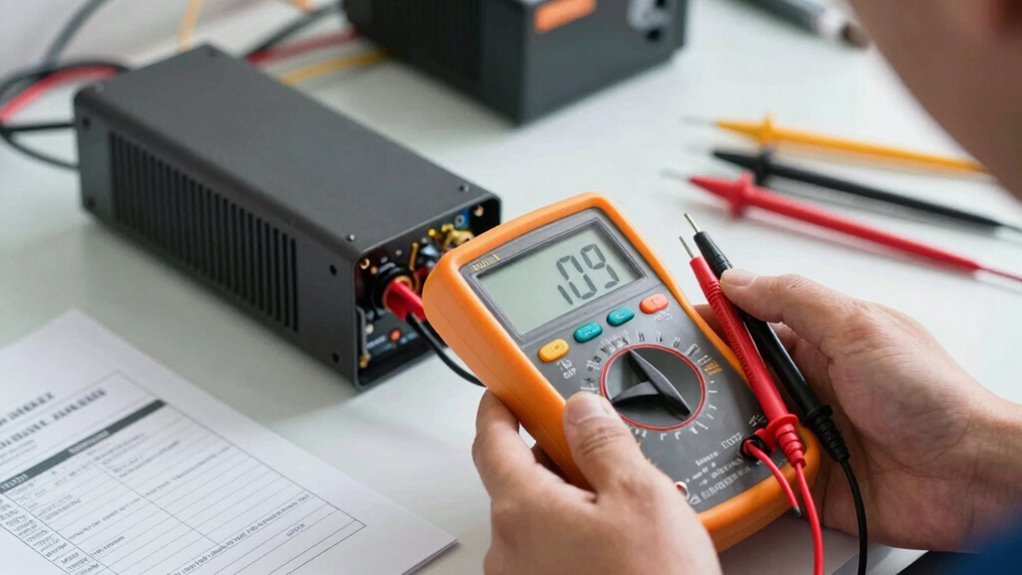

To pick a power supply without guessing, first estimate your system’s current and future power needs, including components like GPU and CPU. Choose an efficient unit with 80 Plus certification to save energy and reduce heat. Make certain it matches your case’s form factor and has enough connectors. Opt for reputable brands for better durability and protections. Good cable management and modular designs make installation easier and improve airflow. Keep learning to make the best choice.

Get the latest gadgets delivered free — and shop member deals
- Fast, free delivery on millions of items
- Access to Prime Big Deal Days deals on October 6–7
- Prime Video, Amazon Music and more included
Key Takeaways
- Calculate your system’s total power needs, including future upgrades, to choose an appropriate wattage capacity.
- Prioritize units with 80 Plus certification for proven efficiency and reliable performance.
- Select a reputable brand with positive reviews to ensure quality, durability, and reliable protections.
- Opt for modular or semi-modular power supplies to simplify cable management and improve airflow.
- Check compatibility with your case, connectors, and components to avoid mismatches and installation issues.
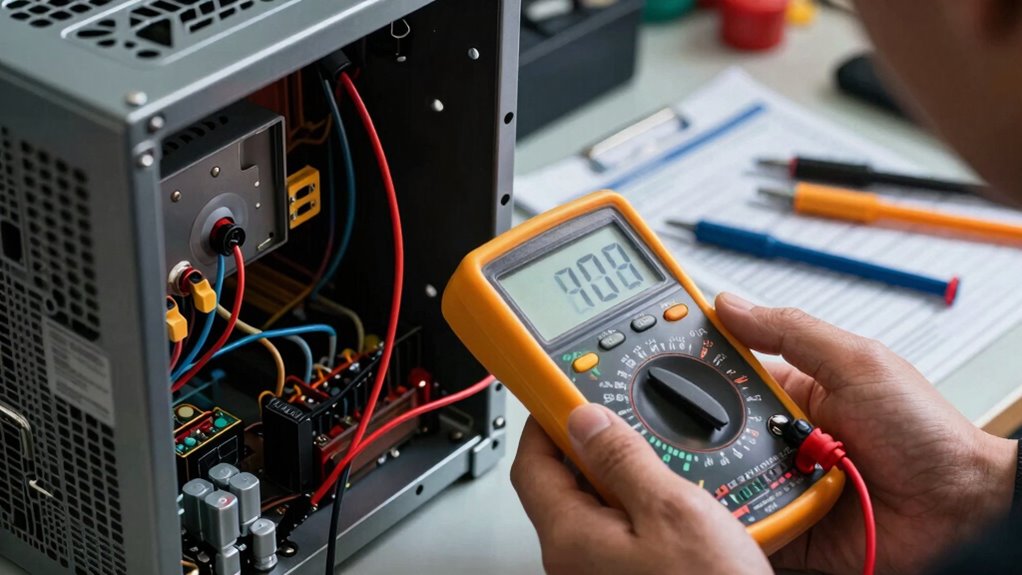
Choosing the right power supply is a essential step in building or upgrading your computer, as it directly impacts system stability and longevity. When shopping for a power supply, focusing on power efficiency is key. A high-efficiency unit not only consumes less electricity but also produces less heat, which helps keep your system cooler and quieter. Look for power supplies with an 80 Plus certification—these are tested for efficiency at various loads, ensuring you’re getting a unit that minimizes wasted power and reduces your energy bills over time. Don’t just go for the wattage number; consider your entire system’s power needs, including future upgrades, to choose a power supply that offers enough headroom without overpaying for unnecessary capacity.
Choose an 80 Plus certified power supply for efficiency, reliability, and future upgrade capacity.
Cable management is another important factor that often gets overlooked but can greatly impact your build’s airflow and overall aesthetics. A good power supply should have ample, well-placed cables and connectors to make wiring straightforward. Modular or semi-modular units give you the freedom to connect only the cables you need, reducing clutter and improving airflow inside your case. Proper cable management not only makes your build look cleaner but also helps prevent cables from obstructing fans or blocking airflow paths, which can cause overheating or noise issues. When selecting a power supply, check for units with flat, flexible cables and a variety of connectors to accommodate your components comfortably. Additionally, choosing a power supply with a good reputation for reliability and durability can help ensure long-term performance. To further enhance your build, consider the body of your computer case and how well it can support efficient airflow alongside your power supply. Incorporating efficient airflow design within your case can significantly improve cooling and component longevity. Moreover, paying attention to the internal components of the power supply can help identify units built with higher-quality materials that last longer and perform more reliably. A well-designed power supply can also contribute to noise reduction, creating a more pleasant computing environment.
Compatibility is key, so verify that the power supply’s form factor matches your case—most commonly ATX—and that it provides the right connectors for your motherboard, GPU, and other peripherals. Power output is essential; opt for a wattage that covers your current setup with some extra capacity for upgrades. Remember, a power supply with higher efficiency and better cable management features often translates into a more reliable, easier-to-build, and more maintainable system. Think of it as an investment in your system’s stability and performance, rather than just a component purchase.
Finally, prioritize quality and brand reputation. Reputable manufacturers tend to produce more durable, reliable units with better protections against power surges and fluctuations. Doing a little research on reviews and user feedback can save you from future headaches. Picking the right power supply isn’t about guessing or settling; it’s about understanding your needs, focusing on efficiency, ensuring easy cable management, and choosing a reputable brand. When you do, you’ll build a system that runs smoothly, stays cool, and stands the test of time.
As an affiliate, we earn on qualifying purchases.
Frequently Asked Questions
Can I Use a Higher Wattage PSU for Future Upgrades?
Yes, you can use a higher wattage PSU for future upgrades. It offers better voltage stability and reduces noise levels since it operates more efficiently under load. Just make certain the PSU has the necessary connectors and fits your case. Avoid overspending on excessively high wattage; choose a unit with reliable quality. This way, you’ll enjoy stable power, quieter operation, and room for upgrades without replacing your power supply again.
How Important Is the Efficiency Rating When Choosing a PSU?
Efficiency rating is essential when choosing a PSU because it directly impacts your energy efficiency and power consumption. Imagine your system running smoothly, wasting less energy, and saving you money on electricity bills—this is what a high-efficiency PSU offers. The higher the efficiency, the less heat and energy lost, making your system more reliable and eco-friendly. Don’t overlook this critical factor; it can make a significant difference in your build’s performance and longevity.
What Are the Best Brands for Reliable Power Supplies?
You should consider brands like Corsair, Seasonic, and EVGA for reliable power supplies, especially if you plan to overclock safely. These brands prioritize quality, guaranteeing stable power delivery and lower noise levels, which are critical for overclocking safety. Their efficient designs help maintain a quiet environment, even under load. Investing in reputable brands reduces risks of failure, noise issues, and ensures your system stays stable during intense tasks.
How Do I Ensure Compatibility With My PC Components?
To guarantee compatibility with your PC components, check the power supply’s wattage matches your system’s needs, especially for high-performance parts. Focus on cable management by choosing a power supply with enough modular or semi-modular cables for easy routing. This improves airflow and simplifies installation. Also, prioritize a power supply that offers stable power delivery to prevent crashes or damage, ensuring your components run smoothly and reliably.
Is Modular Cabling Necessary for a Good Power Supply?
Modular cabling isn’t necessary, but it’s highly beneficial for cable management and aesthetics. With a modular power supply, you only connect the cables you need, reducing clutter and improving airflow. This makes your build look cleaner and easier to maintain. If you value a tidy setup and want more flexibility in cable management, opting for a modular power supply is a smart choice that enhances your overall PC experience.
As an affiliate, we earn on qualifying purchases.
Conclusion
Choosing the right power supply doesn’t have to be guesswork. By understanding your system’s power needs and considering efficiency ratings, you guarantee stability and longevity. Did you know that a high-efficiency PSU can save you up to 30% on energy costs over its lifetime? So, take the time to evaluate your components and pick a PSU that meets your demands. It’s a smart move that pays off in performance and peace of mind.
high wattage computer power supply
As an affiliate, we earn on qualifying purchases.
As an affiliate, we earn on qualifying purchases.
As an affiliate, we earn on qualifying purchases.
Fall Picks
fall essentials
As an affiliate, we earn on qualifying purchases.