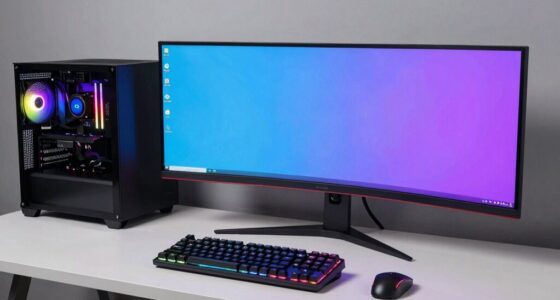
When choosing a GPU for 1440p or 4K gaming, consider your performance priorities and hardware capabilities. For smooth gameplay at 1440p, mid-range GPUs often suffice with some settings tweaks. For stunning 4K visuals, you’ll want a high-tier GPU with strong VR support and overclocking headroom. Keep in mind, 4K demands more power and cooling, so choosing the right architecture is essential. If you want to learn how to optimize your setup, keep exploring these factors.
Key Takeaways
- Determine your target resolution: 1440p offers smoother performance; 4K demands higher GPU power and better hardware.
- Consider GPU architecture and efficiency for future-proofing and optimal performance at higher resolutions.
- Match GPU capabilities with your VR needs, especially for immersive experiences at 1440p or 4K.
- Use overclocking to enhance performance, but ensure your system has adequate cooling and power supply.
- Balance your budget and gaming priorities: mid-range GPUs suit 1440p, while high-tier cards are better for 4K gaming.
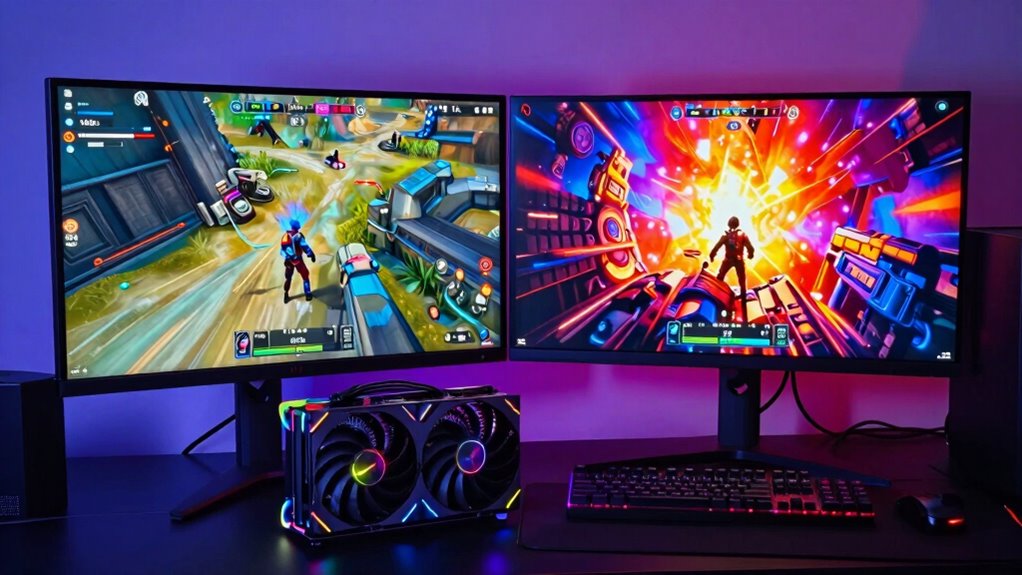
When selecting a GPU, your target resolution—whether 1440p or 4K—significantly influences the level of performance and graphics quality you can expect. 1440p offers a balance between visual detail and smoother gameplay, making it ideal for gamers who want sharp visuals without demanding the highest-end hardware. If you’re aiming for a comfortable gaming experience with high frame rates, a mid-range GPU can often handle 1440p effectively, especially if you adjust settings accordingly. Conversely, 4K gaming demands more powerful hardware because rendering at this resolution requires significantly more GPU power to maintain smooth frame rates and detailed visuals. Your choice of GPU also impacts VR headset compatibility. Many modern GPUs are optimized for VR, but not all deliver the same performance levels. For immersive VR experiences, especially at higher resolutions like 4K, you need a GPU that can handle the increased rendering demands without causing latency or motion sickness. A GPU with higher VR headsets compatibility ensures smoother visuals and reduces lag, enhancing your overall experience. When choosing a GPU for 4K gaming, it’s crucial to verify its VR performance, as not every card that handles 4K can sustain the high frame rates needed for comfortable VR play. Additionally, understanding GPU architecture can help you select a more efficient and future-proof card that meets your gaming needs. GPUs with advanced architecture often offer better performance per watt and improved efficiency, which is especially important for high-resolution gaming setups. GPU overclocking benefits are also worth considering. Overclocking allows you to push your GPU beyond its factory settings, increasing performance for demanding games or high-resolution outputs. This is particularly useful if you’re eyeing 4K gaming but want to get the most out of your existing hardware. Overclocking can improve frame rates and graphics fidelity, but it also generates more heat and consumes additional power. Make sure your system cooling is adequate if you plan to overclock, and remember that not all GPUs respond equally well to overclocking. For 1440p gaming, overclocking might give you a slight performance boost to maximize frame rates or enhance visual quality. For 4K, it can be a game-changer, helping you sustain high frame rates without investing in the most expensive GPUs. Ultimately, your choice hinges on balancing resolution, performance, VR needs, and potential overclocking benefits. For casual gamers or those seeking steadier frame rates at 1440p, a mid-range GPU with good VR support and overclocking headroom often suffices. If you’re after the ultimate visual fidelity at 4K, investing in a high-tier GPU with excellent VR headset compatibility and overclocking capabilities becomes essential.
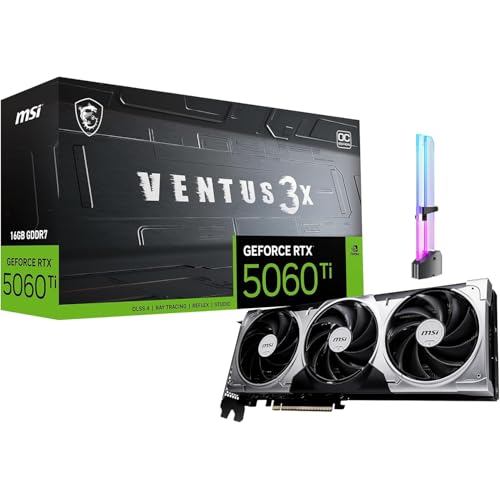
msi GeForce RTX 5060 Ti 16G Ventus 3X OC Graphics Card, 16GB GDDR7, PCIe Gen 5, 3X DP 2.1b, HDMI 2.1b, 1440p Gaming, AI Content Creation, 3D Rendering, Streaming, RGB GPU Holder
[1440p High FPS Gaming with DLSS 4] Built for smooth 1440p high refresh gameplay and strong 1080p esports…
As an affiliate, we earn on qualifying purchases.
As an affiliate, we earn on qualifying purchases.
Frequently Asked Questions
How Does VRAM Impact Gaming Performance at Different Resolutions?
VRAM impacts gaming performance by guaranteeing your GPU can store textures and assets smoothly. At higher resolutions like 4K, you need more VRAM for VRAM optimization, preventing stuttering or lag. Sufficient VRAM also supports increased memory bandwidth, which helps handle larger data loads efficiently. For 1440P gaming, less VRAM may suffice, but for 4K, opting for a GPU with more VRAM ensures smoother gameplay and better overall performance.
Are Certain GPU Brands Better for 1440P or 4K Gaming?
Certain GPU brands tend to perform better for 1440p or 4K gaming. You should prioritize GPU branding known for high-quality hardware and consistent driver updates, like NVIDIA and AMD. Brand reliability matters because it guarantees you’ll get better cooling, durability, and support. For 4K gaming, look for top-tier models from these brands, as they deliver the power needed. Ultimately, select a reputable brand to maximize performance and longevity.
How Do Ray Tracing and DLSS Affect GPU Choice?
Imagine your GPU as a painter, with ray tracing as the fine brushwork and DLSS as the magic magnifier. Ray tracing limitations mean not all GPUs handle realistic lighting smoothly, so check compatibility. DLSS enhances performance by upscaling images, but only certain GPUs support it. When choosing a GPU, consider these features carefully—prioritizing DLSS compatibility and managing ray tracing limitations for stunning, smooth visuals at 1440p or 4K.
What Are the Best Budget GPUS for 1440P Gaming?
For budget 1440p gaming, look for GPUs like the NVIDIA GTX 1660 Super or AMD Radeon RX 6600. These cards offer solid performance, decent cooling, and overclocking potential without breaking the bank. They handle most games well at 1440p, and their cooling solutions keep temperatures in check during longer sessions. Overclocking can boost performance further, making these options excellent budget choices for smooth gaming experiences.
How Does Monitor Refresh Rate Influence GPU Requirements?
A watchful eye makes a good trader, and the same goes for your monitor. A higher refresh rate demands a more powerful GPU to deliver smooth gameplay, especially if you’re overclocking your GPU for extra performance. Good monitor color calibration guarantees visuals look crisp, but a high refresh rate needs your GPU to keep up, preventing lag or tearing. So, choose a GPU that aligns with your monitor’s refresh rate for seamless gaming.

Skytech Gaming King 95 Desktop PC, Ryzen 7 9800X3D 4.7 GHz (5.2 GHz), NVIDIA RTX 5070 Ti 16GB, 1TB Gen4 NVMe SSD, 32GB DDR5 RAM 5600 RGB, 850W Gold ATX 3 PSU, 360mm ARGB AIO, Wi-Fi, Win 11
AMD Ryzen 7 9800X3D 4.7GHz (5.2GHz Turbo Boost) CPU Processor | 1TB Gen4 NVMe M.2 SSD – Up…
As an affiliate, we earn on qualifying purchases.
As an affiliate, we earn on qualifying purchases.
Conclusion
Ultimately, selecting the right GPU boils down to understanding your gaming goals and hardware demands. While a powerful GPU might seem like the obvious choice, remember that the real secret lies in balancing performance with your specific needs. Sometimes, less is more if it allows you to enjoy smooth gameplay without overspending. The truth is, investing in the right GPU isn’t just about raw power — it’s about finding harmony between your gaming ambitions and your budget.
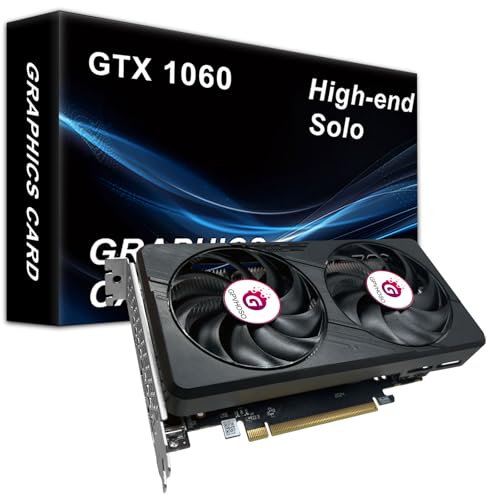
GPVHOSO GTX 1060 6GB Computer Graphics Card.GDDR5 8K 192bit HDR VR Ready, 1060 Video Cards forGaming PC, Tarjeta Gráfica Support Direct X12 PCle3.016, Dual Cooling Fans, HDMI + 2*DP Black
Powerful Performance: The GTX 1060 6gb offers exceptional performance for gaming and other graphics-intensive tasks. With its high…
As an affiliate, we earn on qualifying purchases.
As an affiliate, we earn on qualifying purchases.

Kingpin Cooling KPx Thermal Grease 1g
Non conductive, low resistance thermal grease
As an affiliate, we earn on qualifying purchases.
As an affiliate, we earn on qualifying purchases.