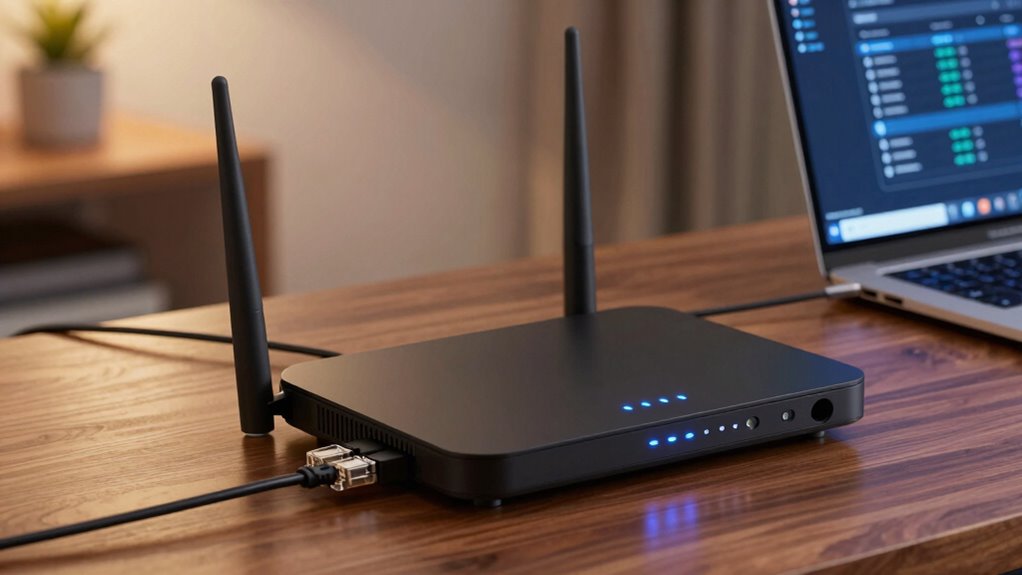

To maximize gigabit internet, look for a router supporting the latest Wi-Fi 6 (802.11ax) for faster speeds and better efficiency in crowded areas. Make certain it has MU-MIMO technology to handle multiple devices simultaneously without lag. A mesh system helps extend coverage in large or complex spaces, keeping speeds consistent. Security features and future-proof capabilities are also essential to protect your network and stay current. Keep exploring to discover even more ways to optimize your setup.

Get the latest gadgets delivered free with Prime
- Fast, free delivery on millions of items
- Prime Video, Amazon Music and more included
- Member-only deals all year
Key Takeaways
- Support for Wi-Fi 6 (802.11ax) to maximize gigabit speeds and improve performance in crowded environments.
- MU-MIMO technology for simultaneous device connections, reducing lag and buffering.
- Mesh networking capabilities to eliminate dead zones and extend high-speed coverage across large or complex spaces.
- Advanced network optimization features to enhance stability and future-proof compatibility with emerging technologies.
- Robust security protocols to protect high-speed networks from threats and ensure data integrity.
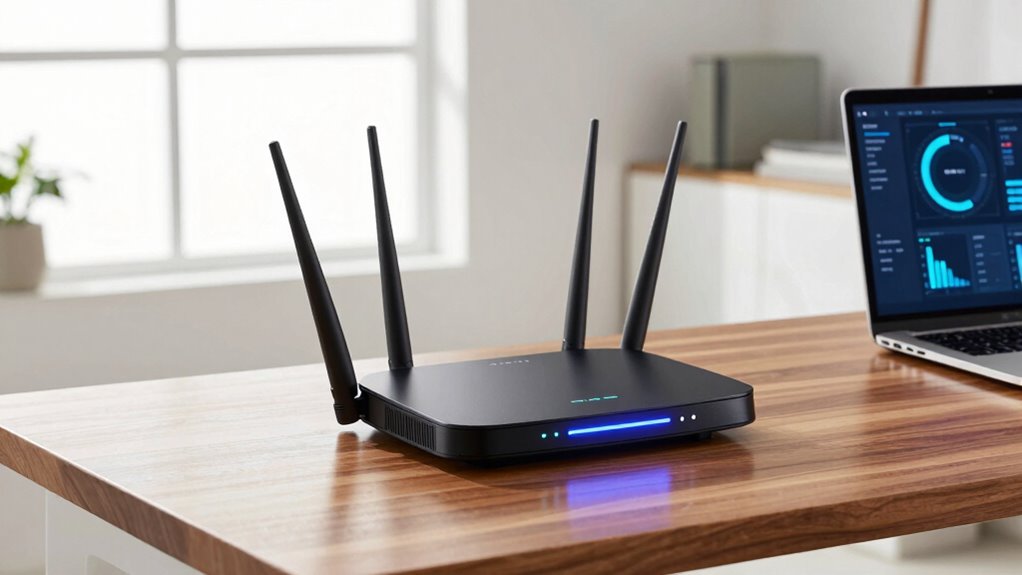
As more households and businesses upgrade to gigabit internet, choosing the right router becomes essential to fully leverage those blazing-fast speeds. With gigabit speeds, your router needs to handle large data transfers smoothly without bottlenecks. Look for models that support Wi-Fi 6 (802.11ax), which offers higher throughput, better efficiency, and improved performance in crowded environments. These routers are designed to maximize gigabit speeds, ensuring your devices get the fastest possible connection. Equally important is a router’s ability to manage multiple devices simultaneously, especially if you have smart home gadgets, streaming devices, or gaming consoles. Features like MU-MIMO technology allow your router to communicate with multiple devices at once, reducing lag and buffering.
Mesh networking is another key feature worth considering. If your home or office has dead zones or areas with weak signals, a mesh system can blanket your space in consistent coverage. Instead of a single router struggling to reach every corner, mesh networks use multiple nodes that work together seamlessly. This setup not only extends your Wi-Fi range but also ensures that gigabit speeds are maintained throughout your environment. Mesh systems are especially useful for larger spaces or homes with complex layouts, where traditional routers might fall short. Incorporating mesh technology can significantly improve your overall network reliability and speed consistency across your entire space. Additionally, understanding network optimization techniques can help you further enhance your internet performance and stability. Staying informed about latest advancements in Wi-Fi standards can also help you choose routers that are future-proof and capable of supporting emerging technologies. Being aware of security protocols and their importance can also assist in safeguarding your high-speed network from potential threats.
Products Worth Considering

Bose QuietComfort Headphones (2nd Gen), Wireless Noise-Cancelling Over-Ear Headphones, Black

Jackery Explorer 2000 v2 Portable Power Station, 2042Wh

Apple MacBook Air 13-inch with M5 chip, 16GB memory, 1TB SSD, and 12MP Center Stage camera (Midnight)
As an affiliate, we earn on qualifying purchases.
Frequently Asked Questions
Can Any Router Handle Gigabit Speeds Reliably?
Not all routers handle gigabit speeds reliably, so you need a high-quality model. Make certain of good router placement—central and elevated—to maximize coverage and speed. Look for routers with gigabit Ethernet ports and Wi-Fi 6 support for peak performance. Parental controls are also helpful for managing access. By choosing the right router and positioning it well, you’ll enjoy consistent gigabit internet speeds across your devices.
Do Mesh Routers Improve Gigabit Internet Performance?
Imagine your gigabit internet as a fast-flowing river, enthusiastic to reach every corner of your home. Mesh routers act like a network of bridges, enhancing mesh coverage and ensuring smooth signal optimization across all areas. They improve gigabit performance by reducing dead zones and maintaining consistent speeds, making your connection feel seamless. With mesh, you get a unified, strong signal that keeps your high-speed internet flowing effortlessly throughout your space.
How Important Is Wi-Fi 6 for Gigabit Internet?
Wi-Fi 6 is pretty important for gigabit internet because it helps reduce wireless interference and enhances overall speed. It manages multiple devices better, so your connection stays fast even when others are using your network. Keep your router firmware updated to guarantee you get the latest Wi-Fi 6 benefits, like improved performance and security. Without Wi-Fi 6, you might face slower speeds and more interference, limiting your gigabit internet experience.
Are There Security Concerns With High-Speed Routers?
Yes, high-speed routers can pose security concerns if not properly maintained. You’re at risk if they lack strong network encryption, which protects your data from intruders. Regular firmware updates are essential—they fix vulnerabilities and improve security. By ensuring your router has current firmware and robust encryption, you considerably reduce potential threats, keeping your gigabit internet connection safe and secure.
How Often Should I Upgrade My Gigabit-Compatible Router?
You should upgrade your gigabit-compatible router at least every 2 to 3 years to keep up with lightning-fast speeds and evolving technology. Regular firmware updates are essential—they patch security gaps and boost performance, while parental controls help manage your network’s safety and content filtering. Waiting longer risks falling behind on security and missing out on new features, so stay proactive and upgrade before your connection starts feeling sluggish.
Conclusion
To get the most out of your gigabit internet, focus on routers with advanced features like Wi-Fi 6, multiple antennas, and robust security. Did you know that over 70% of gigabit users report faster download speeds with the right router? Choosing a device that matches your internet needs guarantees smooth streaming, gaming, and browsing. Invest wisely, and you’ll enjoy seamless connectivity that keeps up with your digital lifestyle.