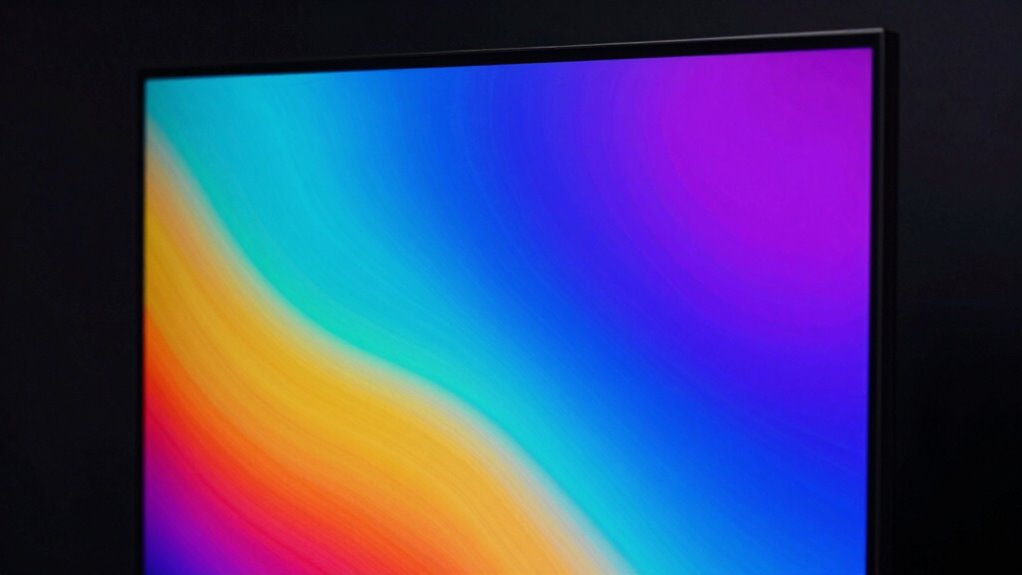

Brightness impacts how clearly you see your screen, especially outdoors. It’s not just about making text and images visible—it also affects colors, making visuals more vibrant and true to life. Too dim, and details or subtleties can get lost; too bright, and it strains your eyes or wastes battery. Proper brightness balance improves overall quality and longevity of your device. If you want to understand more about how brightness influences your visual experience, keep exploring.

Get the latest gadgets delivered free with Prime
- Fast, free delivery on millions of items
- Prime Video, Amazon Music and more included
- Member-only deals all year
Key Takeaways
- Brightness enhances visibility and readability of screens outdoors, preventing glare and ensuring content is easily seen.
- Adequate brightness improves color accuracy, making visuals more vibrant and true to life.
- Higher brightness levels can drain batteries faster, impacting device usage time during extended outdoor activities.
- Proper brightness management balances display quality, preventing dullness or damage over time.
- Adjusting brightness optimizes user experience by ensuring clarity without unnecessary power consumption.
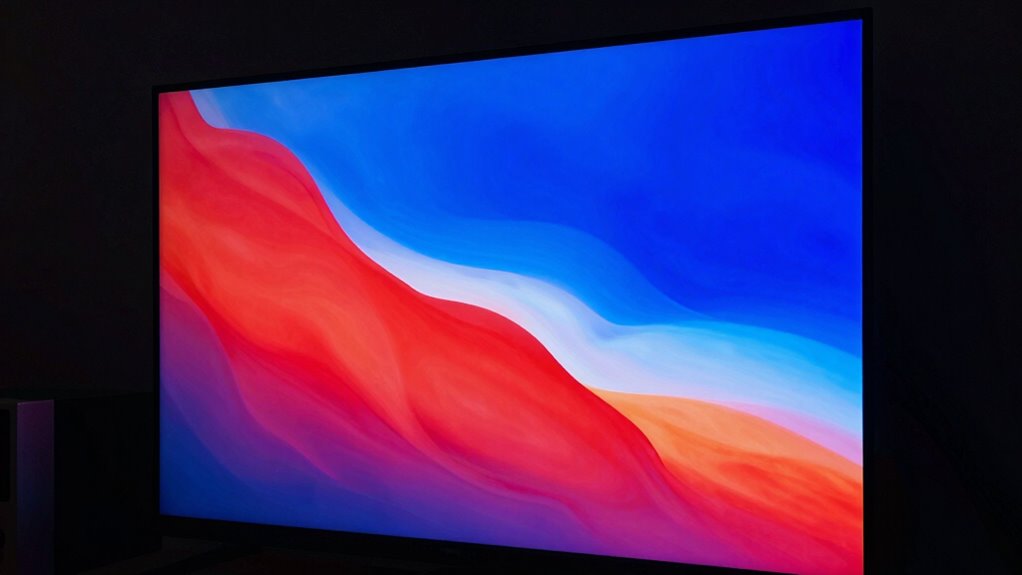
Have you ever struggled to see your screen clearly in bright sunlight? If so, then you already understand how essential brightness is for a display’s usability. When you’re outdoors or in well-lit environments, a screen with sufficient brightness ensures you can read text, view images, and navigate apps without frustration. Brightness isn’t just about making things visible; it also affects how well you perceive colors. High-brightness displays tend to deliver better color accuracy, allowing images and videos to look more vibrant and true to life. This is especially important if you work with photo editing, graphic design, or any visual content that relies on precise color reproduction. Without adequate brightness, colors can appear dull, washed out, or distorted, which hampers your ability to see fine details and distinguish subtle shades. Managing display settings effectively can help optimize both visibility and power efficiency.
However, increasing brightness isn’t without its trade-offs. One of the biggest concerns is power consumption. Higher brightness levels demand more energy, which can drain your device’s battery faster. If you’re using a laptop, smartphone, or tablet, this means you’ll need to balance screen visibility with battery life. Some devices manage this by using adaptive brightness that adjusts dynamically based on ambient light, helping conserve power while maintaining enough luminance for comfortable viewing. Still, if you push your display to maximum brightness often, you’ll notice the battery depletes quicker, especially during extended outdoor use. This becomes a critical factor when planning long trips or outdoor activities where charging options are limited. Additionally, display quality can be compromised if brightness is set too low, making it difficult to see details in bright conditions. Properly managing brightness not only enhances visibility but also plays a role in maintaining good display longevity, since excessive brightness can strain the screen components over time.
Products Worth Considering

LG UltraGear 32GX850A-B 32-Inch 4K UHD Glossy OLED Gaming Monitor

Jackery Explorer 300 Portable Power Station with 40W Solar Panel

Samsung 27-Inch Odyssey QD-OLED G8 4K 240Hz Gaming Monitor
As an affiliate, we earn on qualifying purchases.
Frequently Asked Questions
How Does Brightness Affect Battery Life in Portable Devices?
Higher brightness levels increase battery drain because they boost energy consumption, especially on portable devices. When you set your screen to maximum brightness, it fights against screen glare and ambient light, but this also uses more power. To conserve battery life, you should lower brightness in dim environments. Adjusting brightness intelligently helps balance visibility and energy efficiency, ensuring your device lasts longer without sacrificing readability.
Can High Brightness Settings Damage My Display Over Time?
Ever wonder if high brightness damages your display? While prolonged exposure to extreme brightness might accelerate wear, modern screens are designed with display longevity in mind. Proper brightness calibration prevents unnecessary strain, helping your device last longer. Keep your brightness at a comfortable level to protect your display over time, but don’t worry—most high-brightness settings won’t cause immediate harm if used responsibly.
Is Higher Brightness Always Better for Outdoor Viewing?
Higher brightness isn’t always better for outdoor viewing. You need to take into account ambient lighting, which can vary greatly outdoors, and display glare, which can make screens hard to see even at high brightness. Increasing brightness helps overcome ambient light, but too much can cause eye strain and battery drain. Find a balance where the display is bright enough to combat ambient lighting without causing glare or discomfort.
How Does Brightness Influence Color Accuracy on Screens?
Higher brightness can improve color accuracy by making colors appear more vibrant and true to life, especially in well-calibrated displays. When you consider ambient lighting, increased brightness helps counteract glare and reflections, maintaining accurate color perception. Proper color calibration guarantees that the colors you see are consistent across different brightness levels. So, adjusting brightness thoughtfully allows you to enjoy more precise colors, particularly in bright environments where color fidelity is essential.
What Is the Ideal Brightness Level for Comfortable Nighttime Viewing?
Think of the ideal brightness level for nighttime viewing as a cozy candlelit room—around 120 to 150 nits. You want enough light to see comfortably without straining your eyes or risking sleep disruption. If your screen’s too bright, it causes eye strain and messes with your circadian rhythm. Keep brightness low, and consider using night mode or blue light filters to protect your sleep and reduce discomfort.
Conclusion
Remember, brightness isn’t just about making your screen look good—it impacts visibility and eye comfort too. Did you know that a display’s brightness level can influence your ability to see details in bright environments? In fact, studies show that screens with higher brightness levels reduce eye strain and improve readability outdoors. So, next time you’re choosing a device, don’t overlook brightness; it’s a key factor that can make a real difference in your viewing experience.