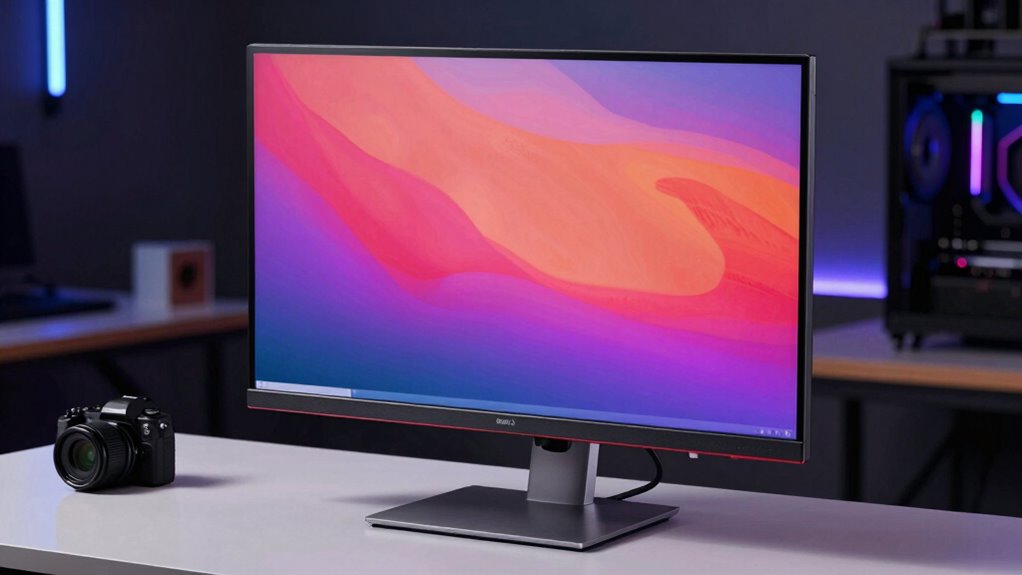

Professional monitors focus on delivering accurate, true-to-life colors, which is essential for tasks like photo editing and graphic design. They emphasize color accuracy, consistency, and advanced calibration features to guarantee your work looks perfect every time. In contrast, gaming models prioritize high refresh rates and quick response times for smooth gameplay. Understanding these differences helps you choose the right monitor for your needs. If you want to learn more about how these strengths affect performance, keep exploring.
Key Takeaways
- Professional monitors prioritize color accuracy and detailed image reproduction for tasks like photo editing and graphic design.
- Gaming monitors emphasize high refresh rates and low latency to deliver smooth, responsive gameplay.
- Professional displays support advanced calibration for consistent color performance over time.
- Gaming models focus on reducing motion blur and screen tearing for fast-paced action.
- The design of each type aligns with their primary use, optimizing either visual fidelity or responsiveness.
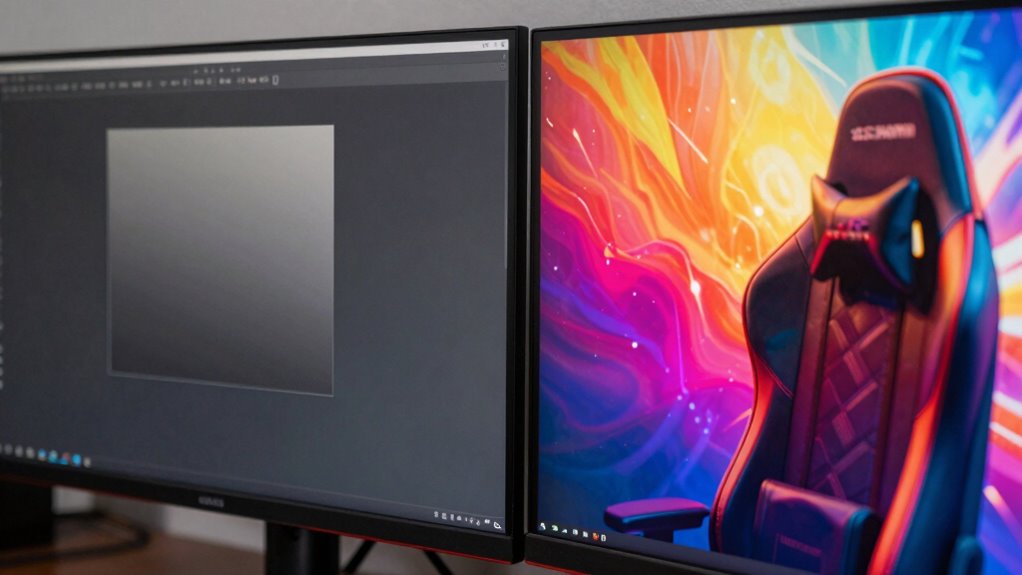
When choosing a monitor, understanding the differences between professional and gaming models is essential, especially since each type is optimized for distinct purposes. Professional monitors prioritize precision and detail, making them ideal for tasks like photo editing, graphic design, and video production. These displays emphasize color accuracy, ensuring that the colors you see are true to life and consistent across different projects. You’ll find that professional monitors often cover a wider color gamut, support advanced calibration options, and display minimal color shift, which is critical when your work demands accuracy. Meanwhile, gaming monitors focus on delivering smooth, responsive visuals to enhance your gaming experience. They typically feature higher refresh rates, sometimes reaching 144Hz or even 240Hz, which reduces motion blur and provides fluid gameplay. These high refresh rates are essential for fast-paced games where quick reactions matter, but they don’t necessarily contribute to color fidelity or detailed image reproduction.
Color accuracy is a cornerstone of professional monitors because even slight deviations can compromise your work. When you’re editing images or videos, you need to trust that what you see on the screen matches the final output. This is why professional models often come pre-calibrated or are easy to calibrate, and why they boast advanced panel technology that minimizes color shifts and ensures consistency. In contrast, gaming monitors are designed to maximize performance over absolute color precision. While some gaming models have decent color reproduction, their primary focus is on minimizing latency and maximizing refresh rates, which results in smoother motion and less screen tearing. The faster refresh rates in gaming monitors are especially noticeable during rapid movements, where they can give you a competitive edge by providing more visual information per second. Additionally, color gamut coverage in professional monitors is typically broader, allowing for more vibrant and accurate colors that are crucial for creative work.
Furthermore, display calibration techniques are vital for professional monitors to maintain their accuracy over time, ensuring consistent results for creative projects. This ongoing calibration process helps to preserve the color consistency that professionals depend on for their work. Ultimately, the reason professional monitors focus on different strengths than gaming models comes down to your specific needs. If your work relies on accurate color representation and detailed visuals, investing in a professional monitor makes sense. You’ll benefit from superior color accuracy and consistent performance, which are critical for creative tasks. On the other hand, if you’re a gamer who values quick response times and fluid gameplay, a gaming monitor with high refresh rates will serve you better. Both types of monitors excel in their own areas, but understanding these key differences ensures you choose the right display that aligns with your priorities and enhances your overall experience.

Datacolor SpyderExpress Monitor Calibrator & Screen Color Calibrator
- Quick & Easy Color Calibration: Precise color for photos and content creation
- Supports Latest Displays: Compatible with MacBook M4 mini-LED and more
- Fast Setup: Calibrates in just 90 seconds for quick results
As an affiliate, we earn on qualifying purchases.
As an affiliate, we earn on qualifying purchases.
Frequently Asked Questions
How Do Professional Monitors Handle Color Accuracy Across Different Industries?
You’ll find that professional monitors handle color accuracy by adhering to strict industry standards and performing precise color calibration. They guarantee consistent, accurate colors across various projects, whether in photography, design, or video editing. These monitors often come factory-calibrated, meeting industry standards like Rec. 709 or DCI-P3, so you can trust that your work’s colors stay true across different devices and media, maintaining professional quality every time.
What Is the Typical Lifespan of Professional Monitors Compared to Gaming Monitors?
Did you know professional monitors often last 5 to 7 years, while gaming monitors tend to have a shorter lifespan? You’ll find that professional displays typically offer better display durability, thanks to higher-quality components. Plus, they usually come with extended warranty coverage, protecting your investment over time. This focus on longevity guarantees your work remains consistent, unlike gaming monitors that prioritize performance over long-term durability.
Are Professional Monitors More Energy-Efficient Than Gaming Models?
Professional monitors generally have lower energy consumption than gaming models, making them more energy-efficient. They’re designed to reduce environmental impact by using power-saving features and efficient components. This focus helps you save on electricity bills and minimizes your ecological footprint. By prioritizing energy efficiency, professional monitors support sustainable practices, allowing you to work or create longer without worrying about excessive power use or environmental harm.
How Do Professional Monitors Perform in Different Lighting Environments?
Like a trusty steed in dim light, your professional monitor performs well across various lighting environments. It’s designed to handle ambient lighting effectively, reducing glare and reflections. With precise color calibration, it maintains accurate colors whether you’re working in bright or low light. You’ll find it consistently reliable, ensuring your work looks sharp and true to life, regardless of whether the room’s lighting is soft or harsh.
Do Professional Monitors Require Specialized Maintenance or Calibration?
Yes, professional monitors do require specialized maintenance and calibration procedures. You should regularly perform calibration procedures to guarantee color accuracy and consistency, especially if you work in color-critical fields. Maintenance requirements include keeping the monitor clean and free of dust, checking for firmware updates, and monitoring for any display issues. Following these practices helps maintain peak performance, prolongs the lifespan of your monitor, and guarantees your work’s precision and quality.

Philips 24 Inch Computer Monitor FHD 100Hz VA VESA Flicker-Free, 241V8LB
- Display Size: 23.8-inch Full HD monitor
- Resolution: 1920×1080 pixels for crisp visuals
- Contrast: VA panel with deep blacks and bright whites
As an affiliate, we earn on qualifying purchases.
As an affiliate, we earn on qualifying purchases.
Conclusion
You now see why professional monitors focus on color accuracy, precision, and reliability, while gaming models emphasize speed, responsiveness, and immersive visuals. Both types serve their unique purposes, each optimized for what you need most—whether it’s creating, editing, or gaming. Recognize that it’s not about which is better but about choosing what aligns with your goals. Ultimately, understanding these differences helps you make smarter choices, ensuring your monitor supports your passions, your projects, and your play.

ASUS ProArt PA278QV 27 Inch 1440p QHD Professional Monitor
- Color Accuracy: Calman Verified with Delta E < 2
- Color Gamut: 100% sRGB and Rec. 709 coverage
- Display Size: 27-inch WQHD IPS screen
As an affiliate, we earn on qualifying purchases.
As an affiliate, we earn on qualifying purchases.
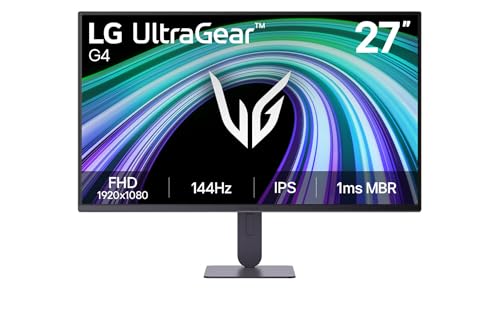
LG 27G414B-B 27-inch Ultragear Full HD (1920 x 1080) IPS Gaming Monitor 144Hz, 1ms, NVIDIA G-Sync Compatible, FreeSync, HDR10, Built-in Speaker, Switch, HDMI, DisplayPort, Tilt/Height Stand, Black
- Display Size: 27-inch IPS panel
- Resolution: Full HD 1920×1080
- Refresh Rate: 144Hz for smooth gameplay
As an affiliate, we earn on qualifying purchases.
As an affiliate, we earn on qualifying purchases.