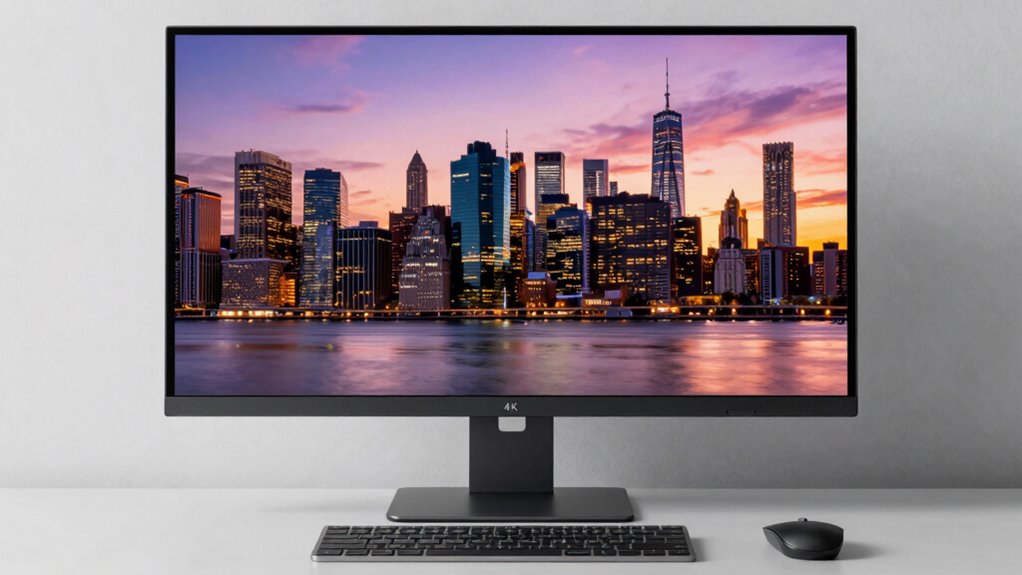

If you work with detailed images, videos, or design software, a 4K monitor can make a real difference by providing sharper clarity and more accurate colors. It’s especially useful if you need precise visuals for professional projects. However, if your tasks are more casual or basic, 4K may be unnecessary and costly. To decide if it’s right for you, consider your hardware capability and budget—those details will guide your choice better. Keep exploring to learn more.
Prime for Young Adults — start your free trial
Fast free delivery, streaming and member deals for eligible 18–24 year olds.
As an affiliate, we earn on qualifying purchases.
Key Takeaways
- Assess if your work involves detailed visuals, color accuracy, or high-resolution content that benefits from 4K clarity.
- Consider your hardware’s capability; a powerful GPU is essential for smooth 4K performance.
- Determine if your monitor size and desk space can accommodate a larger, higher-resolution display.
- Evaluate whether high refresh rates or resolution are more important for your gaming style.
- Budget constraints and cost of 4K monitors may influence if upgrading is necessary for your needs.
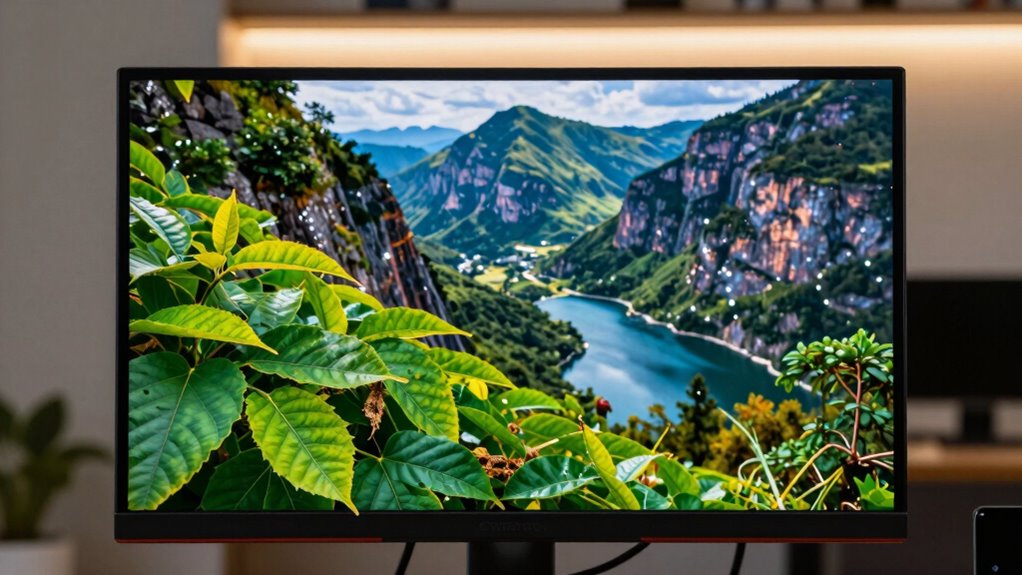
Deciding whether you need a 4K monitor for your desktop setup depends on how you use your computer and what you value most in your display. If you work with detailed images, videos, or design software, then high color accuracy becomes essential. A 4K monitor offers a significant increase in resolution, making it easier to see fine details and achieve more precise color reproduction. This sharper clarity benefits photographers, video editors, and digital artists who rely on accurate colors to deliver professional-quality work. On the other hand, if your primary focus is casual browsing, streaming, or basic office tasks, a 4K display might be more than you need. In such cases, the extra resolution won’t substantially improve your user experience, and you might find a lower-resolution monitor more cost-effective.
When it comes to gaming, the decision becomes a bit more complex. While 4K monitors deliver stunning visuals with crisp detail, they also demand a lot from your graphics card. If gaming performance is your priority, you’ll want to weigh whether your hardware can handle the increased pixel count smoothly. A high-quality 4K monitor can truly elevate your gaming experience, making worlds look more immersive and lifelike. However, without a powerful GPU, you might experience lag or lower frame rates, which can diminish the enjoyment of fast-paced games. Some gamers opt for 1440p or 1080p displays instead, balancing good visual quality with higher frame rates and smoother gameplay.
Another factor to weigh is refresh rate. If you’re a competitive gamer, a monitor with a high refresh rate (such as 120Hz or 144Hz) might be more advantageous than pure resolution. While 4K monitors are increasingly offering high refresh rates, many still prioritize speed over pixel count, so you should consider what aligns best with your gaming style. Additionally, think about your desk space and budget. 4K monitors tend to be more expensive and larger, which could impact your setup if space or cost is a concern.
Furthermore, understanding the emerging trends in digital publishing can help you stay informed about innovations that might influence your monitor choices and overall digital experience.
In the end, whether you need 4K depends on what you want from your monitor. If color accuracy and detailed visuals are top priorities, and your hardware can handle it, then a 4K display might be worth the investment. If gaming performance and smooth gameplay are your main focus, you might prefer a slightly lower resolution but higher refresh rate monitor. Carefully evaluate your use case, hardware, and budget to decide if 4K truly enhances your computing experience.
4K desktop monitor for photo editing
As an affiliate, we earn on qualifying purchases.
As an affiliate, we earn on qualifying purchases.
Frequently Asked Questions
Will a 4K Monitor Improve Gaming Performance?
A 4K monitor won’t necessarily improve your gaming performance directly, but it enhances visual quality with sharper gaming graphics. However, to get the most out of 4K, you need a high refresh rate to keep gameplay smooth. Without a powerful GPU, you might experience lower frame rates, so consider your system’s capability before investing. Overall, 4K boosts image clarity, but performance depends on your hardware and the monitor’s refresh rate.
How Does 4K Affect Desktop Workspace?
A 4K monitor markedly boosts your desktop workspace, giving you four times the pixels of Full HD. This means better color accuracy and sharper visuals, ideal for detailed work like design or editing. Plus, with increased resolution, you get more desk space to organize multiple windows and tools without clutter. Studies show that higher resolutions can increase productivity by up to 30%. So, a 4K display enhances both visual quality and your overall work efficiency.
Is My Current GPU Compatible With 4K?
Your current GPU might be compatible with 4K, but you need to check its specifications. Look for a graphics card that supports 4K resolution and has enough power to handle high-detail visuals smoothly. Compatibility issues often arise if your GPU lacks the necessary HDMI or DisplayPort outputs or if it’s outdated. Verify your GPU’s model and capabilities online to confirm it can handle 4K displays effectively.
How Much Does a 4K Monitor Cost?
A 4K monitor typically costs between $300 and $1,000, depending on features like resolution clarity and color accuracy. Entry-level models may be more affordable but might lack advanced color precision, while premium options offer enhanced visuals suitable for professional work or gaming. Consider your budget and needs, as investing in a higher-priced monitor can markedly improve display quality, especially if you prioritize sharp images and true-to-life colors.
Can I Use a 4K Monitor for Video Editing?
Using a 4K monitor for video editing is a smart move, like painting on a larger canvas. It provides excellent color accuracy, helping you see every detail, and a high refresh rate ensures smooth playback. You’ll notice sharper images and more precise edits, making your workflow more efficient. If your hardware supports it, a 4K monitor heightens your editing experience, giving you professional-quality results every time.
high refresh rate 4K gaming monitor
As an affiliate, we earn on qualifying purchases.
As an affiliate, we earn on qualifying purchases.
Conclusion
So, next time you’re working or gaming, remember that upgrading to 4K might just be the coincidence you didn’t see coming—bringing sharper visuals and a more immersive experience right to your desk. If you find yourself noticing details more vividly or craving a bigger workspace without sacrificing clarity, it’s probably your cue. Sometimes, the perfect upgrade appears just when you least expect it, turning everyday tasks into something extraordinary.
4K monitor with accurate color reproduction
As an affiliate, we earn on qualifying purchases.
As an affiliate, we earn on qualifying purchases.
large 4K monitor for professional design
As an affiliate, we earn on qualifying purchases.
As an affiliate, we earn on qualifying purchases.
Fall Picks
fall essentials
As an affiliate, we earn on qualifying purchases.