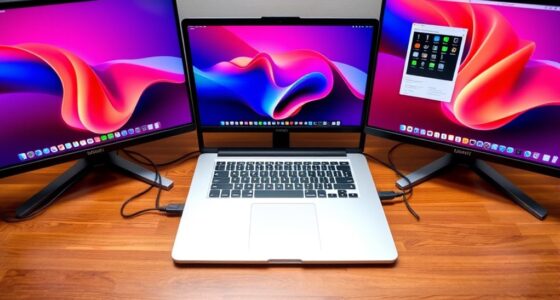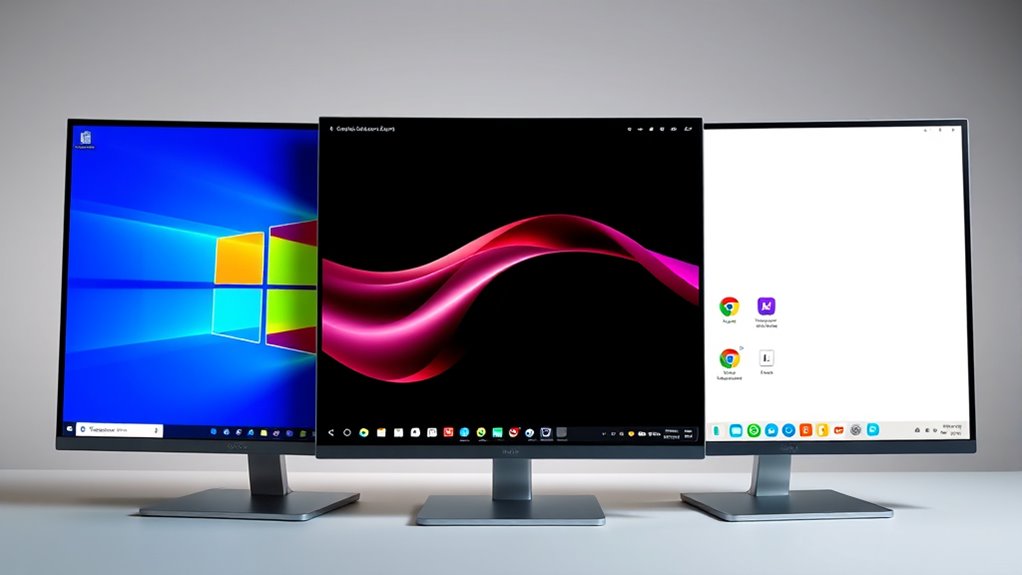

If you’re choosing between Windows, macOS, and Chrome OS, consider your priorities. Windows offers extensive customization and software compatibility for a range of tasks, but it requires active security management. macOS balances security with a sleek design, ideal for creative work. Chrome OS emphasizes simplicity and cloud-based use, suitable if most of your activity happens online. Exploring these differences further helps you find the best fit for your needs.
Key Takeaways
- Windows offers extensive customization and broad software compatibility, suitable for varied user needs.
- MacOS provides a sleek, user-friendly experience with strong security features, ideal for creative professionals.
- Chrome OS emphasizes simplicity and cloud-based workflows, with minimal local data storage and automatic updates.
- Windows supports offline work and a wide range of applications, while Chrome OS mainly relies on web apps.
- MacOS balances security and usability within a polished, aesthetically pleasing environment.
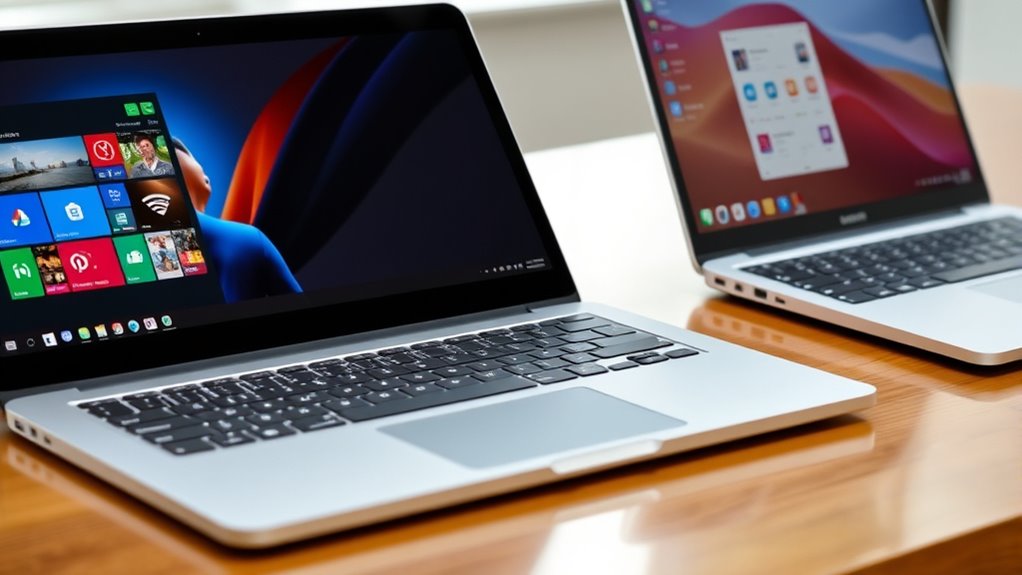
Choosing the right operating system depends on your needs and preferences, as Windows, MacOS, and Chrome OS each offer unique advantages. When it comes to the user interface, you’ll notice significant differences that can influence your daily experience. Windows provides a familiar, highly customizable interface with a Start menu that’s easy to navigate, making it suitable for users who want flexibility. MacOS offers a sleek, minimalist design with a clean dock and intuitive gestures, appealing to those who prefer a seamless, aesthetically pleasing environment. Chrome OS, on the other hand, emphasizes simplicity, featuring a straightforward interface centered around the Chrome browser, which is ideal for users who mainly rely on web applications and want minimal clutter.
Security features are another critical factor that varies among these operating systems. Windows has made substantial improvements over the years, incorporating built-in Windows Defender antivirus and regular security updates, but its widespread use makes it a common target for malware. You’ll need to stay vigilant and keep your system updated to maintain security. MacOS is known for its robust security architecture, including sandboxing apps and strict app store controls, which reduce the risk of malware. Apple’s closed ecosystem adds an extra layer of protection, though it’s not entirely immune. Chrome OS takes a different approach by relying heavily on cloud security measures. It automatically updates in the background, ensuring you have the latest security patches, and its sandboxed environment minimizes the risk of malicious attacks. Plus, since most data is stored in the cloud, your local device isn’t as much at risk if compromised. Additionally, the operating system’s security architecture is designed to minimize vulnerabilities and protect user data.
Your choice may also depend on how you prioritize security versus flexibility. Windows offers extensive customization and compatibility with a wide range of software, but it demands more hands-on security management. MacOS balances security with user-friendly features, making it a good choice for creative professionals and general users who value privacy. Chrome OS is perfect if your activities are mostly web-based; its security model is streamlined, and it requires less maintenance, but it’s less suited for specialized software or offline work.
Ultimately, your decision should align with your daily tasks, comfort level with technology, and security concerns. If you want maximum customization and software variety, Windows might be your best fit. If you prefer a sleek, controlled environment with strong security features, MacOS could be the way to go. For those who prioritize simplicity, quick updates, and cloud-based workflows, Chrome OS offers a compelling solution. Each operating system has its strengths, so understanding how their user interfaces and security features align with your needs will help you make an informed choice.
Frequently Asked Questions
Which OS Offers the Best Security Features?
You’ll find that MacOS offers the best security features, thanks to robust privacy protections and fewer security vulnerabilities. Apple’s closed ecosystem makes it harder for malware to infiltrate, and regular updates enhance security. Windows has improved its defenses but still faces more vulnerabilities due to its widespread use. Chrome OS emphasizes security through sandboxing and automatic updates, but MacOS provides a stronger combination of privacy protections and fewer security vulnerabilities overall.
How Do Software Compatibility Differ Across These OS?
You’ll find that software compatibility varies across these OS. Windows excels with third-party applications, offering broad native software compatibility, so most programs run smoothly. MacOS supports many popular apps, especially creative tools, but has more limited third-party options. Chrome OS relies heavily on web apps and Android compatibility, making it less suitable for native software but ideal for cloud-based workflows. Your choice depends on the software ecosystem you prefer.
Which OS Provides Better Battery Life?
If you want better battery life, MacOS is your best bet. Its advanced power management and battery efficiency optimize your device’s energy use, letting you work longer without plugging in. Windows offers decent battery life but doesn’t match MacOS’s efficiency, especially on newer models. Chrome OS excels in lightweight tasks, providing excellent battery efficiency for simple browsing and apps. Overall, MacOS gives you the longest-lasting battery experience.
Are There Any Major Hardware Limitations for Each OS?
You’ll find that each OS has hardware restrictions and device compatibility limits. Windows offers broad hardware support, allowing you to customize and upgrade easily, but sometimes faces driver issues. MacOS is restricted to Apple hardware, ensuring seamless integration but limiting hardware choices. Chrome OS mainly supports Chromebooks, so hardware options are limited and less flexible. Your choice depends on whether you prefer flexibility or optimized hardware integration.
How Do Updates and Support Compare Among Windows, Macos, and Chrome OS?
You’ll find that Windows offers frequent updates, often monthly, with support lasting several years depending on the version. macOS provides regular annual updates, typically supported for about 3-4 years, ensuring you get new features and security patches. Chrome OS has the most rapid update cycle, often every 6 weeks, with automatic updates that keep your device secure and supported for around 6-8 years, depending on the device.
Conclusion
Choosing between Windows, macOS, and Chrome OS depends on your needs. While some worry about compatibility or features, remember that each OS has its strengths—Windows for versatility, macOS for design, and Chrome OS for simplicity. Don’t let concerns hold you back; try them out if possible. Ultimately, pick the one that fits your workflow best. The right choice makes your tech experience smoother, not more complicated.