
To record your gameplay on PC or console, connect a capture device like Elgato to your system and use its software or program like OBS Studio for PC. Adjust your resolution, frame rate, and bit rate for the best quality. On consoles, enable recording features or connect a capture device to record directly. You can then edit and share your footage on platforms like YouTube or Twitch. Keep exploring to discover more tips for professional-quality recordings.
Key Takeaways
- Use game capture devices or built-in software to record gameplay on consoles, connecting between your console and display.
- For PC, utilize recording software like OBS Studio or AMD Radeon ReLive to capture gameplay directly.
- Adjust resolution, frame rate, and bit rate settings in your recording software for optimal video quality.
- Edit recorded footage with tools like Adobe Premiere Pro or DaVinci Resolve to enhance and prepare for sharing.
- Export videos in MP4 format and upload to platforms like YouTube or Twitch to share your gameplay.
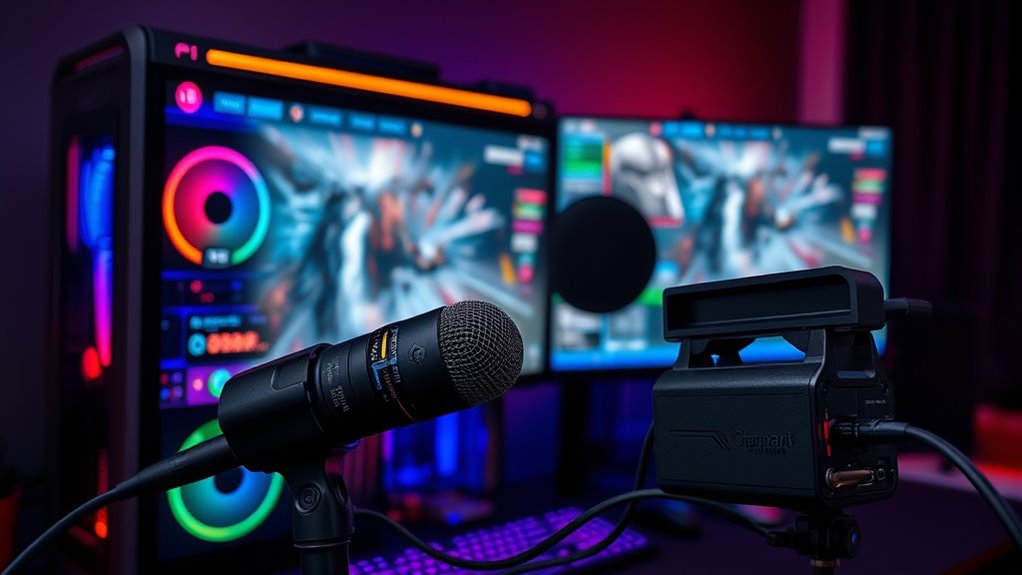
Whether you’re looking to share your epic wins or create content for your audience, recording gameplay on your PC or console has become easier than ever. With the right tools, you can capture high-quality footage effortlessly. The key is understanding how to use game capture devices and the best editing software to turn raw gameplay into polished videos. First, you’ll need a reliable game capture device if you’re recording from a console. These devices connect between your console and TV or monitor, allowing you to record gameplay directly onto your PC. Many popular options, like Elgato or AverMedia, come with user-friendly software that simplifies the recording process. If you’re gaming on a PC, you might not need a separate device; instead, you can use built-in recording features or third-party software to capture gameplay.
Once you’ve set up your capture device or chosen your recording software, it’s time to start recording. Make sure your settings are optimized for quality—adjust resolution, frame rate, and bit rate depending on your PC’s specifications and your desired output. For console recordings, you typically launch the device’s software, select the game window, and hit the record button. On PC, programs like OBS Studio or AMD’s Radeon ReLive are great options. They offer customizable options for capturing gameplay, whether you’re recording in 1080p or higher. After capturing your gameplay, you’ll want to edit the footage to highlight the best moments or add commentary. This is where editing software comes into play. Programs like Adobe Premiere Pro, DaVinci Resolve, or even simpler tools like Shotcut allow you to trim clips, add effects, insert audio overlays, and improve overall video quality.
Using proper audio management during recording and editing is crucial to ensure your commentary and game sounds are clear and well-balanced. Editing is essential because it turns raw footage into engaging content. You can cut out unnecessary parts, speed up sections, or add music to keep your viewers entertained. When editing, focus on clarity and pacing to maintain viewer interest. Once you’re satisfied with your edits, export the video in a suitable format—usually MP4 for good quality and compatibility. Finally, upload your creation to platforms like YouTube or Twitch to share your gameplay with the world. Remember, the process may take some experimentation, but with the right game capture setup and editing software, you’ll be creating professional-looking gameplay videos in no time.
Frequently Asked Questions
What Are the Best Free Screen Recording Software Options?
You can try free screen recording software like OBS Studio, Streamlabs, or ShareX, which offer great features. These options allow you to customize your screen resolution and audio settings for clear video quality. OBS Studio is especially popular for its flexibility and quality. With these tools, you can easily set your preferred resolution and audio inputs, ensuring your gameplay recordings look sharp and sound professional without spending a dime.
How Can I Improve My Gameplay Recording Quality?
To boost your gameplay recording quality, think of your setup as a symphony needing harmony. Start by optimizing your video settings for clarity and resolution. Use video editing tools to trim, add effects, or stabilize footage. Don’t forget to enhance your audio quality with audio enhancement tools, ensuring crisp, clear sound. These steps help your recordings shine brighter, capturing every epic moment in stunning detail and immersive sound.
Do I Need Special Hardware for High-Quality Recordings?
You don’t necessarily need special hardware for high-quality recordings, but a good capture card can make a big difference. It handles the video processing smoothly and reduces lag, guaranteeing clear, crisp footage. Check the hardware requirements of your capture card to make certain compatibility with your setup. If you want professional results, investing in quality hardware is worthwhile. Otherwise, built-in recording options on your console or PC can suffice for casual recording.
How Do I Record Gameplay Without Impacting Performance?
Think of your game and recording as a delicate dance where every move matters. To record gameplay without impacting performance, you need to focus on hardware optimization and tweaking recording settings. Lower your resolution or frame rate, and enable hardware-accelerated encoding if available. This way, your game runs smoothly, and your recordings stay crisp, all while you stay in sync with your gameplay rhythm.
Can I Stream and Record Gameplay Simultaneously?
Yes, you can stream and record gameplay simultaneously. Using live streaming platforms like Twitch or YouTube, you can broadcast your gameplay while capturing it with gameplay capture software like OBS or Streamlabs. Just make certain your PC or console has enough processing power and bandwidth to handle both tasks smoothly. Adjust settings to optimize performance, so your stream looks good without sacrificing gameplay quality.
Conclusion
Now that you know how to record your gameplay, remember that capturing your moments isn’t just about tech—it’s about sharing your passion and creativity. Some believe that recording stifles spontaneity, but in reality, it empowers you to reflect and improve. When you record with intention, you turn fleeting gameplay into lasting memories and valuable stories. So, embrace the process and let your gameplay inspire others, proving that your unique perspective truly matters.