To boost your TV sound on a budget, start by tweaking built-in settings like equalizer and sound modes for clearer dialogue. Adding a budget-friendly soundbar or external speakers can also create richer, more immersive audio. For wireless convenience, consider a Bluetooth receiver to connect your headphones or speakers easily. You can even use affordable accessories like bass boosters to enhance low frequencies. Keep exploring these options to get the best sound from your setup without overspending.
Key Takeaways
- Adjust built-in TV audio settings like equalizer, sound modes, and calibration for clearer sound tailored to your room.
- Add an affordable soundbar with surround sound and voice clarity features for richer audio.
- Connect external speakers or headphones positioned at ear level to enhance stereo separation and clarity.
- Use a Bluetooth audio receiver for wireless streaming, ensuring compatibility and high-quality sound.
- Incorporate budget-friendly audio accessories like bass boosters and surround sound systems to improve sound experience.
Optimize Your TV’s Built-In Audio Settings
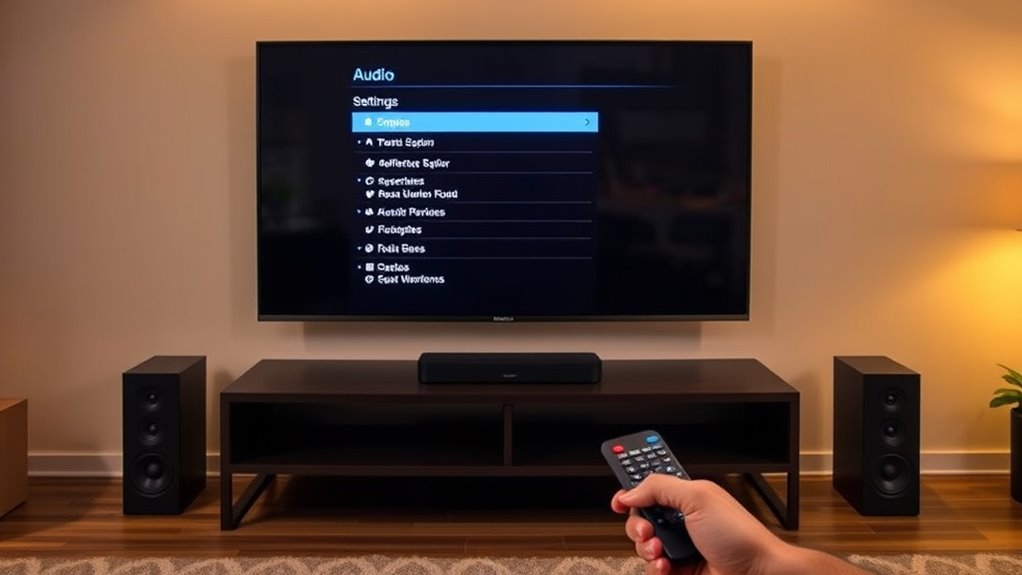
To get the most out of your TV’s sound, start by exploring its built-in audio settings. Many TVs have options like equalizer adjustments, sound modes, and volume levels that can enhance audio clarity. Begin with an audio calibration if available; this helps optimize sound output based on your room’s acoustics. Pay attention to speaker placement—make sure your TV’s speakers aren’t blocked or facing away from your seating area. Proper positioning ensures sound reaches you directly, improving overall quality. Adjust settings for dialogue clarity or bass as needed to suit your preferences. For even better results, consider speaker placement techniques that can further enhance your listening experience. Additionally, ensuring your TV’s firmware is up to date can provide access to improved audio processing features that optimize sound quality. Regularly updating your device can help prevent software issues that might negatively impact audio performance. Exploring audio enhancement options within your TV’s menu can also provide a noticeable difference in clarity and richness. Simple tweaks like these can greatly improve your listening experience without extra cost, making your TV sound clearer and richer for everyday viewing.
Use a Soundbar for a Quick Upgrade
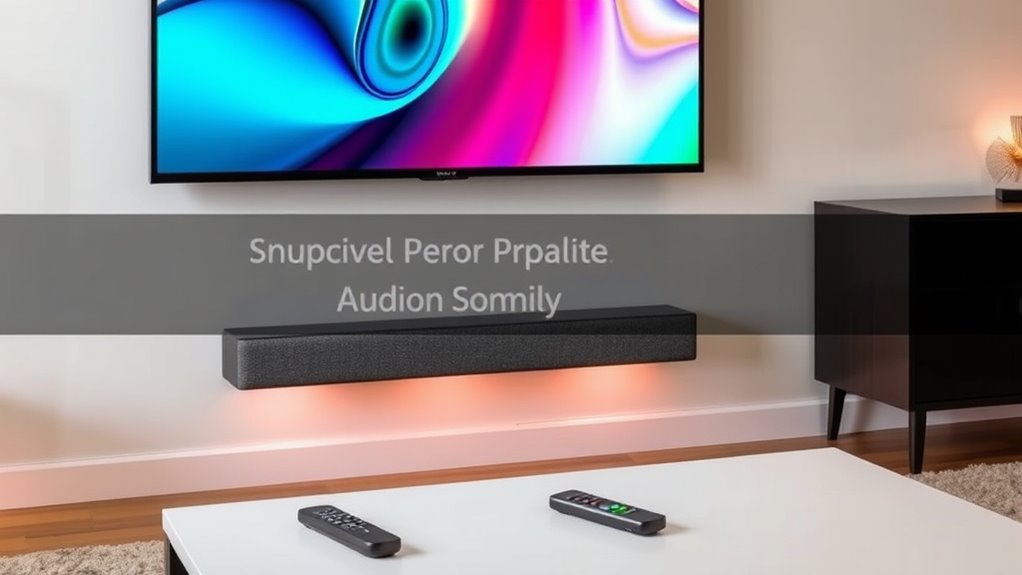
Adding a soundbar is one of the quickest ways to boost your TV’s audio quality. It enhances surround sound, making your movies and shows more immersive, while improving voice clarity so dialogue isn’t lost. A good soundbar offers a simple setup and delivers richer sound without cluttering your space. To maximize benefits, consider these tips:
- Choose a soundbar with built-in surround sound capabilities for a more cinematic experience.
- Look for models with dedicated voice clarity features to make dialogue stand out.
- Position the soundbar directly below or above your TV for ideal sound distribution and minimal echo.
This upgrade is budget-friendly and easy to implement, giving you a noticeable improvement in audio quality almost instantly.
Connect External Speakers or Headphones
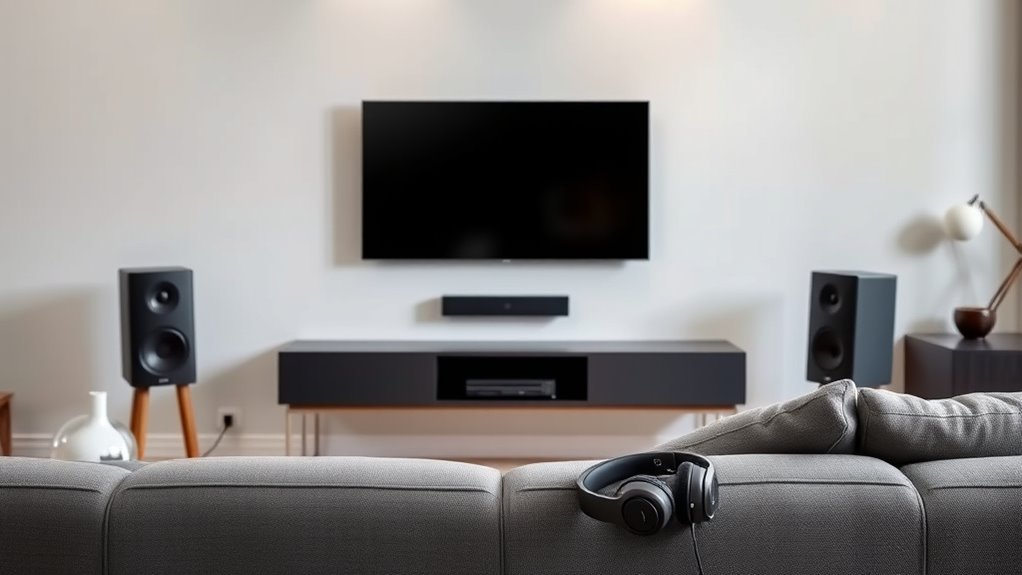
If you’re looking for an even more personalized audio experience, connecting external speakers or headphones can make a significant difference. External speakers allow you to optimize speaker placement, positioning them for better sound clarity and stereo separation. Placing speakers near walls or at ear level can enhance overall audio quality without breaking the bank. Headphones offer a private, immersive experience, but comfort is key. Choose headphones with padded ear cups and adjustable headbands to ensure they stay comfortable during extended use. Simply connect your external speakers or headphones to your TV’s audio output—most models use standard audio jacks or digital connections. Proper speaker placement can further improve sound quality by reducing echoes and enhancing stereo imaging. Adjusting the audio settings on your TV can also help tailor the sound to your space and preferences. Additionally, ensuring your connection types are compatible and secure can prevent audio issues and maximize sound performance. Using high-quality cables and connectors can also make a noticeable difference in overall sound clarity and richness. By adjusting speaker placement or selecting comfortable headphones, you’ll enjoy richer sound tailored to your space and preferences.
Add a Bluetooth Audio Receiver for Wireless Flexibility
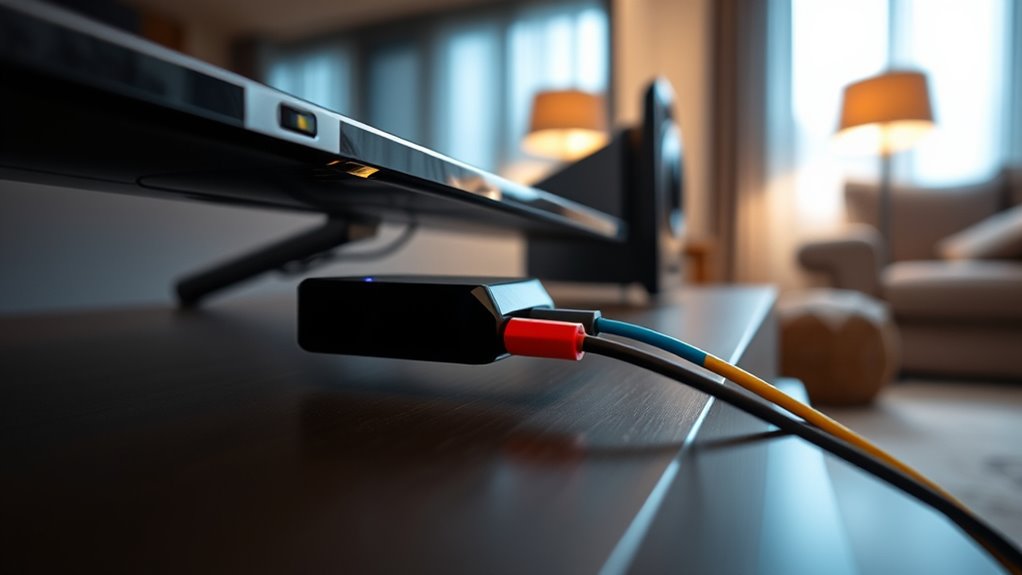
A Bluetooth audio receiver can instantly transform your TV setup by enabling wireless streaming of sound to your favorite speakers or headphones. This upgrade improves convenience and reduces cable clutter while expanding your audio options. To maximize benefits, consider these points:
Upgrade your TV sound with a Bluetooth receiver for wireless, clutter-free listening.
- Verify your TV or existing audio system has compatible inputs for easy connection.
- Check the Bluetooth version and range to guarantee stable wireless streaming and audio quality.
- Confirm the receiver’s audio compatibility, supporting formats like aptX or AAC for high-fidelity sound.
- Understanding audio formats can help you choose a receiver that delivers the best sound quality for your setup.
- Additionally, reviewing audio quality features in different models ensures you select a receiver that meets your listening preferences.
- Considering tuning options for your audio setup can further optimize your listening experience.
- Ensuring the receiver supports multiple device pairing can enhance your system’s versatility and convenience.
With a Bluetooth receiver, you gain flexibility to listen from anywhere in the room without cumbersome wires. It’s a simple, cost-effective way to upgrade your TV sound system and enjoy wireless streaming effortlessly.
Enhance Sound With Affordable Audio Accessories
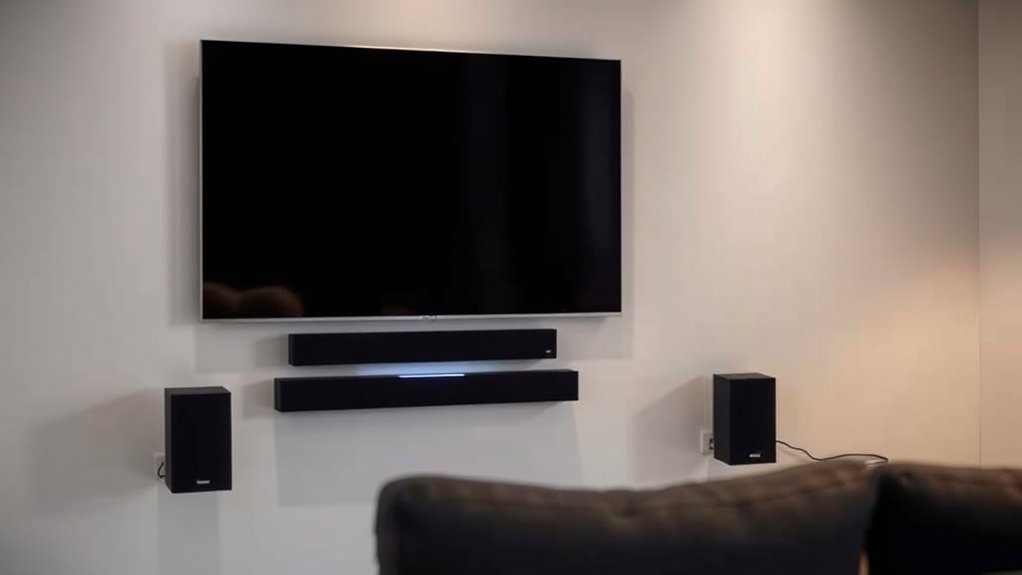
Enhancing your TV sound doesn’t have to involve expensive upgrades; affordable audio accessories can make a noticeable difference. A simple surround sound speaker system can create a more immersive listening experience without breaking the bank. Look for budget-friendly options that easily connect to your TV, providing a fuller, more dynamic soundstage. Bass boosters are another effective accessory; they amplify low frequencies for richer, deeper sound, making movies and music more engaging. These accessories are easy to install and portable, so you can experiment with different setups to find what works best for your space. Incorporating audio calibration tools and mindful adjustments can further improve your listening experience. Additionally, exploring cost-effective audio enhancement strategies can help you achieve high-quality sound without overspending. With just a small investment, you can markedly improve your audio quality and enjoy a more cinematic experience at home.
Frequently Asked Questions
Can I Improve My Tv’s Sound Without Any Additional Equipment?
Yes, you can improve your TV’s sound without extra equipment by adjusting the internal speakers and tweaking audio settings. Start by exploring your TV’s sound menu; increase bass and treble, enable any sound enhancement features, and select a surround sound mode if available. Position your TV to avoid muffling the speakers, and consider placing soft furnishings nearby to reduce echo, which can enhance overall audio clarity without additional devices.
What Are the Best Budget-Friendly Brands for External Speakers?
If you’re looking for affordable speaker brands, consider options like Logitech, Pioneer, and Creative Labs. These brands offer budget audio solutions that deliver good sound quality without breaking the bank. You can easily find their external speakers online or in stores, making them perfect for enhancing your TV audio. Investing in these affordable speaker brands gives you a simple, cost-effective way to upgrade your TV sound experience.
How Do I Troubleshoot Sound Issues With a Soundbar Connection?
Think of your soundbar connection as a musical duet—you need both players in sync. First, check for audio cable issues, ensuring all cables are firmly plugged in and undamaged. Next, adjust your soundbar placement; avoid blocking vents or placing it too far from your TV. If sound still cuts out, reset your connection or try a different cable. Proper placement and secure connections keep your audio harmony intact.
Will Adding a Bluetooth Receiver Affect My Tv’s Audio Quality?
Adding a Bluetooth receiver can cause some impact on your TV’s audio quality. You might notice increased Bluetooth latency, which causes a slight delay between the audio and video. Additionally, audio compression used during Bluetooth transmission can reduce sound clarity and detail. However, if you choose a high-quality Bluetooth receiver with aptX or similar codecs, you can minimize these issues and enjoy better wireless audio without significant quality loss.
Are There Any DIY Methods to Enhance TV Sound Without Buying New Gear?
Ever wish your TV sound was clearer without spending a dime? You can try DIY sound calibration by adjusting your TV’s audio settings or exploring acoustic treatment with simple items like curtains or rugs to absorb echo. These quick tips help enhance sound quality naturally, making your listening experience richer and more immersive. With a little effort, you’ll notice a big difference in your TV’s audio, all on a budget.
Conclusion
Think of your TV as a ship sailing smoothly through a sea of sound. With these simple upgrades, you’re adding sturdy sails and a reliable compass, guiding you to clearer, richer audio. No need for a costly overhaul—just small, clever adjustments that turn your viewing experience into a voyage of immersive sound. Set your course today, and enjoy every scene like you’re right there in the action, sailing confidently through your favorite shows.