
To choose a gaming keyboard for feel, focus on testing different types of switches, such as mechanical switches, as they offer various tactile feedback and responsiveness. Try out clicky or quieter options based on your noise preference. Pay attention to how each switch responds during fast presses to find what feels most accurate and comfortable for you. Considering ergonomic design can also boost long-term comfort. Keep exploring these aspects to discover the perfect setup that enhances your performance.
Key Takeaways
- Test different mechanical switches to find the tactile feedback and actuation force that feels most comfortable.
- Prioritize ergonomic design features for prolonged comfort and reduced fatigue during gaming.
- Choose keyboards with customizable key responses or programmable features to match your preferred feel.
- Consider the weight and build quality for stability and a solid typing experience.
- Focus on personal preference for switch type (clicky, tactile, silent) over just aesthetic or feature specifications.
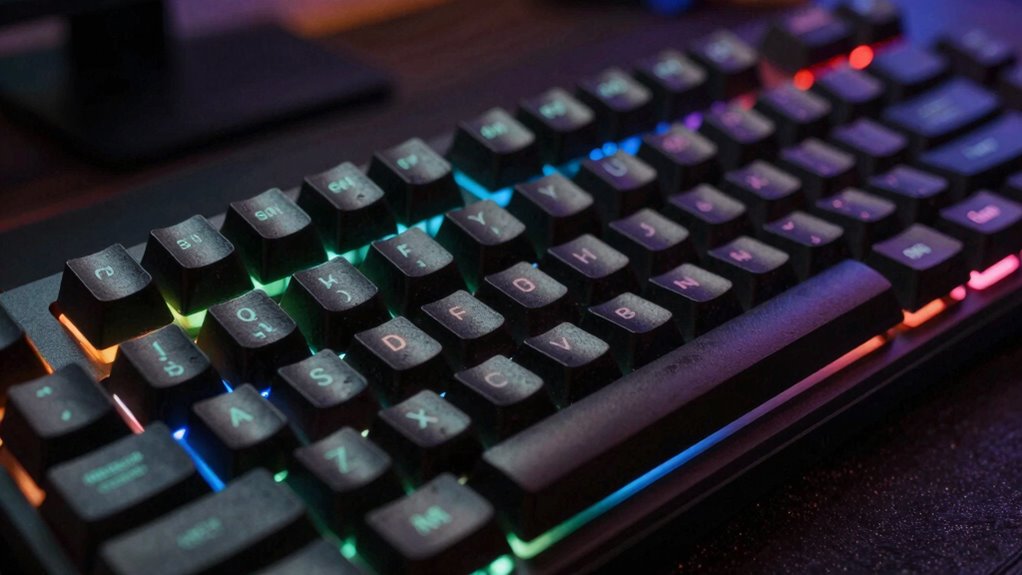
Selecting the right gaming keyboard can substantially enhance your gaming experience, but with so many options available, it can feel overwhelming. One of the most important factors to consider is the type of switches it uses. Mechanical switches are a popular choice among gamers because they provide tactile feedback, durability, and faster response times. Unlike membrane keyboards, mechanical switches give you a more precise feel when pressing keys, which can improve your accuracy, especially during fast-paced gameplay. You might prefer a clicky switch if you want satisfying feedback or a quieter one if noise is a concern. Testing different switches in person, if possible, helps you find the feel that suits you best. Additionally, understanding content quality and how it influences your overall experience can help you make a more informed choice.
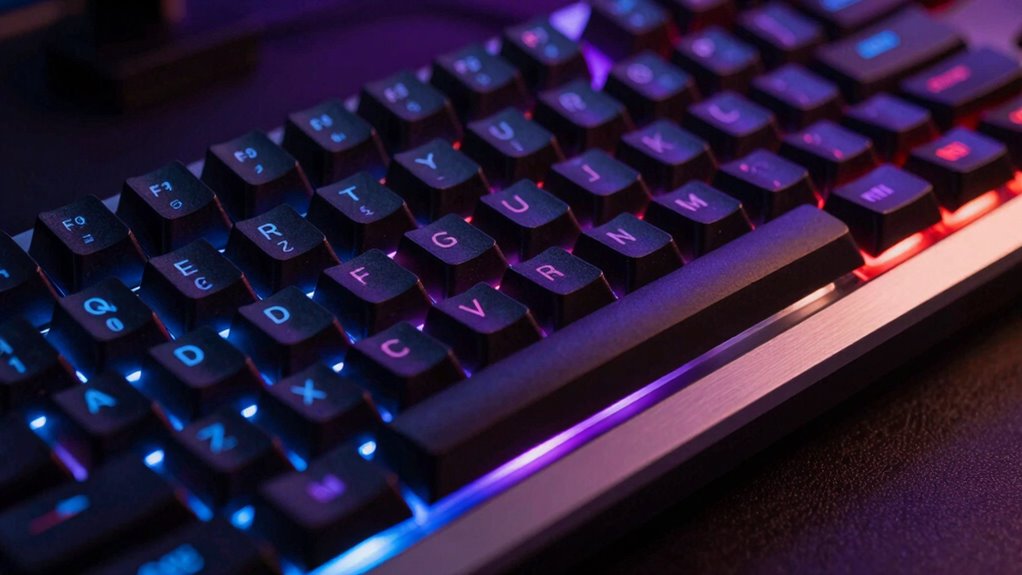
Another key feature that often catches your eye is RGB lighting. While it’s primarily a visual feature, RGB lighting can also influence how you feel while gaming. Customizable lighting allows you to assign different colors to specific keys, which can help with quick recognition during intense moments. For example, you might assign red to your attack keys or green to movement keys, reducing the time you spend searching for the right key under pressure. Beyond aesthetics, RGB lighting can boost your immersion, making your gaming setup more vibrant and personalized. Many gaming keyboards let you synchronize lighting effects with in-game actions or music, adding an extra layer of engagement. Furthermore, the technology behind RGB lighting has improved, allowing for more dynamic and responsive effects that can enhance your overall gaming environment. Incorporating ergonomic design features can also improve comfort during extended gaming sessions, ensuring your responsiveness isn’t hindered by discomfort or fatigue. Recognizing how these features contribute to your overall gaming performance can help you select a keyboard that truly complements your style. Additionally, considering the environmental impact of tissue paper in your overall setup can promote more sustainable gaming habits, as some brands now focus on eco-friendly manufacturing and packaging. When you find the right combination of switches, lighting, and build quality, you’ll notice an immediate improvement in your gaming experience.

Redragon Mechanical Gaming Keyboard Wired, 11 Programmable Backlit Modes, Hot-Swappable Red Switch, Anti-Ghosting, Double-Shot PBT Keycaps, Light Up Keyboard for PC Mac
- Vibrant Backlit Modes: 11 customizable lighting effects
- Adjustable Brightness & Speed: 5 levels for light control
- Clear Double-Shot Keycaps: Enhanced backlight and durability
As an affiliate, we earn on qualifying purchases.
As an affiliate, we earn on qualifying purchases.
Frequently Asked Questions
How Important Is Keyboard Ergonomics for Long Gaming Sessions?
Keyboard ergonomics is vital for long gaming sessions because it helps prevent fatigue and discomfort. An ergonomic design guarantees your hands and wrists stay in a natural position, reducing strain. Wrist support is especially important, as it cushions your wrists during extended play, preventing injuries like strain or repetitive stress. By prioritizing ergonomic features, you can enjoy longer gaming sessions with less physical discomfort, improving both your performance and overall comfort.
Do Mechanical Keys Impact Gaming Performance Significantly?
Mechanical keys can considerably impact your gaming performance, especially if you prioritize responsiveness and precision. They typically offer faster actuation and better feedback, giving you an edge in competitive play. Plus, their key durability means they withstand intense gaming sessions without losing performance. While some might worry about noise, the improved feel and reliability often outweigh the downsides. So, investing in mechanical switches definitely enhances your gaming experience.
Can Custom Keycaps Improve Gaming Experience?
Yes, custom keycaps can markedly improve your gaming experience. They allow for aesthetics customization, making your setup more personalized and visually appealing. Additionally, quality materials enhance durability, ensuring your keycaps withstand intense gaming sessions without wearing down quickly. By choosing custom keycaps that suit your style and feel, you can enjoy better grip, comfort, and a more immersive gaming experience, making every keystroke more satisfying.
What Is the Lifespan of Gaming Keyboard Switches?
Think of your gaming keyboard switches like the lifespan of a trusty bicycle chain—durability varies. Mechanical switches typically last around 50 million keystrokes, making them highly durable, especially Cherry MX switches. Membrane switches, however, tend to wear out faster. Choosing the right key switch type impacts both feel and lifespan, so consider how often you game. With proper care, your switches can go the distance, just like a well-maintained bike.
How Does Keyboard Layout Affect Gaming Comfort?
Your gaming comfort depends heavily on the keyboard layout. An ergonomic layout reduces strain during long sessions, while a compact design frees up space. Consider keycap material for durability and feel, and look for backlit options to improve visibility in low light. A layout that matches your hand size and gaming style guarantees quicker responses and less fatigue, making your gaming experience more comfortable and enjoyable.

Logitech G213 Prodigy Wired RGB Gaming Keyboard – Black
- Customizable RGB Lighting: 5 zones with 16.8M colors
- Full-Size Gaming Keyboard: Slim, durable, easy to clean
- Responsive Tactile Keys: Quick, responsive feedback
As an affiliate, we earn on qualifying purchases.
As an affiliate, we earn on qualifying purchases.
Conclusion
So, when you’re choosing a gaming keyboard, remember it’s more than just features—it’s about feeling the connection between your hands and your game. Think of your keyboard as the bridge to your victory, where every keystroke can make or break your next move. Trust your instincts, test your options, and find that perfect fit. After all, in the game of success, it’s your feel that truly wins the battle.

Razer BlackWidow V4 X Mechanical Gaming Keyboard, Yellow Switches, Black
- Mechanical Switch Type: Yellow linear switches for fast response
- Actuation & Reset Distance: 1.2mm actuation with quick reset
- Force Required: 45g for effortless keystrokes
As an affiliate, we earn on qualifying purchases.
As an affiliate, we earn on qualifying purchases.

Redragon K521 Upgrade Rainbow LED Gaming Keyboard, 104 Keys Wired Mechanical Feeling Keyboard with Multimedia Keys, One-Touch Backlit, Anti-Ghosting, Compatible with PC, Mac, PS4/5, Xbox
- Vivid Rainbow LED Backlight: Enhanced, penetrating rainbow lighting effect
- One-Touch Lighting Control: Easy on/off and adjustable lighting modes
- Mechanical Feel Keys: Responsive keys for fast, tactile gaming
As an affiliate, we earn on qualifying purchases.
As an affiliate, we earn on qualifying purchases.