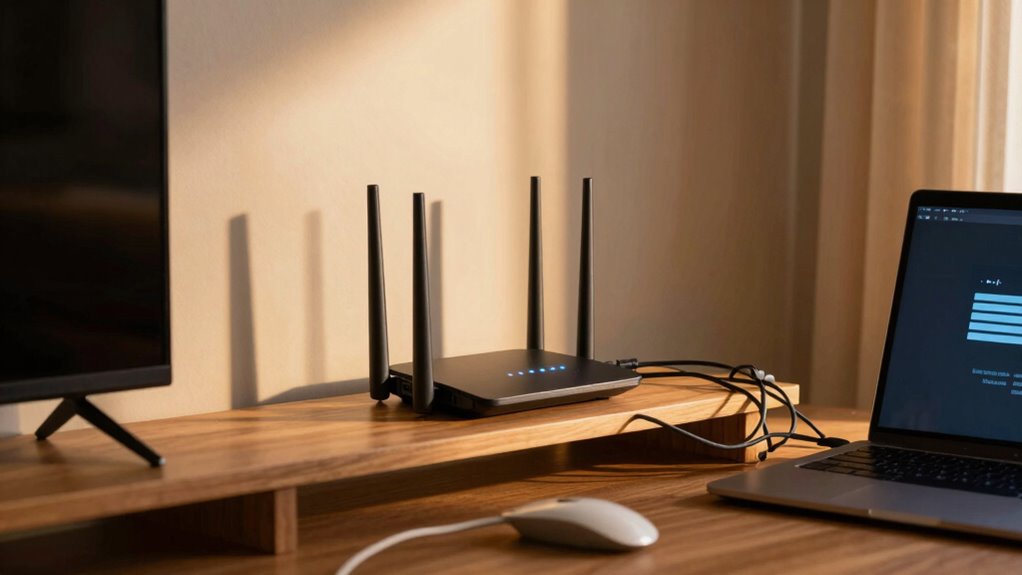

Even with a high-speed plan, your internet can still feel slow due to outdated hardware, network congestion, or poor Wi-Fi placement. When multiple devices are online or your equipment isn’t up to date, your connection becomes sluggish or unstable. Signal interference from walls or neighboring networks can also weaken your Wi-Fi. To boost your speed, you’ll need to optimize your setup, upgrade equipment, and manage traffic—all important factors that become clearer as you explore further.
Key Takeaways
- Network congestion during peak hours reduces available bandwidth despite high-speed plans.
- Outdated modems or routers limit the ability to fully utilize faster internet speeds.
- Poor router placement and interference weaken Wi-Fi signals, causing slower connections.
- Upgrading your internet plan alone won’t improve speed without hardware or setup improvements.
- Managing connected devices and optimizing network setup enhances overall internet performance.
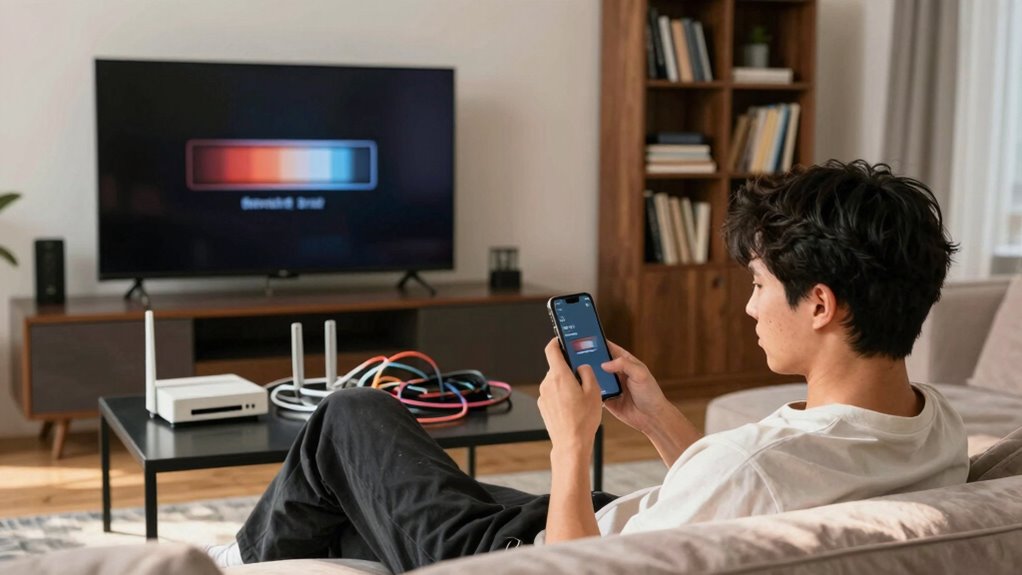
Even with the promise of blazing-fast internet speeds, many homes still experience slow or inconsistent connections. You might have a high-speed plan from your provider, but when you try to stream a movie, participate in a video call, or download files, things just don’t feel as smooth as they should. One common culprit is network congestion. During peak hours, when everyone in your neighborhood is online—streaming, gaming, or working—your internet can slow down significantly. Your network becomes overloaded with traffic, making it harder for your devices to get the bandwidth they need. This congestion doesn’t just happen at the neighborhood level; it can also occur within your home if multiple devices are competing for the same connection simultaneously.
Network congestion during peak hours can slow your internet, even with a high-speed plan.
Another major factor that can make fast internet feel slow is outdated hardware. If your modem or router is several years old, it might not be capable of handling the speeds your internet provider delivers today. Older hardware often lacks the latest technology, such as Wi-Fi 6, which is designed to efficiently manage multiple devices and reduce interference. When you use outdated equipment, your connection can become bottlenecked, causing sluggish browsing, buffering videos, or dropped connections. Even if your internet plan is fast, your hardware needs to be up to date to truly experience those speeds. Upgrading your network equipment is essential for optimizing performance and ensuring you get the most out of your high-speed plan. Additionally, investing in advanced networking technologies can further improve your setup’s efficiency and reliability.
You might also overlook the placement of your router. If it’s tucked away in a closet or placed far from your main devices, your Wi-Fi signal weakens, leading to slow speeds and dead zones. Proper placement can make a significant difference in how well your network performs, especially when multiple devices are connected. Additionally, interference from other electronics, thick walls, or neighboring Wi-Fi networks can cause signal disruptions, further impacting your internet speed. To optimize your setup, you should also consider network interference issues that can degrade overall performance. Being aware of network congestion during peak usage times can help you plan your online activities more effectively and avoid slowdowns.
Many people assume that upgrading their internet plan alone will fix slow speeds, but that’s not always the case. If your hardware is outdated or your network is congested, even the fastest plan won’t deliver optimal performance. You need to consider upgrading your modem, router, and ensuring your network setup is optimized. Managing the number of devices connected at once, updating firmware, and choosing the right hardware can dramatically improve your experience. Ultimately, a combination of modern equipment, strategic placement, and managing network traffic is essential to turn that fast internet plan into a genuinely speedy and reliable connection in your home. Improving your understanding of network equipment can help you make smarter choices for a faster, more consistent internet experience.
As an affiliate, we earn on qualifying purchases.
Frequently Asked Questions
How Can I Test My Internet Speed Accurately at Home?
To test your internet speed accurately at home, use a reliable speed test tool like Ookla or Fast.com. Make certain no bandwidth congestion from other devices and minimize signal interference by disconnecting unnecessary gadgets and placing your router in a central location. Run multiple tests at different times of day to get a clear picture of your true bandwidth. This helps identify if issues stem from congestion or interference affecting your connection.
Does the Age of My Modem Affect Internet Speed?
Like a trusty steed fading with age, your modem’s effectiveness declines over time. An outdated modem can slow your internet, even if your plan’s fast. Make sure modem compatibility with your service, and keep firmware updates current to maximize speed. If your modem’s several years old, upgrading might be necessary. A modern, updated modem can restore that swift, seamless experience you’re craving.
Can Multiple Devices Cause Slower Internet Experience?
Yes, multiple devices can cause a slower internet experience. When many devices connect simultaneously, bandwidth congestion occurs, reducing the available speed for each device. Your router may also struggle to prioritize devices effectively, leading to buffering or lag. To improve performance, consider managing device prioritization settings, disconnecting unused devices, or upgrading your plan to handle more connections without sacrificing speed.
How Does Wi-Fi Interference Impact My Connection?
Ever wonder why your Wi-Fi feels like molasses? Wireless congestion and signal interference are the culprits. When too many devices shout for bandwidth or your neighbor’s router jams the airwaves, your connection suffers. These interferences create chaos, slowing down data flow. So, next time your internet drags, blame the wireless congestion and signal interference, not your provider’s “fast” promises. Your network’s just throwing a hissy fit.
Are There Specific Areas in My Home That Weaken Wi-Fi Signals?
Yes, certain areas in your home can weaken Wi-Fi signals, creating Wi-Fi dead zones. Signal obstructions like thick walls, metal objects, or large furniture block the wireless signal, reducing its strength. You might notice slower speeds or dropped connections in these spots. To improve coverage, consider relocating your router to a central, open area or using Wi-Fi extenders to eliminate dead zones and strengthen your signal throughout your home.
As an affiliate, we earn on qualifying purchases.
Conclusion
Even with fast internet, you might still feel it’s slow because of outdated hardware, Wi-Fi interference, or multiple devices hogging bandwidth. Because these issues cause delays, frustrate your streaming, and disrupt your work, addressing them becomes essential. By updating your equipment, reducing interference, and managing device usage, you can turn your connection into the speedy, reliable internet you deserve. Because fast internet should be seamless, smooth, and satisfying—so don’t settle for less.

TP-Link AC1200 WiFi Extender – 1.2Gbps Home Signal Booster, Dual Band 5GHz/2.4GHz, Up to 1600 Sq.ft and 32 Devices, EasyMesh Compatible, One Ethernet Port (RE315)
- Enhanced Wi-Fi Coverage: Eliminates dead zones with strong signal
- Dual Band Speed: Supports 867 Mbps on 5GHz and 300 Mbps on 2.4GHz
- Wide Coverage Area: Covers up to 1500 sq.ft with adjustable antennas
As an affiliate, we earn on qualifying purchases.
As an affiliate, we earn on qualifying purchases.
As an affiliate, we earn on qualifying purchases.