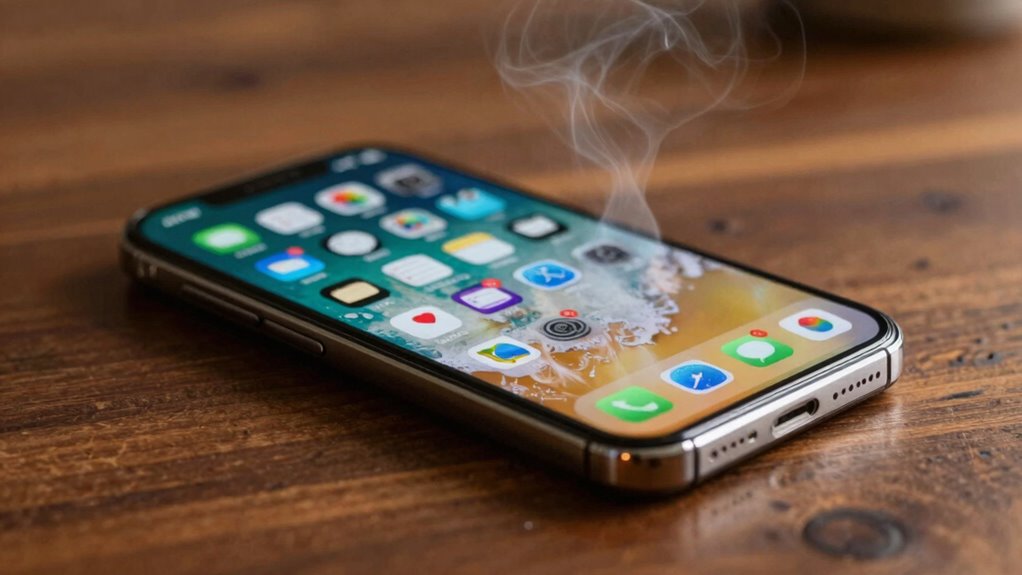

Your phone heats up when its battery, apps, or external heat sources push it beyond normal limits. This signals something may be wrong, like a failing battery, too many apps running, or exposure to high temperatures. Ignoring the warning signs can lead to reduced performance or safety hazards. If you want to understand the common causes and how to prevent overheating, keep exploring—that way, you can keep your device safe and working well.
Key Takeaways
- Overheating often indicates battery deterioration, high temperatures, or thermal runaway risks.
- Running too many apps or resource-heavy programs stresses hardware, causing heat buildup.
- External factors like sunlight, poor ventilation, or faulty chargers can trap heat in the device.
- Internal component issues or hardware aging can impair heat regulation, leading to overheating.
- Persistent heat signals a need for maintenance or cooling measures to prevent safety hazards.
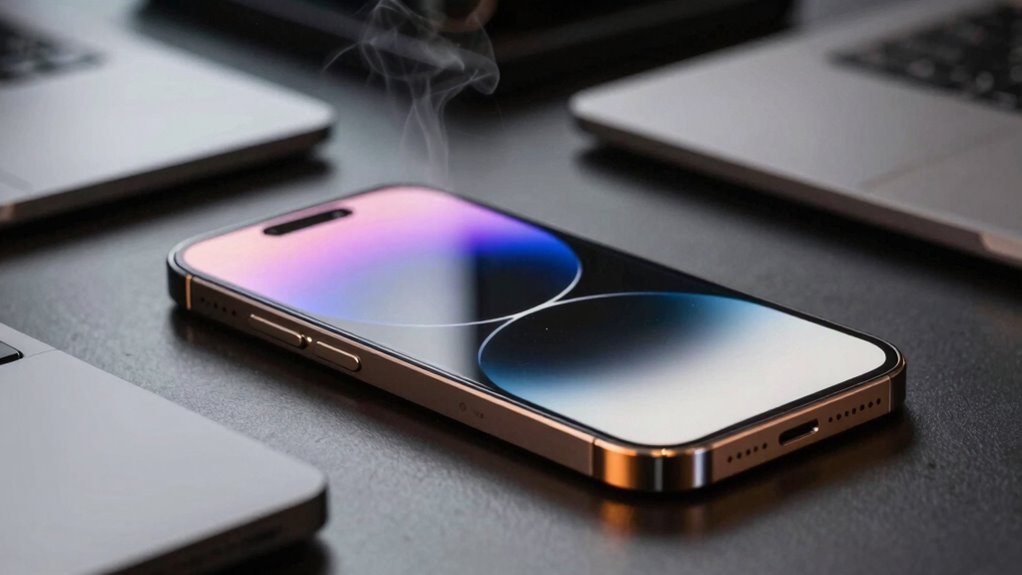
Ever wondered why your phone suddenly feels warm or hot to the touch? It’s a common experience, and it usually signals that your device is working harder than it should. One of the main culprits behind this heat is battery issues. Your phone’s battery is a powerhouse, but it can become strained or faulty over time. When it’s struggling—perhaps due to aging, a manufacturing defect, or exposure to high temperatures—it tends to generate excess heat. This isn’t just uncomfortable; it can also be a sign that your battery is deteriorating or even dangerous. If you notice your phone heats up during charging or after prolonged use, it’s worth checking the battery’s health or replacing it altogether. Ignoring these signs can lead to reduced battery life, unexpected shutdowns, or, in extreme cases, thermal runaway, which could cause your phone to swell or become a safety hazard.
Another common cause of overheating is app overload. When you open too many apps at once or leave resource-intensive applications running in the background, your phone’s processor is forced to work overtime. This increased workload causes the device to heat up because the CPU and other internal components generate more heat under stress. Some apps are particularly demanding—games, streaming services, or those that use GPS and location tracking can push your device to its limits. If you notice your phone gets hot after a heavy app session, it’s a clear sign you’re overloading the hardware. Closing unnecessary apps, disabling background processes, or uninstalling apps you don’t need can help manage the load. Also, keep your device’s software updated; developers often optimize app performance to reduce unnecessary CPU usage, which can help prevent overheating. Proper heat dissipation techniques, such as removing your phone from direct sunlight or a hot environment, can also help keep it cool. Additionally, ensuring your device’s internal components are functioning properly can prevent excess heat buildup and extend its lifespan. Regular maintenance and attention to hardware health can make a significant difference in preventing overheating issues. Staying aware of the device’s temperature can serve as a helpful indicator of when to take a break from heavy usage.
Beyond battery issues and app overload, other factors can cause your phone to overheat. Excessive sunlight, a cluttered case trapping heat, or even a faulty charger can all contribute. But the key takeaway is that your phone’s temperature is its way of signaling that something isn’t right. If your device feels consistently hot, don’t ignore it. Addressing battery health, managing app activity, and minimizing physical stress on your phone can help keep it cool. Regularly inspecting phone case ventilation and ensuring proper heat dissipation can also make a difference. By paying attention to these signs, you not only extend your device’s lifespan but also prevent potential safety hazards. Ultimately, understanding what your phone’s heat is telling you allows you to take prompt action, ensuring your device remains safe, efficient, and reliable.

ANCEL BA101 Car Battery Tester, 12V Digital Automotive Alternator Meter Diagnostic Tool,100-2000 CCA Load Capacity, Charging & Cranking Analyzer for Truck, Boat, RV, Marine Vehicle, and More
Catch Battery Problems Early: Featured in two videos by Project Farm, a popular YouTube channel with millions of…
As an affiliate, we earn on qualifying purchases.
As an affiliate, we earn on qualifying purchases.
Frequently Asked Questions
Can Overheating Damage My Phone Permanently?
Overheating can cause permanent damage to your phone, leading to battery degradation and hardware failure. When your device gets too hot, the battery’s chemical components break down faster, reducing its lifespan. Excess heat can also harm internal parts like the processor and circuit boards, increasing the risk of hardware failure. To protect your phone, avoid exposing it to high temperatures and remove it from hot environments promptly.
How Can I Prevent My Phone From Overheating?
To prevent your phone from overheating, keep an eye on your battery health and avoid exposing it to direct sunlight or high temperatures. Use cooling solutions like removing cases when it gets hot or turning off unused apps. Regularly update your software to optimize performance, and avoid overcharging. These steps help maintain your phone’s temperature, reduce stress on the battery, and prolong its lifespan.
Does a Hot Phone Mean It’s Infected With Malware?
A hot phone doesn’t necessarily mean it’s infected with malware, but it’s worth checking. If you see a virus alert or notice your battery health declining rapidly, malware could be the culprit, causing extra processing that heats your device. Keep your software updated, run a trusted antivirus scan, and monitor your battery health to prevent overheating and guarantee your phone stays secure and cool during use.
Is It Safe to Use My Phone While It’s Hot?
It’s not safe to use your hot phone, as it risks further overheating and potential damage. When your phone gets hot, you notice battery drain and screen brightness flickering—clues that trouble’s brewing beneath the surface. Ignoring this warning can lead to crashes or hardware failure. So, power down, let it cool, and check for background apps or settings causing the heat. Don’t ignore the signs; your device’s health depends on it.
When Should I Seek Professional Repair for Overheating?
You should seek professional repair if your phone consistently overheats despite trying basic fixes. Battery issues often cause persistent heating, so if your device’s battery drains quickly or swells, get it checked. Also, software updates might be causing overheating; if updating doesn’t help, a professional can diagnose and fix underlying problems. Don’t ignore ongoing heat, as it can damage your phone’s components and compromise safety.

NEEWER BASICS RGB Magnetic Phone Cooler, Low Noise USB Gaming Cooling Fan with Smart Temp Control, Magnetic Ring & Clip Compatible with MagSafe iPhone 17 Pro Max 15 16 iPad Samsung S26 Ultra, PA069
【Introducing NEEWER BASICS】 Simple and practical, NEEWER BASICS is an economical product line that focuses on essential functions…
As an affiliate, we earn on qualifying purchases.
As an affiliate, we earn on qualifying purchases.
Conclusion
Think of your phone as a car engine—if it starts overheating, it’s signaling you to give it a break or check for issues. Ignoring these warning signs can lead to permanent damage or data loss. So, when your phone gets hot, don’t dismiss it as just a nuisance. Instead, listen to what it’s telling you, cool it down, and give it some TLC. Your device’s health is a reflection of your own tech habits—treat it well.

NEVEIKA Plug-in Phone Cooler, Cellphone Radiator with Dual Semi-Conductor Cooling Chip, Mobile Phones with a Width of 6 to 7.5cm for Tiktok Live Streaming, Outdoor Vlog, Mobile Gaming.
Linear damping telescopic clip: easy to adjust, pay attention! Suitable for all types of mobile phones with a…
As an affiliate, we earn on qualifying purchases.
As an affiliate, we earn on qualifying purchases.
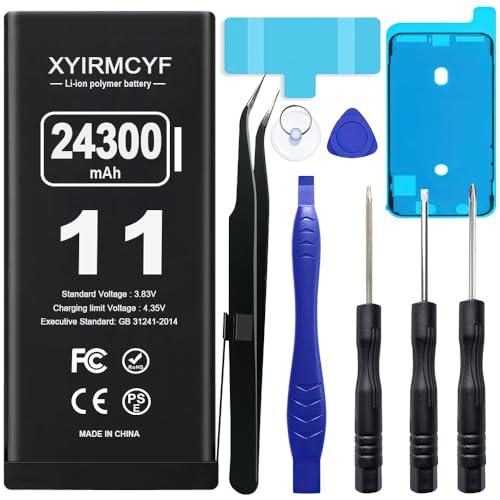
XYIRMCYF 24300mAh Super Capacity Battery Compatible with iPhone 11, 0 Cycle Li-Polymer Replacement Battery for iPhone 11, with Professional Repair Tool Kit
【Compatible Model】This Replacement battery compatible with iPhone 11 (Model: A2111, A2223,A2221). (Note: NOT compatible with other iPhone model)….
As an affiliate, we earn on qualifying purchases.
As an affiliate, we earn on qualifying purchases.