
To extend your smartwatch or fitness band’s battery life, optimize display settings by lowering brightness, using smaller fonts, and enabling power-saving modes. Manage notifications carefully by filtering alerts and disabling non-essential app notifications. Turn off sensors like GPS and heart rate tracking when not needed. Keep your device’s firmware and software updated for better efficiency, and regularly use power-saving features. Continue exploring these tips to get even more from your device’s battery.
Key Takeaways
- Enable power-saving mode and reduce display brightness for energy-efficient usage.
- Limit notifications and disable non-essential app alerts to prevent unnecessary device wake-ups.
- Turn off GPS, heart rate monitoring, and other sensors when not in use.
- Keep device firmware and software updated for improved energy management.
- Adjust display settings and use simple watch faces to minimize power consumption.
Adjust Display Settings for Better Battery Life
Since the display consumes a significant portion of your smartwatch or fitness band’s battery, adjusting its settings can make a noticeable difference. Start by reducing the screen timeout so the display turns off faster when you’re not interacting with it. This simple change prevents unnecessary power drain. Additionally, consider adjusting the font size; smaller fonts require less energy to display, helping conserve battery life. Many devices let you customize these settings easily through the watch’s menu. By shortening the screen timeout and opting for a more energy-efficient font size, you’ll extend your device’s battery life without sacrificing usability. Moreover, choosing a high contrast display can improve visibility while potentially reducing power consumption on certain screens. Selecting power-saving mode can further optimize energy use by limiting background activity and sensor functions. Making use of display brightness adjustments can also help reduce energy consumption, especially in brightly lit environments. Exploring screen refresh rate settings can also contribute to longer battery life on some devices. Being aware of display technology differences can help you choose the most energy-efficient screen type for your needs. These small tweaks are effective, straightforward ways to maximize your smartwatch’s power and enjoy longer periods between charges.
Manage Notifications and App Alerts
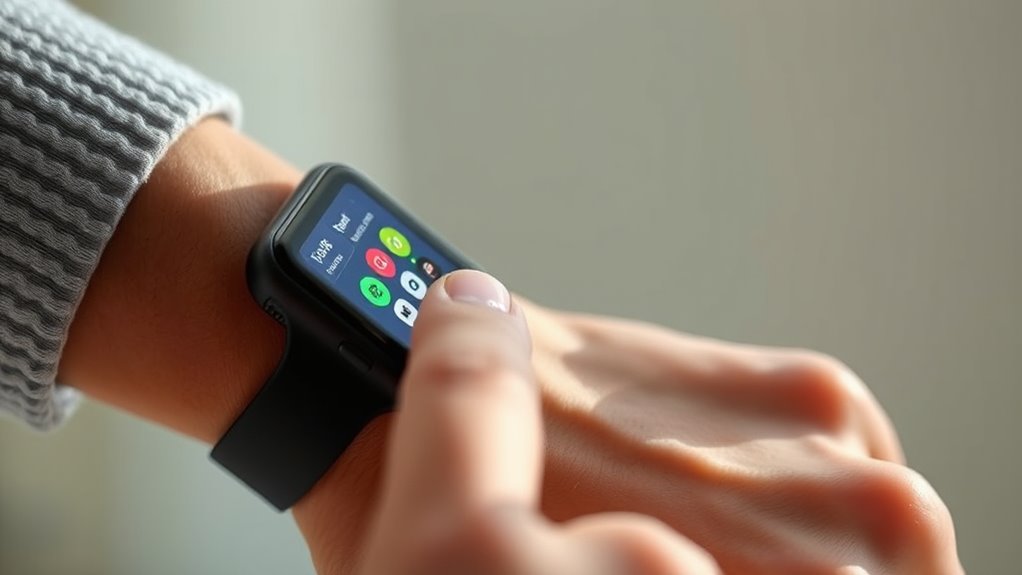
Managing notifications and app alerts is a key step in extending your smartwatch’s battery life. By implementing notification filtering, you limit unnecessary alerts that wake your device and drain power. Review your notification settings and disable alerts from apps that aren’t essential. App management also plays a crucial role; uninstall or disable apps that send frequent or redundant notifications. Keep only critical alerts active, like messages or calendar reminders, to reduce background activity. Many devices allow you to customize notification priorities, ensuring your watch only vibrates or lights up for important updates. This not only conserves battery but also minimizes distractions. Regularly fine-tuning your notification preferences ensures your smartwatch stays powered longer without missing essential alerts. Additionally, understanding how automation in business can optimize device functions may help you streamline your device management for better battery performance. Adjusting notification settings to minimize background activity can further enhance battery longevity and ensure your device operates efficiently throughout the day. Incorporating energy-efficient notification settings can help you achieve a balance between staying informed and conserving power, especially when combined with other cybersecurity best practices to protect your device from potential threats. For example, enabling do not disturb modes during certain hours can also significantly reduce unnecessary battery drain.
Optimize Workout and Activity Tracking Features

To extend your smartwatch’s battery life, it’s important to optimize the activity tracking features you use regularly. Start by calibrating your device’s sensors periodically to ensure accurate data, which prevents unnecessary battery drain from repeated recalibration. Adjust your charging habits by avoiding frequent partial charges; fully charging your device helps maintain battery health. When tracking workouts, consider disabling high-energy features like GPS or heart rate monitoring when not needed. Use the device’s settings to limit continuous tracking or auto-pause functions. Additionally, review which activities are essential to monitor and disable those that aren’t. Regularly updating your smartwatch’s firmware can also improve battery efficiency and tracking accuracy, helping you get the most out of each charge. Implementing power-saving modes during low-activity periods can further extend your device’s overall energy use. Incorporating battery conservation techniques can further optimize your device’s overall energy use.
Turn Off Unnecessary Sensors and Connectivity Options
Turning off sensors and connectivity options you don’t need can considerably save your device’s battery. Disable GPS tracking when you’re not using navigation or location features, and turn off Bluetooth if you’re not connecting accessories. These simple steps help your smartwatch or fitness band last longer between charges.
Disable GPS Tracking
Disabling GPS tracking on your smartwatch or fitness band can considerably boost its battery life. GPS accuracy relies on constant satellite communication, which drains power quickly. By turning off location permissions when not needed, you prevent your device from frequently pinging satellites. To maximize savings:
- Turn off GPS in your device settings when you’re not actively using location-based features.
- Limit background app access to location services, reducing unnecessary GPS use.
- Know which apps request location permissions and revoke access if they aren’t essential.
- Use GPS only during workouts or specific activities instead of leaving it on constantly.
- Remember that some devices also support disabling Bluetooth or Wi-Fi to further conserve power when not in use.
- Regularly cleaning your device’s sensors and ensuring firmware updates are installed can improve overall device efficiency and battery life, especially in devices with sensor maintenance features. Additionally, reducing sensor activity during sleep or inactivity periods can contribute further to extending battery life.
- Adjusting your device’s power management settings can also help optimize energy consumption and prolong battery longevity.
- Keeping your device’s software updated ensures you benefit from performance enhancements that can help conserve battery life over time.
These steps help conserve battery by minimizing the device’s reliance on GPS signals, which can be a significant power drain during extended use.
Turn Off Bluetooth
Since Bluetooth is often used constantly to sync data and receive notifications, leaving it on when you don’t need it can quickly drain your smartwatch or fitness band’s battery. Turning off Bluetooth when not in use conserves power, especially if you rely on wireless charging to replenish your device. Disabling Bluetooth also helps with battery calibration, ensuring your device provides accurate readings over time. If your device supports quick toggles, use them to disable Bluetooth easily. Remember, Bluetooth uses energy even when idle, so turning it off during sleep or workouts can extend battery life profoundly. Make this a habit to keep your device running longer between charges, especially on days when you need maximum battery performance.
Keep Your Firmware and Software Up to Date
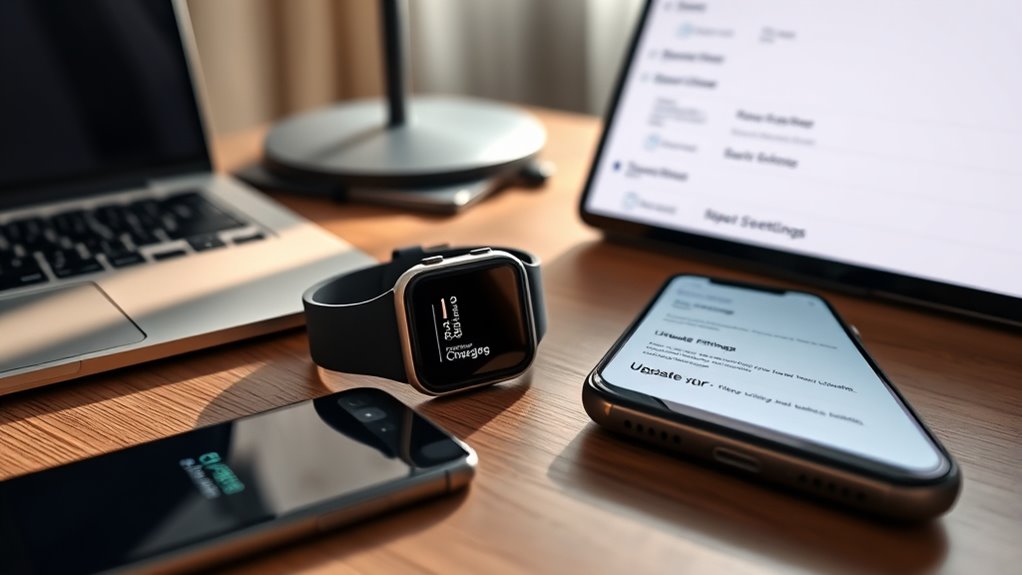
Keeping your smartwatch or fitness band’s firmware and software up to date is essential for ideal performance and battery life. Firmware updates often include improvements in software optimization that enhance efficiency. To maximize battery life, consider these steps:
- Regularly check for firmware updates to fix bugs and improve power management.
- Enable automatic updates when available to stay current without effort.
- Install software updates promptly, as they often include critical energy-saving features.
- Review update notes to understand enhancements that reduce power consumption.
- Staying informed about battery-efficient features in updates can further help extend device usage. Additionally, being aware of Glycolic Acid benefits can be relevant if your device’s skin sensor technology interacts with skincare routines, ensuring optimal functioning. Regularly exploring device settings can also help optimize power consumption tailored to your usage patterns, and paying attention to software optimization can lead to further battery improvements.
Use Power-Saving Modes and Customizable Settings

Turning on power-saving mode is one of the easiest ways to extend your device’s battery life. You can also lower the display brightness and limit app notifications to reduce power consumption. These simple adjustments help your smartwatch or fitness band last longer between charges.
Enable Power-Saving Mode
Enabling power-saving mode is one of the most effective ways to extend your smartwatch or fitness band’s battery life. It minimizes background activity and reduces power drain. To maximize benefits, consider these steps:
- Adjust screen timeout to a shorter duration, so the display turns off quickly when not in use.
- Use watch face customization options that are simpler and less animated, conserving energy.
- Disable unnecessary notifications that wake the screen frequently.
- Limit background app activity and sync intervals to reduce constant power consumption.
Adjust Display Brightness
Adjusting your display brightness is a quick and effective way to conserve battery life on your smartwatch or fitness band. Bright screens consume more power, especially in bright environments with high ambient lighting. Lowering brightness reduces screen glare and extends battery life without sacrificing visibility. Many devices offer automatic brightness adjustments based on ambient lighting, which helps optimize power use. If your device allows, customize brightness levels to find a balance between readability and energy savings. Use power-saving modes that dim the display or turn off unnecessary features when brightness isn’t needed. Here’s a quick guide:
| Setting | Benefit |
|---|---|
| Lower brightness | Reduces power consumption, minimizes glare |
| Auto-adjustment | Adapts to ambient lighting for optimal view |
| Manual control | Precise brightness, saves battery |
| Power-saving mode | Dims display along with other features |
Limit App Notifications
Limiting app notifications is a straightforward way to extend your smartwatch or fitness band’s battery life. Proper notification management reduces unnecessary alert checks, conserving power. To optimize, consider these steps:
- Turn off non-essential app alerts to prevent constant wake-ups.
- Use app alert customization to prioritize vital notifications only.
- Enable power-saving modes that limit background activities and notifications.
- Adjust notification frequency so your device only alerts you when necessary.
Frequently Asked Questions
Can I Replace the Battery in My Smartwatch or Fitness Band?
You can often replace the battery in your smartwatch or fitness band through a battery replacement or hardware repair, but it depends on the model. Some devices have sealed designs making battery replacement difficult or impossible without professional help. Check your device’s warranty and manufacturer recommendations first. If feasible, seek a certified repair service to ensure proper handling and avoid damaging delicate components during the hardware repair process.
How Does Ambient Temperature Affect Battery Life?
You might notice your device’s battery drains faster in extreme temperatures, revealing how ambient temperature influences battery life. Hot environments accelerate chemical reactions, causing faster battery drain and potential damage, while cold temperatures reduce battery capacity, leading to shorter usage. Thermal management strategies, like keeping your device within recommended temperature ranges and avoiding direct sunlight or freezing conditions, help preserve battery health and ensure longer-lasting performance when you need it most.
Are Third-Party Apps More Battery-Efficient Than Official Ones?
Third-party apps aren’t necessarily more battery-efficient than official ones. In fact, they often lack the same level of battery optimization features built into the original apps. If you’re looking to conserve battery life, stick with official apps that are designed to work seamlessly with your device. Be cautious with third-party apps, as they can drain your battery faster if they aren’t optimized properly.
What Is the Ideal Charging Routine to Maximize Battery Lifespan?
To keep your device happy, adopt gentle charging habits—avoid letting the battery drain completely or stay full for long periods. Aim to keep it between 20-80%, and do a full charge monthly to help with battery calibration. This routine prevents aging and maintains peak performance, ensuring your smartwatch or fitness band remains reliable and ready for your active days. Consistent, mindful charging maximizes lifespan effortlessly.
Do Different Watch Faces Impact Battery Consumption Significantly?
Yes, different watch face customization options can impact your battery consumption substantially. Bright, animated, or colorful watch faces tend to drain the battery faster because they require more display brightness and processing power. To conserve energy, choose simpler designs and reduce display brightness. Opting for minimalistic watch faces not only enhances your watch’s aesthetic but also helps extend its battery life, keeping your device ready when you need it most.
Conclusion
By balancing brightness, banning unnecessary notifications, and disabling unused sensors, you boost your smartwatch’s stamina. Stay savvy with software updates, switch to power-saving modes, and customize settings to conserve energy. Small changes make a significant difference, so your device stays durable and dependable longer. Don’t forget: diligent adjustments and deliberate decisions deliver dramatic prolongation, making your smartwatch more reliable, responsive, and ready whenever you need it most. Keep these clever tips close, and enjoy extended endurance every day!