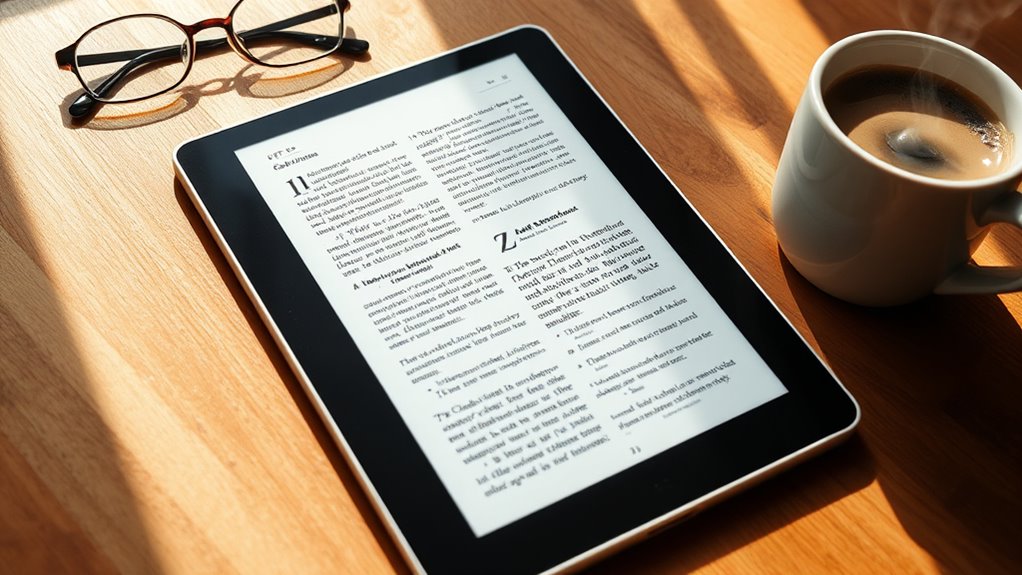

If you’re looking for the best eReaders for PDFs in 2025, I’d recommend devices with large, high-resolution screens like 10.2 or 13.3 inches, which make text sharp and easy to see without zooming. Color options like Kaleido 3 improve illustrations and comics. Features such as stylus support, adjustable lighting, and long battery life enhance your experience. Keep reading to discover the top models that blend clarity, performance, and convenience for your needs.
Key Takeaways
- Larger, high-resolution screens (10.2- to 13-inch) with adjustable lighting improve PDF clarity and reduce eye strain.
- Devices supporting extensive formats and annotation features, like Kindle Scribe and BOOX Palma2, enhance PDF reading and note-taking.
- Color E Ink displays (Kaleido 3) on select models enable vibrant visuals for comics and illustrated PDFs.
- Long battery life and fast performance ensure uninterrupted, comfortable PDF viewing and editing on the go.
- Devices with anti-glare, customizable lighting, and ergonomic design optimize readability in various lighting conditions.
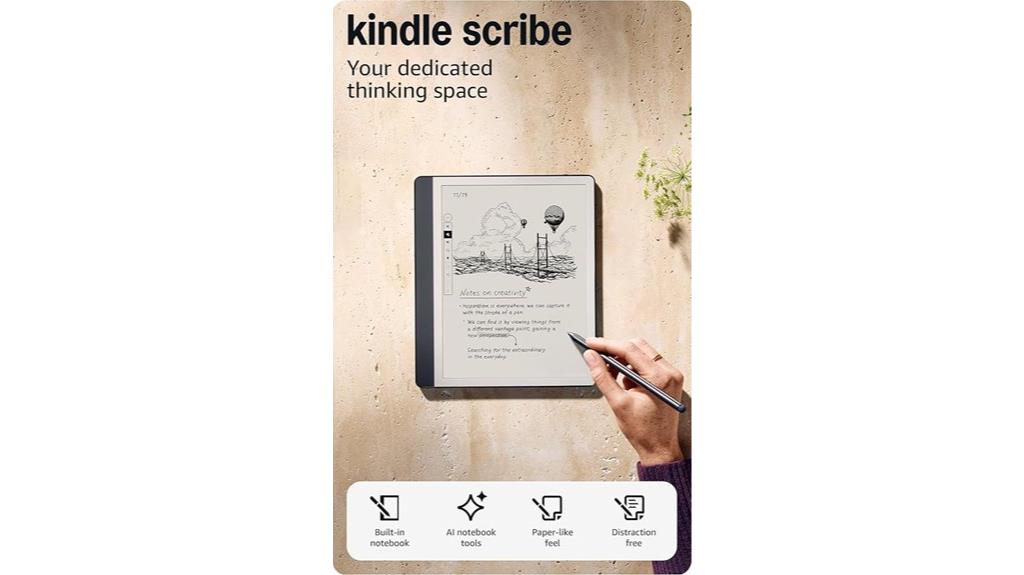
Are you looking for an e-reader that seamlessly combines reading, note-taking, and document management? The Amazon Kindle Scribe (64GB) is perfect for that. It consolidates your notes, books, and PDFs into one device, replacing multiple notebooks. Its Premium Tungsten Pen offers a natural, pen-on-paper feel without setup or charging. Built-in AI tools help convert messy handwriting into clean text and summarize notes, making your workflow more efficient. The 10.2-inch glare-free display ensures comfortable reading indoors and out. Plus, with months of battery life and ample storage, it’s a versatile tool for anyone who wants to manage and annotate PDFs effortlessly.
Best For: individuals who want a versatile, distraction-free device for reading, note-taking, and document annotation in one seamless digital platform.
Pros:
- Combines reading, writing, and document management in a single device, reducing the need for multiple tools
- Natural pen-on-paper feel with the Premium Tungsten Pen, no setup or charging required
- Built-in AI tools streamline note conversion, summarization, and editing for enhanced productivity
Cons:
- Limited color options and display customization compared to traditional tablets
- Might be less suitable for detailed graphic or multimedia content due to e-ink display constraints
- Higher price point relative to basic e-readers, reflecting its advanced features

If you’re looking for an e-reader that combines seamless PDF markup with powerful note-taking, the Amazon Kindle Scribe (16GB) is an excellent choice. It consolidates your notes, documents, and books into one device, replacing traditional notebooks. The Premium Tungsten Pen offers a natural, pen-on-paper feel, making writing comfortable and intuitive. You can import PDFs, mark them up, and take notes directly on the pages with Active Canvas. Built-in AI tools help convert handwriting into text, summarize notes, and adjust their tone. Its 10.2-inch glare-free display assures comfortable reading indoors and outdoors, all while supporting months of use on a single charge.
Best For: professionals, students, and avid readers who want a versatile device for reading, note-taking, and PDF annotation without distractions.
Pros:
- Combines e-reader and digital notebook in one device, reducing the need for multiple gadgets
- Premium Tungsten Pen offers a natural writing experience with precise note-taking and markup capabilities
- Built-in AI tools streamline handwriting conversion, note summarization, and editing for efficient review
Cons:
- Limited storage capacity (16GB) may be restrictive for large collections of books and documents
- No color display, which may limit use for media or illustrations requiring color differentiation
- Higher price point compared to standard e-readers, reflecting its advanced features
Like-New Amazon Kindle Scribe (32 GB) e-Reader with Premium Pen
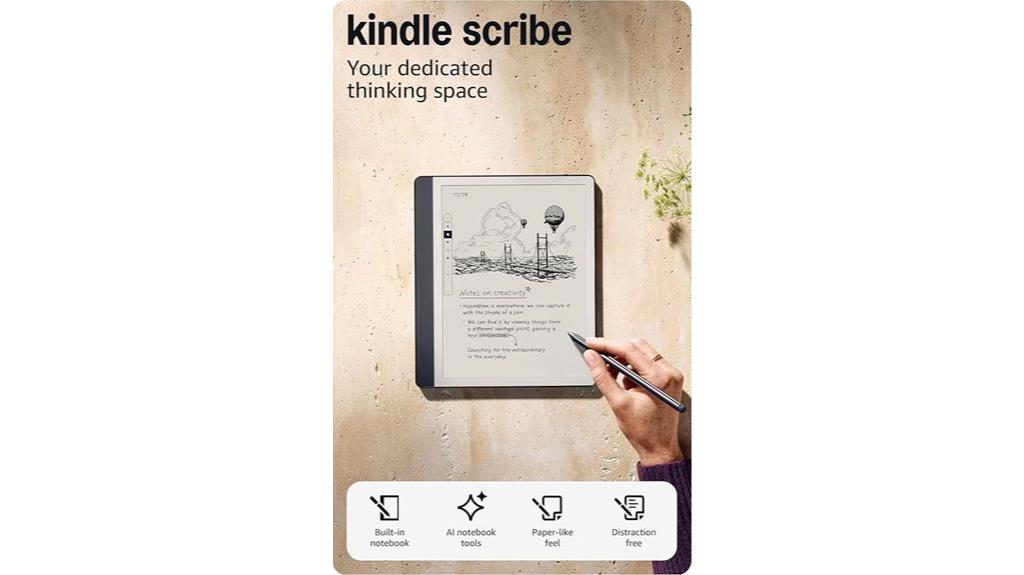
The Like-New Amazon Kindle Scribe (32 GB) e-Reader with Premium Pen is an excellent choice for anyone who needs a versatile device that combines reading and note-taking, especially when working with PDFs. This refurbished model looks and functions like new, with a 10.2″ glare-free display at 300 ppi, perfect for clear PDF viewing. The upgraded Premium Pen feels natural, supporting direct handwriting, margin expansion, and note creation. Its built-in notebook offers AI-powered summarization, editing, and conversion tools. With extensive storage, Wi-Fi connectivity, and accessibility features, it’s designed for distraction-free reading and efficient note-taking, making it a top pick in 2025.
Best For: students, professionals, and avid readers who need a versatile device for reading, note-taking, and PDF annotation with a focus on minimal distractions and accessibility features.
Pros:
- Combines e-reader and notebook functionalities with a high-quality 10.2″ glare-free display at 300 ppi for clear visuals.
- Supports extensive file formats including PDFs, EPUBs, and audiobooks, with AI-powered note organization and summarization tools.
- Fully wireless setup with long-lasting battery life up to 12 weeks for reading and 3 weeks for writing, plus accessible features like VoiceView and adjustable fonts.
Cons:
- Refurbished device may have minor cosmetic imperfections despite being like-new.
- Limited to Wi-Fi connectivity; no cellular option for on-the-go access.
- Slightly heavier than traditional e-readers, which might be less comfortable for prolonged handheld use.
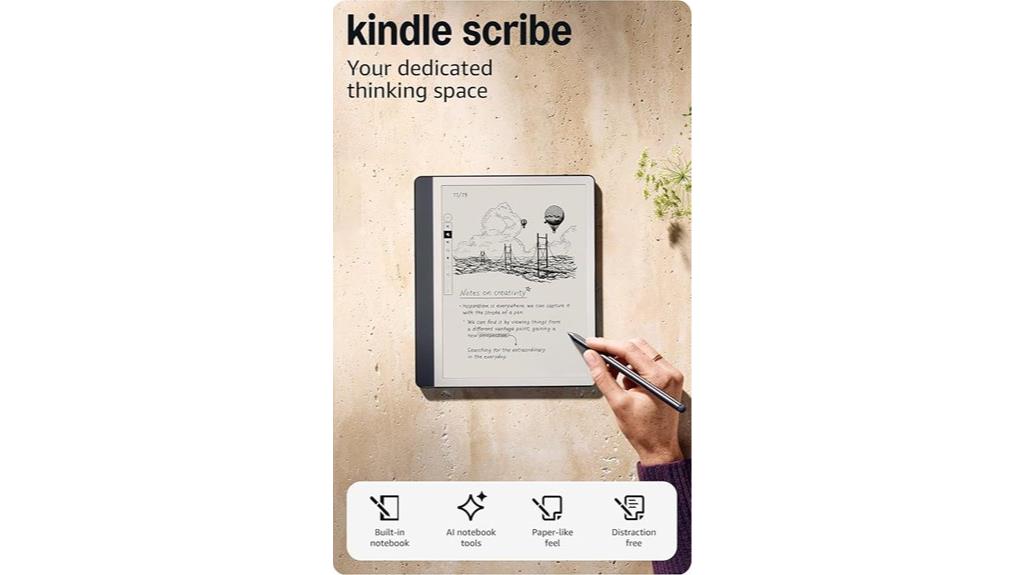
For professionals and students who frequently work with PDFs, the Amazon Kindle Scribe (32GB) offers an exceptional combination of reading, note-taking, and document management. It consolidates all your notes, books, and files into one device, replacing multiple notebooks and devices. The Premium Pen provides a natural, pen-on-paper feel, with no setup or charging needed. AI tools help convert handwriting to text, summarize notes, and adjust content easily. You can import PDFs via Send to Kindle and mark up documents directly. The 10.2-inch glare-free display guarantees comfortable reading indoors or outdoors, with months of battery life and ample storage for your extensive library.
Best For: professionals and students who need a versatile, distraction-free device for reading, note-taking, and managing PDFs on the go.
Pros:
- Combines reading, writing, and document management into one seamless device.
- Premium Pen offers a natural pen-on-paper writing experience without setup or charging.
- AI tools enhance productivity by converting handwriting to text and summarizing notes effortlessly.
Cons:
- Limited storage of 32GB may be insufficient for users with extensive libraries and files.
- The device’s large size (10.2-inch display) may be less portable for some users.
- No color display, which might be a drawback for those preferring colored or multimedia content.
PocketBook Verse Lite E-Ink Touchscreen eReader

With its 6-inch E Ink Carta touchscreen and glare-free display, the PocketBook Verse Lite offers a crisp, paper-like reading experience that’s perfect for those who often read outdoors or in bright light. Its anti-reflective screen reduces glare, making reading comfortable even in direct sunlight. The built-in frontlight with adjustable brightness ensures clear visibility in low-light or nighttime settings. Supporting over 25 file formats, including EPUB, PDF, and MOBI, it handles various document types easily. Plus, Wi-Fi and cloud integration make content management simple. Its compact, lightweight design makes it ideal for on-the-go reading, offering extended battery life for long-lasting use.
Best For: avid readers who enjoy outdoor reading, need a versatile eReader supporting multiple formats, and prefer a lightweight device for on-the-go use.
Pros:
- Crisp, paper-like reading experience with glare-free, anti-reflective E Ink display
- Supports over 25 file formats including EPUB, PDF, MOBI, and DRM-protected files
- Long-lasting battery life up to 2 months on a single charge, ideal for extended reading sessions
Cons:
- Limited to a 6-inch screen, which may be small for some users
- No built-in audio or audiobook support
- Lacks advanced features like color display or waterproofing
Neo C 64GB+4GB E Ink eReader with Color Display

If you’re looking for an eReader that handles PDFs with vibrant color and sharp detail, the Neo C 64GB+4GB E Ink eReader with Color Display is an excellent choice. Its 6-inch Kaleido 3 display offers 4096 colors, making PDFs, comics, and images pop with clarity. The glare-free touchscreen mimics paper, reducing eye strain, and auto-adjusts brightness for perfect viewing in any environment. Powered by a quad-core processor and 64GB of storage, it supports a wide range of formats, including PDFs, EPUBs, and images. Plus, with Android OS, you can install third-party apps, enhancing your reading experience even further.
Best For: readers who want a vibrant, color-capable eReader that can handle PDFs, comics, and a wide range of formats with versatile app support.
Pros:
- Vibrant 6-inch Kaleido 3 color display with 4096 colors for rich visuals
- Supports extensive formats including PDFs, EPUBs, and images for versatile reading options
- Runs on Android OS allowing installation of third-party apps for added functionality
Cons:
- 64GB storage may be more than necessary for casual users, potentially increasing cost
- The 6-inch display size might be small for readers who prefer larger screens
- As an Android-based device, it may require some technical familiarity for optimal app installation and updates
BOOX Palma2 eBook Reader with Fingerprint and Smart Button
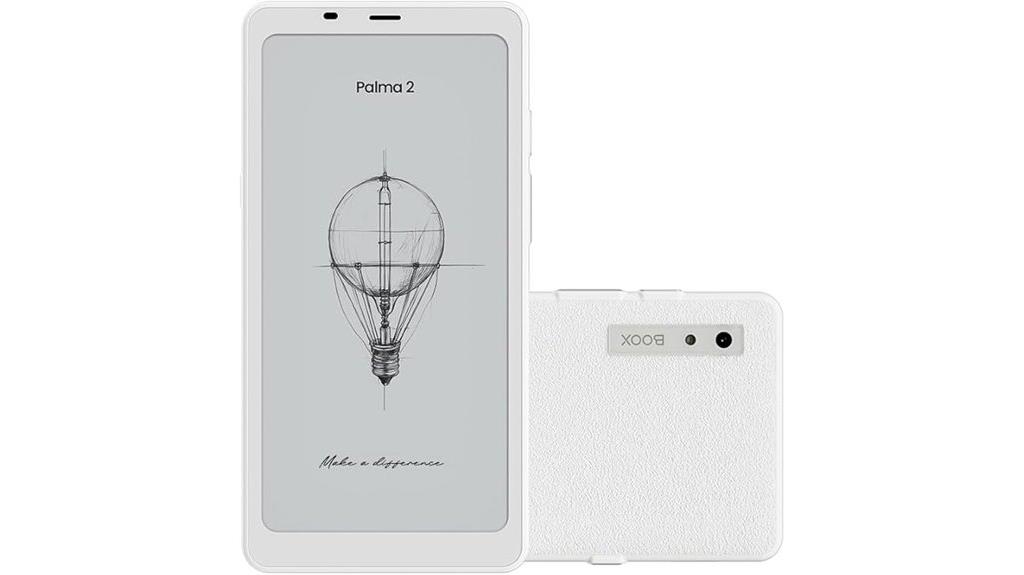
The BOOX Palma2 stands out as an ideal choice for users who need a compact, high-resolution eReader that seamlessly handles PDFs and other document formats. Its 6.13-inch HD Carta 1200 glass screen with a resolution of 824 x 1648 pixels (300 ppi) offers sharp, clear text. With multiple refresh modes, it adapts to static pages, scrolling, and even video. The device packs an octa-core processor, 6GB RAM, and 128GB storage, plus a fingerprint sensor and smart button for quick access. Weighing just 170 grams, it’s lightweight and portable, with features like a front light and Android 13 OS to enhance your reading experience.
Best For: users seeking a compact, high-resolution eReader capable of handling PDFs and a variety of document formats with fast access features.
Pros:
- Sharp 6.13-inch HD Carta 1200 display with multiple refresh modes for versatile reading experiences
- Fast octa-core processor, 6GB RAM, and 128GB storage for smooth performance and ample space
- Convenient fingerprint sensor and smart button for quick device access and control
Cons:
- No stylus support despite high-resolution screen, limiting annotation options
- Industry standard small black/white spots on E Ink screens may be visible but are not malfunctions
- Slightly heavier than traditional eReaders at 170g, which may affect extended one-handed use
Kobo Clara Colour eReader with 6” Glare-Free Colour E Ink Display
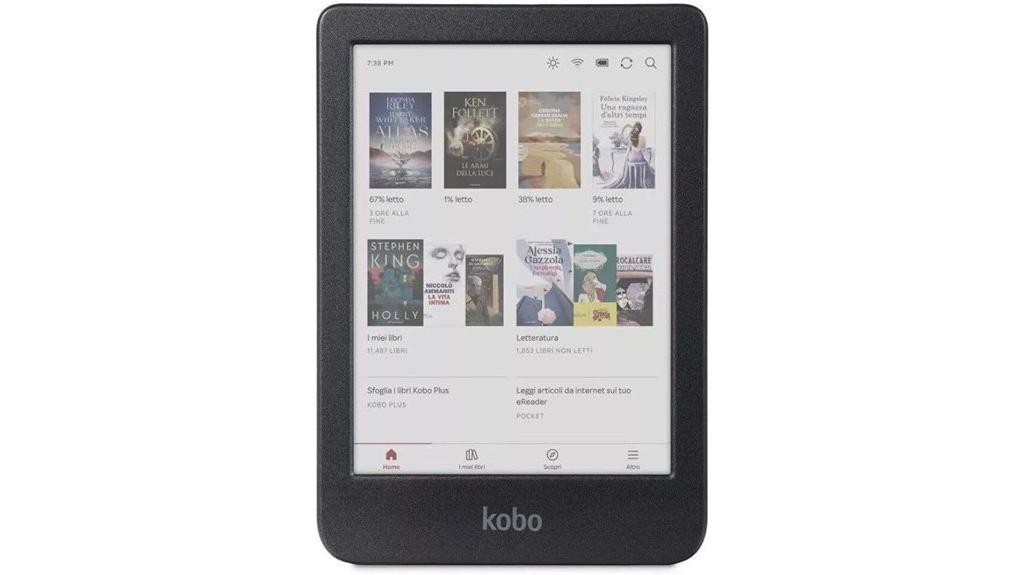
The Kobo Clara Colour eReader shines as an ideal choice for readers who want to enjoy PDFs with vivid, full-color visuals. Its 6-inch glare-free colour E Ink display makes reading comics, graphic novels, and illustrated PDFs comfortable even in bright sunlight. The device offers customizable highlighting and annotation options, with highlights viewable by chapter. It also features ComfortLight PRO, which reduces blue light for eye-friendly nighttime reading, and Dark Mode for added comfort. Waterproof and eco-friendly, it’s built with recycled plastics and rated IPX8 for immersion. With 16GB storage, Bluetooth audio, and support for various content services, it’s a versatile, sustainable option for digital readers.
Best For: readers who enjoy vivid, full-color visuals in their eBooks, comics, graphic novels, and illustrated PDFs with a focus on portability and eco-friendly design.
Pros:
- Vibrant 6-inch colour E Ink display perfect for comics and illustrations
- Waterproof (IPX8 rated) and made with recycled materials for durability and sustainability
- Supports multiple content sources including Kobo Plus, OverDrive, and Bluetooth audiobooks
Cons:
- Limited to 16GB storage, which may be insufficient for extensive media collections
- Colour E Ink displays generally have slower refresh rates compared to LCD screens, possibly affecting animation or fast-moving visuals
- Lacks front light adjustment features beyond ComfortLight PRO and Dark Mode, which may limit customization in certain lighting conditions
BOOX Palma2 Pro eBook Reader (Black)
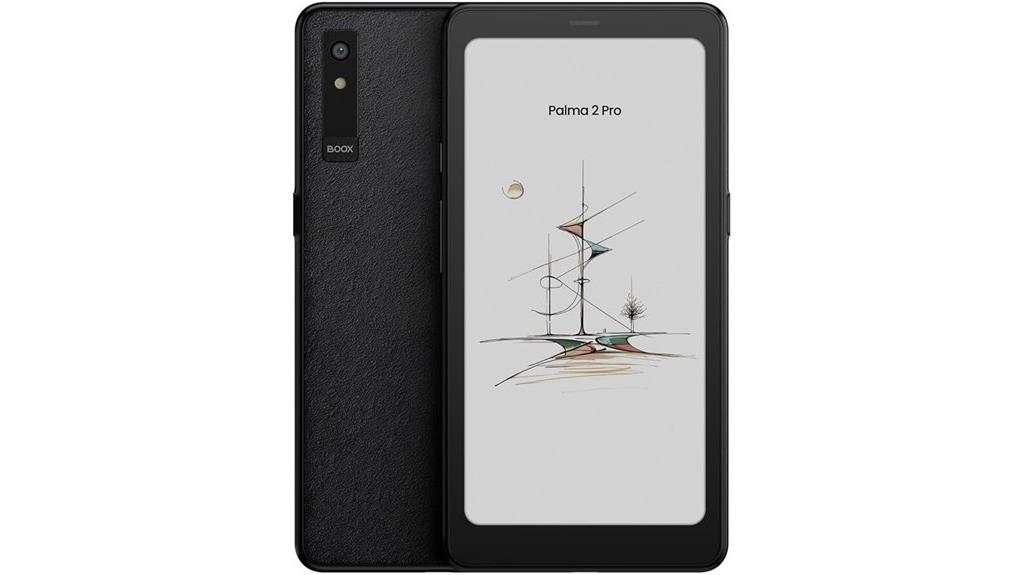
Designed for serious PDF readers, the BOOX Palma2 Pro’s 6.13-inch Kaleido 3 color screen delivers crisp, vivid images in both black-and-white and color modes. Its high-resolution display (824 x 1648 pixels in B/W) ensures sharp text and detailed images, while the color mode supports 4,096 colors. The capacitive touch interface makes navigation smooth, and the front light with adjustable warm and cold options helps read comfortably in any environment. Powered by an octa-core CPU, 8GB RAM, and 128GB storage, it handles large PDFs effortlessly. Connectivity options like Wi-Fi and Bluetooth keep you synced, making this device ideal for extensive PDF reading and multimedia use.
Best For: readers who want a versatile e-reader capable of handling detailed PDFs, vibrant color images, and multimedia content in a compact and lightweight device.
Pros:
- High-resolution 6.13-inch Kaleido 3 color screen delivers vivid images and sharp text in both black-and-white and color modes
- Robust hardware with octa-core CPU, 8GB RAM, and 128GB storage ensures smooth performance and ample space for large files
- Supports a wide range of document and image formats, making it ideal for diverse reading and multimedia needs
Cons:
- The small size may be less suitable for extended reading of large documents compared to larger e-readers
- The color display, while vivid, may not match the resolution quality of high-end monochrome e-ink screens for extensive text reading
- Limited to 4,096 colors in color mode, which may not satisfy users seeking more advanced color accuracy for professional graphics
PocketBook Basic Lux 4 E-Book Reader
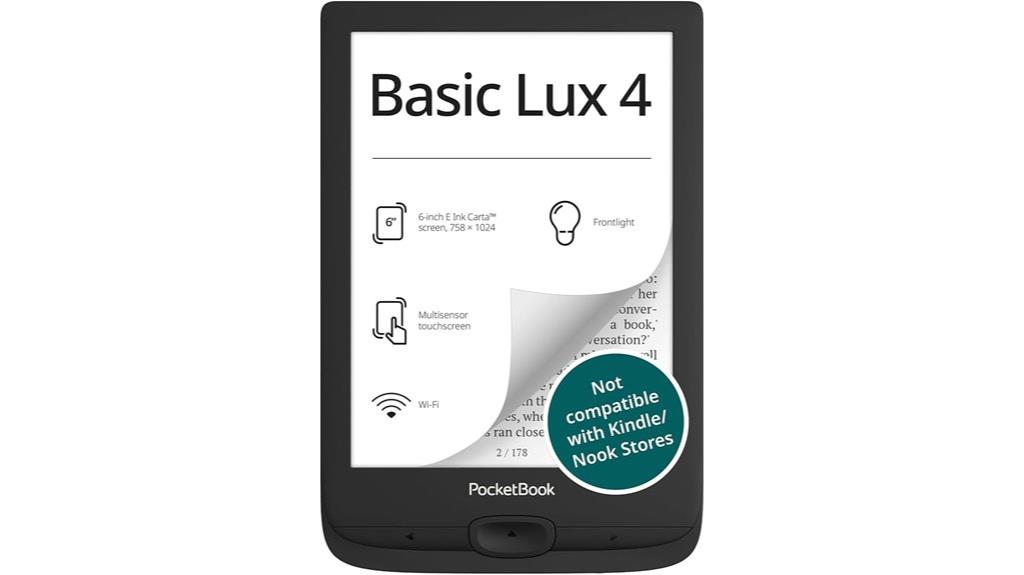
If you’re looking for an e-reader that makes reading PDFs effortless, the PocketBook Basic Lux 4 stands out with its 6-inch HD E Ink Carta display. It offers a glare-free, eye-friendly reading experience, even in bright sunlight. The frontlight technology allows you to adjust brightness for comfortable reading day or night. With a long battery life supporting days of use and 8 GB of internal storage—expandable via microSD—you can carry thousands of files. Its ultra-lightweight, compact design makes it perfect for on-the-go reading, and support for over 25 formats means no conversions are necessary. Ergonomic buttons and an eye-friendly design ensure a smooth, comfortable experience.
Best For: readers seeking a portable, eye-friendly e-reader that handles a wide variety of formats and is ideal for reading on the go.
Pros:
- Glare-free, eye-friendly 6-inch HD E Ink Carta display for comfortable reading in any lighting condition
- Supports over 25 formats including EPUB, PDF, MOBI, and CBR, with no conversion needed
- Ultra-lightweight and compact design for easy portability during travel or daily commutes
Cons:
- Fixed 8 GB internal storage may be limited for extensive collections without microSD expansion
- No color display; primarily designed for text-based content and black-and-white images
- Limited advanced features compared to higher-end e-readers, such as Wi-Fi connectivity or audio support
Kobo Libra Colour eReader with 7” Colour E Ink Display
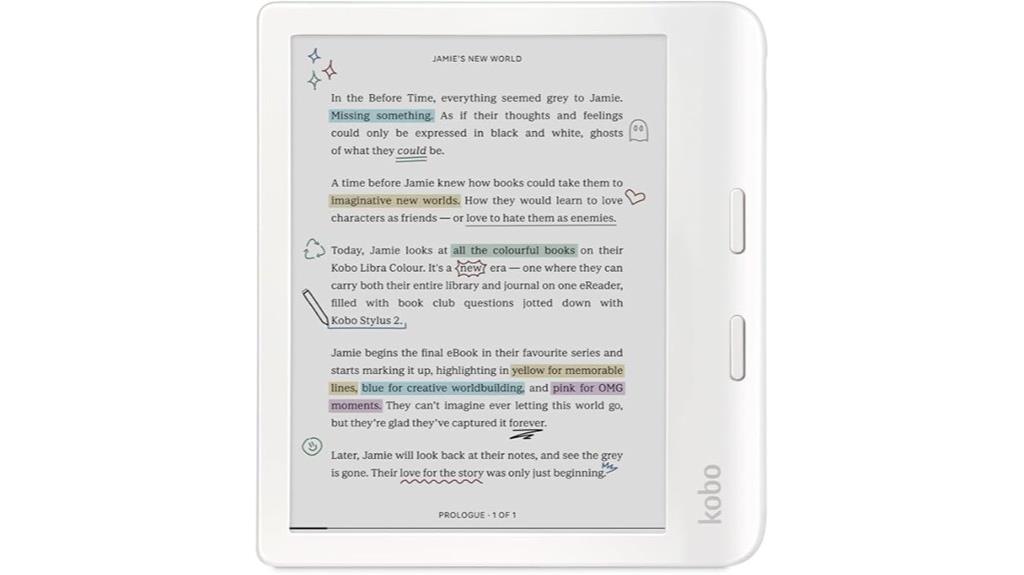
For readers who want vibrant color and durability in a single device, the Kobo Libra Colour eReader stands out as an excellent choice. Its 7” Glare-Free Colour E Ink Kaleido™ 3 Display delivers vivid colors for comics, illustrations, and note-taking, with no glare in sunlight for comfortable outdoor reading. You can customize fonts, margins, and switch to landscape mode for a tailored experience. It supports full-color markup, annotations, and highlights, especially with the Kobo Stylus 2* (sold separately). Waterproof with IPX8 rating, it’s built for durability and eco-friendly with recycled plastics, making it perfect for everyday use and outdoor adventures.
Best For: readers seeking a durable, eco-friendly eReader with vibrant color display and versatile reading and note-taking capabilities for outdoor and everyday use.
Pros:
- Vivid full-color display ideal for comics, illustrations, and visual content.
- Waterproof with IPX8 rating, suitable for outdoor and aquatic environments.
- Eco-friendly design using recycled and ocean-bound plastics, emphasizing sustainability.
Cons:
- Requires separate purchase of Kobo Stylus 2 for full-color markup and note-taking features.
- The color E Ink technology may have slower refresh rates compared to traditional screens.
- Limited to 7-inch display size, which may be small for some users’ preferences.
PocketBook Verse E-Reader in Bright Blue
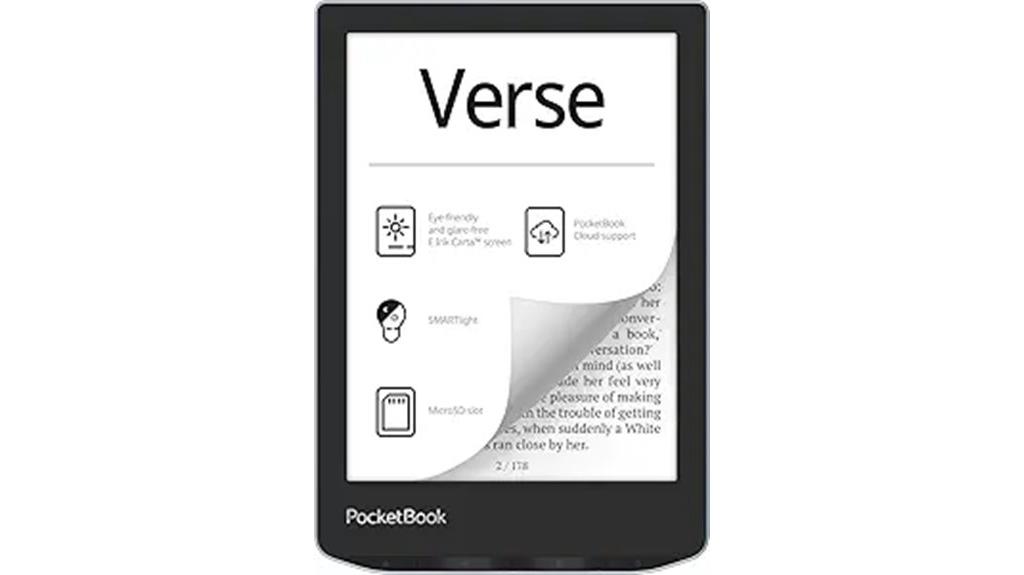
The PocketBook Verse E-Reader in Bright Blue is an excellent choice for anyone who wants a comfortable and versatile device for reading PDFs and other documents. Its 6-inch E-Ink Carta™ HD touchscreen delivers crisp, glare-free pages that mimic paper, reducing eye strain during long reading sessions. The adjustable SMARTlight lets you customize brightness and color temperature for ideal comfort in any lighting. Supporting 25 formats, including PDF, EPUB, and DJVU, it offers seamless access to diverse content. Weighing just 182 grams and featuring a sleek design, it’s portable and user-friendly. With up to a month of battery life, Wi-Fi, and expandable storage, it’s perfect for avid readers on the go.
Best For: avid readers seeking a lightweight, versatile e-reader with high-quality display and extensive format support for long reading sessions in various lighting conditions.
Pros:
- Crisp, glare-free 6-inch E-Ink Carta™ HD touchscreen closely mimics paper pages for comfortable reading
- Supports 25 popular formats, including PDF, EPUB, and DJVU, for wide content compatibility
- Up to one month of battery life and expandable storage up to 128GB enhance convenience and capacity
Cons:
- Limited to a 6-inch screen, which may be small for some users preferring larger displays
- No color display, restricting use for color-dependent content like comics or magazines
- The device’s minimalistic design, while portable, may lack premium features found in higher-end models
Meebook E-Reader M7 with 6.8″ Eink Screen
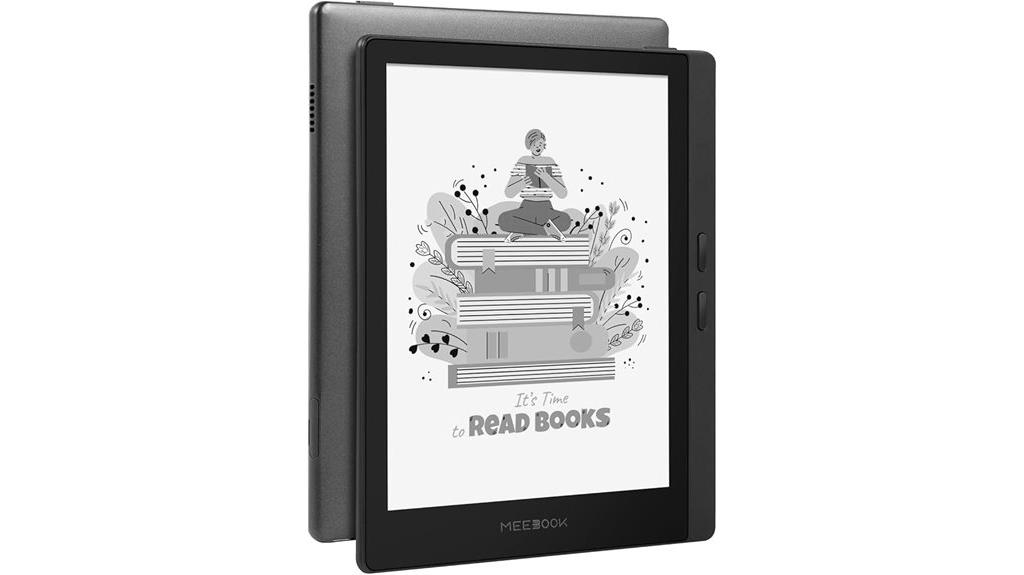
The Meebook E-Reader M7 with the 6.8-inch Eink screen stands out as an excellent choice for anyone who reads a lot of PDFs, thanks to its high-resolution E-ink display and enhanced contrast. The 1648×1236 resolution and 300 PPI deliver a paper-like reading experience, perfect for detailed graphics and text. Its adjustable color temperature and brightness make reading comfortable indoors and outside, day or night. With Android 11, you can install various apps, expanding its capabilities. The device supports numerous formats, including PDFs, EPUBs, and comics, and features a built-in speaker for audio content. Its compact design and long-lasting battery make it a versatile, portable reading companion.
Best For: avid readers who frequently read PDFs, comics, and graphics and want a versatile, high-quality e-reader with adjustable lighting.
Pros:
- High-resolution 6.8-inch E-ink display with 300 PPI for a paper-like reading experience
- Adjustable color temperature and brightness for comfortable reading indoors and outdoors
- Supports a wide range of formats and includes a built-in speaker for multimedia use
Cons:
- Does not come with a free leather cover, which may be an additional cost
- Slightly larger size may be less pocket-friendly for some users
- Battery life, while up to a month, can vary depending on usage patterns
Kobo Elipsa 2E eReader with Stylus
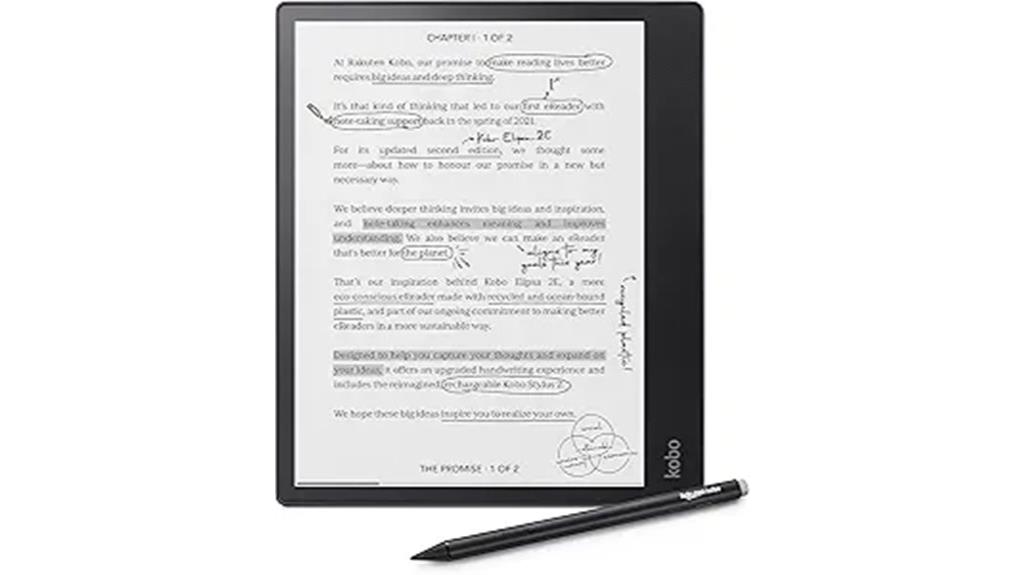
If you frequently read and annotate PDFs, the Kobo Elipsa 2E with Stylus is an excellent option thanks to its expansive 10.3-inch E Ink display and precise note-taking capabilities. Its high-resolution Carta E Ink touchscreen offers glare-free reading, while ComfortLight PRO adjusts brightness and color temperature for comfortable use in any lighting. The device supports direct writing and annotations on PDFs with the Kobo Stylus 2, making highlighting, underlining, and margin notes effortless. With 32GB of storage, Wi-Fi connectivity, and weeks of battery life, it’s perfect for extended reading and note sessions—plus, its eco-friendly recycled plastics highlight Kobo’s commitment to sustainability.
Best For: avid readers and note-takers who want a large-screen, eco-friendly eReader with advanced annotation capabilities for PDFs and eBooks.
Pros:
- Expansive 10.3-inch high-resolution E Ink display provides a comfortable reading experience.
- Supports direct writing and annotations on PDFs and eBooks with the Kobo Stylus 2, enhancing note-taking.
- Eco-friendly design using recycled and ocean-bound plastics aligns with sustainable practices.
Cons:
- Larger device size may be less portable for some users seeking a more compact eReader.
- Limited to Wi-Fi connectivity, lacking cellular options for on-the-go access.
- May have a learning curve for new users unfamiliar with digital annotation features.
Neo 64GB+2GB eBook Reader with 6” E Ink Screen
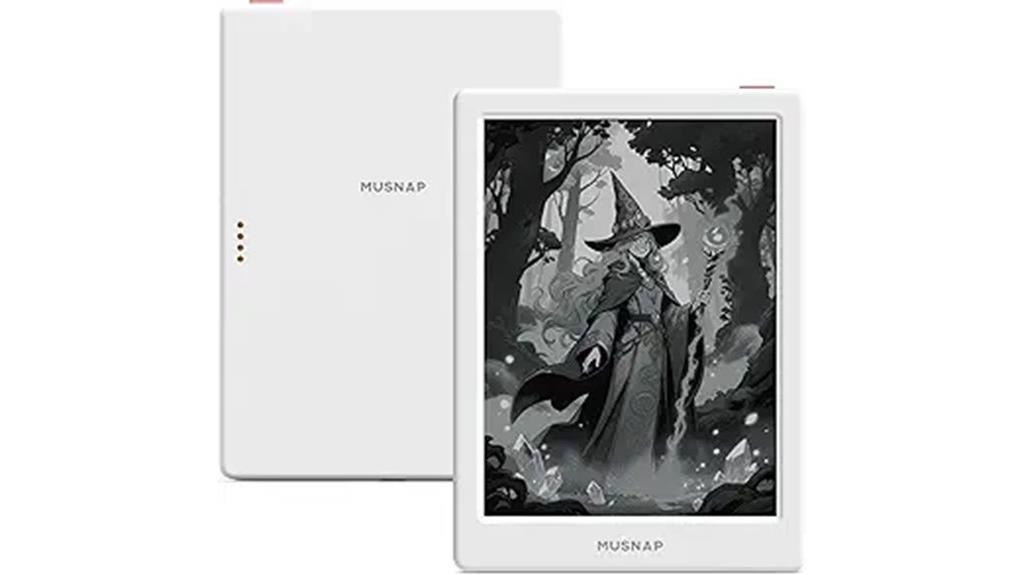
For anyone who needs to read and manage a large collection of PDFs, the Neo 64GB+2GB eBook Reader with a 6” E Ink screen offers an impressive solution. Its glare-free, paper-like display with 300 ppi resolution guarantees clear, comfortable reading in any lighting condition, thanks to auto-adjusting front lights. With 64GB of storage and a quad-core processor, I can easily handle comics, magazines, and extensive PDFs while multitasking seamlessly. Supporting a wide range of formats—including EPUB, PDF, MOBI, and office documents—it’s versatile and powerful. Plus, Bluetooth, Wi-Fi, and Android OS make it adaptable, perfect for extended reading sessions and multimedia use.
Best For: readers who need a versatile, high-capacity eBook reader capable of handling large PDFs, comics, and multimedia content in various formats with ease.
Pros:
- Large 64GB storage for extensive collections of books, comics, and media
- High-resolution 6” E Ink display with auto-adjusting front light for comfortable reading in all lighting conditions
- Supports a wide range of formats including EPUB, PDF, MOBI, and office documents, plus multimedia files
Cons:
- Slightly larger device size may be less portable for some users
- Limited color display, primarily black-and-white, which may not be ideal for all media types
- Requires enabling GMS in settings to access Google Play and third-party apps
Factors to Consider When Choosing Ereaders for Pdfs
When choosing an ereader for PDFs, I consider several key factors that impact my reading experience. Things like screen size and resolution, compatibility with different formats, and tools for highlighting or notes are vital. Additionally, I look at lighting options and battery life to assure I can read comfortably for hours without interruptions.
Screen Size and Resolution
Have you ever struggled to read detailed PDFs on a small screen? Larger screens, like 10.2 inches or more, make a big difference by providing a more comfortable reading experience. Higher resolution displays, such as 300 PPI, guarantee that text and images stay sharp and clear, even when zooming in. The aspect ratio and display dimensions also matter, as they influence how well PDF pages fit without constant zooming or scrolling. A glare-free, front-lit screen reduces eye strain and improves readability in various lighting conditions. Support for high-resolution PDFs and smooth zooming capabilities are essential for maintaining clarity when enlarging content. Overall, choosing an e-reader with an ideal screen size and resolution greatly enhances your PDF reading experience.
PDF Compatibility and Formats
Ever wonder if your e-reader can handle all the PDFs you want to read? It’s vital to check if it supports PDF files natively—this keeps your documents in original quality without conversions. Also, see if it handles other formats like EPUB, MOBI, or DOCX, making it easier to import diverse documents. If you access library or purchased PDFs, confirm the device can open DRM-protected files. Look for features like annotation and markup tools, so you can highlight or take notes directly on PDFs. Additionally, make sure the e-reader allows importing PDFs via email, cloud services, or direct transfer, offering flexible and seamless access. These compatibility factors ensure you get a versatile device that meets all your reading needs.
Note-Taking and Annotation Tools
Choosing an e-reader with robust note-taking and annotation tools is essential for a seamless reading experience. Look for devices that support direct annotation and markup on PDFs, allowing me to highlight, underline, and add notes effortlessly. A stylus or digital pen is a game-changer, enabling precise handwritten notes and freehand annotations. Multi-margin support or active canvas features help expand margins for extra notes or original content, making organization easier. A high-resolution, glare-free display, like a 300 PPI E Ink screen, ensures comfortable reading and detailed note-taking in various lighting conditions. Additionally, AI-powered tools such as handwriting recognition, summarization, and tone adjustments can streamline my review process, making annotations more efficient and integrated into my overall reading workflow.
Display Lighting and Glare
When selecting an e-reader for PDFs, lighting and glare are critical factors that can considerably impact your reading comfort. A glare-free, matte E Ink display minimizes reflections, reducing eye strain and making it easier to read in bright environments. Adjustable front lighting with customizable brightness and color temperature allows you to tailor the screen to your surroundings, ensuring comfortable viewing day or night. High-resolution screens, at least 300 PPI, deliver sharp text and detailed images, enhancing readability. Anti-reflective coatings further improve outdoor visibility by reducing sunlight glare. Features like auto-brightness adjustment and multiple lighting modes help maintain consistent comfort during long reading sessions. Prioritizing these lighting and glare features ensures a more pleasant, eye-friendly PDF reading experience.
Battery Life Duration
Battery life plays a significant role in making sure you can read and annotate PDFs comfortably without constantly searching for a power outlet. A longer battery life means you can enjoy extended reading sessions, even during long trips or intensive study periods. Ereaders with battery life measured in weeks are ideal, as PDFs often require frequent page turns and annotations that drain power quickly. Devices with optimized power management and e-ink displays tend to last longer than tablets with backlit screens. The battery capacity, usually measured in milliamp-hours (mAh), directly impacts how long your device can operate before needing a recharge. Keep in mind that factors like screen brightness, Wi-Fi use, and power-saving features also influence overall battery performance during PDF reading.
Storage Capacity and Expandability
Storage capacity is a crucial factor because it determines how many PDFs you can keep on your device without constantly transferring or deleting files. Having enough internal space ensures you can carry a decent library without hassle. I recommend at least 8GB of storage for a moderate collection; this provides ample room for your PDFs and some basic apps. If you have a vast library or multimedia content, opting for 32GB or even 64GB makes more sense. Additionally, devices with expandable storage via microSD or other slots are a great advantage—allowing you to grow your collection easily as needed. Quick and easy expansion is essential to keep your device flexible for future needs. This way, you won’t worry about running out of space anytime soon.
User Interface and Navigation
A user-friendly interface is essential for making PDF reading on an e-reader a seamless experience. I look for intuitive menus and clearly labeled icons that make navigation straightforward, reducing frustration. Features like customizable page layouts—zoom, reflow, and orientation—help me adapt the view for easier reading and navigation within PDFs. Responsive touchscreen controls such as swipe, tap, and pinch gestures allow smooth scrolling and zooming without hassle. Shortcut buttons or a dedicated navigation toolbar improve access to the table of contents, bookmarks, and search functions, saving time. Support for adjustable settings like scrolling speed and font size lets me personalize the interface to match my preferences, especially when tackling lengthy documents. A well-designed UI truly enhances the reading experience.
Durability and Build Quality
When choosing an e-reader for PDFs, durability and build quality play a significant role in ensuring the device withstands daily use. A sturdy build reduces the risk of damage from drops or impacts, helping the device last longer. High-quality materials like reinforced glass or metal frames make it more resistant to scratches and cracks, especially when reading outdoors or on the go. Water and dust resistance ratings, such as IPX8, protect against environmental factors that could harm electronic components. A robust construction with sealed ports and minimal moving parts prevents dust infiltration and extends the device’s lifespan. Reinforced corners and impact-absorbing features also help maintain display integrity across various conditions, making the e-reader more reliable for frequent PDF reading in diverse environments.
Frequently Asked Questions
Do All Ereaders Support High-Resolution PDF Rendering?
Not all e-readers support high-resolution PDF rendering effectively. I’ve found that devices like the Kindle Oasis and Kobo Forma handle high-res PDFs well, thanks to their advanced screens and processing power. However, some budget models struggle with detailed graphics or complex layouts. So, if you want clear, crisp PDF reading, choose an e-reader with a high-resolution display and good processing capabilities to guarantee a smooth experience.
Can I Annotate PDFS Directly on These Ereaders?
Yes, many ereaders now support direct PDF annotation, but it varies by model. I recommend checking if the device has a stylus or touch screen with stylus support, like the Kindle Scribe or Kobo Elipsa. These let me highlight, underline, and add notes directly on my PDFs. Just remember, some devices may have limited annotation features or require specific apps, so always verify before buying!
How Does Screen Size Impact PDF Readability?
Imagine holding a window to another world—that’s how screen size impacts PDF readability. The bigger the screen, the easier it is to see intricate details and read comfortably without squinting. Smaller screens can feel cramped, making text and images harder to decipher. If you want a smooth, paper-like experience, opt for a device with a larger display that truly acts as your personal reading window, opening up clarity and ease.
Are There Any Ereaders With Adjustable Color Temperature for PDFS?
Yes, some ereaders now offer adjustable color temperature for PDFs. I’ve found that devices like the Kindle Oasis and Kobo Libra H2O have built-in warm light settings, making reading more comfortable, especially during long sessions or at night. These features help reduce eye strain and improve clarity. I recommend checking the latest firmware updates or device specs to verify they support customizable color temperature options for PDFs.
What Is the Battery Life Like When Reading Large PDF Files?
Imagine a marathon runner pushing through miles with steady stamina—that’s how I see battery life when reading large PDFs. On most e-readers, I get about a few weeks of use before needing a recharge, even with heavy files. The e-ink screens are power-efficient, so I can immerse myself in long reading sessions without constantly worrying about the battery dying. It’s reliable, like a marathon runner’s endurance.
Conclusion
If you’re worried about reading PDFs on an e-reader, don’t be. The right device makes all the difference, and today’s options are more versatile than ever. Whether you prefer a sleek Kindle Scribe or a feature-packed Kobo, you’ll find something that suits your needs. Don’t let concerns about compatibility hold you back—these e-readers make PDF reading clearer and more enjoyable. Give one a try and see how much easier your reading experience can be!