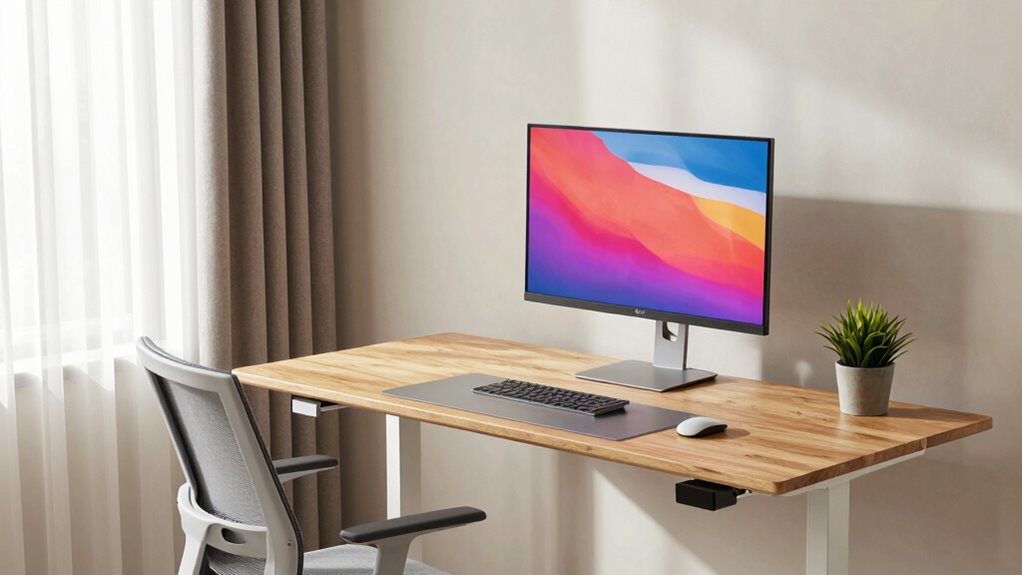

When your standing desk setup includes ergonomic monitor positioning, supportive accessories, and proper lighting, you reduce strain and boost comfort. Keeping your monitor at eye level, using footrests, and maintaining good posture helps prevent fatigue and injury. A well-fitting setup encourages better body alignment and sustainable standing habits. If you want to learn how to create a complete, healthy workspace that maximizes these benefits, there’s more to explore ahead.

Get the latest gadgets delivered free with Prime
- Fast, free delivery on millions of items
- Prime Video, Amazon Music and more included
- Member-only deals all year
Key Takeaways
- Proper ergonomic positioning prevents strain and discomfort, maximizing the benefits of standing desks.
- Supportive accessories like footrests and anti-fatigue mats enhance comfort and reduce fatigue during standing.
- Correct lighting minimizes eye strain, ensuring visual comfort alongside a standing desk setup.
- Maintaining good posture and body awareness prevents pain, making standing more sustainable and effective.
- An integrated workspace setup promotes long-term health, productivity, and the full advantages of a standing desk.
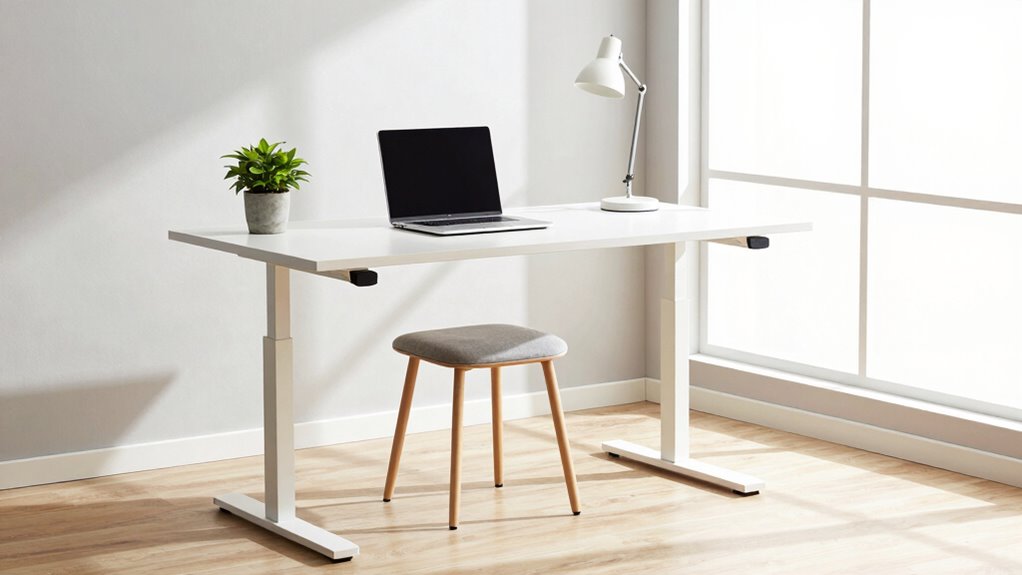
Standing desks have gained popularity for their potential health benefits, but they only deliver on their promise when your entire workspace is set up correctly. If you’re serious about reaping the rewards—like reduced back pain, improved posture, and increased energy—you need more than just a sit-stand desk. Your workspace must be thoughtfully arranged with ergonomic accessories that support your body and promote proper posture correction. Without these, you might find yourself shifting awkwardly, straining your neck, or experiencing discomfort that undermines your efforts.
Start by considering the height of your monitor. When standing, your screen should be roughly eye level so you don’t tilt your head forward or downward. An adjustable monitor stand or a stack of sturdy books can help achieve this. Your keyboard and mouse should be positioned so your elbows stay close to your sides and form about a 90-degree angle, reducing strain on your shoulders and wrists. An ergonomic keyboard or a cushioned wrist rest can make long periods more comfortable and support healthy posture correction.
Ensure your monitor is eye level, and keep keyboard and mouse ergonomically positioned to reduce strain and promote better posture.
Foot placement matters too. A footrest can help you shift your weight occasionally, preventing fatigue and encouraging better alignment. It’s important to avoid locking your knees or standing in the same position for extended periods. Incorporating anti-fatigue mats can provide added comfort and reduce pressure on your feet and legs, making standing easier and more sustainable. Paying attention to posture correction and maintaining awareness of your body alignment supports your overall comfort and health. Additionally, practicing body awareness can help you develop better habits over time. Using ergonomic accessories in your workspace promotes proper alignment and reduces strain. Remember, the right combination of ergonomic tools can significantly enhance your standing desk experience. Incorporating proper workspace setup principles ensures your entire environment supports your health goals.
Lighting plays a role as well. Proper illumination minimizes eye strain and helps maintain focus. Position your workspace so that natural light hits your screen without glare, and supplement with adjustable task lighting if necessary. This small adjustment supports your visual health and overall comfort during long work sessions.
Finally, pay attention to your posture throughout the day. Keep your shoulders relaxed, your back straight, and your hips aligned with your knees. Regularly adjusting your position with ergonomic accessories ensures you don’t develop habits that lead to pain or fatigue. Remember, posture correction isn’t a one-time fix but an ongoing practice supported by the right tools and setup.
When your workspace integrates these ergonomic accessories and aligns with good posture habits, your standing desk becomes a powerful tool for better health. Proper setup not only maximizes comfort but also makes standing a sustainable part of your routine. This all-encompassing approach is what truly *releases* the potential of a sit-stand desk, making your workspace healthier and more productive.
adjustable monitor stand for desk
As an affiliate, we earn on qualifying purchases.
As an affiliate, we earn on qualifying purchases.
Frequently Asked Questions
How Do I Adjust My Standing Desk for Optimal Comfort?
To adjust your standing desk for ideal comfort, start by setting the desk height so that your elbows are bent at about a 90-degree angle, keeping your wrists straight. Make sure your monitor is at eye level to promote ergonomic posture. Use desk height adjustment features to find the right position, and periodically shift your stance. This helps reduce strain and keeps you comfortable throughout your workday.
What Accessories Enhance a Standing Desk Setup?
Enhance your standing desk experience with ergonomic accessories like adjustable footrests, monitor arms, and anti-fatigue mats, which promote comfort and good posture. Consider desk organizers to keep your workspace tidy and efficient, reducing clutter that can cause distraction. These accessories seamlessly blend function with comfort, making your standing routine more enjoyable. When your setup is thoughtfully equipped, you’ll find standing becomes a natural, even pleasant, part of your day.
Can Standing Desks Help Reduce Back Pain Effectively?
Yes, standing desks can effectively reduce back pain when you maintain an ergonomic posture, keeping your monitor at eye level and your shoulders relaxed. By standing, you break sedentary risks associated with prolonged sitting, which often worsens back discomfort. However, it’s essential to alternate between sitting and standing, use anti-fatigue mats, and guarantee your setup supports proper alignment, maximizing the benefits for your back health.
How Long Should I Stand Versus Sit During Work?
You should aim to stand for about 15-30 minutes every hour, then sit for the remaining time, adjusting your desk height for comfort. Wearing ergonomic footwear helps support your feet during standing periods. Make sure your desk height is properly adjusted to prevent strain, keeping your elbows at a 90-degree angle and your monitor at eye level. This balance reduces fatigue and promotes better posture throughout your workday.
What Are Common Mistakes When Setting up a Standing Desk?
Don’t put the cart before the horse—setting up your standing desk correctly is key. Common mistakes include ignoring ergonomic accessories, which can cause strain, and setting the desk height too high or low, leading to discomfort. Always adjust your desk height so your elbows are at a 90-degree angle, and use ergonomic accessories like a footrest or monitor stand. Proper setup makes standing work comfortable and reduces injury risk.
ergonomic footrest for standing desk
As an affiliate, we earn on qualifying purchases.
As an affiliate, we earn on qualifying purchases.
Conclusion
When your entire workspace aligns—your desk, chair, monitor, and accessories—you create an environment that promotes better posture, boosts focus, and increases comfort. When everything fits, you can stand taller, move more freely, and work more efficiently. When your setup is optimized, your body benefits, your mind stays sharp, and your day becomes more productive. When everything works together, you’ll find that standing desks aren’t just a choice—they’re a smart, sustainable way to work better.
As an affiliate, we earn on qualifying purchases.
ergonomic keyboard and mouse set
As an affiliate, we earn on qualifying purchases.
As an affiliate, we earn on qualifying purchases.
Columbus Day / Indigenous Peoples' Day Picks
long weekend sales
As an affiliate, we earn on qualifying purchases.